
Autotrader is the ultimate mobile solution for buying and selling new, certified, and used cars. With over 20,000 sellers in our network and more than 6 million vehicles to browse, this app provides an extensive inventory right at your fingertips. Whether you're searching for a specific car model or just exploring options, Autotrader ensures that finding the perfect vehicle is easier than ever.
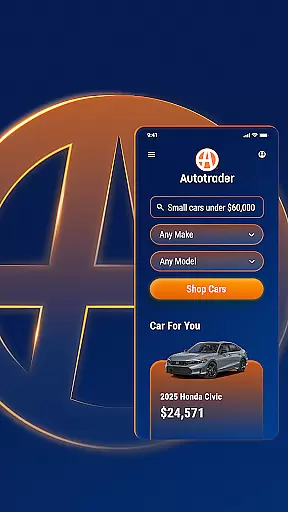
The app stands out with its advanced personalization features. It helps tailor your car shopping experience by picking up where you left off or offering recommendations based on your preferences. You can set price drop alerts and get notifications for new listings matching your criteria. Additionally, unique filters allow you to shop from home using the Delivery to Your Door option, ensuring convenience and saving time.
Autotrader also integrates Kelley Blue Book® Price Advisor, providing confidence that the listed prices are fair. The app's mission is to be your go-to online platform for automotive transactions, making it simple to compare, track, and evaluate cars while offering detailed condition reports when available. This comprehensive approach transforms the traditionally daunting process of purchasing a vehicle into a seamless digital experience.
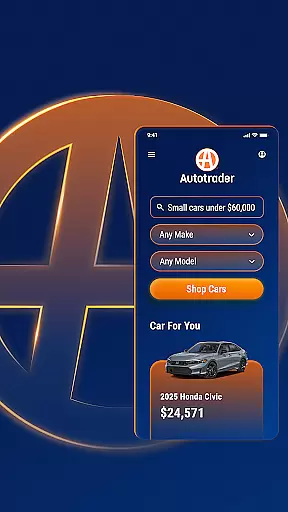
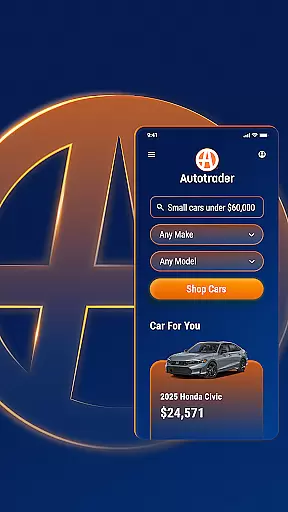
Autotrader offers a robust set of features designed to streamline the car-buying process. One standout feature is the ability to filter searches extensively; users can specify interior colors, technology packages, safety features, and even roof racks. This level of detail ensures that shoppers find exactly what they need without compromise. Furthermore, the Delivery to Your Door filter allows customers to have vehicles shipped directly to their homes, eliminating the need for dealership visits.
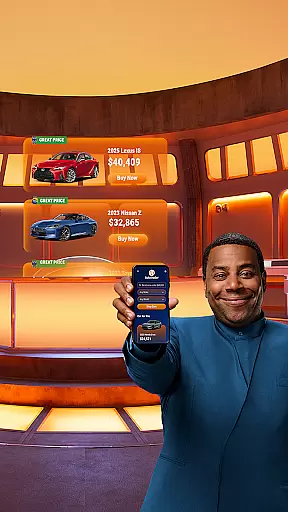
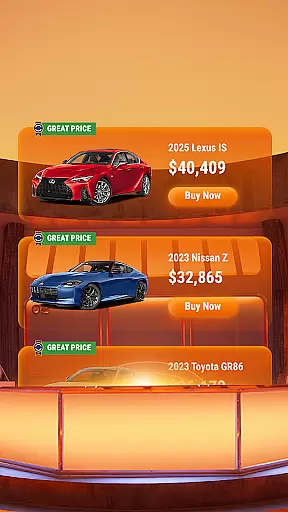
The integration of Kelley Blue Book® Price Advisor adds significant value by giving users insights into whether a listed price represents a good deal. Listings marked with green badges indicating Good Price or Great Price provide immediate reassurance about pricing fairness. Additionally, users can access vehicle information and condition reports, which enhance transparency and trust during the selection process.
Other notable functionalities include sharing cars via email or text, contacting sellers directly through phone, text, or email within the app, and creating a My Autotrader account to save favorite cars and searches. These tools collectively empower users to make informed decisions efficiently, ensuring a smooth transition from browsing to purchasing.
When searching for a vehicle, having access to comprehensive details is crucial for making an informed decision. The Autotrader app excels in providing detailed vehicle information, ensuring users have all the necessary data at their fingertips. With listings that include specifics such as make, model, year, mileage, and features, buyers can thoroughly evaluate their options.
The app's integration with a vast network of sellers allows it to present an extensive array of cars, trucks, and SUVs, complete with condition reports when available. This level of detail supports buyers in understanding not just the cosmetic appeal but also the mechanical history and potential longevity of their prospective purchase.
Moreover, Autotrader incorporates Kelley Blue Booku00ae Price Advisor, offering users insights into fair pricing based on current market trends. This empowers buyers to negotiate confidently or confirm they're getting a good deal, indicated by special badges on listings. Such transparency in presenting vehicle information aids in simplifying what can often be an overwhelming process.
Price transparency is a cornerstone of the Autotrader app's value proposition, ensuring that users can shop for vehicles with confidence. By displaying clear pricing information and integrating tools like the Kelley Blue Booku00ae Price Advisor, the app demystifies the often opaque nature of used car pricing. Every listing comes with guidance on whether the price represents a fair deal, empowering buyers in their decision-making process.
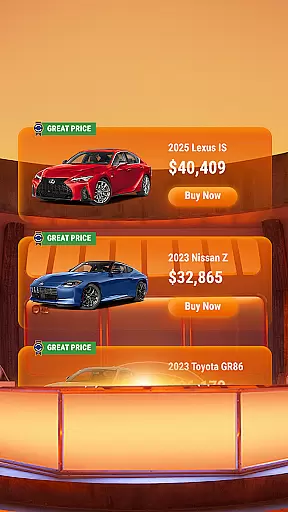
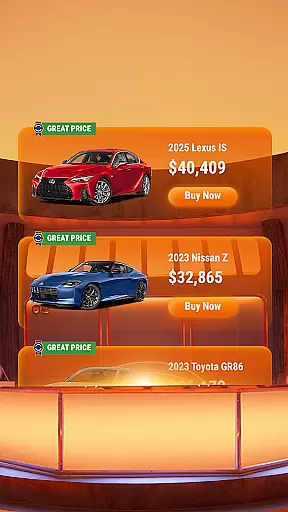
In addition to baseline pricing, Autotrader highlights listings with green badges indicating Good or Great Prices. These visual cues allow users to quickly identify competitive offers without needing to perform complex comparisons manually. This feature streamlines the shopping experience, saving time while enhancing trust in the platform.
Furthermore, personalized alerts notify users about price drops on vehicles they're interested in. This proactive approach ensures shoppers never miss an opportunity to acquire their desired vehicle at a more favorable cost. By maintaining high standards of price transparency, Autotrader fosters a marketplace where informed decisions lead to satisfactory purchases.
User-friendly interface
Extensive vehicle inventory
Advanced filtering options
Price advisor integration
Convenient home delivery
Limited classic car listings
Occasional listing inaccuracies
Requires account creation
Some features are subscription-based
Dependent on seller honesty

Theme for Car Launcher
 4.2
4.2
Wonder how much horsepower and torque your car/truck makes? Look no further.
3.40
OBDII - ELM327 Terminal tool for 96-00 Volvos
4.50
Launcher for use in the car
4.40
A full featured, real-time transit locator system
4.30
Autolist - The Largest Selection of Local Used Cars and Trucks
4.50
Digital Car Key/Launcher, Screen Mirror, Android Dashboard, Remote Wireless Link
4.40
The ExtraMile App allows you to pay for fuel from the comfort of your car!
4.70
Find Fast EV Chargers | Charge Your Vehicle at 1,100+ Fast Car Charging Stations
4.60
Lexus app currently supports 2010 or newer vehicles (2018 or newer for Hawaii).
4.80
OBD1 ECMs application. Data log or tune directly from your phone or tablet!
4.60
Listings of Tesla's with FSD - Included package
4.60
A smarter way to park and reserve your spot ahead of time.
4.40
Monitor your behind-the-wheel behavior to become a safer driver and save.
4.10
ODB2 based monitoring application for the Chevy Bolt (2017-2021)
4.00
Boost profits and hit your goals faster with GigU's amazing tools for gigworkers
4.00
PayByPhone: A quick and easy way to pay for parking.
3.80
AlfaOBD software for Fiat Group cars native diagnostic
3.70
Theme for Car Launcher
4.0










User Reviews