
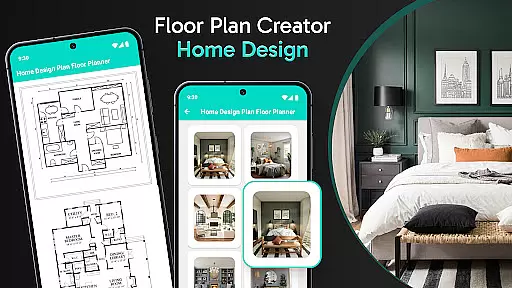
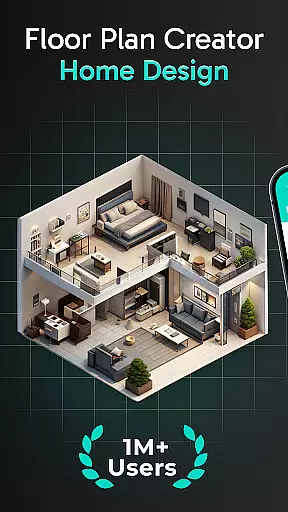
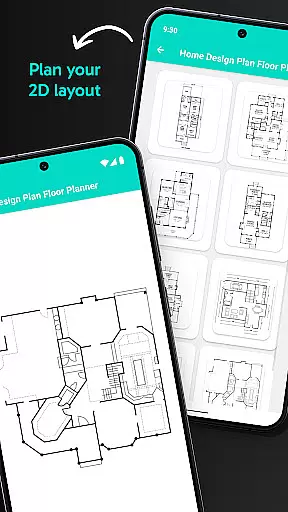
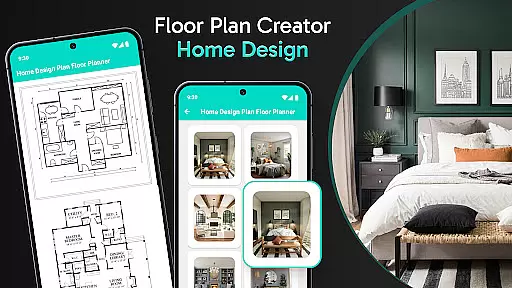
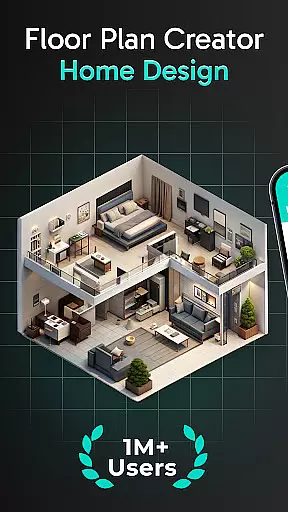
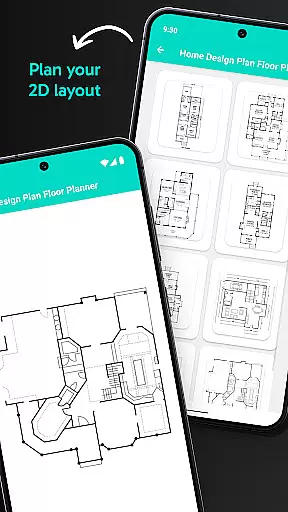
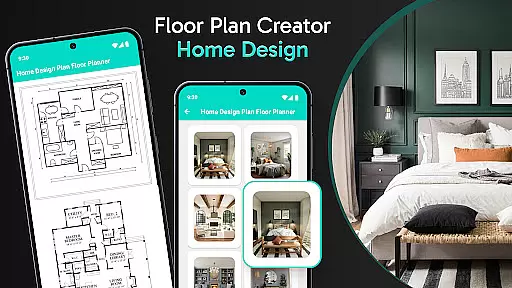
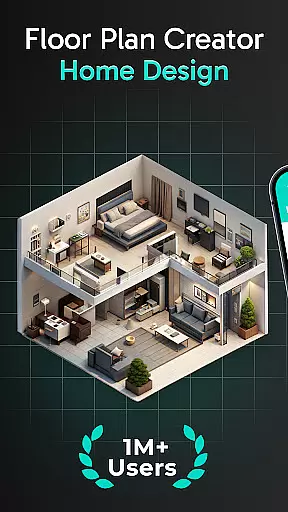
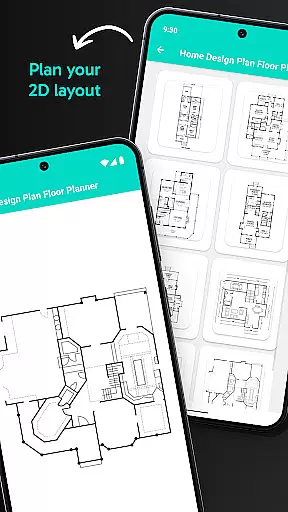
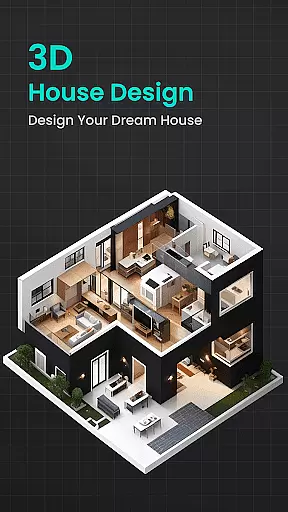
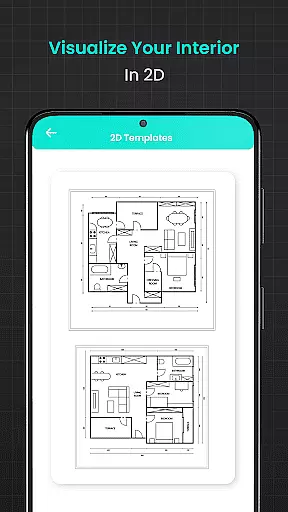
Floor Plan Creator Home Design is a comprehensive home design application that allows users to create detailed 2D house plans and explore them in 3D. The app provides an intuitive interface for designing floor plans with accurate measurements, making it suitable for both DIY enthusiasts and professional designers.
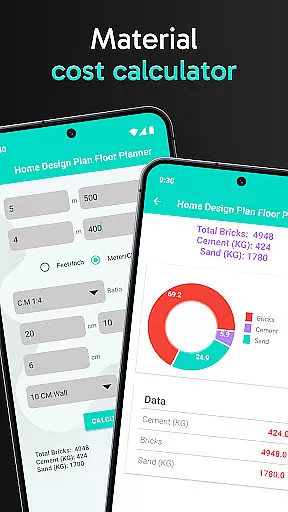
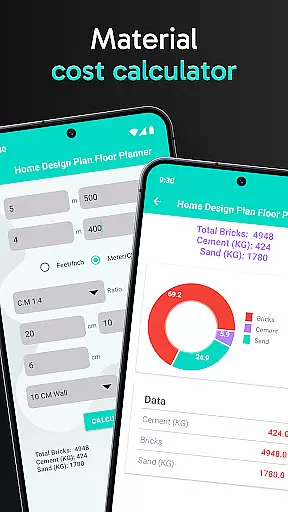
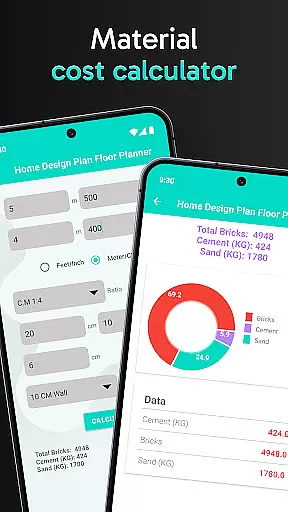
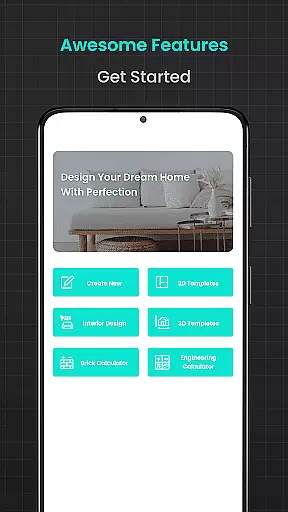
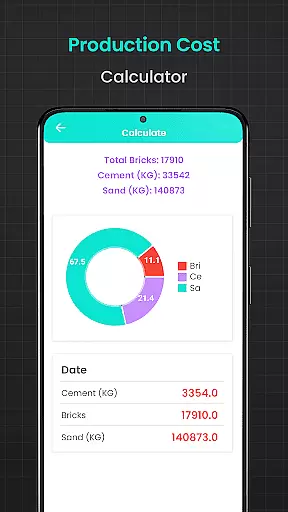
One of the standout features is its collection of calculation tools, including brick, flooring, cement, plastering, asphalt, and steel weight calculators. These tools ensure precise material estimates for various construction needs. Additionally, the app offers templates for different room configurations and aesthetic styles, allowing users to visualize their projects with ease.
Whether you're planning a new home or renovating an existing space, Floor Plan Creator Home Design streamlines the process by providing all necessary design and estimation tools in one place. This makes it an invaluable resource for anyone involved in home building or remodeling projects.
The app boasts an array of powerful features designed to enhance the home planning experience. Users can create modern 2D house designs and access advanced calculators for materials such as bricks, flooring, cement, plaster, asphalt, and steel. Each calculator is designed to provide exact estimates, ensuring cost-effective planning and minimizing waste.
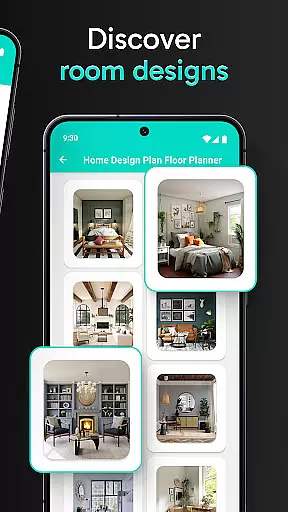
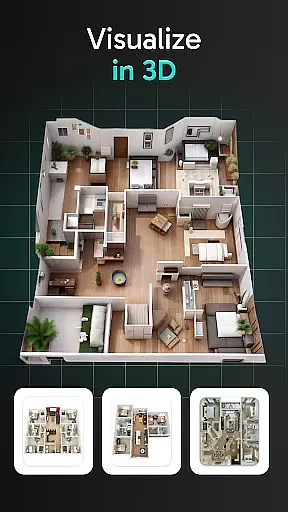
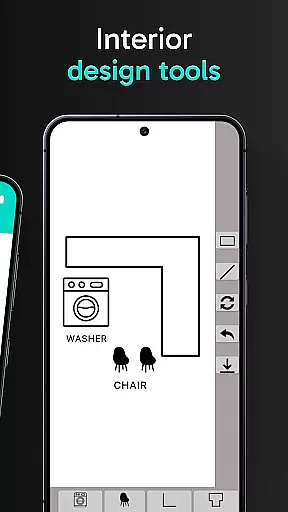
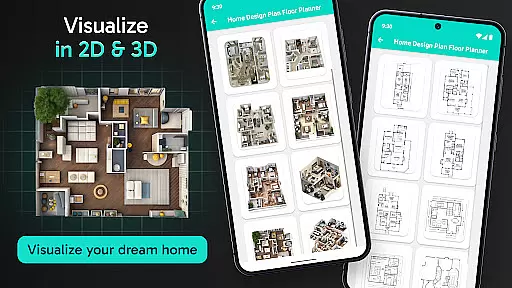
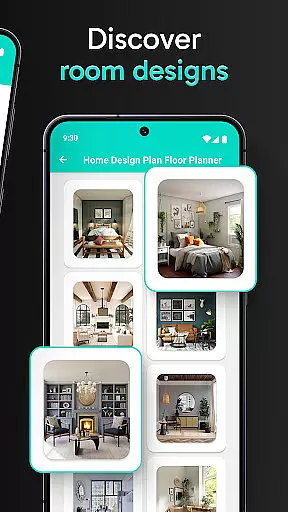
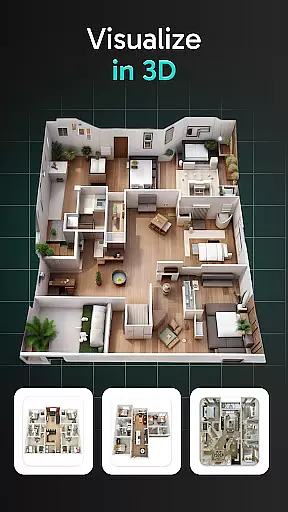
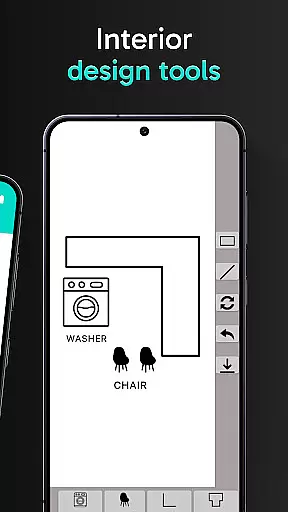
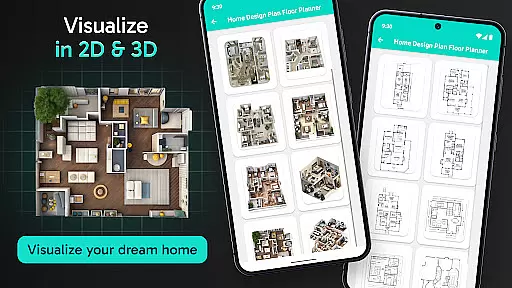
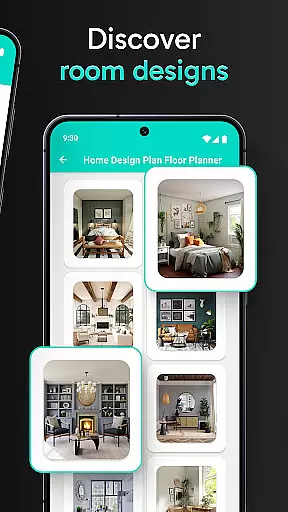
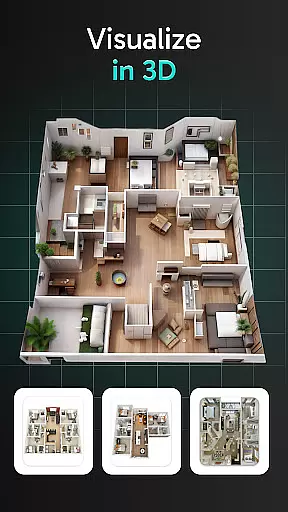
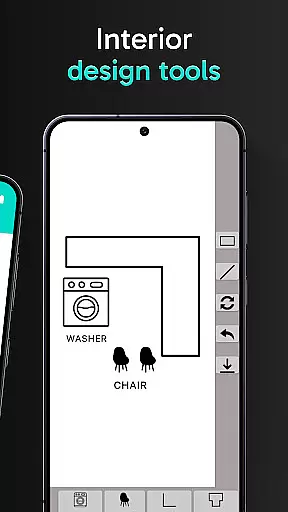
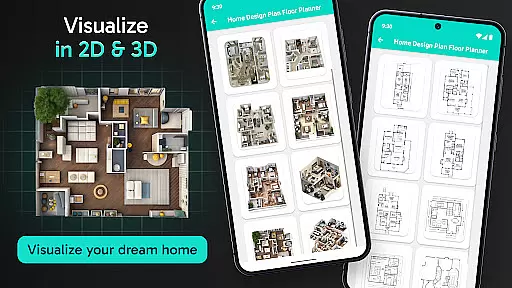
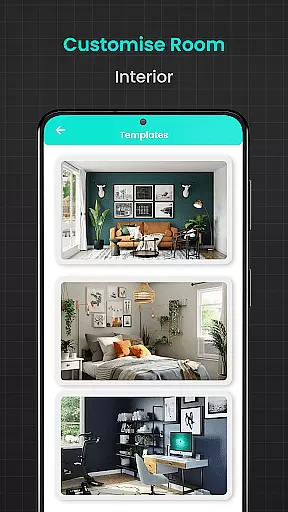
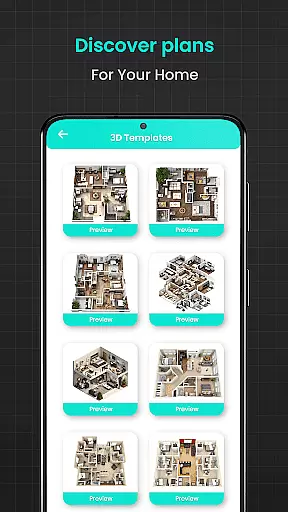
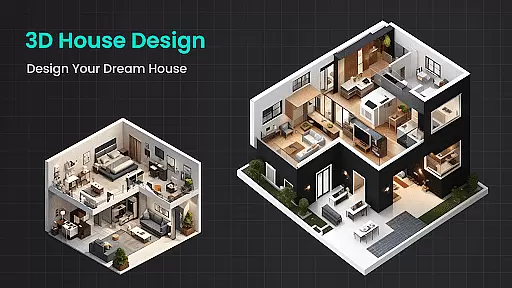
In addition to its calculation capabilities, Floor Plan Creator includes 2D and 3D visualization tools. These allow users to experiment with furniture placement, color schemes, and decor options. The app also offers a variety of templates tailored to different types of homes, from small apartments to large houses with multiple bedrooms.
Another notable feature is the water sump tank calculator, which helps users plan efficient water storage solutions. With these robust functionalities, Floor Plan Creator Home Design caters to a wide audience, from casual users looking to redesign their living spaces to professionals needing reliable design software.
In the realm of home design and renovation, having authentic and reliable property listings is crucial for planning successful projects. Floor Plan Creator Home Design ensures that all templates and design elements are crafted to reflect real-world accuracy. This commitment to authenticity allows users to work with confidence, knowing that their designs can be translated into actual construction plans.
The app provides verified measurements and realistic visualization tools that guarantee your 2D house maps and 3D interior designs are aligned with achievable building standards. By eliminating guesswork, Floor Plan Creator Home Design empowers users to create feasible and practical home layouts.
Furthermore, the integration of calculators for materials such as bricks, cement, and flooring ensures that every aspect of your design is rooted in reality. These features collectively enhance the reliability of each property listing you create within the app, making it an indispensable tool for both DIY enthusiasts and professional designers.
Beyond just designing floor plans, effective home management features are essential for overseeing various aspects of a renovation or construction project. Floor Plan Creator Home Design incorporates a suite of advanced calculators that streamline the management of materials and resources. From estimating the quantity of bricks needed to calculating precise amounts of flooring materials, these tools ensure efficient planning and resource allocation.
The app also includes specialized features like the plastering calculator and asphalt calculator, which help maintain professional quality in finishes and outdoor spaces. Such detailed oversight enables users to manage their projects down to the smallest detail, ensuring no aspect is overlooked.
Additionally, the steel weight calculator and water sump tank calculator further enhance the app's utility by addressing structural integrity and water storage needs. With these comprehensive home management features at your fingertips, Floor Plan Creator Home Design stands out as a robust solution for anyone looking to efficiently handle every facet of their home improvement endeavors.
User-friendly interface
Accurate material calculators
Versatile design templates
2D and 3D visualization
Ideal for professionals and DIYers
Limited advanced 3D modeling
Occasional performance lags
Some features require premium access
Learning curve for beginners
Interface may feel cluttered

Unlock AI-based barcode scanning and support the development of Grocy Android
 4.1
4.1
B-hyve Pro App for landscape irrigation professionals
4.70
Control your Daikin, Amana & Goodman heating & cooling systems from anywhere
4.40
Design house plans in 2D & 3D, style furniture, and preview renovation layouts
3.70
Fully control your Philips TV with this all-in-one remote control app.
4.20
SmartRent - Opening Doors To A Smarter World
4.40
An easier way to make payments and maintenance requests from anywhere.
3.50
Set up your devices, customize settings, and monitor your home—from anywhere
4.40
Find homes for sale and apartments for rent in the best neighborhood.
4.70
Connect with reliable pros for maintenance services, plumbing, and home design!
4.80
Turn old phones into security cameras, baby monitors, pet cams, and more.
4.70
Rent on-the-go with TurboTenant’s app made just for renters
4.50
Control the scent and ambiance of your home and car, right from your phone.
4.50
The only mappable smart lights for custom decoration.
4.50
For all of your Airthings devices
4.30
Find the perfect paint color with advanced tools to explore and visualize color.
3.80
Find paints using a Color Muse & ColorSnap® Match
3.60
Calculate baluster spacing with ease and precision.
4.5
Universal TV Remote for TV, control all Smart TVs with your mobile phone.
4.0



User Reviews