
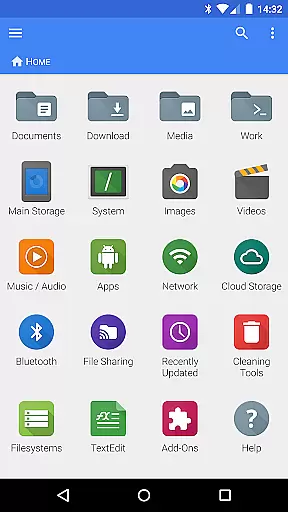
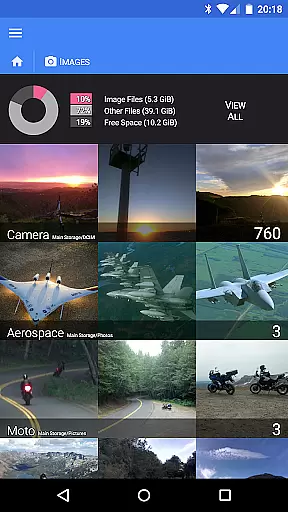
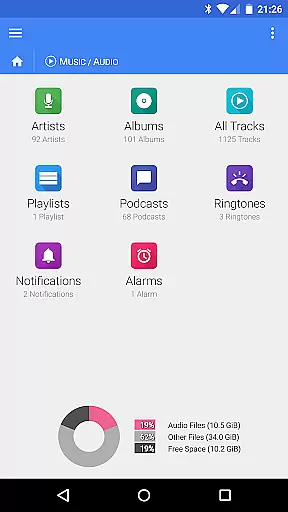
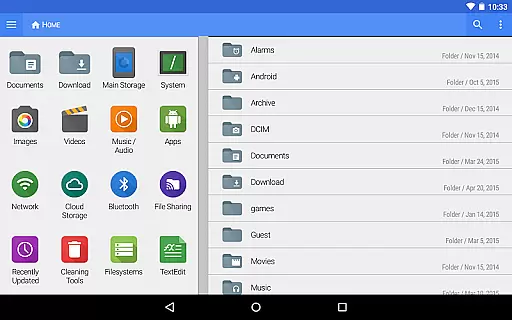
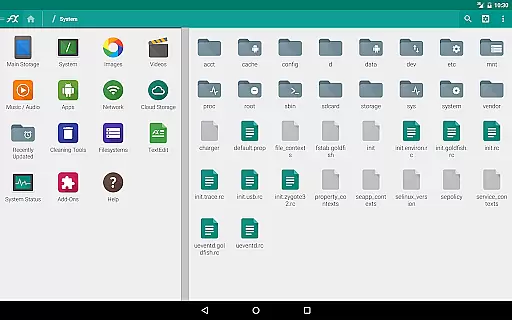
FX File Explorer is a comprehensive file management application designed for business users who require advanced capabilities in organizing, transferring, and securing their digital assets. The app offers robust features such as AES-128 and AES-256 encrypted zip file creation and extraction, allowing users to browse contents without full decryption. It also supports media management, enabling users to organize images, videos, and audio files efficiently.
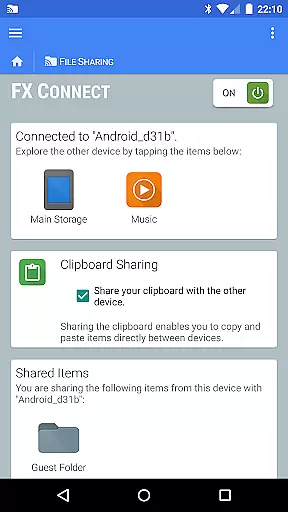
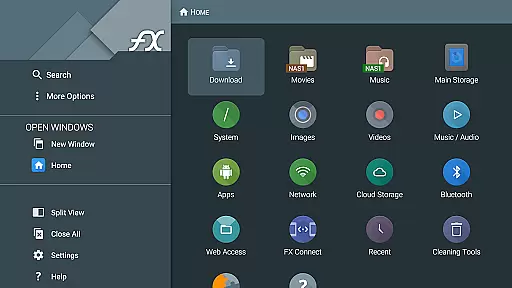
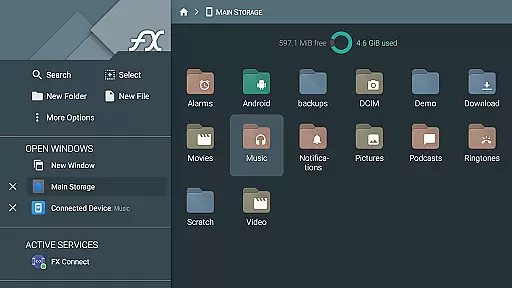
In addition to local file management, FX File Explorer provides networking and cloud integration. Users can transfer files between devices using FX Connect, manage files via web browsers with FX Web Access, and access various cloud storage services like Google Drive and Dropbox. These features make it an ideal tool for professionals who need secure and flexible file access across multiple platforms.
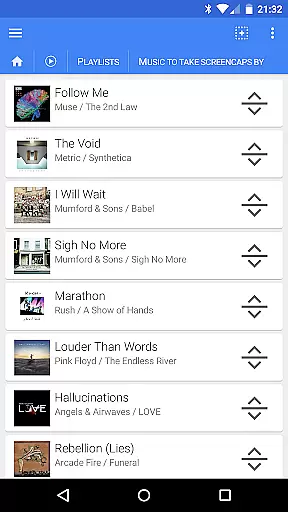
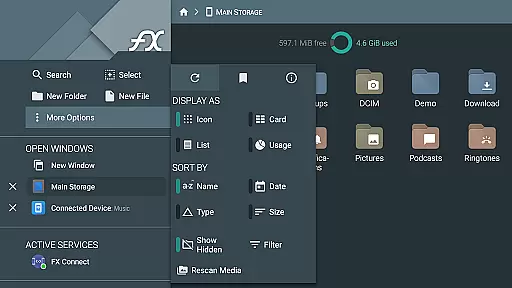
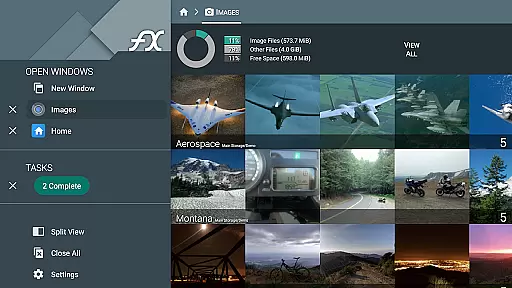
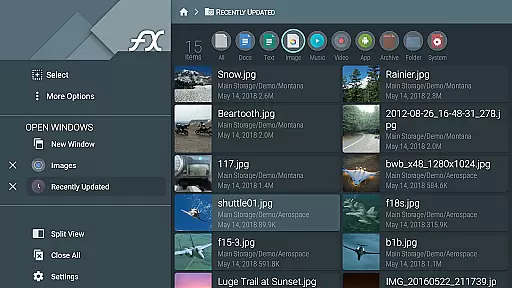
FX File Explorer stands out with its extensive feature set tailored for business environments. The app includes advanced encryption options for zip files, ensuring data security during storage and transfer. Its media browsing capabilities allow users to manage multimedia collections effectively, while the playlist rearrangement feature offers intuitive drag-and-drop functionality.
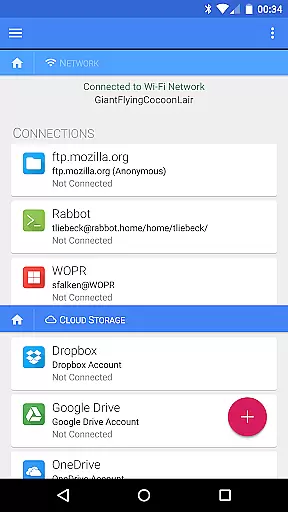
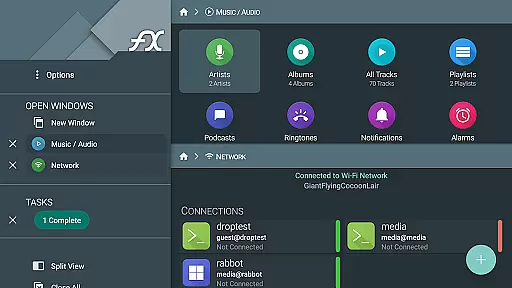
The networking features of FX File Explorer are equally impressive. With support for Windows networking (SMB), FTP, SSH FTP, and WebDAV protocols, users can connect to various network shares seamlessly. The app also enables streaming media from cloud services directly to media player applications, enhancing productivity by providing quick access to necessary files without downloading them locally.
FX File Explorer offers robust collaborative work features that are essential for modern business environments. The application supports a variety of network and cloud capabilities, allowing teams to share and manage files across different platforms seamlessly. With FX Connect, users can transfer files and media between devices directly, using NFC or Wi-Fi, ensuring that collaboration is not limited by physical location.
The app's support for Windows networking (SMB), FTP, SSH FTP, and WebDAV means that users can access shared drives and folders from anywhere, facilitating real-time collaboration on documents and projects. Additionally, integration with cloud storage services like Google Drive, Dropbox, and others ensures that team members can collaborate on files stored in the cloud, with changes synced automatically across all devices.
Furthermore, FX File Explorer's encrypted keyring adds an extra layer of security, protecting sensitive information during collaborative efforts. This feature allows teams to avoid entering passwords in public, reducing the risk of unauthorized access. Overall, these collaborative features make FX File Explorer a powerful tool for businesses looking to enhance their team's productivity and security.
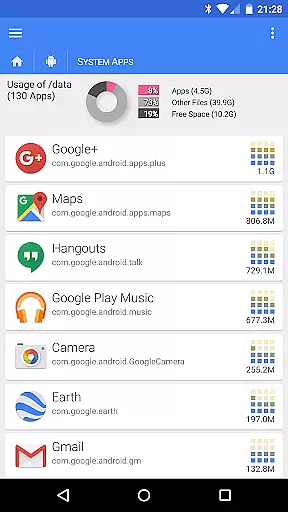
Effective task management is crucial for maintaining productivity, and FX File Explorer excels in this area by providing users with comprehensive tools to organize and prioritize their work efficiently. One of the standout features is the ability to browse and manage installed applications, which helps users keep track of software resources and ensure they are utilizing the best tools for their tasks.
In addition to application management, FX File Explorer offers advanced file management capabilities. Users can create and extract AES-128 and AES-256 encrypted zip files, rearrange playlists with drag and drop functionality, and manage files across various network protocols such as FTP, SSH FTP, and WebDAV. These features enable users to handle complex tasks with ease, streamlining workflows and improving overall efficiency.
Moreover, the app's support for cloud storage services like Google Drive, Dropbox, and others allows users to access and manage their files from anywhere, ensuring that task management is not constrained by location. By integrating these powerful features, FX File Explorer provides a versatile platform for users to manage their tasks effectively, ultimately enhancing productivity and organization within a business setting.
User-friendly interface
Advanced encryption
Cloud integration
Media management
Network capabilities
Paid add-on required
Complex for beginners
Limited free features
No built-in viewer
Occasional bugs

 4.70
4.70
All Your Gig Work. One App.
4.30
Quickly open and manage PDF files on your device.
3.80
Windows App allows you to connect to remote PCs and virtual apps.
3.70
viewing and sharing PDFs and other files—anytime, anywhere!
4.4
Simple, Fast & Lightweight
3.90
Say hello to the mobile work experience built to help you thrive at work.
4.30
ADP Mobile Solutions is an employee self service app
4.50
Make money as a delivery driver with DoorDash and work when you want as a Dasher
4.30
BuildCalc - the easiest AND the most advanced construction calculator app.
4.80
The MyWalmart App is available for all associates in stores.
4.70
Paychex Flex - Save Time and Stay Connected
4.60
Ship, Track, Find a Location or Get a Quote with UPS. Anytime. Anywhere.
4.60
Drive and earn extra money
4.50
Master crypto trading with real-time simulations and exciting challenges!
4.50
Find jobs near you and temp work in minutes, from your phone.
4.50
The app that lets you deliver with Amazon.
4.50
Work happy with AI Companion
4.10
Roadie connects people with stuff to send with drivers already going that way.
3.50





User Reviews