
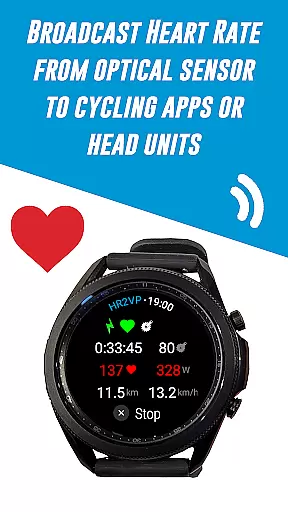
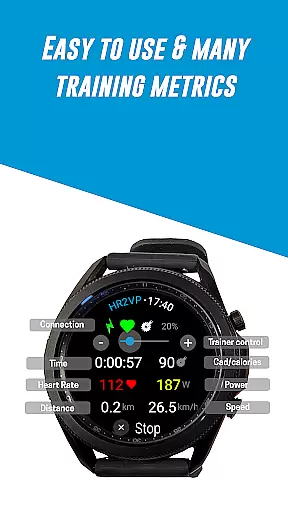
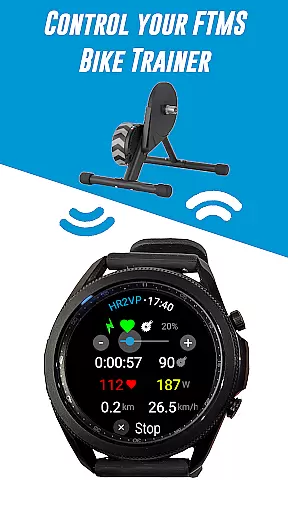
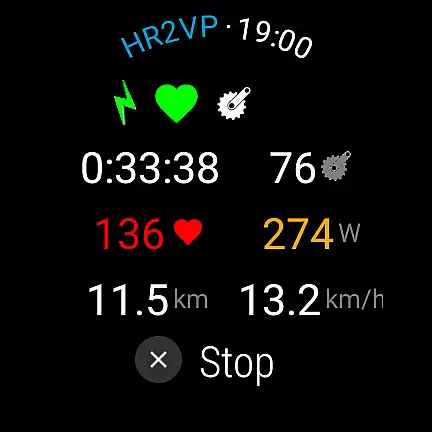
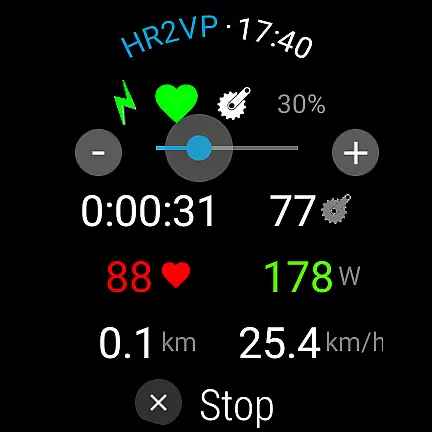
HR2VP Watch Bike Computer is a cutting-edge application designed to transform your Wear OS watch into a powerful heart rate monitor and cycling tracker. This app enables cyclists to connect their smartwatches with bike computers or indoor training platforms, broadcasting vital stats like heart rate and power over Bluetooth Low Energy or ANT+. Whether you're training indoors or outdoors, HR2VP ensures accurate tracking of your performance metrics.
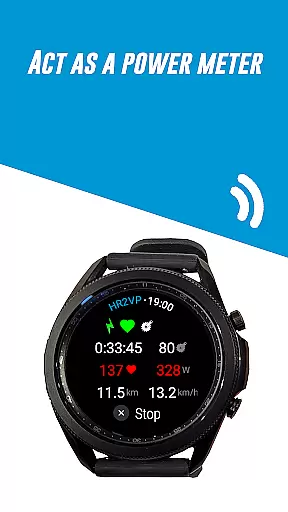
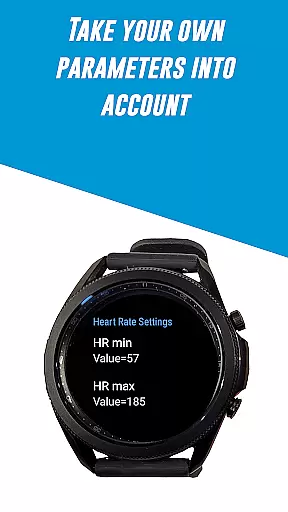
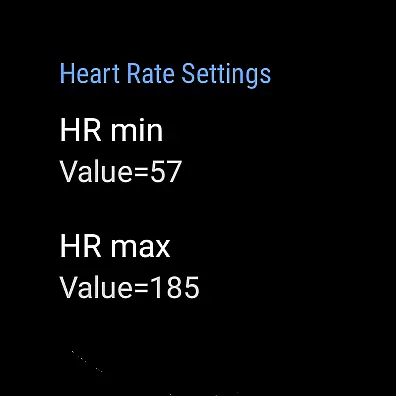
The app's standout feature is its advanced algorithm that computes power based on heart rate, measured either by the watch's built-in optical sensor or an external chest strap. It takes individual parameters such as FTP, resting heart rate, and maximum heart rate into account for enhanced accuracy. With seamless integration options including Strava uploads and compatibility with various sensors, HR2VP offers a comprehensive solution for fitness enthusiasts looking to optimize their workouts.
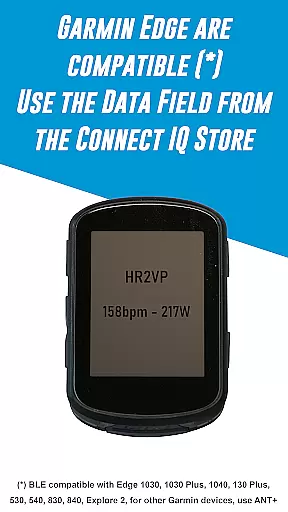
HR2VP Watch Bike Computer boasts an array of innovative features tailored for cycling aficionados. One key functionality is its ability to use the Wear OS watch as a BLE heart rate monitor, providing real-time data during workouts. The app also supports connections with Garmin Edge bike computers through a dedicated data field available on the Connect IQ store, allowing users to display critical metrics directly on their GPS devices.
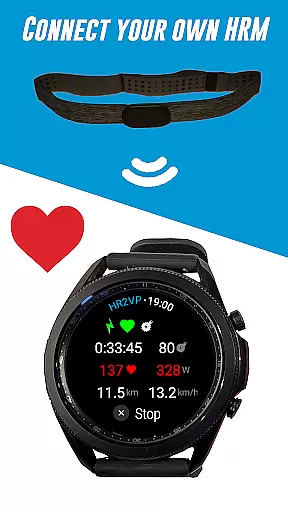
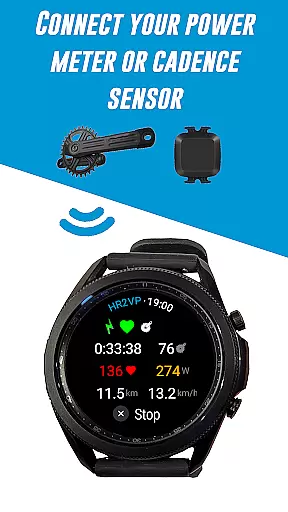
Additionally, HR2VP facilitates connectivity with external sensors such as power meters, cadence sensors, and heart rate monitors, enhancing the range of trackable metrics. Its unique power calculation algorithm leverages heart rate data to estimate power output, offering insights into calorie expenditure and overall fitness levels. These capabilities make it an indispensable tool for both amateur and professional cyclists seeking detailed performance analytics.
Personalized planning in fitness applications refers to the ability to create tailored workout plans based on individual user data. This feature is crucial as it adapts training programs to match personal fitness levels, goals, and progress.
HR2VP Watch Bike Computer offers personalized planning by utilizing advanced algorithms that compute power output based on heart rate. The app takes into account individual parameters such as Functional Threshold Power (FTP), resting heart rate, and maximum heart rate to provide accurate and customized training metrics.
Users benefit from this feature by receiving a workout plan that evolves with their fitness journey. As users improve, the app adjusts the intensity and duration of workouts, ensuring continuous progress and preventing plateaus.
This personalized approach not only enhances the effectiveness of each workout but also keeps users motivated by providing achievable goals and clear progress tracking.
Progress visualization is an essential feature in fitness apps that allows users to see their advancement over time through graphical representations. This visibility helps maintain motivation and provides insights into the effectiveness of their training regimen.
The HR2VP Watch Bike Computer app excels in progress visualization by displaying detailed metrics such as power output, calories burned, and heart rate trends. Users can monitor these statistics directly on their Wear OS watch or through connected platforms like Strava.
By integrating with Strava, users gain access to comprehensive ride data visualized on maps, offering both an overview and detailed analysis of their performance. This integration supports a deeper understanding of how different training aspects contribute to overall fitness improvements.
Visualizing progress in this manner empowers users to make informed decisions about their training strategies, ultimately leading to more effective workouts and better health outcomes.
User-friendly interface
Advanced power algorithm
Wide device compatibility
Real-time data tracking
Seamless Strava integration
Occasional disconnections
Requires phone for ANT+
Power estimation lag
Limited short interval accuracy
No native iOS support

SportWerks - Workout Tracker for Wear OS Watches
 3.90
3.90
Binaural Beats - Fully Customizable Waves - Pure Sound - No Loops
4.50
Measure real-time wrist & ambient temperature with your Galaxy Watch (Wear OS)
3.20
A brain game that moves you
4.70
The OFFICIAL Couch to 5K® running training app! A 9 week walk-run workout plan.
4.50
Download MadMuscles to start your positive body transformation!
4.30
Fast Body building & Weight Loss. Home Workouts with Daily Coach, No Equipment.
4.30
Your Health Assistant
3.90
Workouts for everyone
4.70
Meditation app, head space app provides calm music to help you meditate & sleep
5.00
Medbridge GO gets you moving - get back to doing what you love, faster!
4.90
Easy access to health benefits
4.70
Personal Measurements - Track your gains!
4.50
Pilates, Calisthenics, Yoga
4.50
Raccoon AI Calorie Counter. Intermittent Fasting & Timer. Macro, Carb, Protein
4.50
Grow with self-tests and personal routine.
4.30
Find Paid Clinical Trials In Your Area
3.70
Your plan in your pocket 24/7
3.00
Using Recognise™ has been shown to reduce pain and improve performance.
4.2



User Reviews