
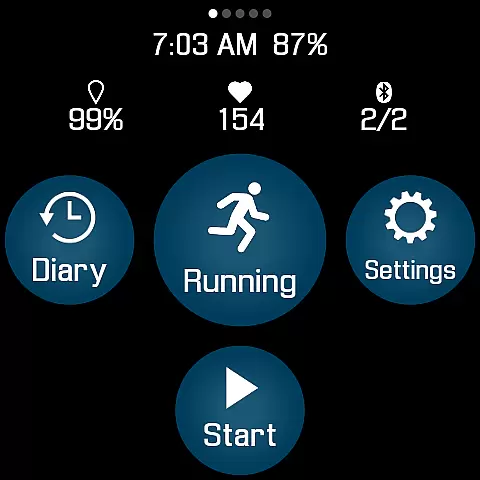
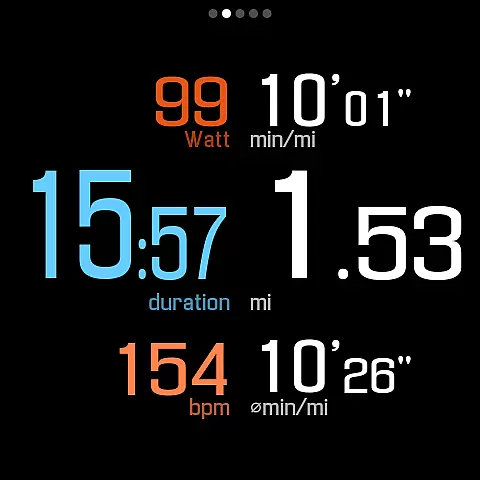
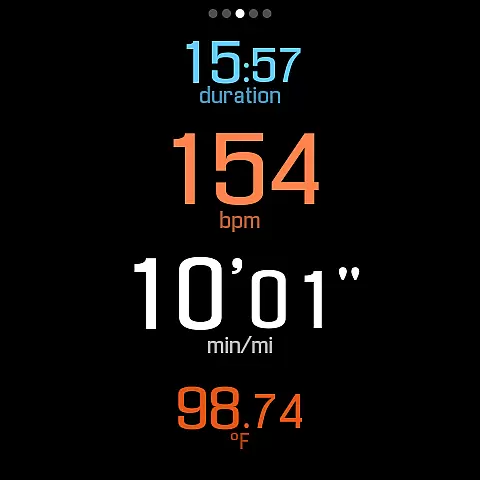
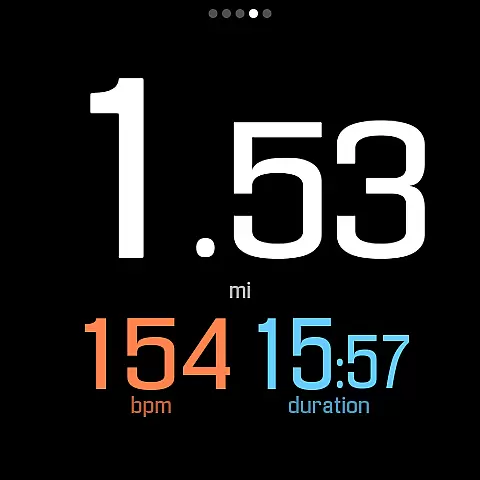
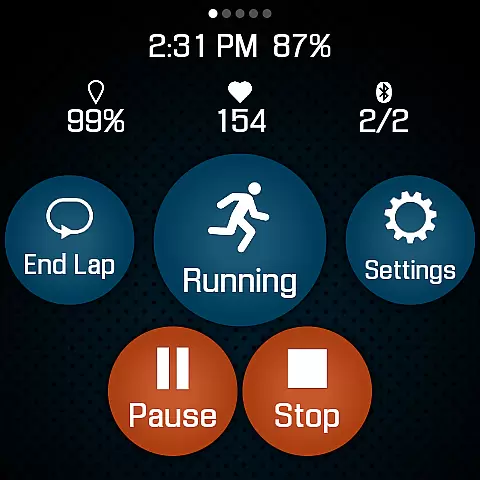
SportWerks is a comprehensive workout tracker designed specifically for Wear OS watches, offering users the ability to customize their workout screens with large, easy-to-read numbers. This Health & Fitness app allows you to track various types of workouts from the Google Exercise library and monitor key metrics such as heart rate, location, stride rate, pace, power, and elevation.
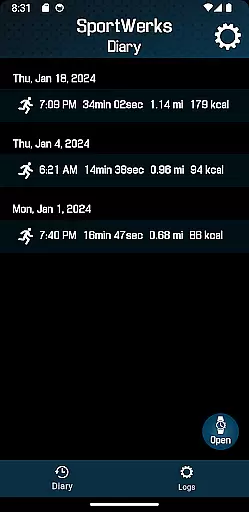
One of the standout features of SportWerks is its seamless integration with popular fitness platforms like Strava, FinalSurge, and TrainingPeaks. After completing your workout, the app automatically sends your data to these platforms or provides a .FIT file for use with any other fitness management system. With real-time tracking and customizable settings via its companion Android app, SportWerks ensures that all your fitness data is accessible and manageable in one place.
SportWerks offers an impressive array of features tailored for fitness enthusiasts. The app supports multiple workout types including running, walking, cycling, hiking, swimming, and more. It connects to leading Bluetooth-Low-Energy (BLE) devices such as heart-rate monitors and cycling power meters from brands like Stryd, CORE, Wahoo, Polar, and Suunto, ensuring accurate tracking of all workout aspects.
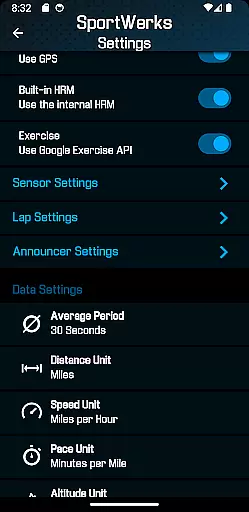
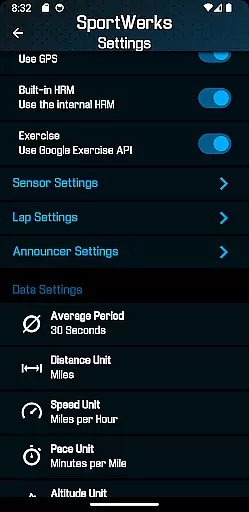
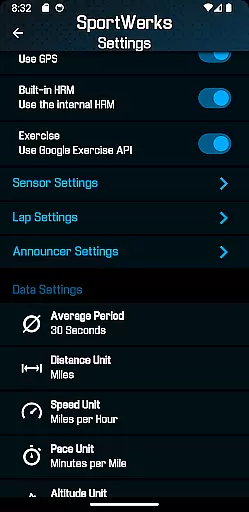
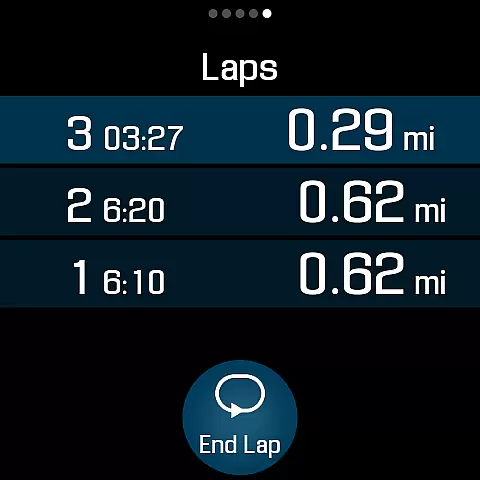
Users can choose from multiple workout screens displaying different metrics and toggle them on or off easily. The app also includes lap timing options and interval announcements through the watch speaker or paired headset, providing auditory feedback without needing to look at the device. Additionally, SportWerks' companion app allows users to adjust settings in real-time and manage .FIT files directly from their Android phones.
Personalized planning in fitness applications refers to the ability to tailor workouts according to individual preferences and needs. SportWerks - Workout Tracker excels in this area by offering customizable workout screens that display data important to you, such as heart rate, pace, or power.
The app supports a wide range of exercises from the Google Exercise library, ensuring that whether you're running, cycling, or swimming, your plan can be personalized. With compatibility to various Bluetooth-Low-Energy (BLE) devices, users can integrate their favorite fitness gadgets for a seamless experience.
Moreover, SportWerks allows setting lap lengths and timed announcements, which means you receive audio feedback at intervals you choose. This personalization ensures that feedback is provided exactly when needed without interrupting the flow of your activity.
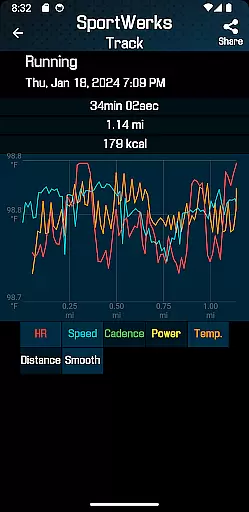
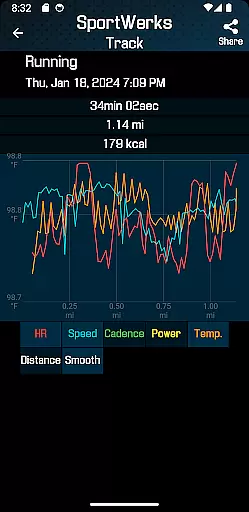
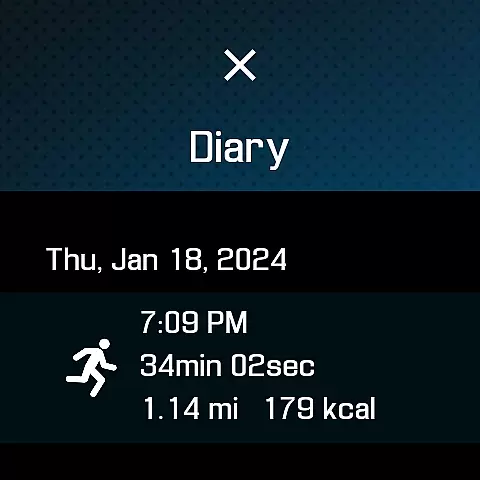
Progress visualization is crucial for maintaining motivation and tracking improvements over time. SportWerks provides detailed tracking of all workout aspects including location, stride rate, elevation, and more, presenting this data in an easy-to-digest format on your Wear OS watch.
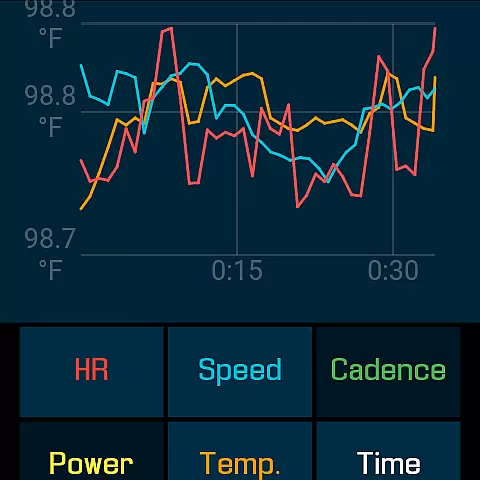
After each session, the app automatically sends comprehensive reports to platforms like Strava or FinalSurge, where users can visualize their progress through graphs and charts. These visual representations help identify trends and celebrate milestones achieved during training sessions.
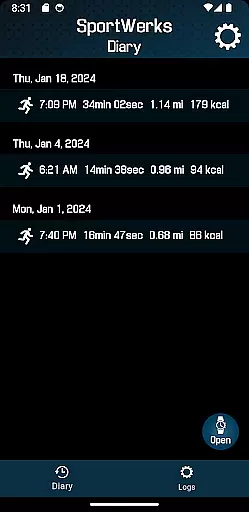
In addition to external platforms, the companion Android app allows real-time adjustments and management of .FIT files, enabling immediate access to progress updates. Such features ensure that every user has clear insights into their fitness journey, enhancing both engagement and results.
User-friendly interface
Wide range of supported workouts
Compatibility with BLE devices
Automatic data syncing
Real-time customization
Limited to Wear OS
No iOS companion app
Premium features may require subscription
Occasional bugs reported
Requires compatible hardware

Text notifications, button control, heart monitor & more for your Amazfit.
 2.40
2.40
Insanity blocks of intense physical activity, short breaks of 30 seconds.
4.3
Meditation app, head space app provides calm music to help you meditate & sleep
5.00
Optimization for TRT & Enhanced Athletes
4.2
See what's really going on inside your head! Real time EEG graphs from your Muse
4.40
The OFFICIAL Couch to 5K® running training app! A 9 week walk-run workout plan.
4.50
Monitor, analyze, track, and convert blood sugar & help you control diabetes.
4.10
Raccoon AI Calorie Counter. Intermittent Fasting & Timer. Macro, Carb, Protein
4.50
Comprehensively record and manage your health
4.50
Home workouts for fitness & fast bodybuilding at home - no equipment needed.
4.90
Easy to use step counter, calorie counter helps lose weight, count steps offline
4.80
A brain game that moves you
4.70
Your AI pet BFF. Talk, play, and beat anxiety in this calming game.
4.60
The Official Blood Type Diet® App - know your categorized foods anytime.
4.50
Personal step counter for you, private and accurate
4.50
Track heart rate & HRV in 30s! Get live health insights and anomaly alerts
4.40
Grow with self-tests and personal routine.
4.30
Measure real-time wrist & ambient temperature with your Galaxy Watch (Wear OS)
3.20
Your plan in your pocket 24/7
3.00



User Reviews