
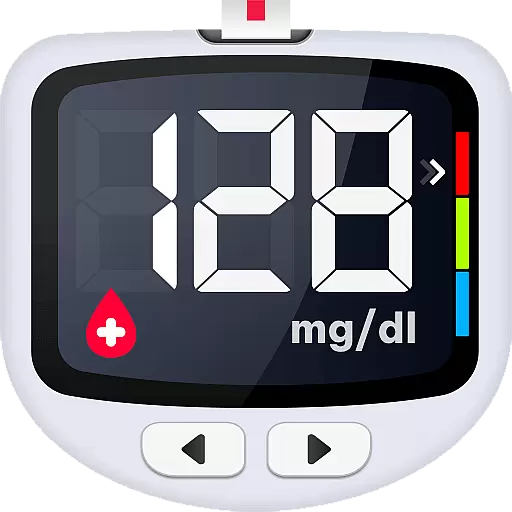
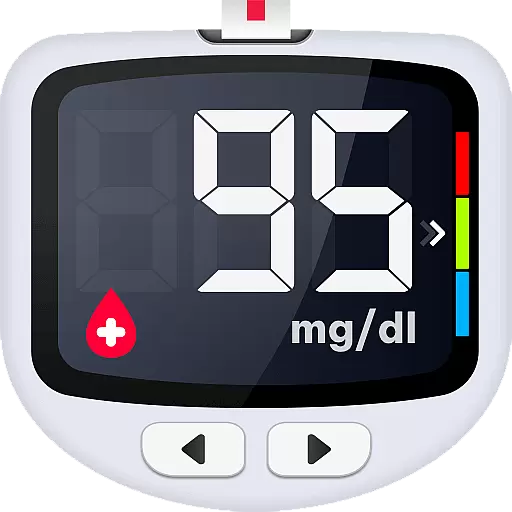
Blood Sugar App is a comprehensive diabetes management tool designed to simplify the process of recording, monitoring, and analyzing blood glucose levels. With its user-friendly interface, the app allows for quick logging of blood sugar readings in either mg/dL or mmol/L units. Users can easily track their health progress through clear charts and receive instant feedback on their measurements.
The app goes beyond simple tracking by offering rich educational content about blood sugar management and personalized health advice. It supports users in understanding their glycohemoglobin trends and provides actionable insights to prevent diabetes-related complications. The ability to add customized tags to each record further enhances the personalization of data tracking, catering to various measurement states such as fasting or post-meal conditions.
Whether you're managing Type 1, Type 2, or gestational diabetes, this app serves as a reliable companion in your journey towards better health. By securely backing up all records to the cloud, it ensures that users never lose their valuable health data, even when switching devices.
Blood Sugar App stands out with its robust feature set tailored specifically for diabetes management. One of its core functionalities is the easy logging system that allows users to input their blood glucose readings with just a few taps. The app then analyzes these readings, presenting them in clear, visually appealing charts that make it simple to detect any abnormalities in glycohemoglobin levels over time.
A unique aspect of this app is the customizable tagging system. Each blood sugar entry can be marked with specific tags indicating the context of the measurement, such as before/after meals or insulin intake. This level of detail helps users and their healthcare providers identify patterns and make informed decisions about diabetes management.
The app also offers comprehensive educational resources, providing users with expert advice on preventing and controlling different types of diabetes. Furthermore, the secure cloud backup feature ensures that all historical data can be easily exported and shared with medical professionals, facilitating more effective consultations and treatment adjustments.
Personalized planning in the Blood Sugar app refers to the ability to tailor blood glucose monitoring and management according to individual needs. This feature is crucial for users with diabetes, as it allows them to customize their tracking experience.
The app offers personalized tags that can be added to each blood glucose record, distinguishing between different measurement states such as before or after meals, fasting, or taking insulin. These tags help users manage their condition by providing context to each reading, which is essential for understanding patterns and making informed health decisions.
Users benefit from clear graphs that display their blood sugar history, allowing them to review changes over time easily. The app's analysis tools highlight trends and abnormalities, enabling timely interventions to maintain optimal health levels.
By integrating rich blood sugar knowledge and expert advice, the app supports users in developing a personalized plan to prevent or control diabetes effectively. This comprehensive approach empowers users to take charge of their health with tailored strategies that adapt to their unique lifestyle and medical requirements.
Progress visualization within the Blood Sugar app provides users with an intuitive way to observe their blood glucose trends and improvements over time. This feature is vital for motivating users and helping them understand the impact of their daily choices on their health.
With clear charts and graphs, users can monitor their blood sugar levels and detect any abnormal trends quickly. Visual representations make it easier to comprehend complex data, such as glycohemoglobin changes, and take proactive steps towards better health management.
The app's visual tools are designed to help users set and reach target blood sugar levels incrementally. By observing their progress visually, users gain insights into how different factors like diet, exercise, and medication affect their blood glucose readings.
Additionally, the ability to export historical reports allows users to share their visual progress with healthcare providers. This facilitates more informed discussions during medical appointments and enables doctors to provide personalized advice based on accurate, visualized data, enhancing the overall diabetes management process.
User-friendly interface
Comprehensive analysis tools
Customizable tagging system
Rich educational content
Secure cloud backup
Limited device compatibility
No direct measurement capability
Premium features require subscription
Occasional syncing issues
Interface could be more intuitive

Text notifications, button control, heart monitor & more for your Amazfit.
 2.40
2.40
Your Health Has Met Its App (℠)
3.90
Personal Measurements - Track your gains!
4.50
HRV4Training helps you optimize goals and improve performance. No sensors needed
3.30
Measure real-time wrist & ambient temperature with your Galaxy Watch (Wear OS)
3.20
The Crunch Mobile app - Find a gym, manage favorites, reserve & cancel classes.
4.60
Eat smarter with Eato, your personal calorie counter and nutrition tracker!
4.40
Step Counter, track steps when you walk or run
4.70
GloryFit is a companion app for the smart bracelet.
3.60
Drink water reminder app. Track water intake. Smart simple hydration tracker.
4.70
The OFFICIAL Couch to 5K® running training app! A 9 week walk-run workout plan.
4.50
Point, scan, and unlock truth in every bite.
4.50
See what's really going on inside your head! Real time EEG graphs from your Muse
4.40
Download MadMuscles to start your positive body transformation!
4.30
Interval timer for High Intensity Interval Training, Tabata and Circuit Training
4.20
Walk, track, and burn calories with step counter & GPS walking tracker
4.20
Your personal BP tracking companion, focus on helping you achieve wellness goal.
4.10
Use your watch as a bike computer, heart rate monitor and cycling power meter
2.50
Using Recognise™ has been shown to reduce pain, and improve performance.
4.0



User Reviews