
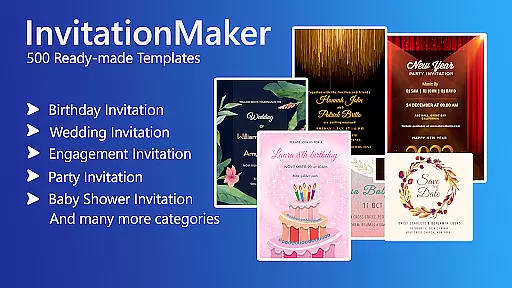
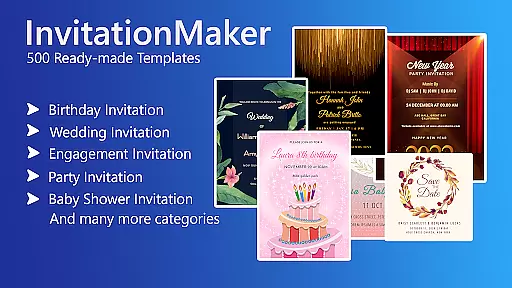
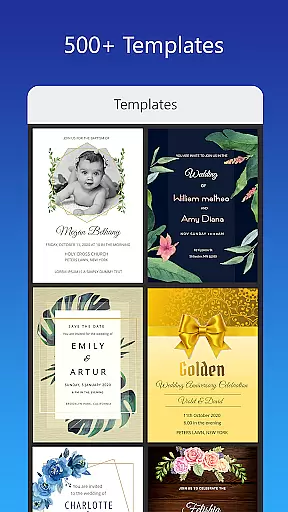
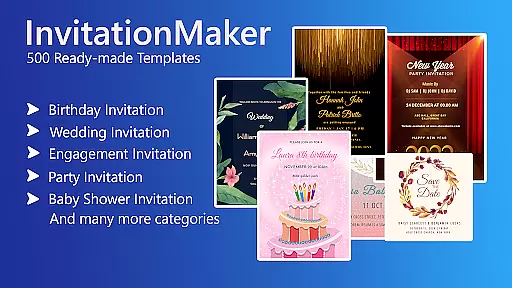
Invitation Card Maker, Design is a versatile app that allows users to create personalized invitation cards for various events such as birthdays, engagements, weddings, anniversaries, and baby showers. With over 200 ready-made templates, it simplifies the design process, enabling users to craft unique invitations in just minutes.
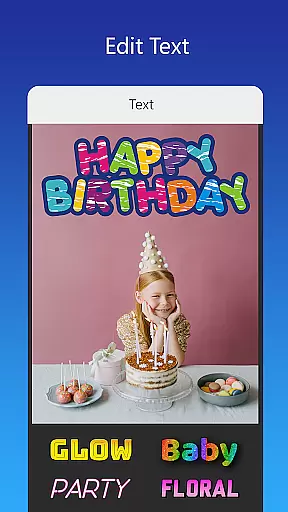
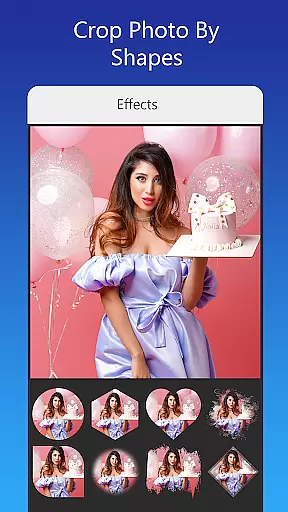
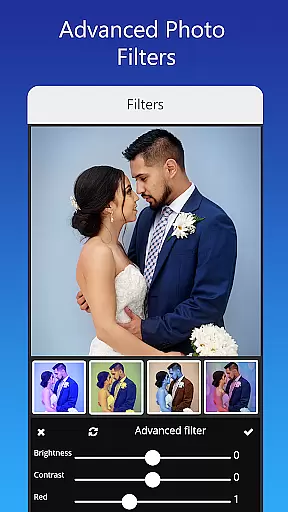
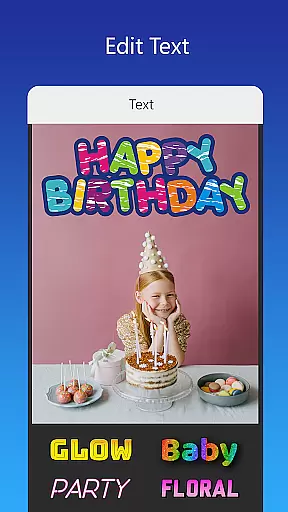
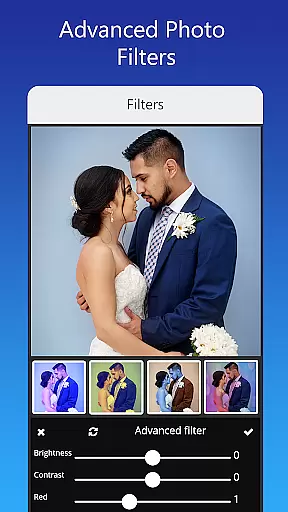
The app offers extensive customization options including background images, gradient colors, photo frames, and unlimited stickers. Users can easily edit text, names, event locations, and timings, while also having the ability to upload personal fonts or download new ones. Advanced editing features like photo filters and effects provide professional touches to each creation.
Whether you're planning a themed birthday party or a formal wedding, Invitation Card Maker caters to diverse needs with culturally varied designs. The digital invitations can be shared on social networks or printed, making it an all-in-one solution for creating memorable event invitations.
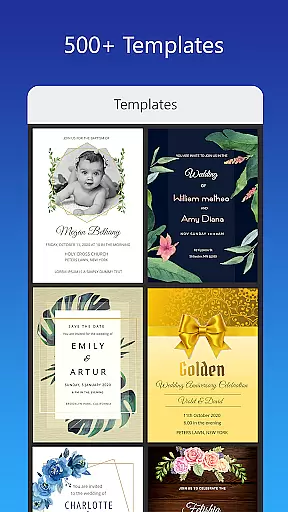
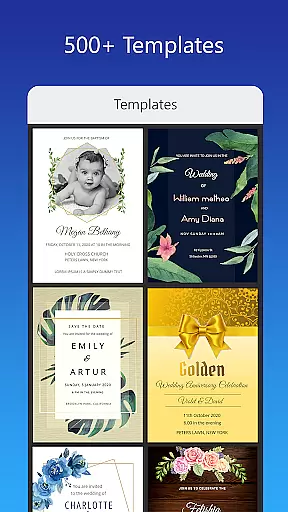
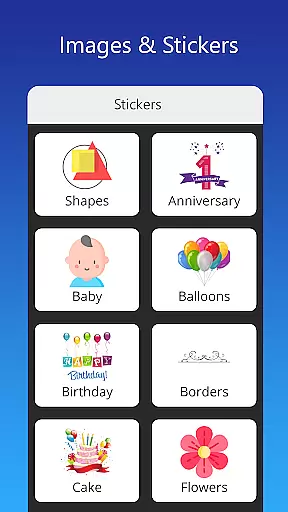
Invitation Card Maker stands out with its rich feature set tailored for creative freedom. It includes more than 200 ready-made templates specifically designed for different types of events, ensuring there's something suitable for every occasion. Users can customize these templates extensively by adding personal photos, choosing from a vast library of stickers and icons, and adjusting text elements to fit their specific needs.
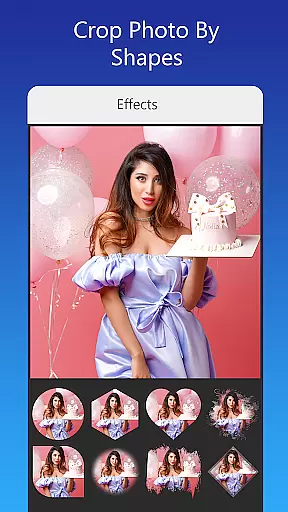
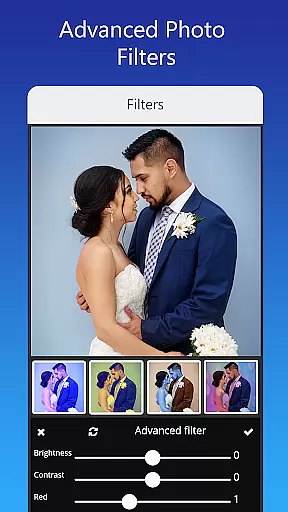
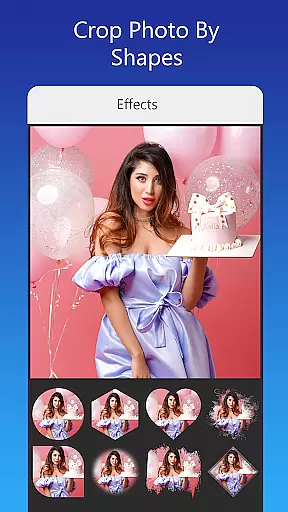
Advanced editing capabilities allow users to replace images seamlessly, apply beautiful photo filters and effects, and resize cards for various formats. The app supports uploading custom fonts, which is particularly useful for matching invitations to specific themes or languages. Additionally, users can save their projects for future edits and download high-quality digital copies or print them directly.
This comprehensive suite of tools ensures that whether you're designing a virtual greeting card or a formal wedding invitation, you have everything needed to produce stunning results that reflect your personal style and the significance of the event.
Task creation and detail customization are essential features for any event planning application. The Invitation Card Maker, Design app excels in this area by providing users with over 200 ready-made templates that can be personalized to fit any occasion, whether it's a birthday party, wedding, or baby shower. This vast selection ensures that users can find the perfect starting point for their invitation needs.
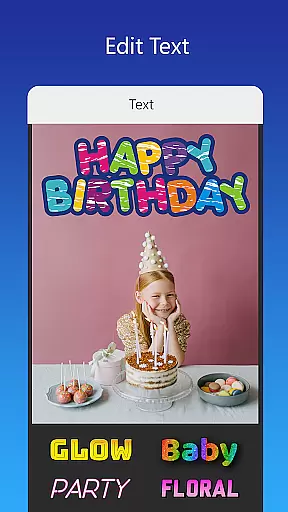
The level of detail customization available within the app is impressive. Users have the ability to edit or replace text, names, event locations, and timings directly on the invitation. With various font styles at their disposal, and the option to upload custom fonts, users can truly tailor each element of their invitation to match the theme of their event. This flexibility empowers users to create invitations that are not only informative but also visually aligned with the tone and style of their gatherings.
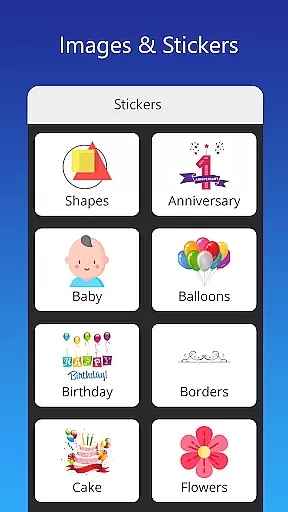
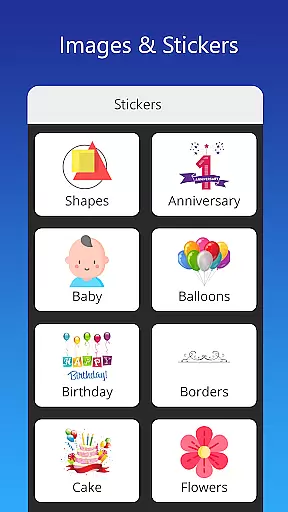
Moreover, the app allows for the incorporation of personal photos and a wide array of stickers, icons, and images relevant to different events. These design elements can be easily integrated into the template, offering an additional layer of personalization. Whether uploading personal images or selecting from the provided resources, users can craft invitations that resonate with their personal touch and creativity.
Reminder settings play a crucial role in ensuring that both event organizers and attendees are kept informed and up-to-date. The Invitation Card Maker, Design app addresses this need by enabling users to save their invitations for future editing and sharing them across various social networks. This functionality serves as a reminder system, allowing users to revisit and modify their invitations as the event date approaches, thus maintaining accuracy and relevance.
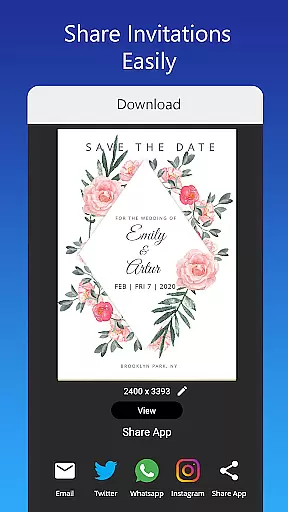
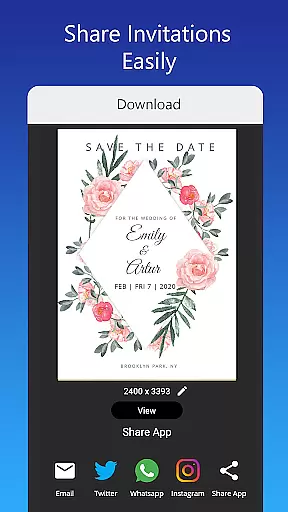
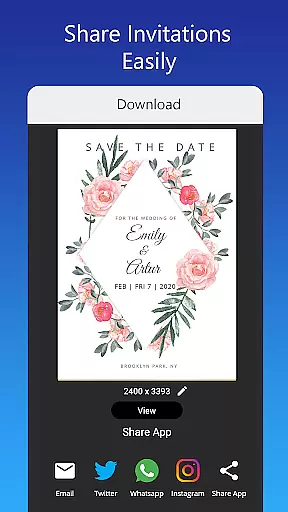
In addition to saving and sharing capabilities, the app facilitates the distribution of digital invitations via platforms such as Facebook, Instagram, Snapchat, WhatsApp, and Twitter. By leveraging these social channels, users can effectively remind their guests about upcoming events, enhancing attendance rates and engagement. The ease of sharing through popular social media outlets simplifies the process of keeping everyone connected and informed.
Furthermore, the app supports downloading the digital cards or printing them, which provides another avenue for reminders. Physical copies can serve as tangible prompts for recipients, while digital versions offer convenient access and storage solutions. Overall, the combination of editable invitations, broad sharing options, and multiple distribution methods ensures that users can maintain effective communication with their invitees throughout the planning process.
User-friendly interface
Extensive template library
Customizable design elements
Advanced photo editing
Social media integration
Limited free content
In-app purchases required
Occasional bugs
Ads present
Learning curve for beginners

CUE Live utilizes ultrasonic sound waves to sync devices at CUE enabled events
 4.80
4.80
It is an Event Planning Application.
4.1
Microsoft Build is an annual developer conference hosted by Microsoft
4.20
Create Wedding Invitation and Wedding Anniversary Cards using our app
4.60
The official app for Sched events! View your event schedule here.
4.20
Digital Income Wallet of the Final Libertadores 2025
4.3
RAISE-365 makes fundraising easy and fun!
3.20
Connect with an ecosystem of 5M+ eventgoers and organizers.
4.50
Octrober 2025: We've updated the MyGenMobile App with a new look and feel!
4.40
Beautiful invitation cards + easy RSVP tracking for any event. Design Invites.
4.80
Save money on concert, sport, and theater tickets, and discover upcoming events.
4.80
Buy and Sell Tickets for Concerts, Sports, and Theater.
4.70
Greeting card maker with photos best app| Birthday cards| All wishes eCards FREE
4.50
Events, Meetings, Photo Shoots
4.50
PheedLoop Go! is the mobile event app for events powered by PheedLoop.
4.40
Get live football here
4.30
The calendar app in this 2026 year see all dates.
4.20
Manages display and transfer of tickets from the Mundo Tickets platform
3.80
The Official App
4.1






User Reviews