
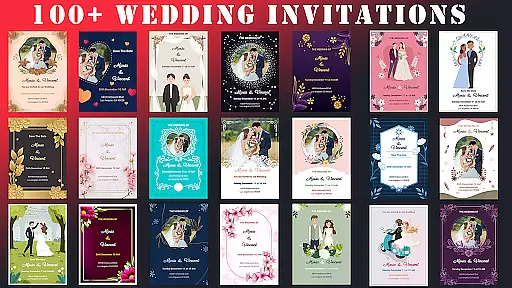
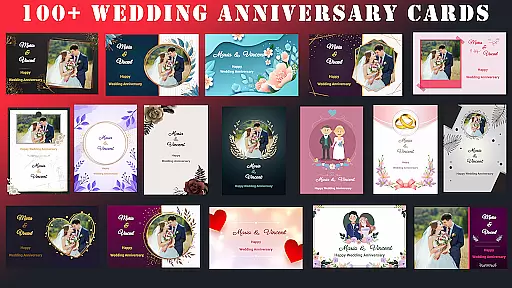
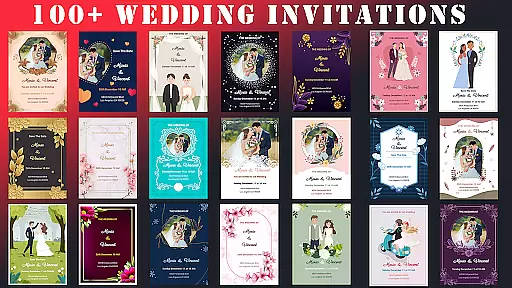
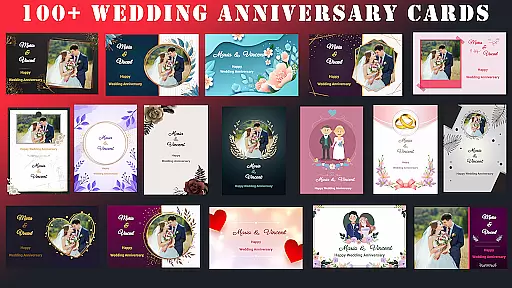
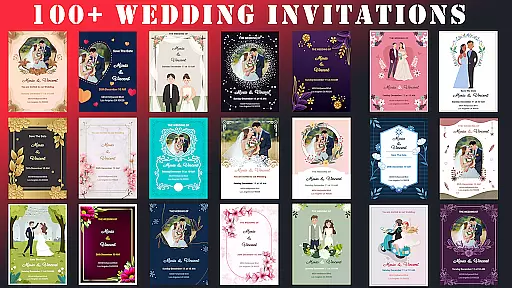
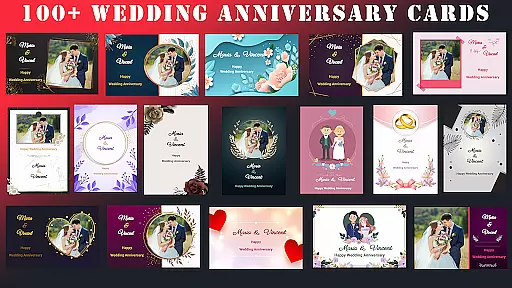
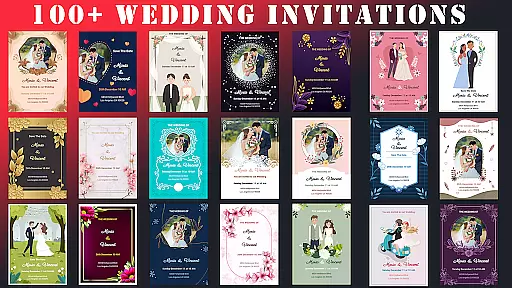
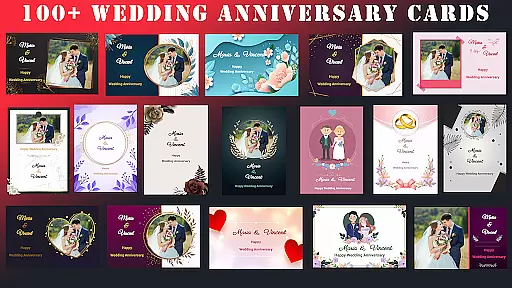
Wedding Invitation Card Maker is a versatile app designed to help users create personalized invitations for weddings, anniversaries, birthdays, and other special events. With over 100 beautifully crafted templates, the app allows users to customize every aspect of their invitations, including fonts, colors, layouts, and photos. The intuitive interface ensures that both design professionals and beginners can easily navigate and create stunning invitations.
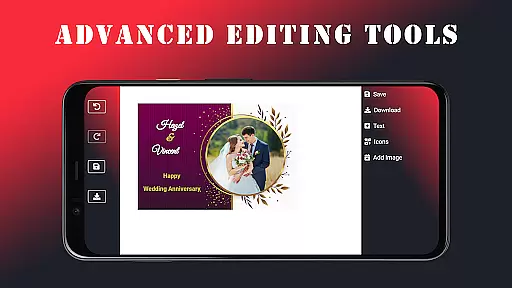
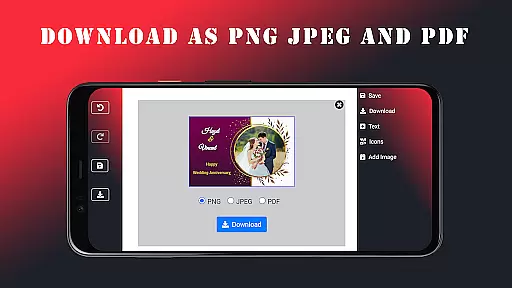
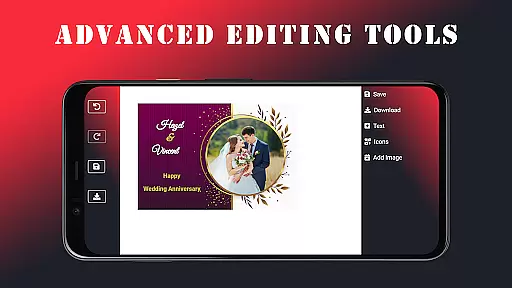
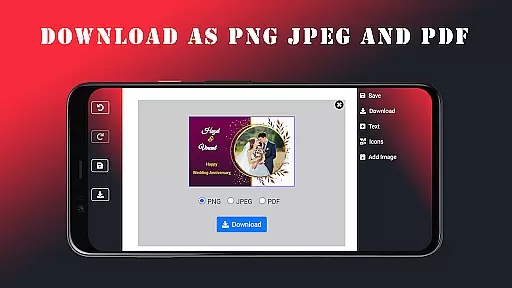
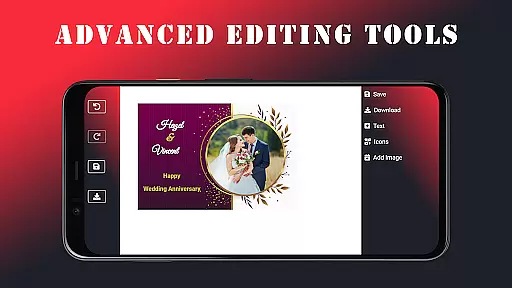
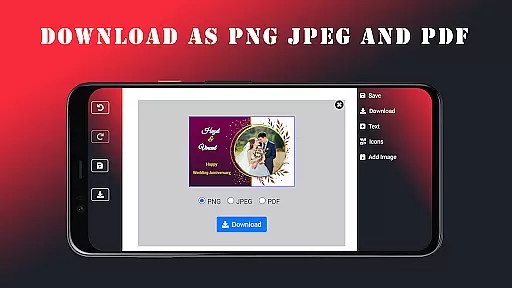
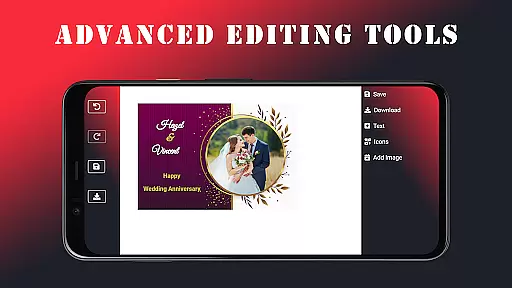
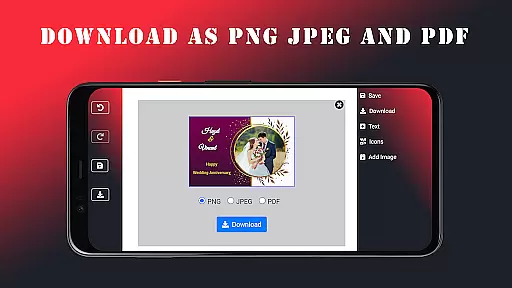
In addition to its extensive customization options, the app offers advanced editing tools and supports offline functionality, enabling users to design invitations anytime, anywhere. Once completed, invitations can be saved in multiple formats such as JPEG, PNG, or PDF and shared directly via email or messaging apps. This makes it an ideal solution for event planners looking to add a personal touch to their special occasions while saving time and money.
The Wedding Invitation Card Maker stands out with its comprehensive set of features tailored to meet diverse design needs. Users can choose from more than 100 professionally designed templates that cater to various themes and styles. The app's advanced editing tools allow seamless customization of fonts, colors, and layouts, ensuring each invitation reflects the user's unique style and vision.
One of the key highlights is the ability to incorporate personal photos and names into the designs, making each invitation truly one-of-a-kind. With over 100 font options and stylish icons, users can enhance the visual appeal of their creations. Additionally, the app provides offline support, allowing users to work on their projects without an internet connection. These robust features ensure that users can produce high-quality, professional-looking invitations effortlessly.
Task creation and detail customization are essential features for any event planning application. The Wedding Invitation Card Maker app excels in this area by providing users with over 100 beautifully designed templates tailored for various occasions. This extensive template library allows users to select a design that best fits the theme of their event, whether it's a wedding, anniversary, or birthday party.
The app offers advanced editing tools that make personalization seamless and intuitive. Users can easily switch fonts, adjust colors, and modify layouts to create unique invitations that reflect their personal style. With more than 100 fonts and stylish icons at their disposal, users have the creative freedom to customize every aspect of their invitation cards.
Additionally, the ability to add personal photos and names ensures that each invitation is not only visually appealing but also deeply personal. This level of customization empowers users to craft invitations that truly stand out and capture the essence of their special occasions.
Reminder settings play a crucial role in ensuring that users never miss an important deadline or event. The Wedding Invitation Card Maker app incorporates practical reminder functionalities that help users manage their event timelines effectively. By setting up reminders, users can stay on top of their planning tasks and ensure timely delivery of invitations.
Once the perfect invitation is designed using the app's comprehensive suite of tools, users can effortlessly send out their creations via email or messaging apps. This streamlined process is further enhanced by the appu2019s reminder feature, which prompts users to follow up with guests who may not have responded.
Moreover, the app supports offline functionality, allowing users to access and edit their invitations anytime, anywhere. This flexibility ensures that even without an internet connection, users can continue refining their designs and managing their reminders, making the entire event planning experience stress-free and efficient.
User-friendly interface
Extensive template library
Advanced customization options
Offline functionality
Multiple saving formats
Limited advanced design tools
No live customer support
Occasional bugs reported
Basic photo editing features
Ads in free version

An App for Bhutanese
 4.2
4.2
Buy event tickets easily with our user-friendly App. Stay updated on hot events
4.1
Browse events, find transportation, keep up with the latest news from your team
4.4
Microsoft Build is an annual developer conference hosted by Microsoft
4.20
Local events, contests, and giveaways for local dads
3.70
The official app for Sched events! View your event schedule here.
4.20
Find EDM shows near you! See your favorite artists live, and discover new music.
4.90
Discover events, experiences, and things to do near you - Anytime, Anywhere!
4.70
Buy and Sell Tickets for Concerts, Sports, and Theater.
4.70
TodayTix is the easiest way to get tickets to the best shows in your city.
4.90
Invitation card maker for birthday party & Wedding. Digital greeting card editor
4.90
Design Invitations & Cards for Any Occasion
4.80
Track birthdays, habits & goals. Unlimited countdowns and count-ups
4.20
Buy and sell tickets to sports, concerts, theater, festivals, and comedy events
4.10
Manages display and transfer of tickets from the Mundo Tickets platform
3.80
TV.Garden is a video player to play your own TV streams from around the world!
3.40
Mobile Event Guide for Greater NY Dental Meeting
4.5
Some connections are better kept private
4.4
The official app of the Carmel Christkindlmarkt!
4.0



User Reviews