
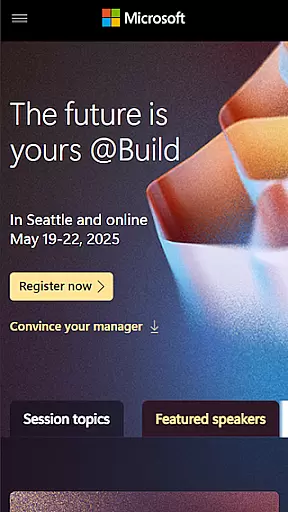
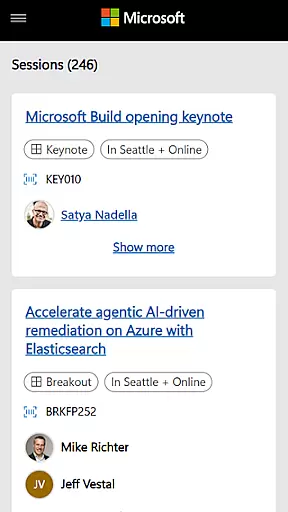
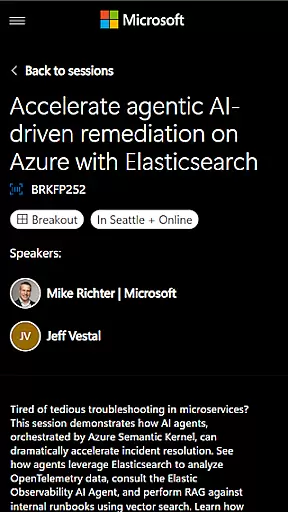
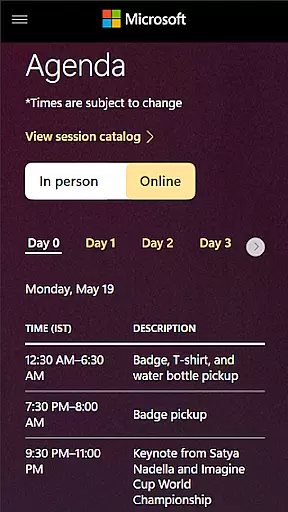
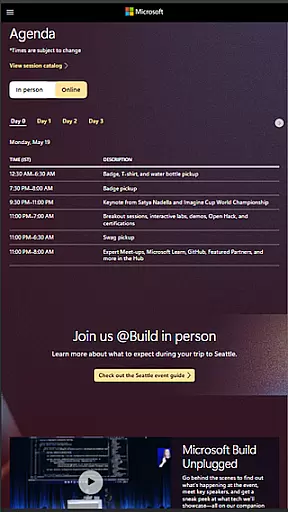
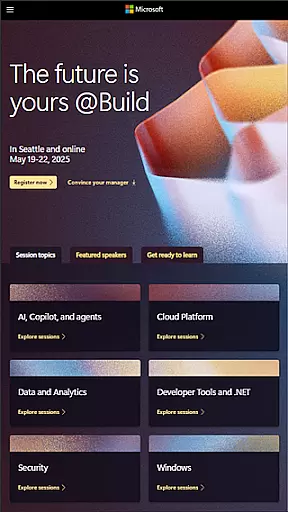
Microsoft Build is an annual developer conference hosted by Microsoft, focusing on the latest innovations in software development, cloud technologies, and artificial intelligence. The app serves as a comprehensive guide for attendees, providing schedules, speaker information, session details, and venue maps. It is designed for developers, engineers, IT professionals, and tech enthusiasts who want to maximize their conference experience.
The application offers features such as personalized schedules, real-time updates on sessions, and networking opportunities with fellow attendees. Users can create their own agendas, bookmark sessions of interest, and receive notifications about important events or changes. Whether you're attending in person or virtually, this app ensures you stay informed and engaged throughout the event.
With its user-friendly interface and robust functionality, Microsoft Build helps professionals make the most of their time at the conference. From accessing technical content to connecting with industry leaders, this app provides everything needed to enhance learning and networking opportunities.
Microsoft Build app stands out with its rich feature set tailored specifically for conference attendees. One of its key features is the personalized schedule planner, which allows users to create custom agendas based on their interests and priorities. This feature ensures that attendees can efficiently manage their time and attend the most relevant sessions without missing out on important events.
In addition to scheduling, the app provides real-time updates and push notifications. These alerts keep users informed about any changes in session timings, venue shifts, or newly added events. Another notable feature is the integrated networking tool, which facilitates connections between attendees. Users can view participant profiles, exchange contact information, and arrange meetings directly through the app.
The app also includes on-demand access to session recordings and presentation materials. This allows attendees to revisit key insights or catch up on missed sessions even after the event concludes. With these capabilities, Microsoft Build app significantly enhances the overall conference experience by combining practical tools with valuable content resources.
Task creation and detail customization are essential features for any event management app. Microsoft Build offers a comprehensive suite of tools that allow users to create, manage, and customize various tasks associated with the event planning process.
The app provides an intuitive interface where users can easily set up new tasks, assign them to team members, and track their progress. Each task can be tailored with specific details such as deadlines, priority levels, and descriptions, ensuring that all team members have a clear understanding of their responsibilities.
Users benefit from the ability to add custom fields and tags to tasks, making it easier to categorize and filter them based on different criteria. This level of customization ensures that every aspect of the event is meticulously planned and executed.
By leveraging these features, attendees and organizers can enhance their productivity, streamline communication, and ensure that every detail of the Microsoft Build conference is flawlessly managed, leading to a successful and engaging event experience.
Reminder settings play a crucial role in keeping participants informed and engaged throughout the Microsoft Build conference. The app offers robust reminder functionalities that help users stay on top of their schedules and never miss an important session or activity.
With customizable reminder options, users can set up notifications for keynotes, technical sessions, and hands-on labs according to their preferences. Whether it's a pop-up alert, email notification, or push notification, the app ensures timely reminders that keep attendees well-prepared and punctual.
Additionally, the app allows users to configure recurring reminders for regular check-ins or daily summaries, providing a comprehensive overview of upcoming events. This flexibility empowers users to tailor their reminder settings to match their personal workflow and time management strategies.
Ultimately, the reminder settings in the Microsoft Build app contribute significantly to a seamless and organized event experience, enabling attendees to maximize their participation and derive maximum value from the conference activities.
User-friendly interface
Real-time updates
Personalized schedules
Networking opportunities
On-demand content access
Limited to conference dates
Requires stable internet
No offline mode
Platform-specific features
Restricted user base

Community for Mods, Addons, Melsaves, Melmods for Melon Playground
 4.0
4.0
Watch live football matches and streaming events on our Arabic TV app!
3.50
Invitation card maker for birthday party & Wedding. Digital greeting card editor
4.90
For weddings, parties & events
4.60
Digital Income Wallet of the Final Libertadores 2025
4.1
Text message invitations for birthday party, wedding, graduation, baby shower +
4.60
Events, Meetings, Photo Shoots
4.50
Fast Scans. Happy Fans. For Every Hometown!
4.60
Buy and sell tickets to sports, concerts, theater, festivals, and comedy events
4.10
TodayTix is the easiest way to get tickets to the best shows in your city.
4.90
Birthday Greetings provides Birthday Card, Frames, Gifs & Father's day Wishes
4.80
Plan your wedding for free on the go: vendors, budget, website and checklists!
4.80
Find Live Event Ticket Deals to Sports, Concerts, Festivals, & Comedy For Less!
4.80
Wedding planner app with wedding venues, wedding checklist, countdown & budget.
4.60
Invitation Card Maker, Design & share wedding, birthday & party invites fast
4.40
Manage all your events, leads, ticketing, payments and check-ins.
4.30
Microsoft Ignite is an event that showcases latest advancements in technology
4.00
TV Garden is a video player to play your own TV streams from around the world!
4.5
The Official Football Ticketing App for Fans in Qatar
4.4



User Reviews