
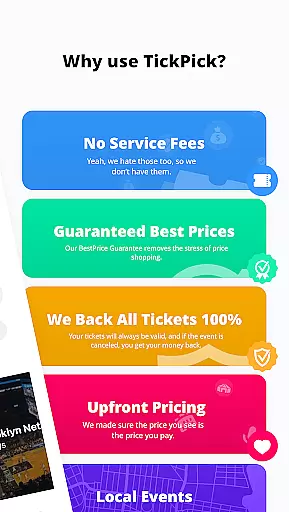
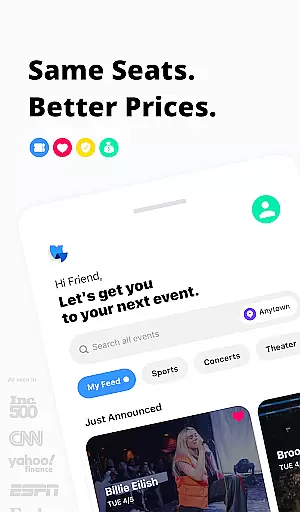
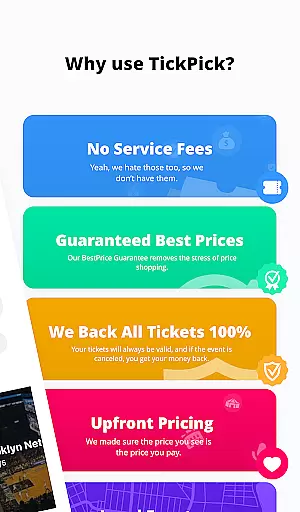
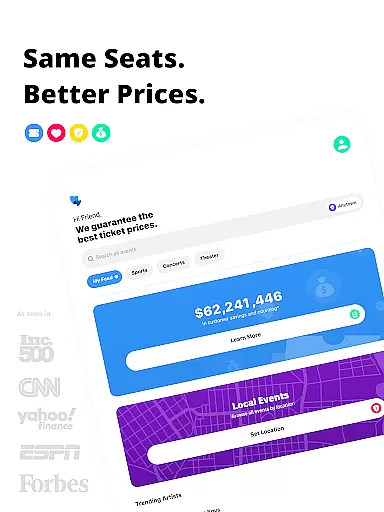
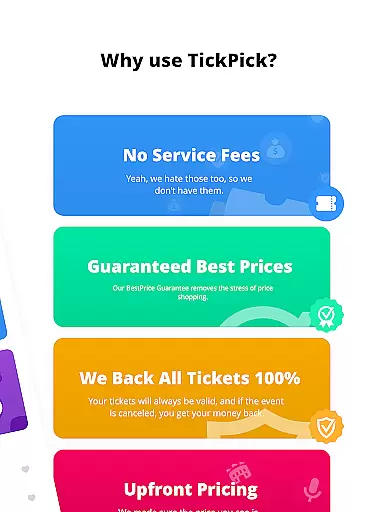
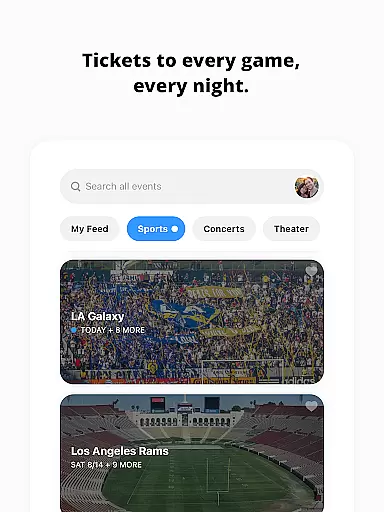
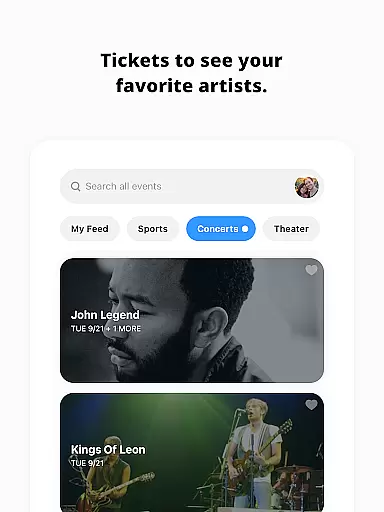
TickPick is a premier ticketing platform designed to provide users with a seamless experience in purchasing tickets for live events. The app specializes in tickets for sports, concerts, and theater performances, offering an intuitive interface that simplifies the buying process. With its unique no-service-fee policy, TickPick ensures affordability while maintaining high standards of security and customer satisfaction through its BuyerTrust Guarantee.
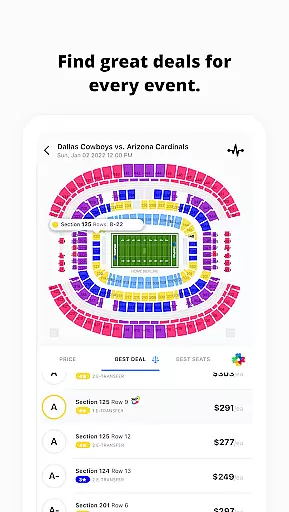
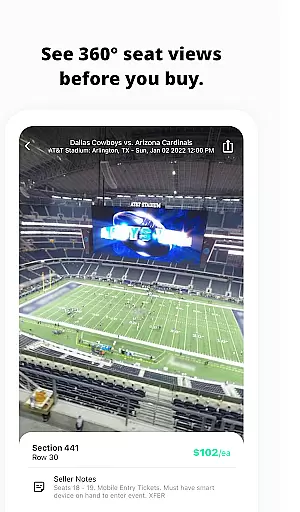
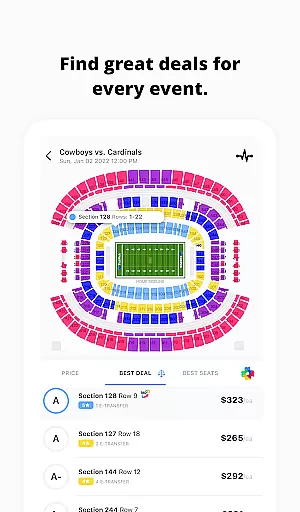
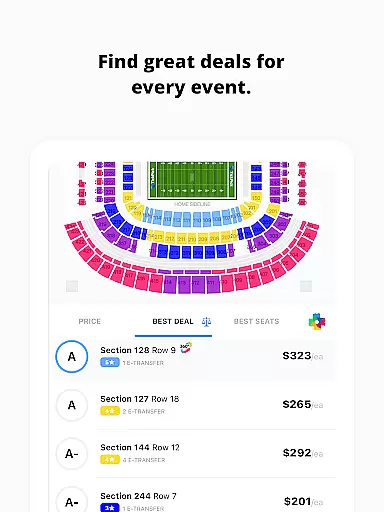
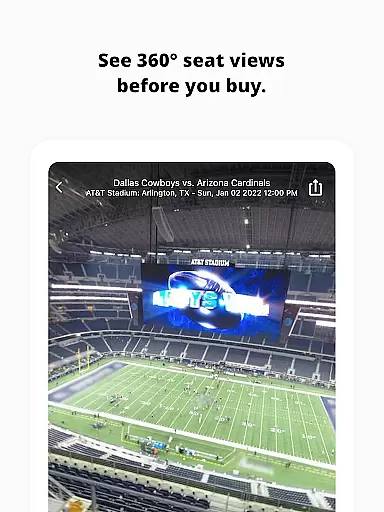
One of the standout features of TickPick is its proprietary algorithms that assist users in finding the best deals based on seat location and price. Whether you're looking for NFL, NBA, MLB, NHL games, or concerts and theater shows, TickPick provides comprehensive tools such as 360-degree seat views and a favorites system for artists and teams. This makes it not only a cost-effective solution but also enhances the overall user experience by providing valuable insights before making a purchase.
TickPick offers a robust set of features tailored to enhance the ticket-buying experience. Its patented Score Report ranks tickets based on price and seat location, ensuring users get the best value for their money. Additionally, the Seat Rating system allows users to sort tickets from the best seats to the worst, helping them find ideal seating arrangements effortlessly.
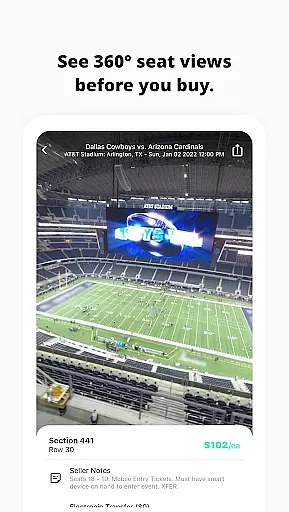
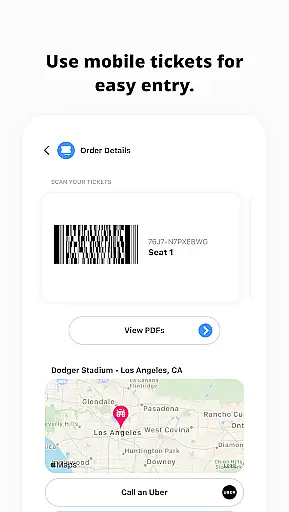
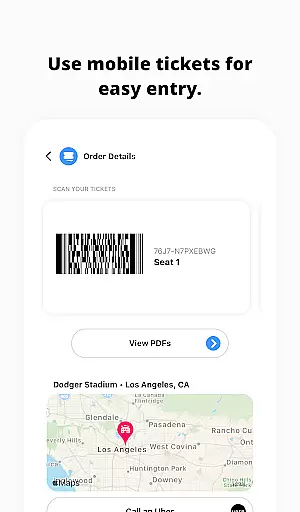
The app also includes discovery tools for last-minute events and newly announced concerts, alongside detailed event schedules and available inventory tracking. Users can take advantage of the 360-degree seat views for major sports venues, which provide immersive visuals right from their seats. Furthermore, TickPick supports various payment methods including Apple Pay, PayPal, and major credit cards, along with flexible payment plans. After purchase, users can manage their tickets, order rides, get directions, and share e-tickets directly through the app.
Task creation and detail customization are essential features for any event management app, allowing users to tailor their event planning process according to specific needs. TickPick excels in this area by offering a streamlined ticket purchasing experience that requires only a few taps to secure tickets to live events.
The app provides various tools to enhance the customization of your event experience. For instance, its patented Score Report ranks tickets based on price and seat location, ensuring you get the best value for your money. Additionally, the proprietary Seat Rating system helps you find the perfect seats by sorting them from the best to the worst in the venue.
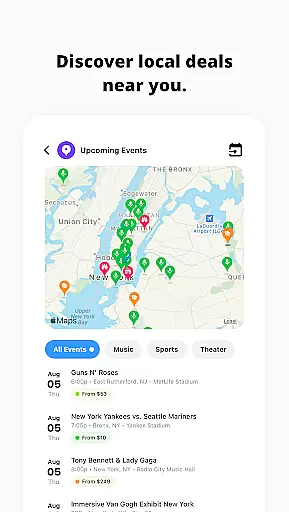
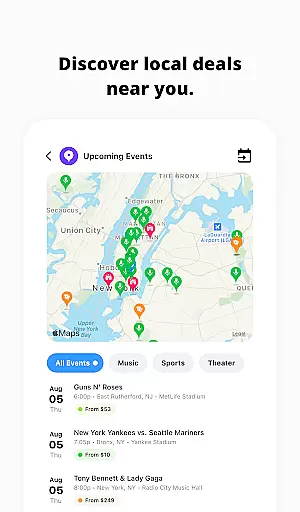
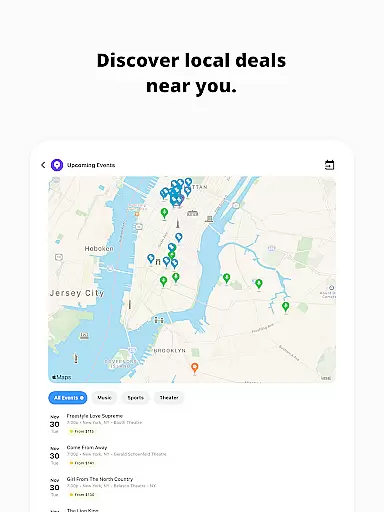
Users benefit significantly from these features as they can easily discover last-minute events or newly announced concerts in their area. The ability to search for any team, artist, event, or venue and view schedules and available tickets adds another layer of personalization and convenience.
Ultimately, TickPick's task creation and detail customization capabilities empower users to make informed decisions quickly and efficiently. By providing detailed seat views and tracking options for event prices and inventory, it ensures that users have all the information they need to purchase tickets with confidence and ease.
Reminder settings play a crucial role in ensuring that users never miss an important event. TickPick incorporates this feature by enabling users to track average ticket prices and available inventory for any event, allowing them to make informed decisions and buy tickets when they are ready.
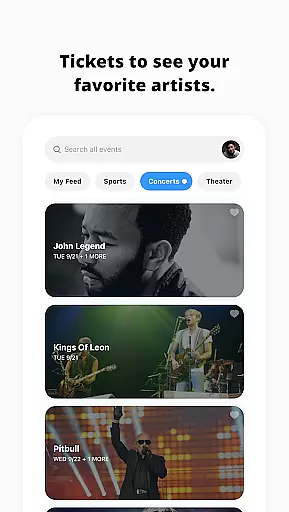
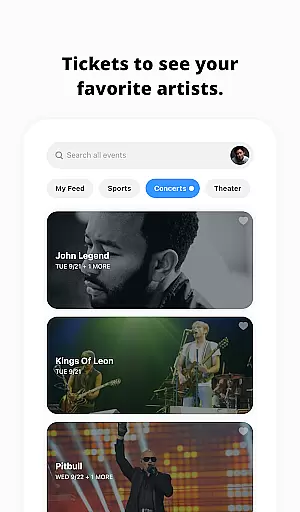
The app goes beyond basic reminders by integrating additional functionalities such as the ability to favorite artists. This feature lets users tap on a heart icon to favorite any artists they like, pulling up all of their events right on the appu2019s main page. Such personalized alerts ensure that users stay updated on their preferred events and artists.
TickPick also enhances user experience by offering practical post-transaction features. After purchasing tickets, users can order an Uber, get directions, and share e-tickets with friends directly through the app. These integrated services serve as timely reminders and facilitate a seamless event-going experience.
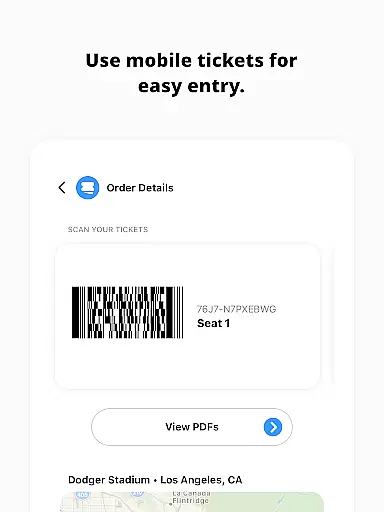
In summary, TickPick's reminder settings not only keep users informed about price changes and event schedules but also offer convenient tools for managing their event plans. By combining these features with easy payment options and mobile ticket scanning, TickPick ensures a comprehensive and user-friendly approach to event planning and attendance.
No service fees
Intuitive interface
Comprehensive event coverage
Secure transactions
Advanced seat selection tools
Limited international events
Occasional high demand prices
Dependent on external sellers
Mobile-only experience
Customer support delays

Microsoft Build is an annual developer conference hosted by Microsoft
 4.20
4.20
Purchase line-skip passes, drinks, cover, and more at bars and clubs
3.50
Instant photo sharing for every occasion
3.80
The official app of the Carmel Christkindlmarkt!
4.1
Microsoft Ignite is an event that showcases latest advancements in technology
4.00
Design Invitations & Cards for Any Occasion
4.80
Introducing the official Magic: The Gathering app for mobile.
4.20
Connect with an ecosystem of 5M+ eventgoers and organizers.
4.50
Find Live Event Ticket Deals to Sports, Concerts, Festivals, & Comedy For Less!
4.80
Find EDM shows near you! See your favorite artists live, and discover new music.
4.90
CUE Live utilizes ultrasonic sound waves to sync devices at CUE enabled events
4.80
Plan your wedding for free on the go: vendors, budget, website and checklists!
4.80
Freebie Games for Epic Games, Steam, Amazon, Rockstar etc.
4.40
The official app for Sched events! View your event schedule here.
4.20
Audio guide companion APP for SEE's Michelangelo's Sistine Chapel
3.50
Watch live football matches and streaming events on our Arabic TV app!
3.50
TV.Garden is a video player to play your own TV streams from around the world!
3.40
RAISE-365 makes fundraising easy and fun!
3.20
Browse events, find transportation, keep up with the latest news from your team
4.2







User Reviews