
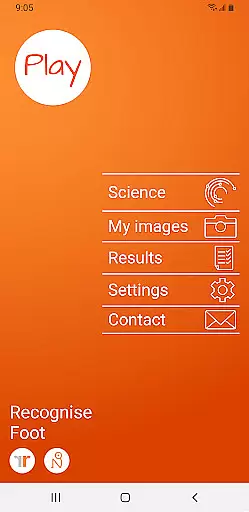
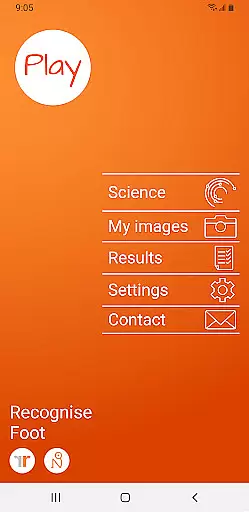
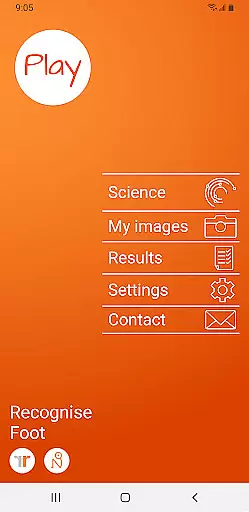
Recognise Foot is a specialized health and fitness application designed to assist users in reducing pain, enhancing performance, and aiding in rehabilitation through a structured Graded Motor Imagery program. The app focuses on improving the user's ability to distinguish between left and right body parts, which is crucial for recovery from certain injuries.
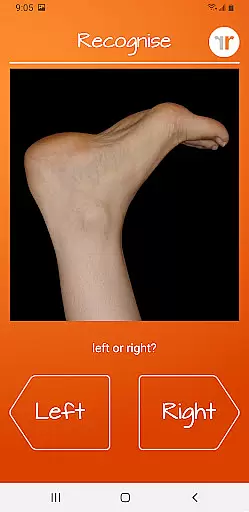
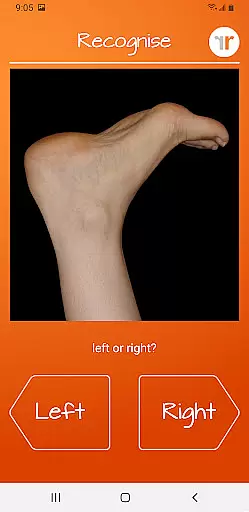
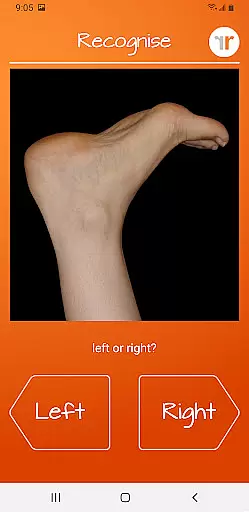
The application offers both testing and training modes. In the test mode, users can assess their proficiency in recognizing images of body areas as either left or right. The training mode helps harness the brain's neuroplasticity using various tools, thus promoting recovery and performance enhancement.
With features like graded difficulty levels, personal best challenges, and detailed progress graphs, Recognise Foot provides a comprehensive approach to rehabilitation and physical improvement. This makes it an invaluable tool for patients undergoing physical therapy and athletes looking to enhance their performance.
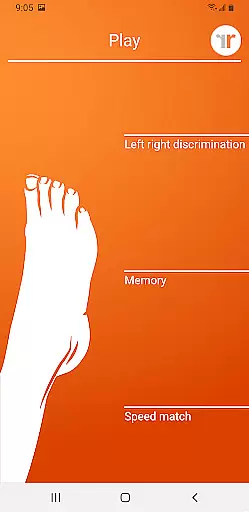
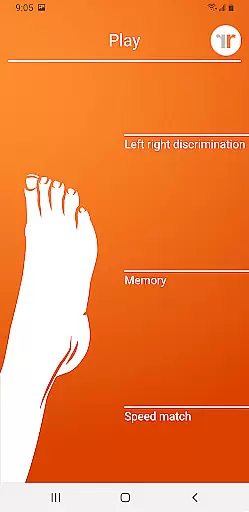
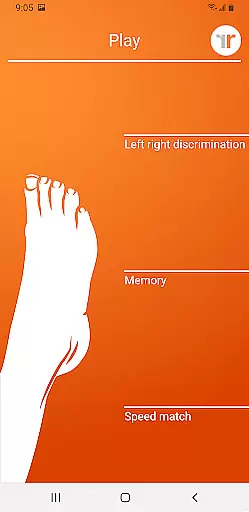
Recognise Foot boasts a variety of sophisticated features aimed at optimizing the user's rehabilitation process. One notable feature is the 'Memory' and 'Speed match' tools, which elevate the training experience by challenging the user's cognitive abilities and reaction times.
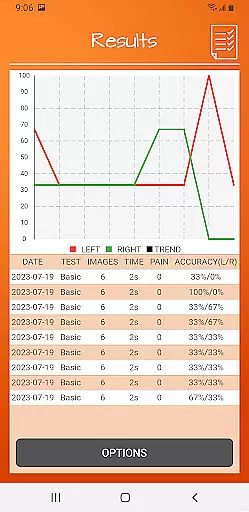
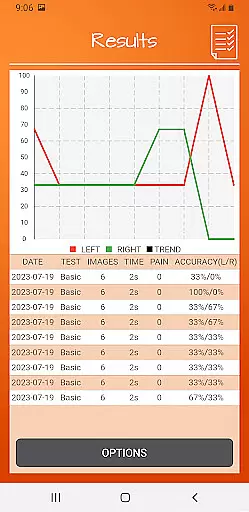
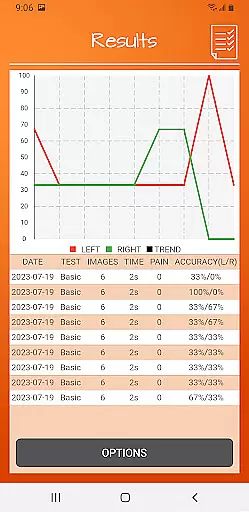
The app includes graded difficulty levels and personal best challenges, ensuring that users remain engaged and motivated throughout their training journey. Detailed onscreen results and graphs allow users to track their progress meticulously, providing valuable feedback on their performance over time.
Clinical integration is another standout feature, with options to export and email results directly to healthcare providers. Users can also capture their own images and incorporate them into their training routines, offering a personalized touch to their rehabilitation process.
Recognise Foot offers a personalized approach to motor imagery training, crucial for rehabilitation and performance enhancement. The app's graded difficulty levels and personal best challenges ensure that each user progresses at their own pace.
Through features like 'Memory' and 'Speed match', the application tailors the experience to individual needs, promoting neuroplasticity. This customization allows users to effectively train their brains according to their unique rehabilitation requirements.
The ability to capture and use personal images further enhances the personalized planning aspect of the app. Users can integrate specific body areas into their training, making the rehabilitation process more relevant and targeted.
Tracking progress is vital in any rehabilitation program, and Recognise Foot excels in progress visualization. With detailed onscreen results and graphs, users can clearly see their improvement over time.
The app provides comprehensive data visualization tools that map out user advancements. These visual aids help in understanding the effectiveness of the Graded Motor Imagery program and motivate continued engagement.
Additionally, powerful clinical integration tools allow users to export and email their results to healthcare providers. This feature ensures that clinicians can monitor progress and make necessary adjustments to therapy, enhancing the overall treatment experience.
User-friendly interface
Comprehensive progress tracking
Customizable training options
Strong clinical integration
Engaging challenges
Requires consistent use
Premium pricing
Limited to specific rehabilitation needs
Steep learning curve
Dependent on external guidance

Home workouts for fitness & fast bodybuilding at home - no equipment needed.
 4.90
4.90
sobriety counter app to help and motivate people to stop drinking alcohol.
4.90
Meditation app, head space app provides calm music to help you meditate & sleep
5.00
Use your watch as a bike computer, heart rate monitor and cycling power meter
2.50
Wall Pilates at home & Pilates workout for beginners for core and weight loss.
4.80
Grow with self-tests and personal routine.
4.30
You deserve easy access to important insurance information. Download for FREE.
4.70
FitCloudPro takes care of your health every minute.
3.70
Comprehensively record and manage your health
4.50
Weight loss app: home workout for women to lose weight & burn calories.
4.80
Easy reconstitution calc for mixing peptides and creating protocols
4.70
Period Tracker, the easiest way to track your periods!
4.50
Track heart rate & HRV in 30s! Get live health insights and anomaly alerts
4.40
Walk, track, and burn calories with step counter & GPS walking tracker
4.20
Get alert about getting out of desired heart rate zone.
4.10
Pupillary distance PD with camera quick and easy, checking glasses frames on you
3.70
Enjoy the Gluten Free living with the best app. SCAN the barcodes & SEARCH.
3.60
HRV4Training helps you optimize goals and improve performance. No sensors needed
3.30
Insanity blocks of intense physical activity, short breaks of 30 seconds.
4.2



User Reviews