
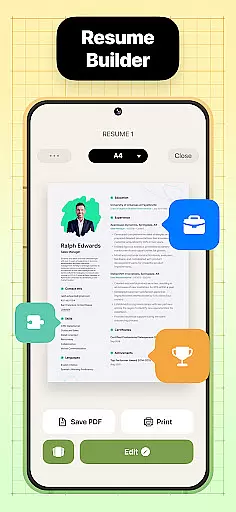
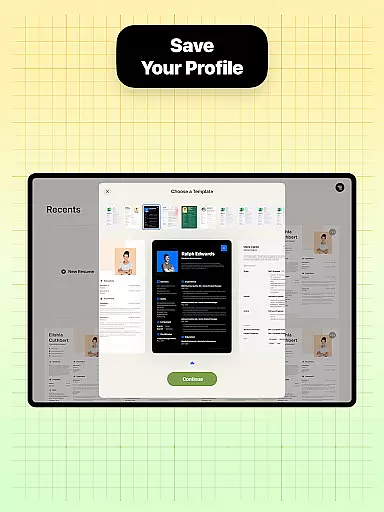
Resume Builder is a powerful business application designed to help users create professional resumes and CVs in PDF format quickly and easily. The app offers an intuitive interface that guides users through each step of the resume creation process, from selecting the right template to customizing content.
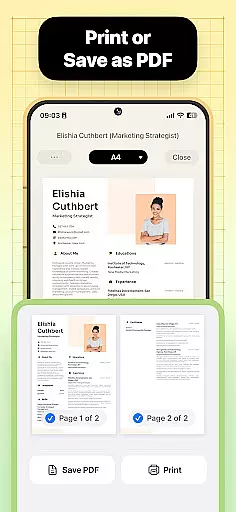
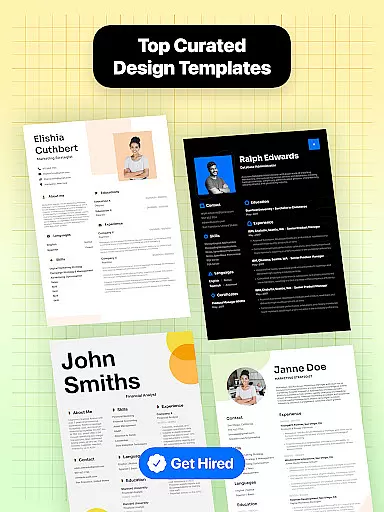
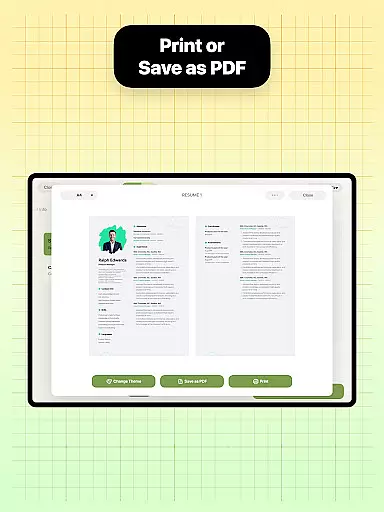
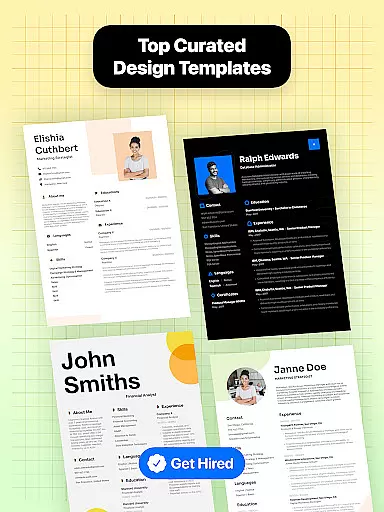
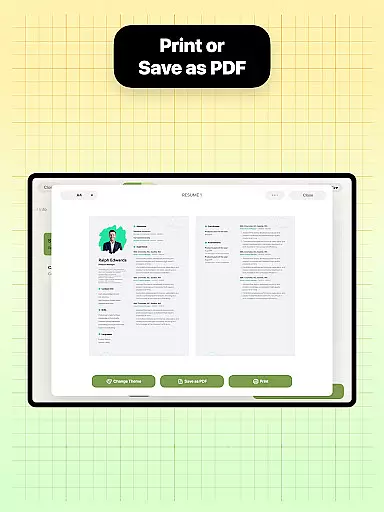
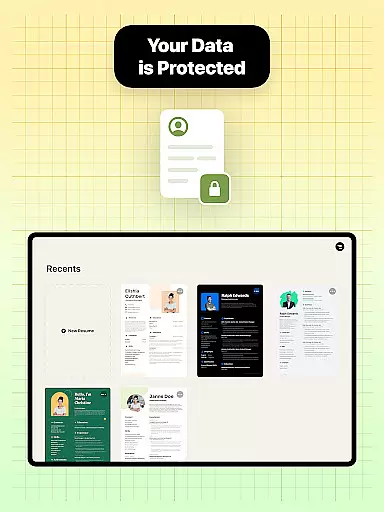
With Resume Builder, users can choose from a wide range of templates and customize their resumes to fit their specific career goals. Whether you're a recent graduate or a seasoned professional, this app provides the tools needed to craft a visually appealing and standout resume. The ability to export in PDF format ensures your resume is ready for sharing with potential employers.
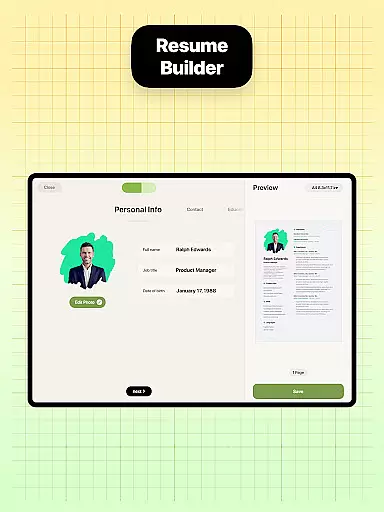
This app is particularly useful for job seekers who need to adapt their resume for different job applications. Its real-time editing feature allows users to see their progress as they add qualifications and experiences, making it an essential tool for anyone looking to advance their career.
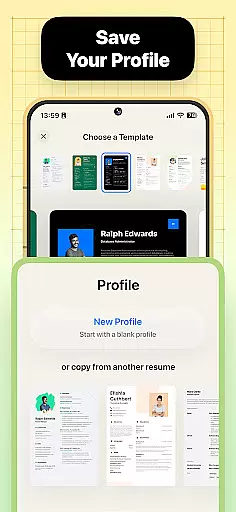
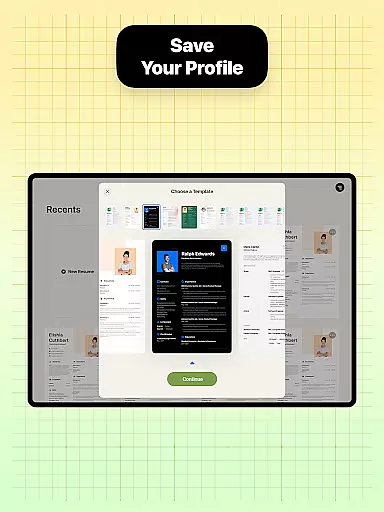
Resume Builder stands out with its comprehensive set of features tailored for creating impressive resumes. One of the key features is the wide selection of professionally designed templates that cater to various industries and career stages. This ensures that every user can find a design that suits their personal style and professional needs.
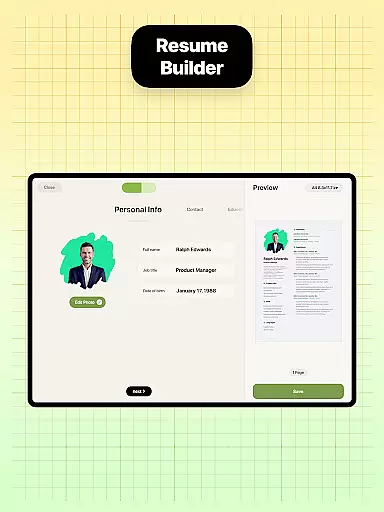
The app provides step-by-step guidance throughout the resume creation process. Users can easily navigate through customizable sections, inputting their information with ease. The built-in sharing functionality allows for seamless distribution of resumes, whether via email or social media platforms, directly from the app.
Another notable feature is the real-time preview option, which lets users see how their resume will look as they make changes. This instant feedback helps in fine-tuning the document to perfection. Additionally, the user-friendly interface makes it simple to edit and update resumes anytime, ensuring that your resume is always up-to-date and ready for new opportunities.
Collaborative work features are essential for modern business applications, enabling teams to work together efficiently regardless of location. Resume Builder incorporates these features by allowing users to share their resumes easily with mentors or peers for feedback.
The app's built-in sharing functionality supports collaborative efforts, letting users send their PDF resumes directly from the app. This feature streamlines the process of gathering input and making improvements, ensuring that the final resume is as strong as possible.
Users benefit from real-time updates and seamless communication, which are crucial for effective collaboration. With Resume Builder, they can quickly implement received suggestions and keep their resume up-to-date with minimal effort.
This collaborative approach not only enhances productivity but also helps create a more polished and professional resume, increasing the chances of catching an employer's eye.
Task management is a critical component of productivity, especially when crafting documents like resumes. Resume Builder excels in this area by providing structured guidance through each step of the resume creation process.
The app offers a step-by-step guide, helping users manage the task of building their resume section by section. This methodical approach ensures no important details are overlooked and that the resume is well-organized and comprehensive.
With intuitive navigation and customizable options, users can efficiently track their progress and make necessary adjustments. The ability to see updates in real time as they add experiences and qualifications simplifies task management.
By streamlining these tasks, Resume Builder empowers users to focus on showcasing their skills and achievements, resulting in a compelling and competitive resume.
User-friendly interface
Wide range of templates
Real-time editing
Customizable options
Built-in sharing function
Limited free templates
Premium features locked
Occasional bugs
Ads in free version
Export limited to PDF

Ask Accio anything about business. Alibaba-backed, built by experts, not just AI
 4.60
4.60
Measure distances, surfaces and draw plans in seconds with CamToPlan!
4.40
Scan Business Cards & Conference Badges - Capture Leads at Events & Tradeshows
4.20
Earn crypto with secure cloud mining. Monitor, track & withdraw easily
4.40
The MyWalmart App is available for all associates in stores.
4.70
Recover what matters — quickly and easily.
4.70
Grow your business and connect with more people with Meta Business Suite.
4.60
USPS Mobile®Access USPS.com’s most popular tools on-the-go.
4.70
From Gone to Back Again — In Just a Few Taps
4.50
FaxCover - Create fax cover pages. Works with any app or fax machine.
4.90
Earn free swag, G-Cards & food • Enter sweepstakes • Find stores • So much more.
4.70
Make invoices, bills, receipts & estimates on the go with Invoice Generator.
4.70
Finance, Investing, Stocks, Trading and Stock news
4.60
Earn money with the driver & delivery partner app for Uber, UberEats & Postmates
4.60
The revolutionary flexible staffing platform
4.40
FX Plus adds media, networking, and cloud capabilities to FX File Explorer.
4.10
Find flexible, hourly jobs hiring near you in restaurant, retail & hospitality!
4.00
view, manage, and share every PDF file you have
3.60
Find part-time earning opportunities near you that pay within days.
3.20








User Reviews