
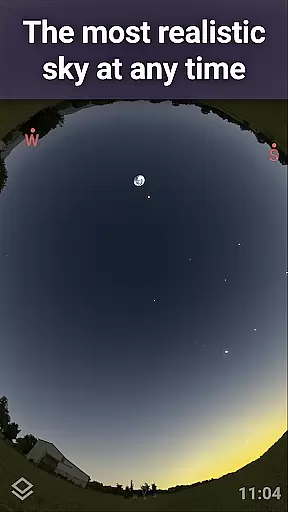
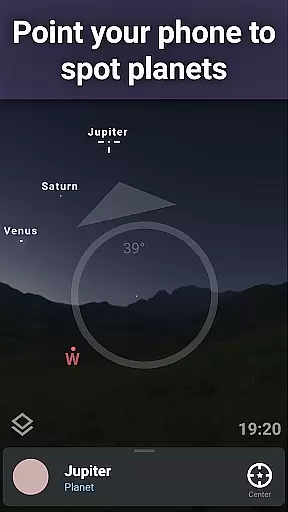
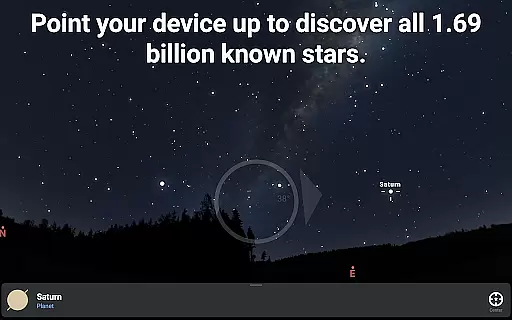
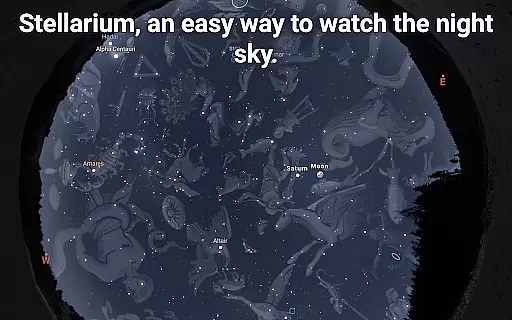
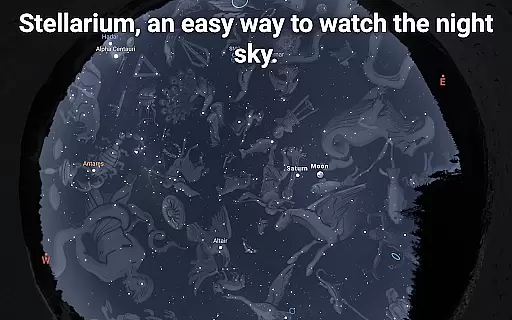
Stellarium Mobile - Star Map is an advanced planetarium app designed for both amateur stargazers and professional astronomers. This application provides a real-time representation of the night sky, accurately displaying stars, planets, constellations, and deep-sky objects visible to the naked eye or through telescopes. With its intuitive interface, users can easily navigate the celestial map by simply pointing their device towards the sky.
The app offers extensive features for exploring the universe, including detailed information about celestial bodies, high-resolution images of deep-sky objects, and realistic simulations of atmospheric conditions. Whether you're an educator looking to enhance astronomy lessons or an enthusiast eager to discover the wonders of the cosmos, Stellarium Mobile serves as an invaluable tool for learning and exploration.
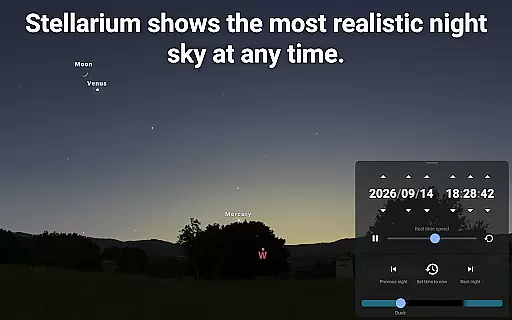
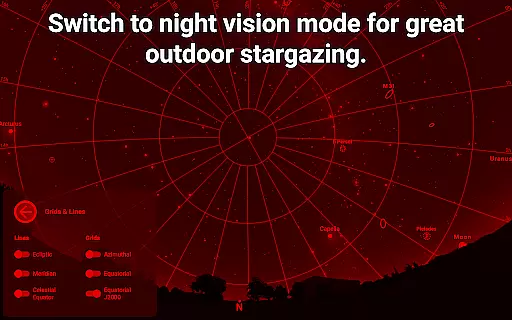
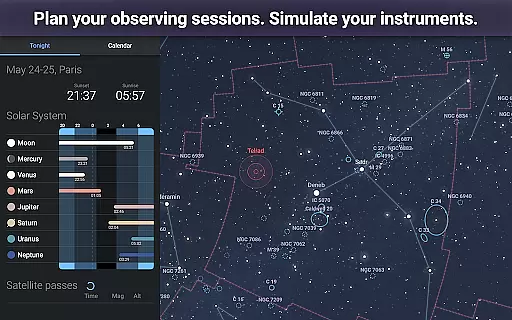
One of the standout capabilities of this app is its ability to simulate the night sky from any location on Earth, at any given time. This feature allows users to plan astronomical observations, study planetary movements, and understand how different cultures perceive constellations. The app's red-light night mode ensures minimal disruption to night vision, making it ideal for field observations.
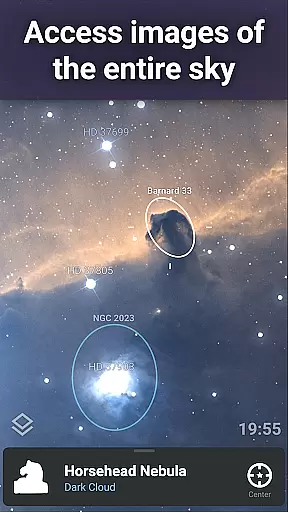
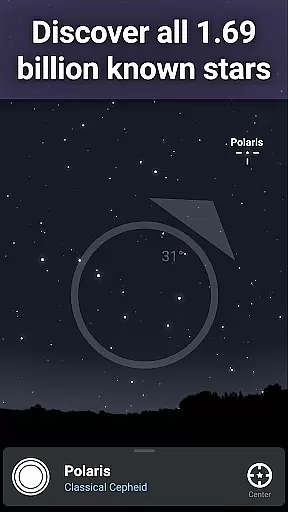
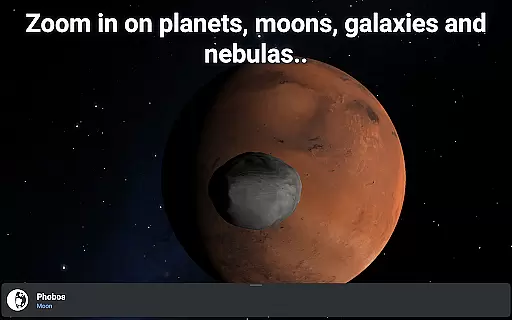
Stellarium Mobile boasts a comprehensive set of features that cater to various needs within the field of astronomy education. One of its primary functions is the accurate simulation of the night sky, which includes over 1.69 billion stars from the Gaia DR2 catalog, along with numerous galaxies, nebulas, and star clusters. Users can zoom in on these celestial objects to view high-resolution images, providing an immersive experience that brings the universe closer.
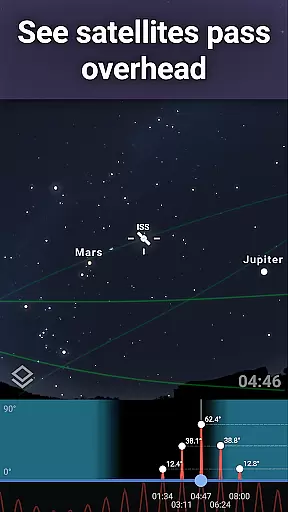
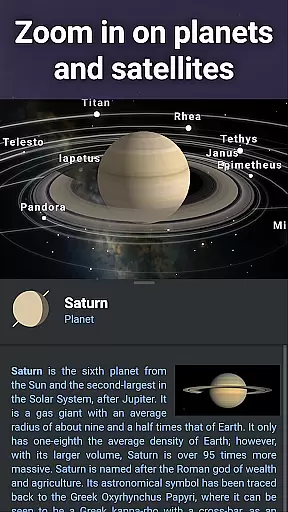
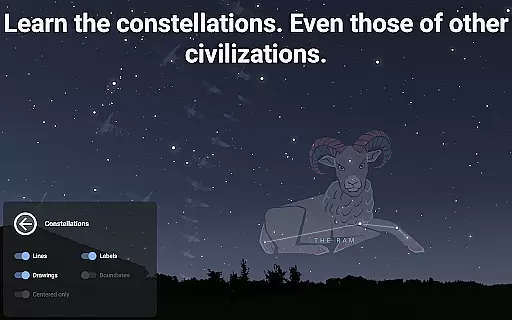
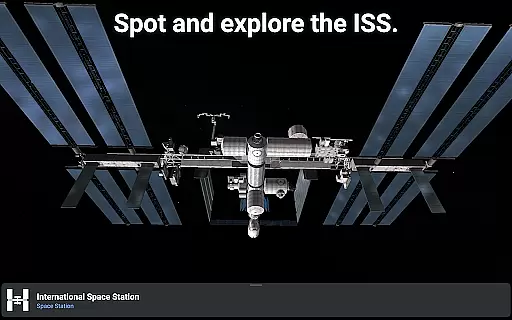
In addition to its vast database of stars and deep-sky objects, the app supports tracking of artificial satellites, including the International Space Station. It also offers 3D renderings of major solar system planets and their moons, allowing users to explore our cosmic neighborhood in detail. The app's support for multiple sky cultures enables users to learn how different civilizations interpreted the constellations, adding an educational layer to its functionality.
For advanced users, Stellarium Plus (available via in-app purchase) unlocks additional features such as telescope control via Bluetooth or Wi-Fi, offline access to a reduced dataset containing millions of stars and objects, and sophisticated observation planning tools. These capabilities make Stellarium Mobile not only an educational resource but also a practical tool for serious astronomical research and observation.
Stellarium Mobile - Star Map stands out in the realm of educational applications due to its commitment to content accuracy and authority. The app provides an accurate night sky simulation that includes stars, planets, and deep sky objects for any date, time, and location. This precision is achieved through the integration of extensive astronomical catalogs, ensuring users receive a reliable and factual representation of celestial bodies.
The application's dedication to authoritative content is further demonstrated by its inclusion of the Gaia DR2 catalog, which boasts over 1.69 billion known stars. Additionally, Stellarium Plus offers access to a combined catalog of more than 2 million nebulas and galaxies, alongside detailed information on all known planets, natural satellites, and comets. Such comprehensive data sets are crucial for users seeking an in-depth understanding of astronomy.
For educational purposes, Stellarium Mobile ensures that learners of all ages can trust the authenticity of the information presented. By simulating realistic sunrises, sunsets, and atmospheric refractions, the app not only educates but also captivates users with true-to-life visual experiences. These features collectively enhance the credibility of Stellarium as a valuable learning tool.
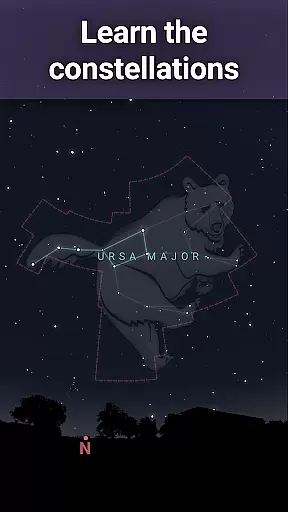
While Stellarium Mobile - Star Map may not offer traditional personalized learning paths like adaptive quizzes or tailored lesson plans, it excels in providing customizable exploration options that cater to individual learning styles. Users can select from various constellation shapes and illustrations representing different sky cultures, allowing them to explore the stars through a cultural lens that resonates personally.
The app's interface supports self-guided discovery, empowering users to set their own pace in learning about celestial objects. With the ability to zoom into high-resolution images of deep sky objects and planetary surfaces, learners can delve deeper into topics that intrigue them most. This freedom to personalize the depth and focus of study fosters a unique educational journey for each user.
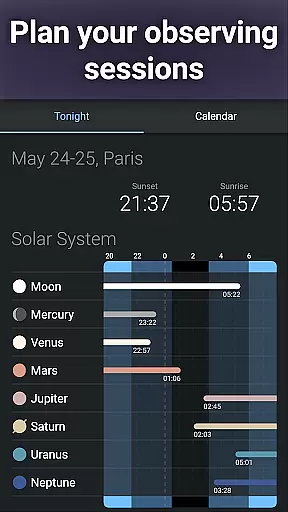
Moreover, advanced observation tools available in Stellarium Plus enable users to prepare observing sessions based on personal interests. Predicting celestial object observability and transit times allows learners to tailor their stargazing experiences according to their preferences and schedule. Through these customizable features, Stellarium Mobile effectively creates personalized learning paths within the field of astronomy education.
User-friendly interface
Accurate sky simulation
Extensive object database
Cultural constellation views
Offline functionality
Premium features costly
Heavy data usage
Complex for beginners
Limited free content
Occasional bugs

An aviator’s preparation, study and test tool for FAA Knowledge Exams.
 3.90
3.90
Turns you phone or tablet into TI graphing calculator (ROM required).
4.20
Bebefinn and Baby Shark educational, animated videos & games for kids
3.40
Latest TLC Practice Questions! Multiple languages available!
4.50
Guitar chord finder, analyzer, smartly visualized theory, progressions, quizzes.
4.70
Master note reading with StaffWars….
4.00
Hasbro’s classic CANDY LAND game is now a gorgeous interactive storybook app.
2.30
School Communication
4.30
Train, track, and reward potty training using Potty with Pull-Ups® ft. Disney®
4.70
Hebrew Vocab
4.90
A fast and fun way to learn guitar - works with any guitar.
4.60
Welcome to the Speak Navajo Language Application - Volume 1
4.50
Intuitive Transformer Lab - By a Lineman, For Linemen & Apprentices
4.50
Study for your 608 certification.
4.50
Learn math, step-by-step
4.30
THE ESTABLISHED "GO TO" ARMY BOARD PREPARATION APP!
4.30
The FE Clock is a way to track sun & moon around the circle of the earth.
4.30
The "Go To" app for Airmen studying for promotion to SSgt and TSgt
4.30
Learn and joke with the Silly Turkey!
4.5




User Reviews