
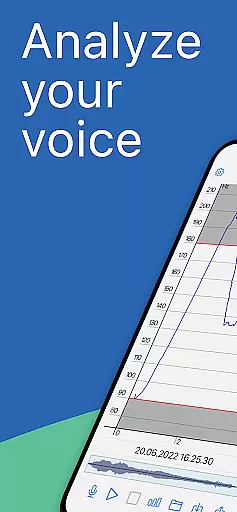
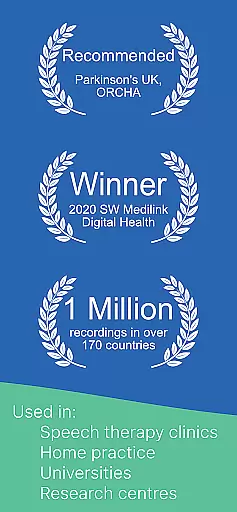
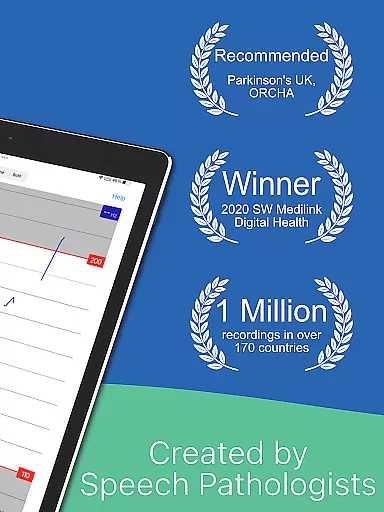
Voice Analyst is a professional-grade medical application designed for real-time voice analysis and speech therapy. This award-winning tool provides instant visual feedback on pitch and volume, making it invaluable for speech-language pathologists (SLPs), individuals with Parkinson's disease, singers, and those undergoing transgender voice therapy. With over 10 million voice recordings analyzed globally, the app has gained recognition from Parkinson's UK and boasts a 4.8-star rating across major countries.
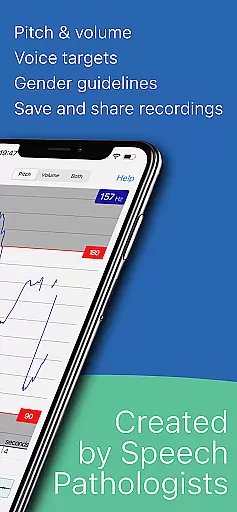
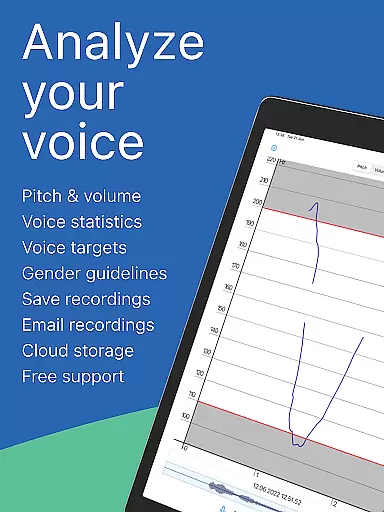
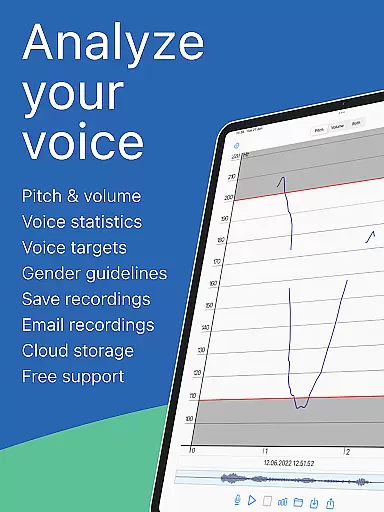
The app's core functionality includes a real-time pitch monitor displaying voice frequency in Hz and musical notes, a volume monitor ideal for LSVT exercises, and a high-quality voice recorder with detailed pitch/volume graphs. These features are complemented by vocal statistics tracking, customizable target setting for therapy or practice, and cloud backup options. Voice Analyst also supports clinical applications such as dysphonia treatment, telehealth sessions, and post-stroke rehabilitation.
For users seeking to improve vocal health or track therapy progress, Voice Analyst offers an intuitive interface and precise analytical tools. Its offline functionality, privacy compliance, and one-time purchase model make it a reliable choice for both professionals and individuals.
Voice Analyst stands out with its comprehensive set of features tailored for various voice-related needs. The app's real-time pitch monitor allows users to visualize their voice frequency in Hz and musical notes, providing immediate feedback during therapy or singing practice. Coupled with the volume monitor, it becomes an essential tool for Parkinson's LSVT LOUD exercises, ensuring users maintain optimal loudness levels.
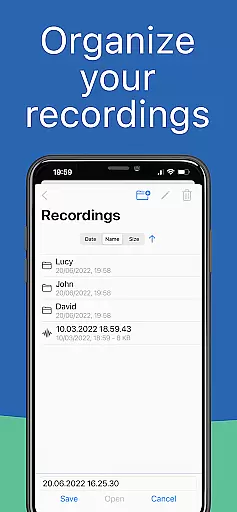
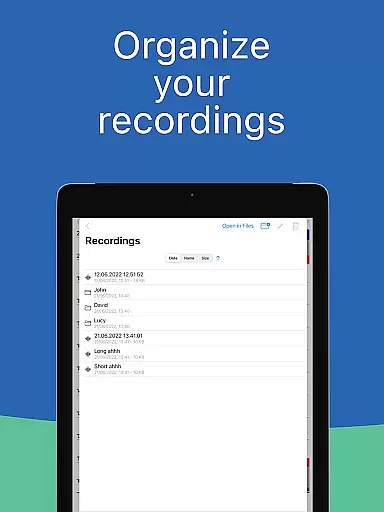
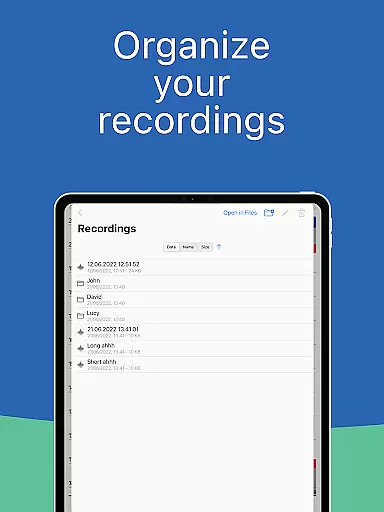
Another key feature is the high-quality voice recorder, which not only captures audio but also generates detailed pitch and volume graphs. This functionality is supported by vocal statistics that document minimum, maximum, and average pitch and volume values, crucial for therapy documentation. Users can set customized voice goals, organize recordings with notes, and zoom into specific sections for precise analysis.
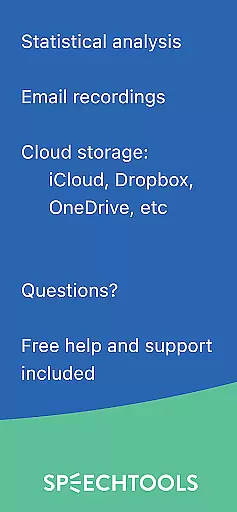
Additional highlights include automatic cloud backup to platforms like Dropbox and Google Drive, data export capabilities for reports in CSV format, and strict adherence to privacy standards such as GDPR and HIPAA. These features collectively empower users to manage their vocal health effectively while maintaining data security.
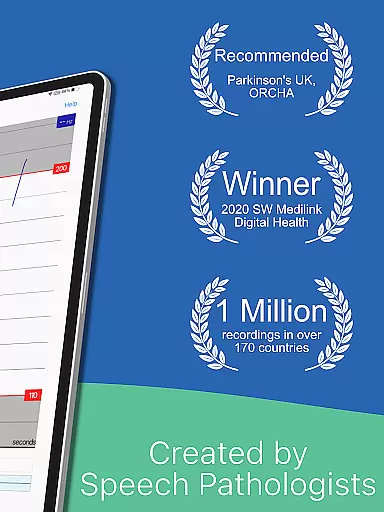
Voice Analyst stands out in the medical app category through its strong emphasis on content credibility and expert validation. The application is trusted by speech-language pathologists (SLPs) across more than 120 countries, underscoring its reliability as a professional-grade tool for voice analysis. Its endorsement by Parkinson's UK and recognition with the Digital Health Award further attest to its authoritative standing in the medical community.
The app provides real-time voice analysis with instant visual feedback, which is crucial for effective speech therapy and vocal training. This feature has been developed under the guidance of medical experts specializing in voice disorders, ensuring that the information delivered to users is both accurate and beneficial. Additionally, the clinical applications have been tailored to meet the needs of professionals dealing with conditions such as Parkinson's disease, dysphonia, and transgender voice therapy.
For users, this means access to a tool that not only monitors pitch and volume but also supports comprehensive therapy documentation and progress tracking. With over 10 million voice recordings analyzed worldwide, Voice Analyst offers data-driven insights that are invaluable for both patients and therapists. The app's commitment to privacy and compliance with GDPR and HIPAA regulations ensures that sensitive health information remains secure, enhancing user trust and confidence.
In the realm of teleconsultation, Voice Analyst excels by offering features that facilitate remote therapy sessions with high-quality voice analysis. The app's ability to share recordings with SLPs or vocal coaches allows for seamless integration into telehealth practices, making it an indispensable tool for modern healthcare delivery. This functionality is particularly beneficial for ongoing treatments like LSVT LOUD therapy for Parkinson's disease, where consistent monitoring is essential.
Voice Analyst's real-time pitch and volume monitoring capabilities ensure that therapists can provide precise feedback even when they are not physically present with their clients. The detailed vocal statistics generated by the app enable professionals to track therapy progress accurately and adjust treatment plans accordingly. Furthermore, the cloud backup feature and data export options allow for easy sharing of session outcomes and reports, streamlining communication between patients and healthcare providers.
By supporting telehealth sessions and patient homework assignments, Voice Analyst bridges the gap between in-person consultations and remote care. Its use of advanced technology to deliver accurate and actionable insights makes it a preferred choice among medical practitioners. As a result, patients receive continuous and effective support, improving overall therapy outcomes and enhancing the quality of teleconsultations.
Real-time pitch monitoring
High-quality voice recording
Customizable therapy goals
Cloud backup integration
Privacy-focused design
One-time purchase cost
Advanced features may overwhelm beginners
Limited free version availability
Requires manual data export
No built-in social sharing

Easy telehealth appointments + urgent care
 4.70
4.70
Hearing aid app for Android solves your hearing problems.
4.00
The MDLIVE app makes connecting with a doctor fast, easy, and convenient.
4.60
Good for You. Great for Life.
4.00
Your pocket guide to following The Monash University Low FODMAP diet.
4.20
Access health information and communicate with your care team anytime, anywhere.
4.80
Anthem/Wellpoint and other health insurance plans
4.60
Continuous Glucose Monitoring
3.40
MyChart for Android
4.50
The NightOwl Companion app allows you to interact with the NightOwl sensor.
4.70
Enables quick access to medical data and contacts in case of emergency (ICE)
4.70
Medication reminder, Medicine list, Trackers for BP, glucose, weight, water, etc
4.70
The doctor will see you now
4.70
Adaptive-learning flashcards and quizzes for the Top 250 Drugs
4.60
ASCCP Management Guidelines- There’s an app for that!
4.60
Personalized hearing experience and health data tracking
4.50
Control your hearing aids discreetly with the touch of a finger
4.30
MySafeRide simplifies booking and managing rides for health plan members.
3.50
Care Simplified by MyChart
3.40




User Reviews