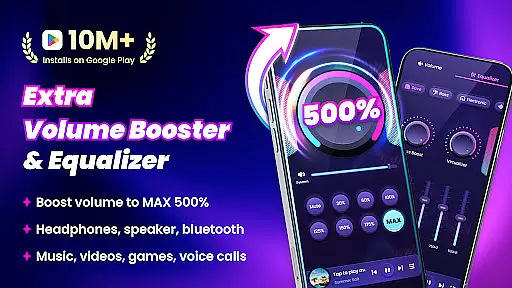
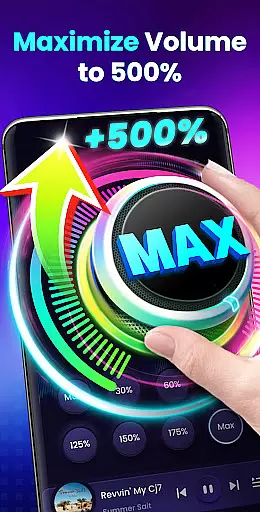
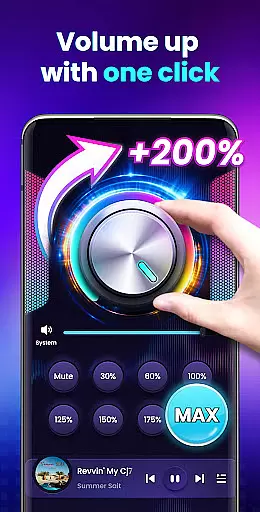
Volume Booster - Sound Booster is a powerful audio enhancement application designed for Android users who desire louder sound output from their devices. This app allows you to amplify your system volume up to 200%, surpassing the standard maximum limit, making it ideal for music playback, video streaming, gaming, and more.
The application not only boosts the overall volume but also maintains sound quality, ensuring an immersive listening experience. With features like stereo surround sound effect, music spectrum visualization, and support for background operation, this app transforms your device into a portable speaker system while providing intuitive controls through widgets and the notification bar.
Whether you're at home or on-the-go, Volume Booster - Sound Booster ensures that you never miss a beat due to low volume levels. Its user-friendly interface and customizable sound modes make it accessible for all types of users, enhancing both media consumption and communication experiences.
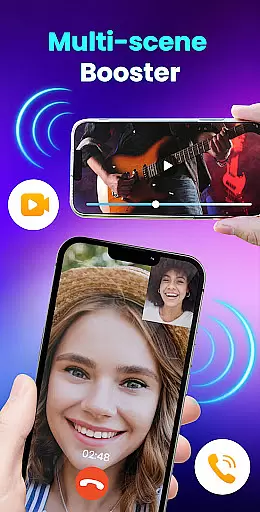
Volume Booster - Sound Booster offers a comprehensive suite of features tailored to enhance your audio experience. The app's primary function is its ability to increase all types of volumes on your device, including music, movies, audiobooks, alarms, and ringtones, without compromising sound quality. This makes it versatile for various use cases, from entertainment to personal alerts.
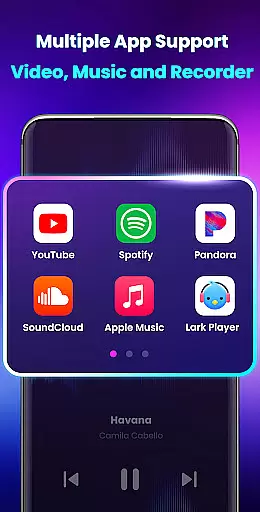
In addition to volume amplification, the app includes a built-in music player with controls that display album covers, song titles, and artist information. Users can play, pause, and skip tracks directly within the app. The inclusion of eight distinct sound modes enables quick adjustments to specific volume levels with a single tap, while the stereo surround sound effect enriches the auditory experience.
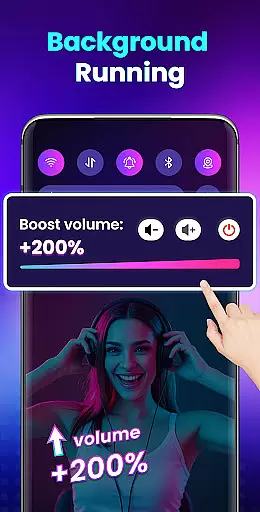
For convenience, Volume Booster - Sound Booster supports widget and notification bar controls, allowing users to adjust settings without opening the app. It operates seamlessly in the background and even when the screen is locked, ensuring uninterrupted audio enhancement. These features collectively provide a robust solution for anyone seeking to elevate their device's sound output safely and effectively.
Volume Booster - Sound Booster offers an extensive music library that caters to a wide range of preferences. The app ensures that all tracks are properly licensed, providing users with peace of mind regarding copyright issues.
The vast collection includes various genres, ensuring there's something for everyone. Whether you're into classical symphonies or modern electronic beats, the app has got you covered.
Moreover, the application updates its library regularly, adding new songs and albums to keep the content fresh and engaging for its users.
By prioritizing legal compliance and offering a diverse selection, Volume Booster - Sound Booster not only enhances your listening experience but also supports artists by respecting intellectual property rights.
One of the standout features of Volume Booster - Sound Booster is its ability to enhance audio quality without distortion. Users can enjoy crystal-clear sound even when the volume is boosted up to 200% above the device's standard maximum level.
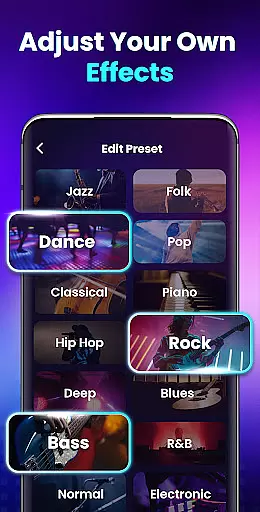
The app provides multiple sound modes, allowing for customization according to personal preference or specific media types like music, movies, or audiobooks. This flexibility ensures optimal auditory enjoyment across different scenarios.
In addition to boosting volume, the app maintains high-fidelity audio output, preserving the nuances of original recordings while delivering powerful amplification.
With intuitive controls and support for stereo surround effects, Volume Booster - Sound Booster delivers an immersive listening experience that satisfies both casual listeners and audiophiles alike.
Increases volume up to 200%
Maintains high sound quality
Intuitive user interface
Comprehensive sound modes
Background operation supported
No iOS version available
May drain battery faster
Potential hearing risk if misused
Limited advanced equalizer settings
Interface design could be outdated

More downloads than any other metronome. Includes drum machine & tempo trainer.
 4.80
4.80
Visualize the guitar fretboard, master scales & play through changes like a pro!
4.50
Listen radio AM / FM Stations. Live AM / FM Radio App Station. Radio Com.
4.70
Play your hearts out on TouchTunes jukeboxes & connect with fellow music lovers.
4.80
Help you quickly get started with Shokz headphones
4.40
Play KORG’s revolutionary touch-based instrument on a variety of devices.
4.40
Sing, record, and create music together — enhanced by smart voice tools.
4.00
Travel To The Music Universe
3.40
Customize Your Favorite Songs and Videos with booster.
4.70
Brian Eno and Peter Chilvers’ acclaimed music app Bloom, radically reinvented.
4.80
Offline Music Player & MP3 Player.Powerful equalizer, Lyrics, Themes, Tag Editor
4.80
Unleash your creativity! Turn simple prompts into full fledged songs.
4.70
Learn the notes on the guitar fretboard fast with this easy and fun app
4.60
Time Guru will strengthen your internal sense of musical time via random muting.
4.30
Advanced 10-Band Audio Graphic Equalizer Sound Booster Pro
4.30
The alternative folder based music player.
4.20
The original SP-1200 experience on your iPad
4.20
Offline and always ad-free - stream in the highest quality available.
4.10
Powerful beat maker & DJ mixer to remix tracks, make music, & perform DJ mix
3.70




User Reviews