
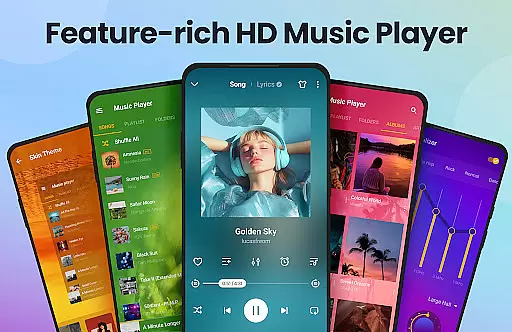
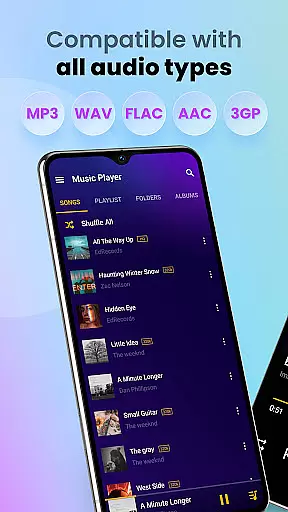
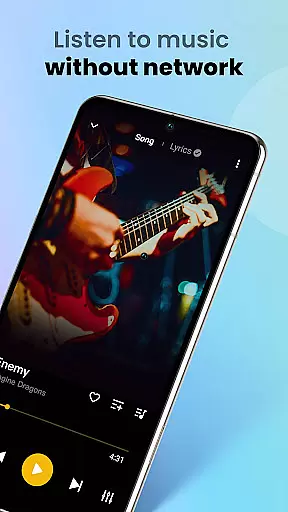
Music Player & MP3 Player is a feature-rich audio player designed for Android users who appreciate high-quality sound and versatile functionality. This app supports all major audio formats including MP3, MIDI, WAV, FLAC, AAC, and APE, providing an exceptional listening experience without the need for internet connectivity.
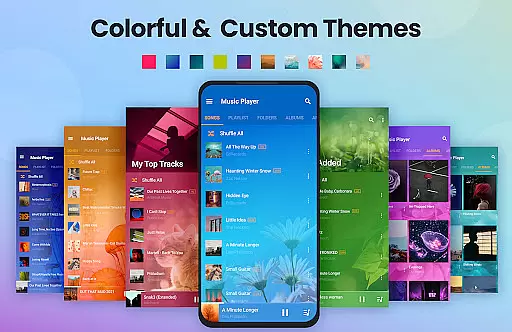
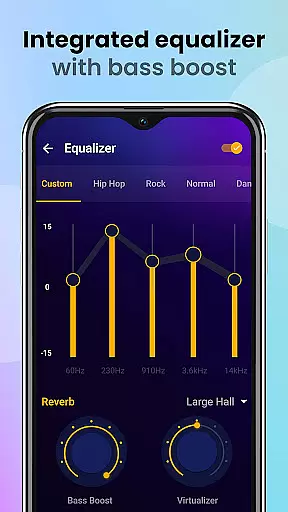
The built-in equalizer with bass boost and reverb effects enhances your music enjoyment, while the stylish user interface offers customizable themes to suit your preferences. Whether you're organizing your music library, creating custom playlists, or using the sleep timer during workouts, this offline music player delivers comprehensive tools for managing your audio collection.
Ideal for daily commutes or focused study sessions, Music Player & MP3 Player combines powerful features with intuitive controls, making it an essential app for any music enthusiast's device.
Music Player & MP3 Player stands out with its comprehensive feature set tailored for audiophiles. The app's support for all major audio formats ensures you can play any music file in your collection, while the advanced equalizer with bass boost and reverb effects lets you fine-tune your listening experience.
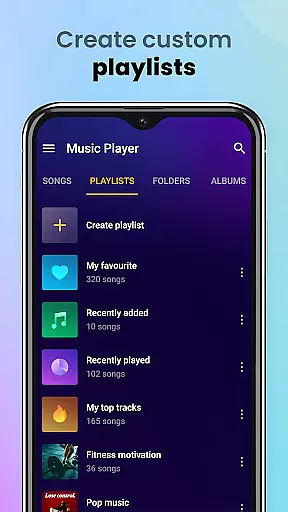
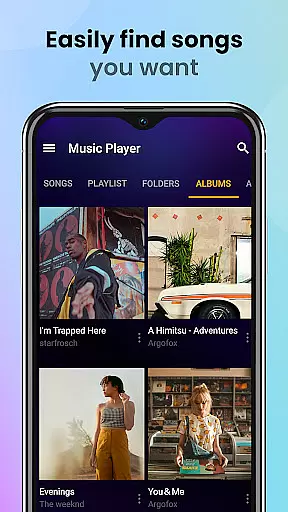
Organization tools are another key strength of this music player. You can browse songs by artist, album, folder, or create custom playlists. The automatic scanning feature keeps your library up-to-date, while the search function helps you quickly find specific tracks. Additional practical features include lock screen controls, notification bar playback, and ringtone setting capabilities.
What sets this audio player apart is its thoughtful design combining functionality with aesthetics. The customizable themes, widget support, and various playback modes (shuffle, order, loop) demonstrate the developer's attention to detail. These features, combined with practical tools like sleep timer and offline playback, make Music Player & MP3 Player a complete solution for managing and enjoying your music collection.
Music Player & MP3 Player offers an extensive music library that supports all major audio formats including MP3, MIDI, WAV, FLAC, AAC, and APE. This ensures that users can enjoy a vast range of music without worrying about compatibility issues.
The application focuses on playing local files, which means users have full control over their music collection's copyright authenticity. By managing their own music libraries, users ensure that all content is legally obtained and owned.
With the ability to automatically scan and organize all audio files on an Android device, this app simplifies music management. Users can easily create playlists, favorite songs, and search for tracks using keywords, enhancing their overall music experience.
Featuring a powerful equalizer with bass boost and reverb effects, Music Player & MP3 Player enhances the audio quality of each track. Users can customize sound settings to match their preferences or choose from preset options for optimized listening.
This MP3 player not only plays songs in high quality but also allows users to set songs as ringtones directly within the app. The option to play music offline ensures that audio quality remains uncompromised by internet connectivity issues.
Additional features such as sleep timer, lock screen controls, and widget support contribute to a seamless user experience. These functionalities allow users to manage playback effortlessly while enjoying superior sound fidelity across various scenarios.
User-friendly interface
High-quality audio playback
Comprehensive format support
Advanced equalizer settings
Customizable themes
No streaming service integration
Limited social sharing options
Basic playlist management
Occasional performance issues
Ads in free version

Over 100 million tracks available for high quality streaming and download
 4.60
4.60
The Music Journey in Your Hands
4.30
DJ Music Mixer - DJ Remix: remix songs, make beat music & record mix of DJ.
4.40
Advanced 10-Band Audio Graphic Equalizer Sound Booster Pro
4.30
Play your hearts out on TouchTunes jukeboxes & connect with fellow music lovers.
4.80
Music, News & Sports Radio Tuner App. Tune in Live FM & AM Radio Stations.
4.80
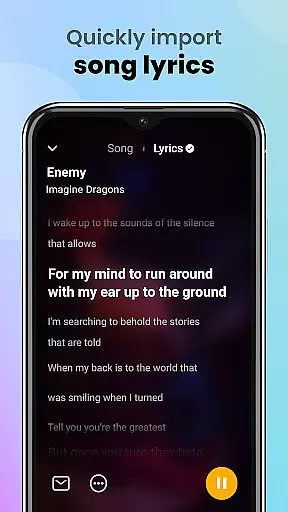
Offline Music Player&MP3 Player with themes, equalizer, lyrics, music play mode
4.60
Turn your Android phone into a professional audio analyser with up to 120 bands.
4.00
One-tap booster for max volume - enjoy powerful sound with this audio booster
4.50
Full-featured, High-Quality Groovebox Workstation, perfect for Live Performance!
4.80
Gorgeous UI, Powerful music Search and Equalizer, the great choice for you!
4.70
Listen to live FM radio stations, sports, music and news on global radios online
4.70
Walkout Song DJ is the most intuitive app to manage your sports music.
4.70
Super Sound Editor, Song Maker & Mixer, Vocal Remover, Voice Recorder & Changer!
4.60
Play KORG’s revolutionary touch-based instrument on a variety of devices.
4.40
The ultimate media player for Android devices
3.90
Background pads for your band
3.80
Learn to play the piano using falling notes!
3.80
The Cubase remote control app
3.60



User Reviews