
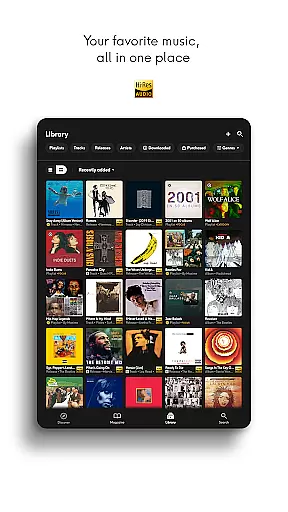
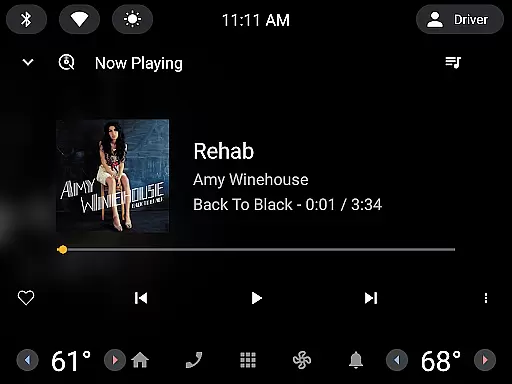
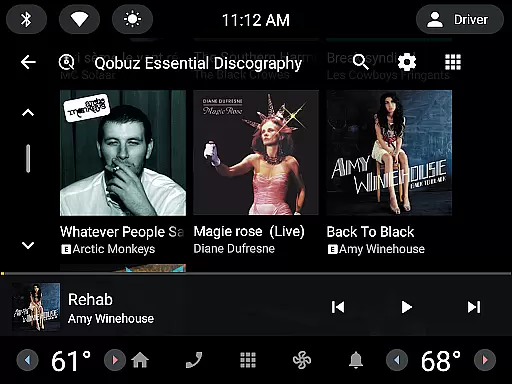
Qobuz is a premier music streaming and editorial platform that offers an unparalleled listening experience. With over 100 million tracks available in high-resolution and CD-quality audio, it stands out as the only service providing both streaming and Hi-Res downloads. The platform also features expertly curated playlists, exclusive editorial content, and articles crafted by seasoned music experts.
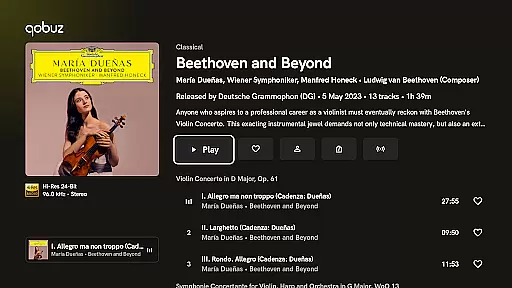
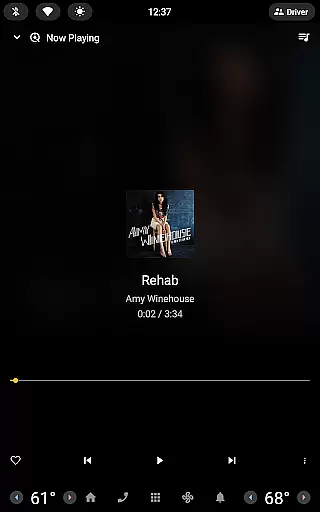
Users can enjoy Qobuz across all devices, including offline mode, ensuring music is accessible anytime, anywhere. Its sophisticated background player allows for uninterrupted playback, controllable via Android notifications. Additionally, Qobuz enriches users' musical knowledge with digital booklets and detailed album information, making it an essential tool for audiophiles and casual listeners alike.
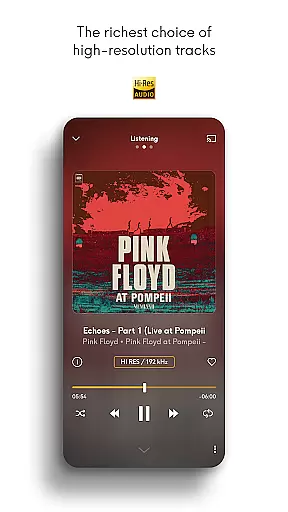
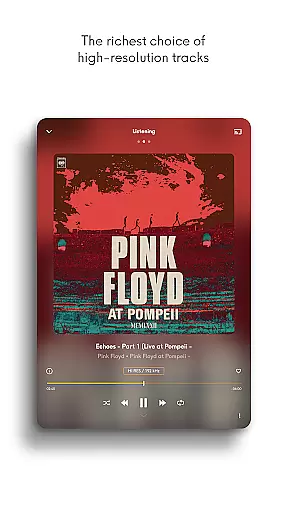
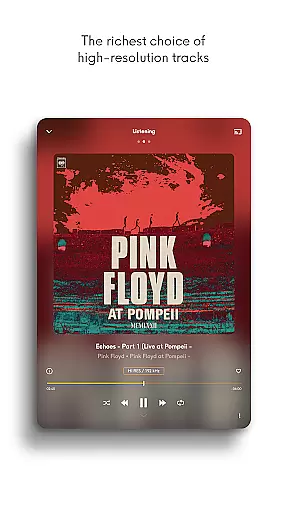
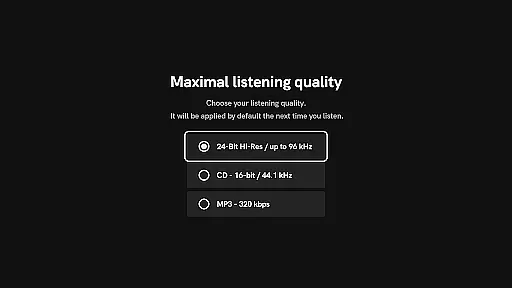
Qobuz boasts a range of distinctive features designed to enhance the user's auditory and educational experience. One standout feature is its high-fidelity sound options, offering lossless/CD quality (FLAC 16-Bit/44.1 kHz) and Hi-Res audio (24-Bit encoded sound up to 192 kHz), delivering studio-grade music straight to the listener.
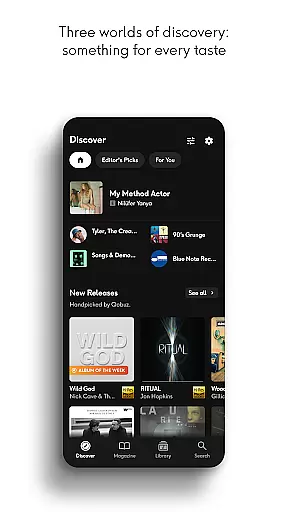
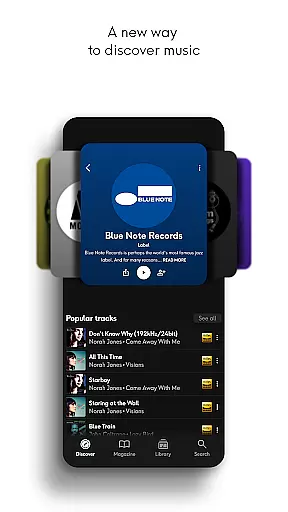
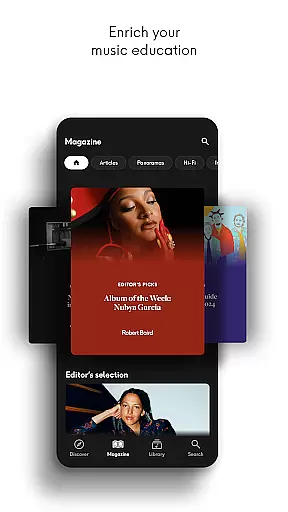
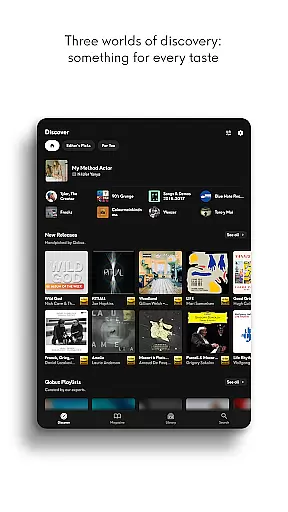
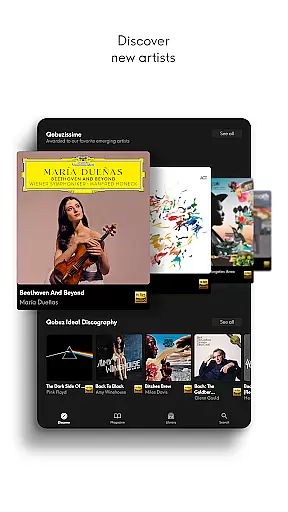
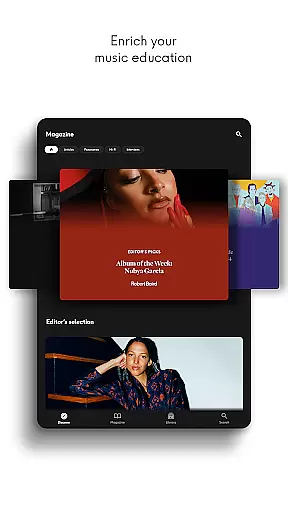
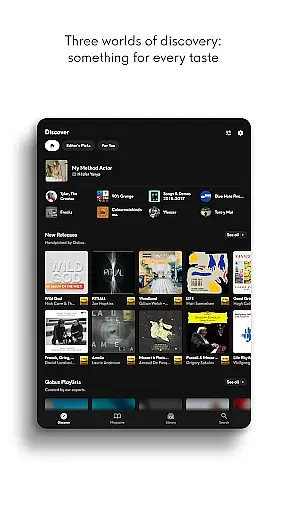
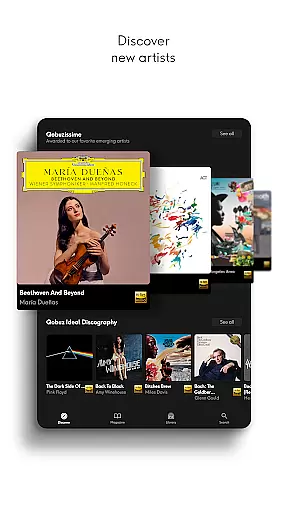
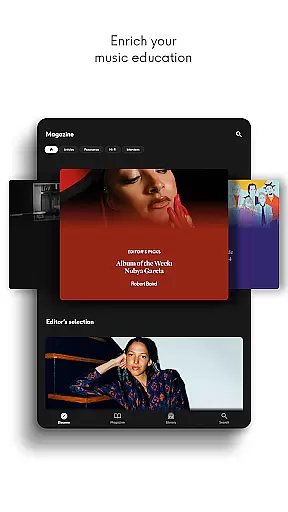
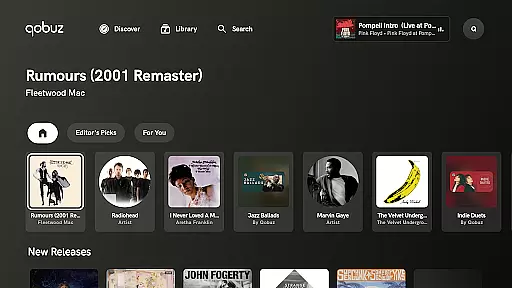
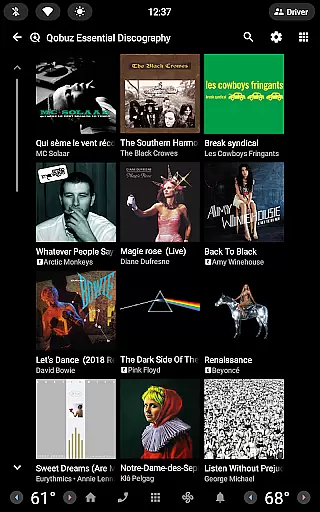
The Discover page simplifies music exploration with unique editorial content such as news articles, artist interviews, and deep dives into genres or periods. Users benefit from a clean interface, simplified navigation, and dedicated search functionalities within the magazine section. Furthermore, Qobuz Connect ensures seamless integration with Hi-Fi equipment, maintaining top-tier sound quality across various devices.
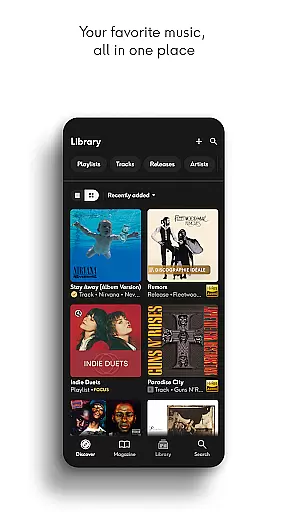
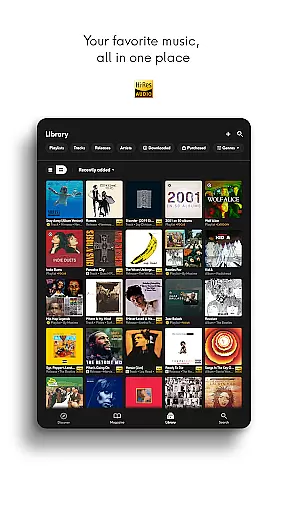
Qobuz offers an extensive music library with over 100 million tracks available in high resolution and CD quality. This vast collection ensures that users have access to a wide variety of music genres, from classical to contemporary hits.
The platform is committed to copyright authenticity, providing users with legally acquired music. Qobuz works directly with labels and artists to ensure all content is properly licensed, giving users peace of mind while enjoying their favorite tunes.
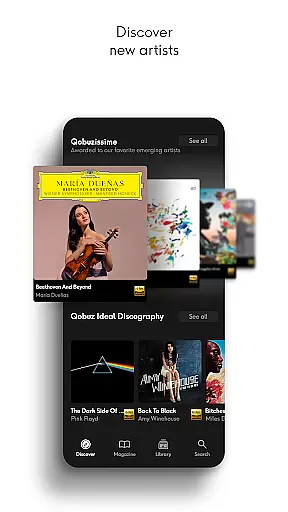
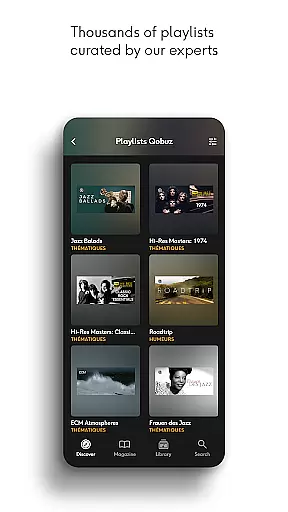
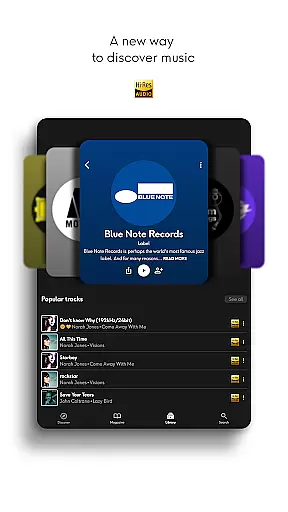
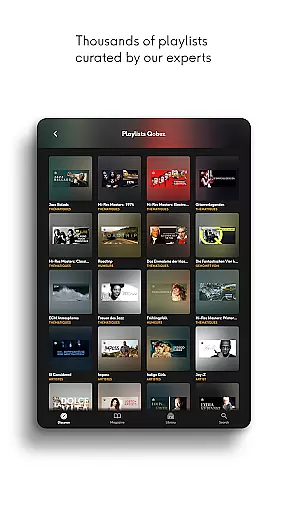
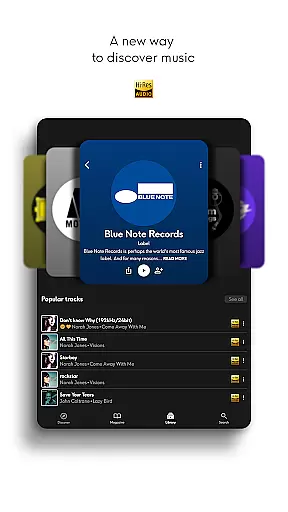
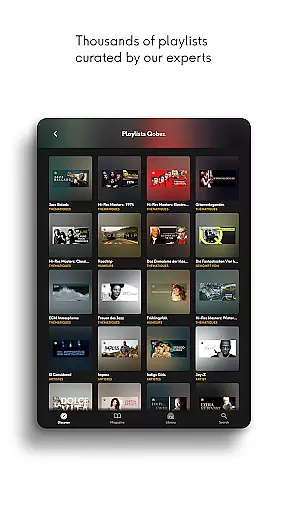
With thousands of human-curated playlists and original editorial articles written by experts, Qobuz enriches the listening experience. These curated selections help users discover new music and delve deeper into their favorite genres.
Additionally, Qobuz stands out as the only platform offering both music streaming and downloads in Hi-Res, making it a top choice for audiophiles who demand the best sound quality.
Qobuz provides exceptional audio quality options, allowing users to enjoy music in lossless/CD quality (FLAC 16-Bit/44.1 kHz) and Hi-Res quality (24-Bit encoded sound up to 192 kHz). This ensures an unparalleled listening experience, capturing every detail of the original recording.
The platform supports various high-quality audio formats, catering to different preferences and equipment capabilities. Whether you're using high-end headphones or a home stereo system, Qobuz delivers pristine sound that meets the demands of even the most discerning listeners.
Furthermore, Qobuz is compatible with major wireless listening devices such as Chromecast, Airplay, and Roon, ensuring seamless integration with your existing audio setup. This compatibility extends to prestigious Hi-Fi brands, guaranteeing optimal performance across a range of devices.
By prioritizing audio quality, Qobuz not only enhances the listening experience but also supports the appreciation of music as an art form, bringing users closer to the authentic sound intended by artists and producers.
High-quality audio streaming
Extensive music library
Expert-curated playlists
Exclusive editorial content
Cross-device compatibility
Higher subscription cost
Limited free content
Complex interface for beginners
Fewer mainstream hits
Requires good internet for Hi-Res

Pay Once, no monthly payment
 4.60
4.60
Performance-Synthesizer & Multi-Track-Sequencer, polyphonic + multi timbral!
4.70
Full-featured, High-Quality Groovebox Workstation, perfect for Live Performance!
4.80
Enhance the sound quality of your devices, listen to what you want
4.50
Save hundreds of dollars for a physical strobe tuner and instead use this app.
4.50
24,000 free audio books and no ads!
4.90
Play KORG’s revolutionary touch-based instrument on a variety of devices.
4.40
One-tap booster for max volume - enjoy powerful sound with this audio booster
4.50
Melody Beat: Great for travel, workouts, offline vibes, play your tunes anytime.
4.10
Tune in to the greatest hits on UK Radio | The home of Capital, Smooth & Heart.
4.90
Your song collections with lyrics and chords on Android smartphones and tablets.
4.80
Play your hearts out on TouchTunes jukeboxes & connect with fellow music lovers.
4.80
Listen to live FM radio stations, sports, music and news on global radios online
4.70
Visualize the guitar fretboard, master scales & play through changes like a pro!
4.50
The Music Journey in Your Hands
4.30
Versatile MP3 recorder with auto-backup to Dropbox and Google Drive
4.10
Slow music down without changing pitch.
3.70
Simple mp3 and mp4 player with advanced features.
3.40
Simply convert wav to mp3. Clear. Reliable. Safe.
4.0









User Reviews