
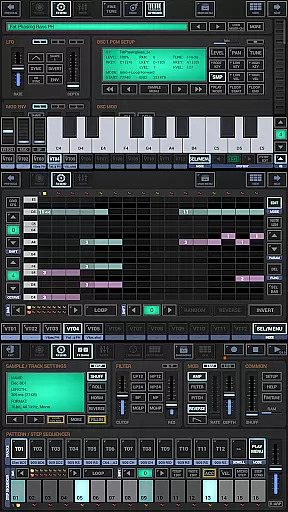
G-Stomper Studio is a comprehensive music production tool optimized for electronic live performances in studio quality. This feature-packed application combines a step sequencer-based drum machine, a sampler, and the VA-Beast synthesizer to deliver an ultimate mobile music creation experience. Users can produce complex synthetic sounds with impressive studio quality through its intuitive interface.
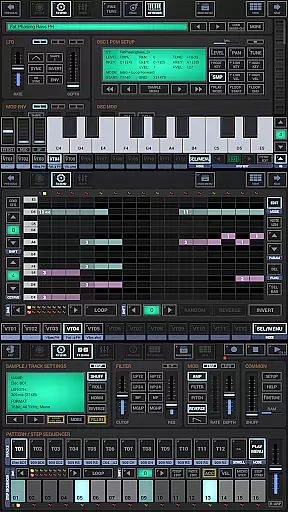
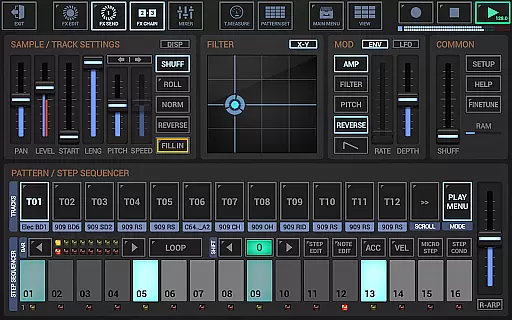
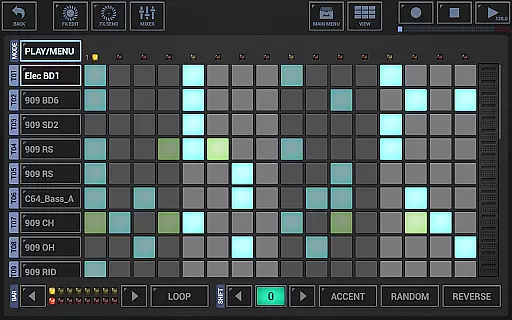
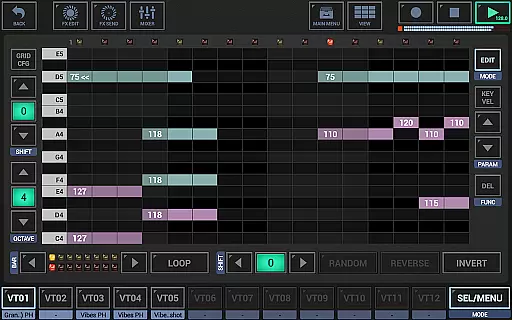
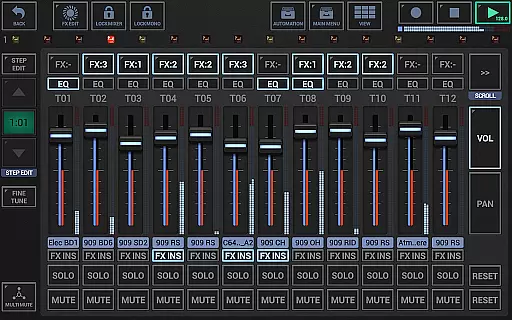
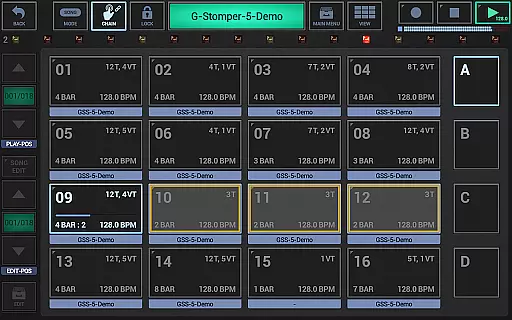
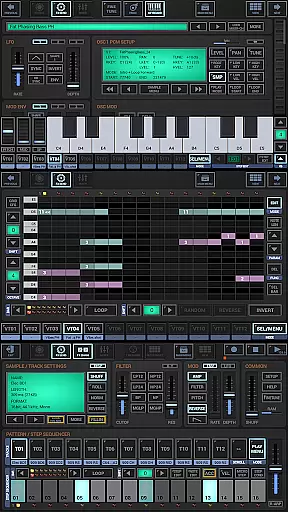
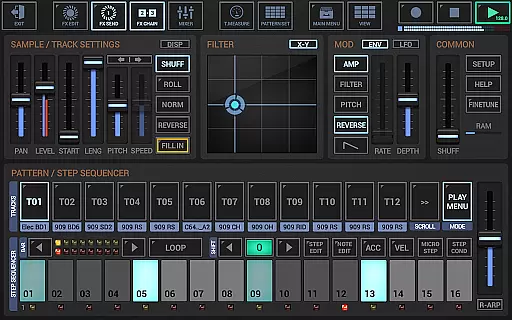
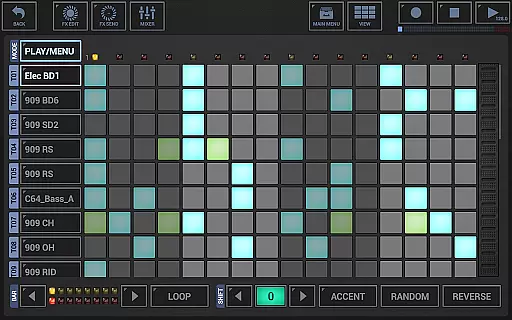
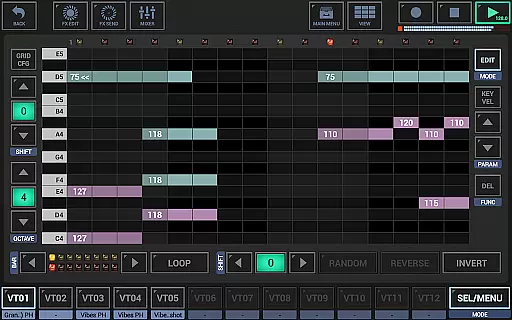
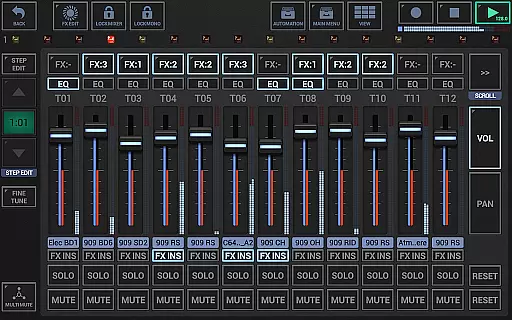
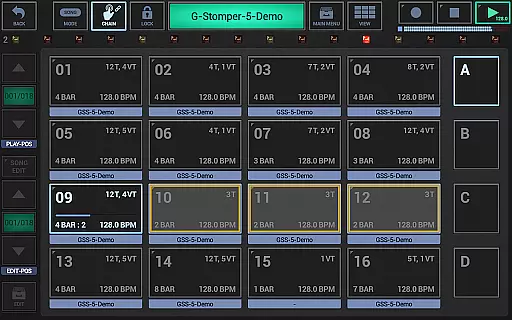
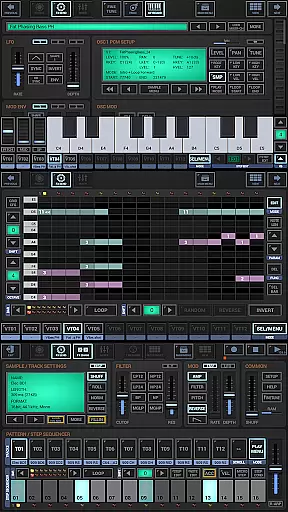
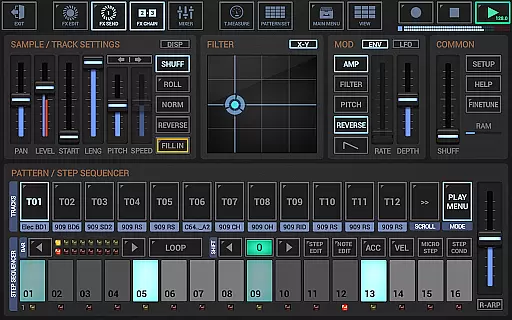
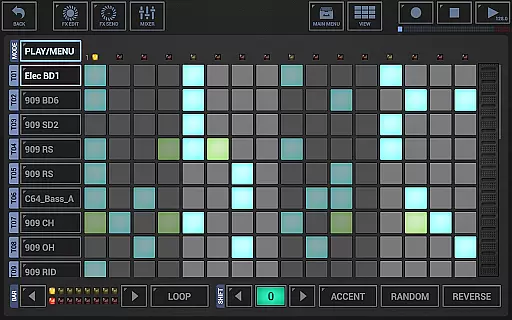
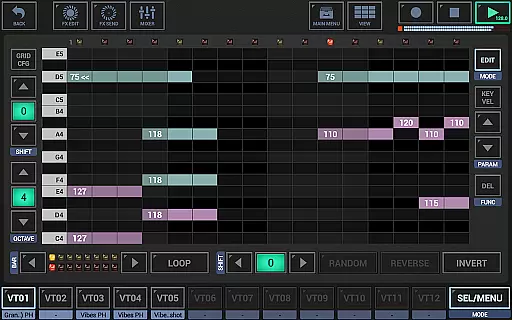
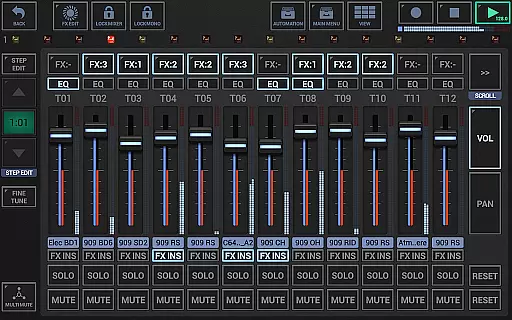
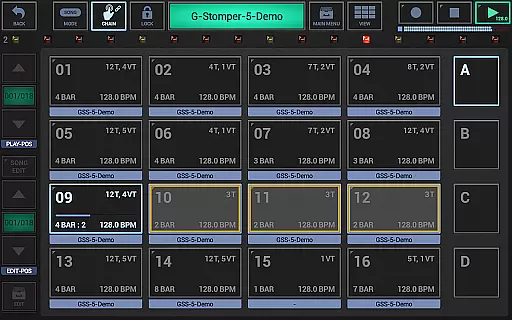
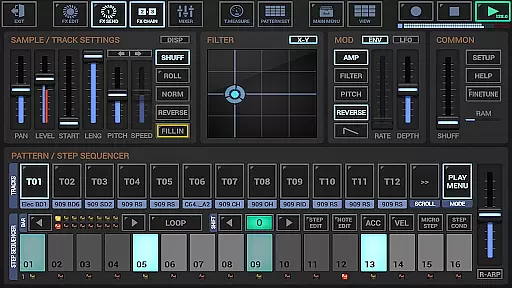
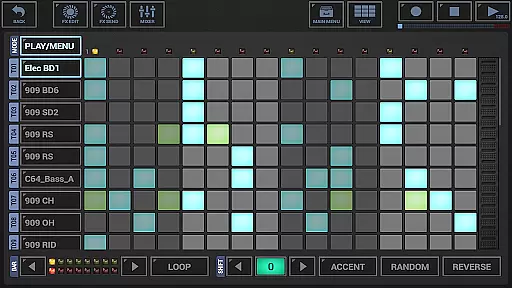
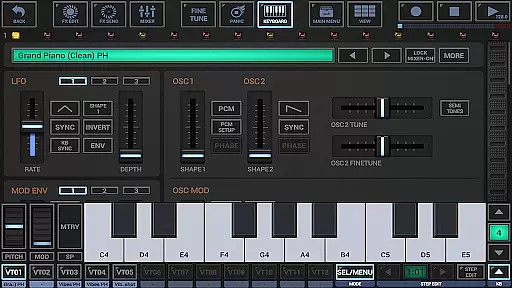
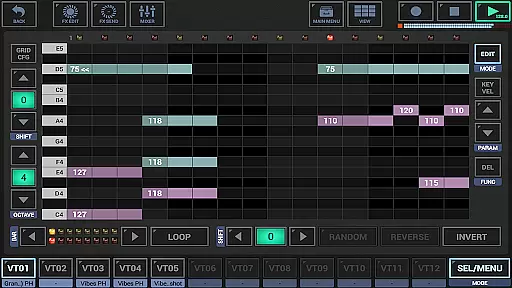
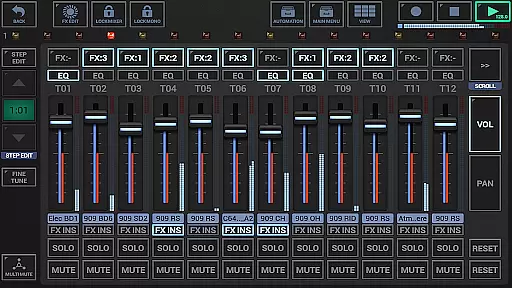
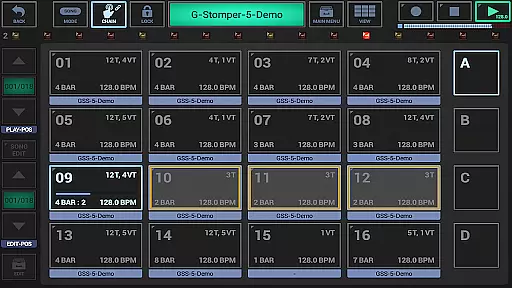
The app includes a polyphonic and monophonic step sequencer for melodies, a track grid sequencer for beats, a piano keyboard, 24 drum pads, an effect rack, a master section, a line mixer, and a live pattern/song arranger. Whether you are an experienced sound designer or a beginner, G-Stomper Studio allows you to create your own music wherever you are, making it an essential tool for musicians on the go.
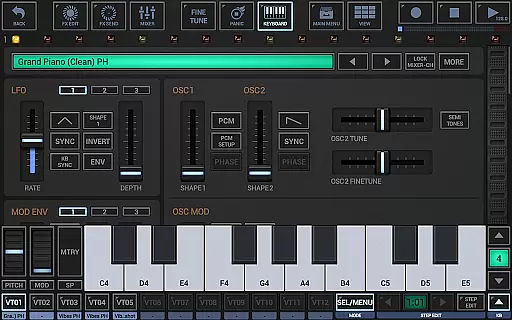
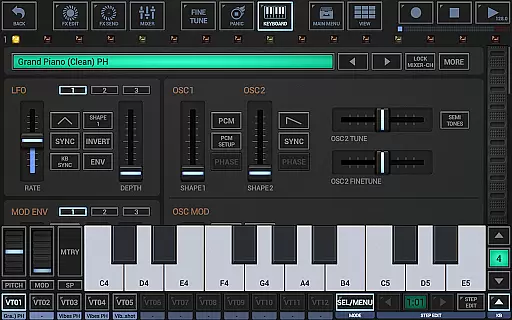
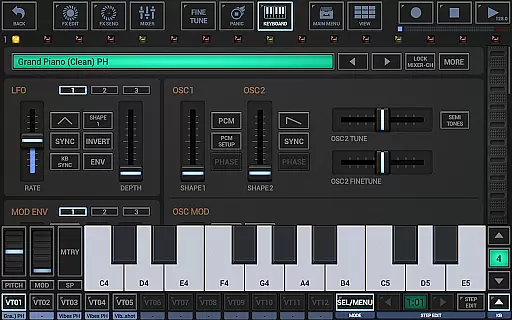
G-Stomper Studio offers a wide array of features that cater to both beginners and professional music producers. The integrated VA-Beast synthesizer supports advanced FM synthesis and waveform-based synthesis, enabling users to design their own sounds or explore factory presets. With up to 24 tracks available in the drum machine and sequencers, users have extensive creative control over their compositions.
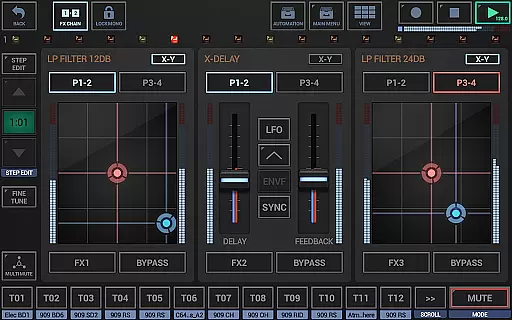
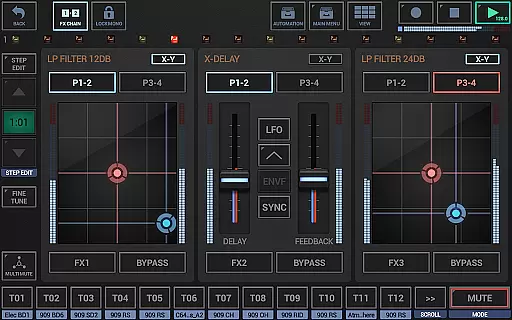
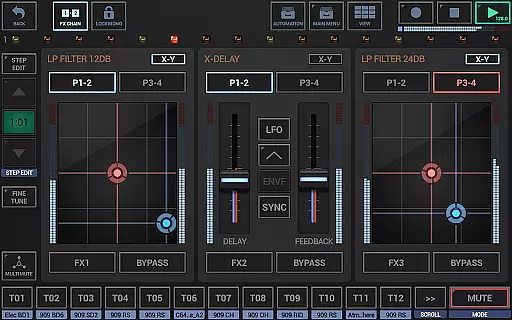
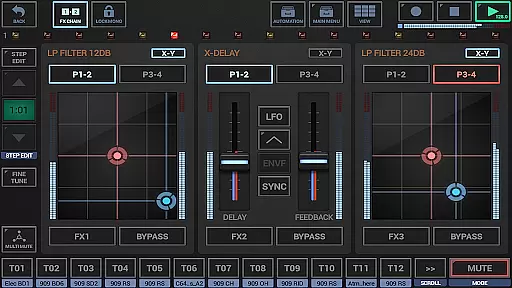
The app also provides a full round-trip MIDI integration, high-quality audio engine with 32-bit float DSP algorithms, and 47 effect types including dynamic processors, resonant filters, distortions, delays, reverbs, and vocoders. Additionally, real-time sample modulation and motion sequencing/automation support enhance the depth of sound manipulation possible within the app.
For those seeking more, the full version unlocks WAV file export, real-time audio recording of live sessions, and the ability to export patterns as MIDI files. These features make G-Stomper Studio not just a performance tool but also a powerful environment for refining and sharing musical ideas.
G-Stomper Studio offers an extensive music library that caters to a wide array of musical genres and styles. The inclusion of a polyphonic virtual analog synthesizer, the VA-Beast, allows users to produce complex synthetic sounds with impressive studio quality. This vast sound library is not just about quantity but also the richness and diversity of the soundscapes available.
Regarding copyright authenticity, G-Stomper Studio ensures that all its factory sounds and user-imported samples comply with legal standards. Users can import their uncompressed WAV or AIFF files, as well as compressed MP3, OGG, and FLAC formats, knowing they are supported within a framework that respects copyright laws. This feature provides peace of mind for creators who wish to share or monetize their music.
The app's dedication to copyright compliance extends to its export functionalities. With the ability to export WAV files and MIDI patterns, users can confidently transfer their creations to digital audio workstations for further production or sharing. These features emphasize the app's commitment to original content creation while safeguarding intellectual property rights.
Moreover, the support for additional content-packs in the full version enhances the music library's extensibility. This means users can legally expand their sound options, ensuring that their music production remains fresh and diverse. Such dedication to copyright authenticity empowers musicians to explore new creative avenues without legal concerns.
Audio quality is paramount in music production, and G-Stomper Studio excels in delivering pristine sound through its high-quality audio engine. Utilizing 32-bit float DSP algorithms, the app ensures that every note and beat is captured with clarity and precision, providing an immersive experience for both producers and listeners.
The app supports various audio formats, allowing users to integrate their samples seamlessly. Whether working with uncompressed WAV or AIFF files up to 64-bit or compressed formats like MP3, OGG, and FLAC, G-Stomper maintains the integrity of each sound. This versatility in format compatibility enables producers to achieve the desired audio fidelity without compromise.
G-Stomper Studio also offers comprehensive export options, reinforcing its commitment to audio quality. Users can export their tracks in multiple resolutions, from 8-bit up to 32-bit and sample rates up to 96kHz. This flexibility ensures that final outputs meet professional standards, suitable for playback on any device or further processing in other digital audio workstations.
In addition to its robust audio engine, the app includes 47 effect types such as dynamic processors, resonant filters, distortions, delays, reverbs, and vocoders. These tools, combined with sidechain support, tempo sync, LFOs, and envelope followers, provide users with everything needed to refine their sound. Such attention to detail in audio quality options makes G-Stomper Studio an indispensable tool for discerning music producers.
Comprehensive music creation suite
High-quality audio engine
Intuitive user interface
Extensive MIDI support
Versatile sound design capabilities
Complex for beginners
Resource-intensive
Additional cost for full version
Limited free features
Requires good hardware

Tune in to the greatest hits on UK Radio | The home of Capital, Smooth & Heart.
 4.90
4.90
Control your MIDI USB or Bluetooth devices in app and avoid some trampling
3.30
Walkout Song DJ is the most intuitive app to manage your sports music.
4.70
Enhance the sound quality of your devices, listen to what you want
4.50
Bass Booster & Volume Equalizer Pro improves your music and video sound quality
4.60
Play KORG’s revolutionary touch-based instrument on a variety of devices.
4.40
Manage your Sonos system directly from your home-screen!
4.40
Versatile MP3 recorder with auto-backup to Dropbox and Google Drive
4.10
Get alarms that fit your lifestyle and wake up to the sounds you love.
4.80
Responsive piano with great sounds, graphics, and songs
4.80
More downloads than any other metronome. Includes drum machine & tempo trainer.
4.80
Pay Once, no monthly payment
4.60
Recording studio w/ 10k beats, pro vocal FX and a network of 20M rappers & fans!
4.60
Fun & Easy Voice Changer – Record, Edit & Add Hilarious Effects!
4.50
Help you quickly get started with Shokz headphones
4.40
Your HD audio recorder on the go for music, meetings, ambience, animal sounds…
4.30
Sing, record, and create music together — enhanced by smart voice tools.
4.00
The only true audiophile music player with Hi-Fi audio rendering and DSP engine
3.90
Remove ads permanently from Music Visualizer
4.2



User Reviews