
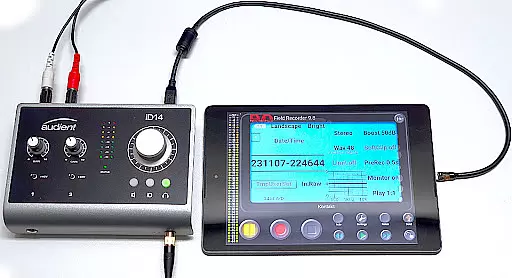
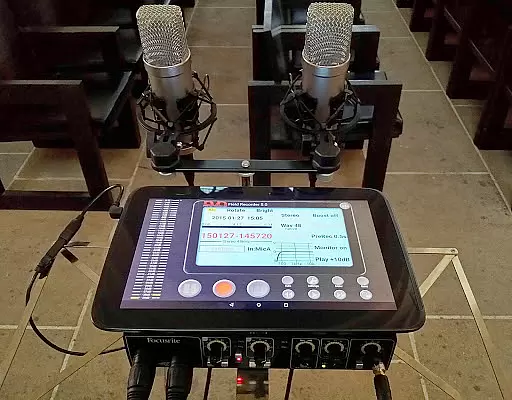
Field Recorder transforms your mobile device into a versatile audio recording tool, perfect for capturing high-quality sound on the go. With support for built-in and external microphones as well as USB sound cards, it offers professional-grade recording capabilities in a portable package.
The app provides extensive audio controls including equalizers, limiters, and various filters that allow users to fine-tune their recordings. Whether you're recording band rehearsals, lectures, or ambient sounds, Field Recorder ensures excellent audio quality with adjustable parameters and presets for different scenarios.
Ideal for audio professionals and enthusiasts alike, this app enables immediate sharing of recordings post-capture. From sending concert clips to friends to uploading podcasts online, Field Recorder is an indispensable tool for anyone needing reliable mobile audio solutions.
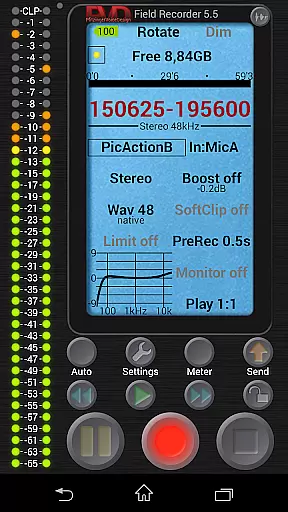
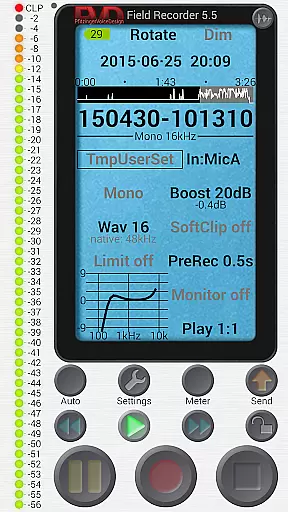
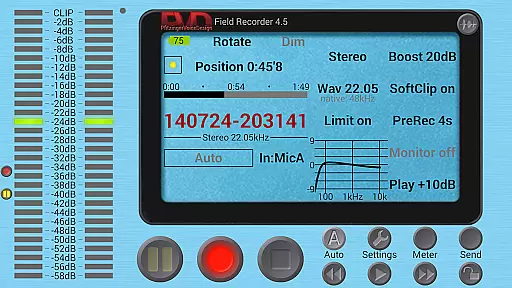
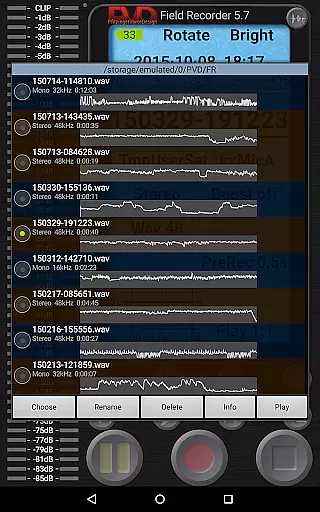
Field Recorder stands out with its advanced features tailored for audiophiles. The app supports multiple recording formats from efficient mono/16kHz/16-bit WAV files up to professional stereo/192kHz/24-bit quality. It also allows conversion to MP3, AAC, or FLAC using helper apps.
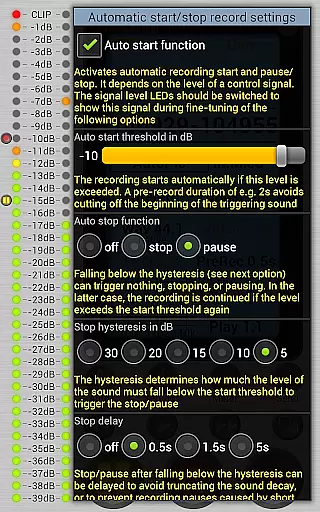
One of the key functionalities is its ability to automatically start, stop, and resume recordings based on volume levels. This feature can be finely tuned to prevent false triggers. Additionally, users can set up email alerts when specific noise thresholds are exceeded.
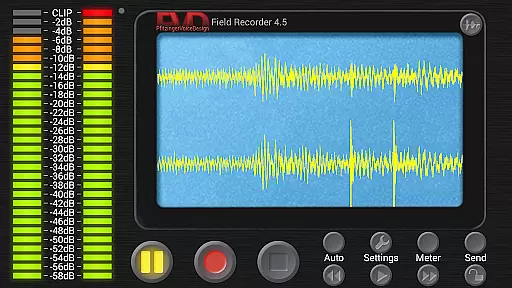
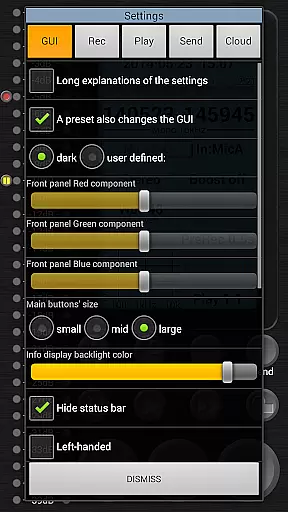
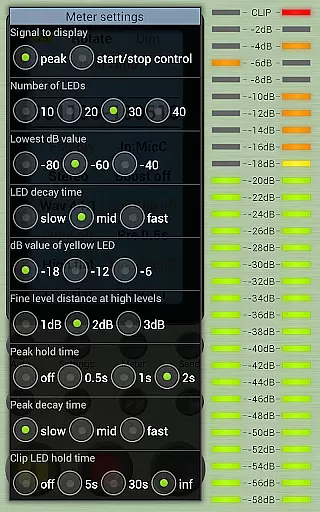
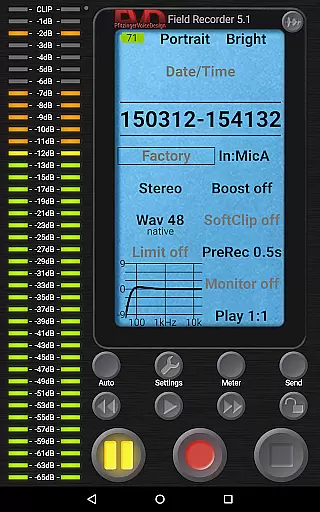
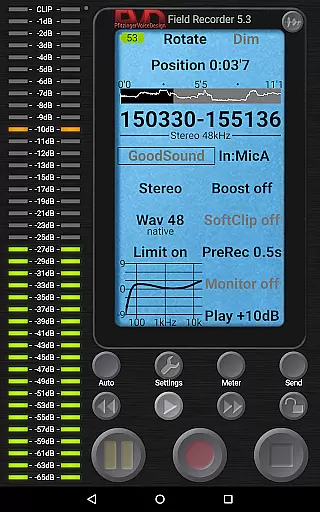
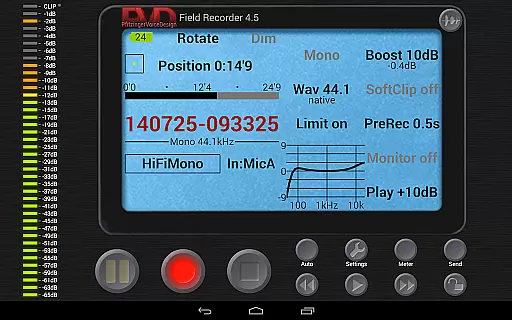
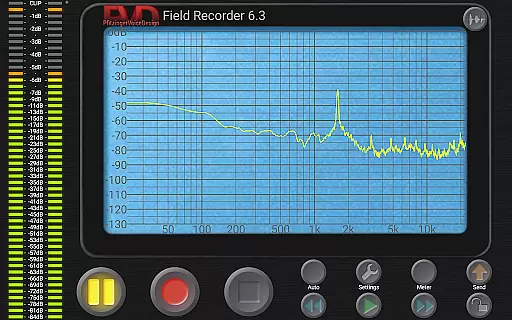
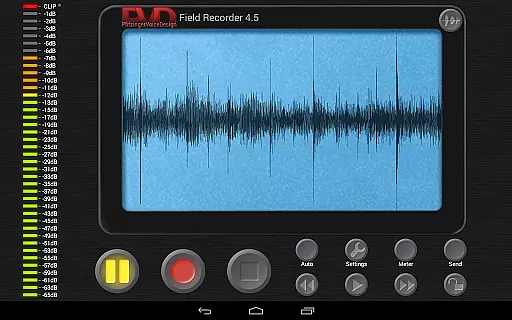
The app includes a suite of monitoring tools such as spectrum displays, signal meters, and sonograms. Its HD monitoring capability boasts latency as low as 20ms. Moreover, the highly customizable GUI lets users adjust colors, layouts, and button sizes according to their preferences.
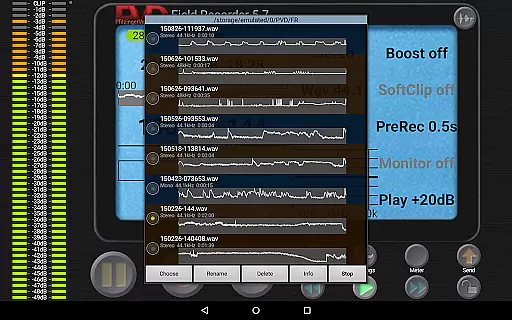
Field Recorder offers an extensive suite of audio recording features that ensure high-quality output. While it doesn't provide a traditional music library, its capabilities allow users to create a diverse collection of recordings. These include band rehearsals, lectures, and even animal sounds, all saved in professional-grade formats like stereo/192kHz/24-bit WAV files.
The app supports various external devices such as microphones and USB sound cards, enhancing the authenticity of each recording. Users can convert their recordings into multiple formats including MP3, AAC, and FLAC through helper apps, ensuring compatibility with different platforms and devices.
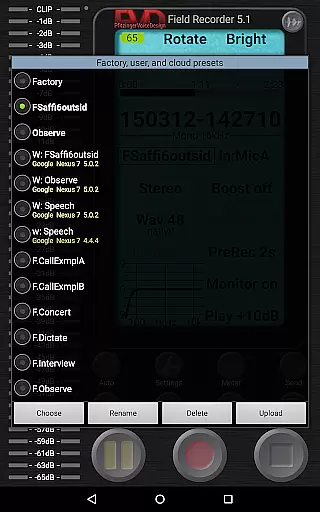
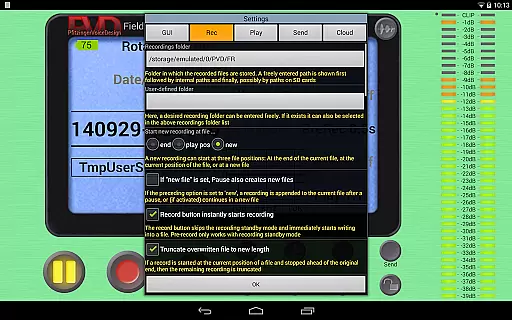
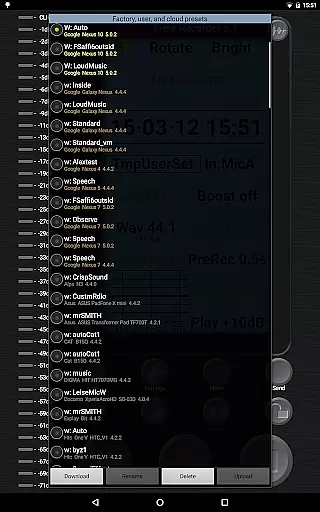
Field Recorder's strength lies in its ability to adjust audio parameters extensively, which can be saved as presets for quick access. This feature allows users to maintain consistency across their audio library, preserving the quality and authenticity of their work. The app also includes pre-defined presets for typical tasks, streamlining the recording process.
With its robust functionality, Field Recorder ensures that every recording is authentic and true to the source material. Whether you're capturing a live concert or documenting an interview, the app provides the tools necessary to produce professional-quality audio content.
Field Recorder stands out in the Music & Audio category by offering unparalleled audio quality options. The app allows users to record in formats ranging from efficient mono/16kHz/16-bit to professional stereo/192kHz/24-bit, catering to both casual users and audio professionals. This flexibility ensures that every recording meets the highest standards of audio fidelity.
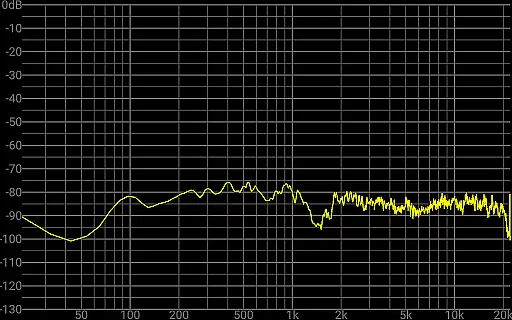
In addition to supporting various recording formats, Field Recorder includes advanced audio processing features. Users can apply low-cut filters, parametric and shelving equalizers, and stereo balance correction to enhance their recordings. These tools help mitigate common recording issues, ensuring clear and balanced audio output.
The app also provides a recording amplifier, configurable limiter, soft clipping, noise shaping, and dithering options. These features give users precise control over their audio quality, allowing them to fine-tune every aspect of their recordings. Whether you're capturing delicate ambient sounds or dynamic live performances, Field Recorder delivers exceptional audio quality.
Furthermore, the app's HD monitoring with latency down to 20ms ensures real-time feedback during recording sessions. This immediate auditory response enables users to make adjustments on-the-fly, guaranteeing optimal audio quality throughout their projects. With these comprehensive options, Field Recorder empowers users to achieve their desired sound with precision and clarity.
User-friendly interface
High-quality recording options
Extensive customization features
Advanced audio processing tools
Convenient file sharing capabilities
Complex for beginners
Requires additional apps for format conversion
Some features need premium version
Occasional bugs reported
Steep learning curve

Time Trainer: accurate metronome w tools to help you develop your internal time!
 4.20
4.20
A High-Precision Audio Spectrum Analysis App
4.20
Learn to play the piano using falling notes!
3.80
Help you quickly get started with Shokz headphones
4.40
The original SP-1200 experience on your iPad
4.20
Turn Every Moment into Music
3.60
Travel To The Music Universe
3.40
Uninterrupted Tunes, Unmatched Vibes
3.90
Customize Your Favorite Songs and Videos with booster.
4.70
Tune in to the greatest hits on UK Radio | The home of Capital, Smooth & Heart.
4.90
Ultimate Sonos Controller
4.70
SqueezePlayer turns your Android phone or tablet into a SqueezeBox on its own!
4.60
Over 100 million tracks available for high quality streaming and download
4.60
Fun & Easy Voice Changer – Record, Edit & Add Hilarious Effects!
4.50
Enjoy singing any song, no matter how high or low it is
4.30
Master Salsa Rhythm quickly and with a lot of fun!
4.30
Turn your Android phone into a professional audio analyser with up to 120 bands.
4.00
The Cubase remote control app
3.60
Make music anywhere. Turn your device into an instrument.
4.0



User Reviews