
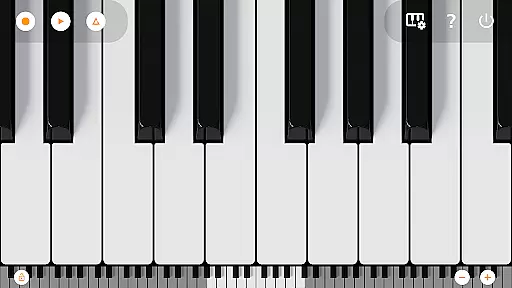
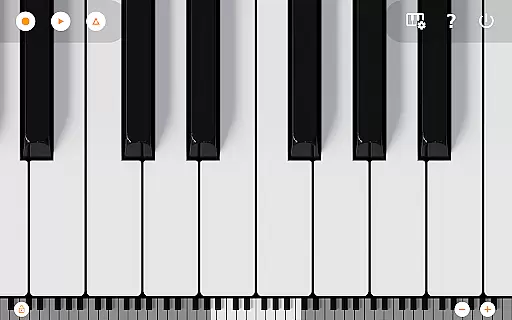
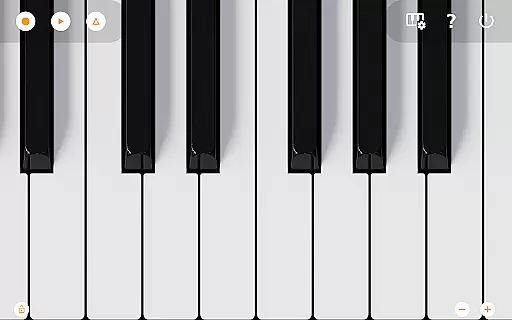
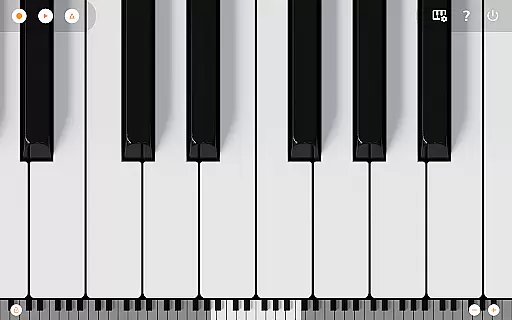
Mini Piano Pro is a premium piano application designed for Android devices, offering an exceptional playing experience with its realistic sound and responsive keyboard. Featuring a full 88-key piano that is both zoomable and scrollable, the app caters to musicians of all levels. Its minimalistic design ensures an uninterrupted playing session while providing powerful features such as MIDI recording and exporting options.
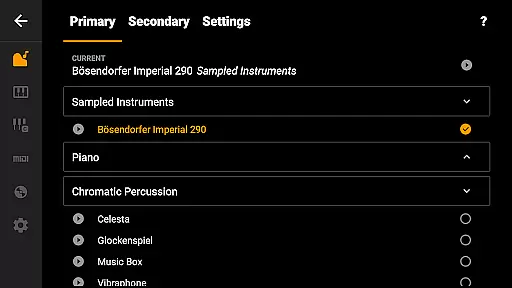
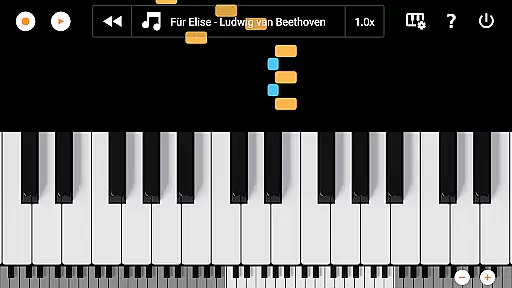
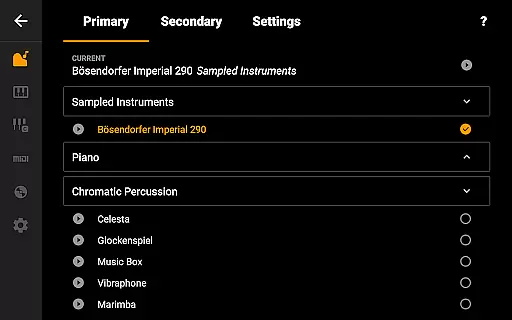
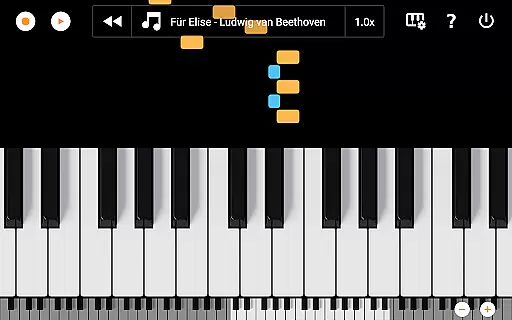
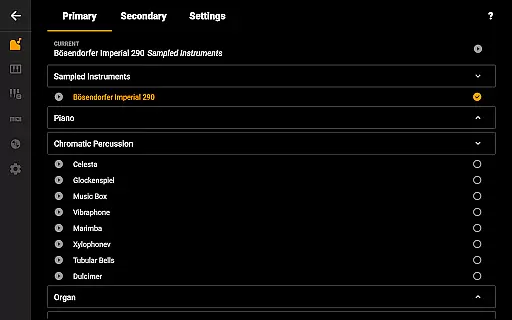
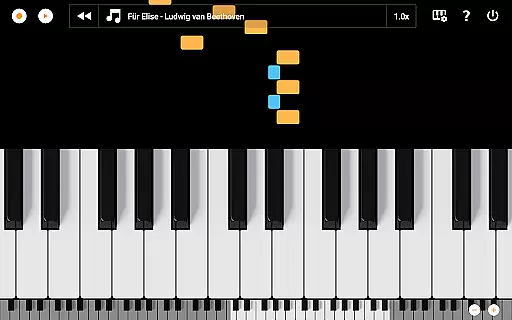
The app stands out with its diverse instrument library, including 128 high-quality MIDI sounds, and a unique song mode where falling blocks guide users in learning new pieces. Optimized for various devices including phones, tablets, and Chromebooks, Mini Piano Pro delivers professional-grade functionality in a compact form. Whether you're practicing scales or composing music, this app provides the tools necessary for an immersive musical experience.
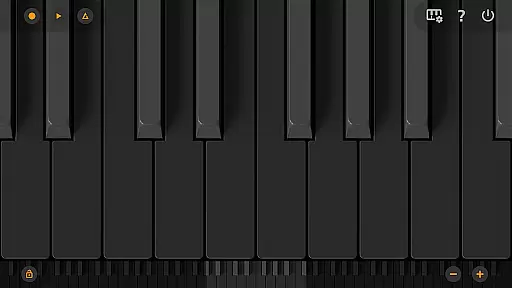
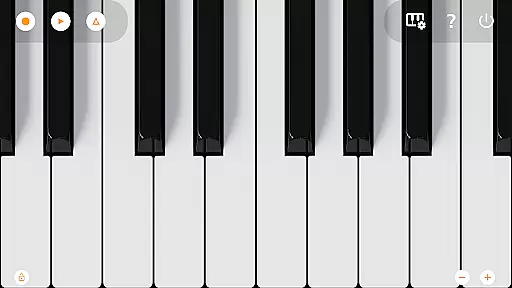
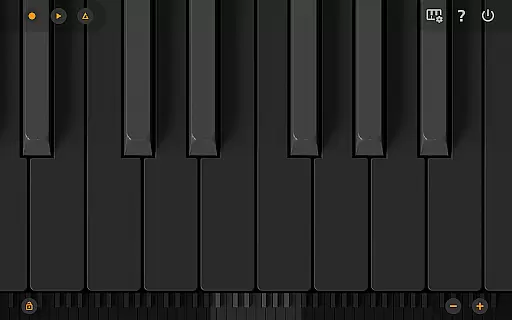
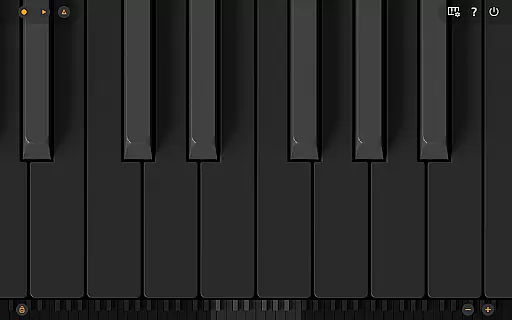
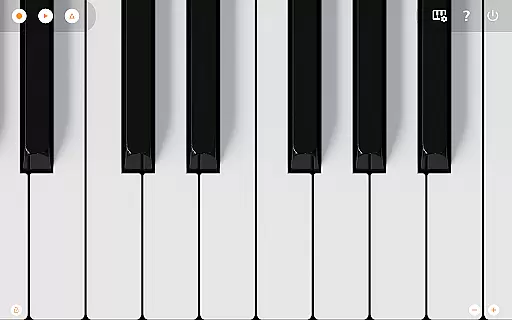
Mini Piano Pro boasts an array of advanced features tailored for music enthusiasts. The app includes a comprehensive 88-key virtual keyboard that mimics a real piano, complete with multitouch support for natural playability. Users can explore different display modes, including a dedicated Dark Mode with a fully darkened keyboard for comfortable late-night sessions.
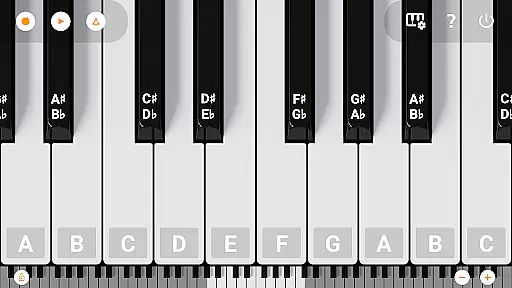
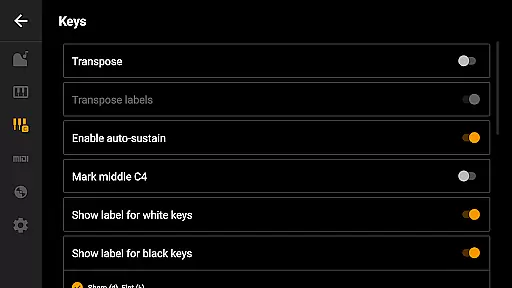
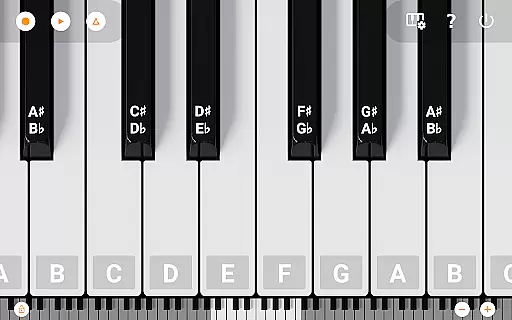
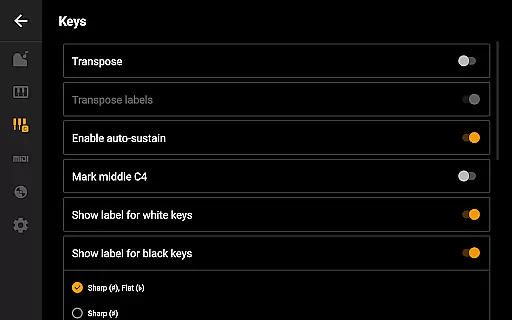
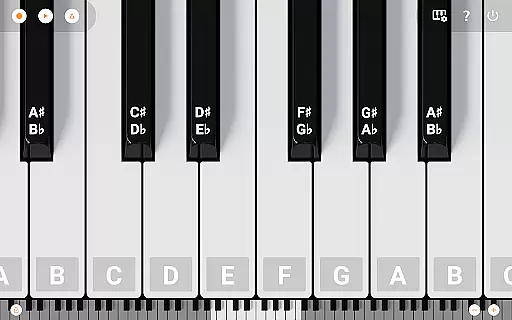
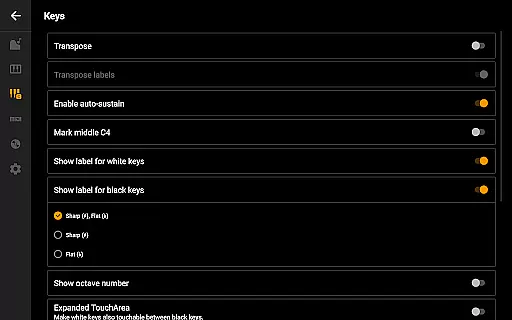
Recording capabilities allow musicians to capture their compositions as MIDI files, which can be exported in MP3, AAC, or WAV formats. The inclusion of a metronome, transpose options, and note labeling enhances the learning and playing experience. With MIDI input/output support, users can connect external keyboards or PCs, making it a versatile tool for both practice and performance. These features collectively create a robust platform for musical exploration and creativity.
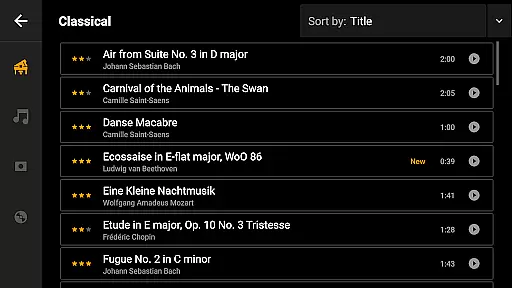
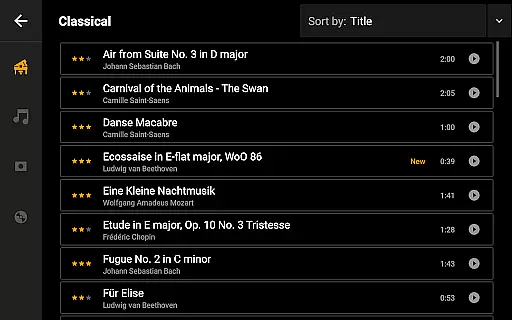
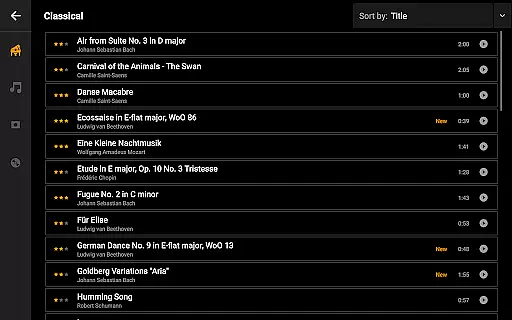
Mini Piano Pro offers an extensive music library that caters to a wide array of musical preferences. With 128 different MIDI sounds, the app provides users with a rich selection of instrument types, ensuring there is something for everyone.
The app features a beautifully sampled piano sound that closely mimics the experience of playing an actual piano. This attention to detail in sound sampling underlines the app's commitment to copyright authenticity and delivering genuine, high-quality audio experiences.
Each of the included instruments is carefully curated to ensure they not only sound great but also respect copyright laws. Users can trust that the sounds they are using are legally sampled and do not infringe on any intellectual property rights.
By providing such a comprehensive and authentic music library, Mini Piano Pro empowers musicians to explore their creativity without concerns about legal issues or sound quality. This makes it an ideal choice for both amateur enthusiasts and professional composers alike.
Audio quality is paramount when it comes to selecting a digital piano app, and Mini Piano Pro excels in this area. The default instrument is a meticulously sampled piano that captures the nuances and richness of an acoustic piano, offering users an unparalleled auditory experience.
In addition to its flagship piano sound, the app includes various audio quality options that allow users to customize their listening experience. Whether you prefer the warm tones of a classical piano or the vibrant sounds of electric keyboards, Mini Piano Pro has you covered.
Users can export their recordings in multiple high-quality formats such as MP3, AAC, or WAV. This flexibility ensures that your compositions retain their intended sound quality across different platforms and devices.
Furthermore, the app supports MIDI in and out functionality, enabling integration with external keyboards or PCs. This feature enhances the overall audio output possibilities, making Mini Piano Pro a versatile tool for musicians seeking top-notch audio quality options.
Realistic piano sound
Extensive instrument library
User-friendly interface
MIDI export options
No ads or internet permission
Limited free version
Advanced features may overwhelm beginners
Occasional bugs reported
Requires device optimization
Learning curve for pro features

 4.70
4.70
Control your MIDI USB or Bluetooth devices in app and avoid some trampling
3.30
The Cubase remote control app
3.60
Simple & Intuitive Metronome
4.70
Advanced 10-Band Audio Graphic Equalizer Sound Booster Pro
4.30
Simple mp3 and mp4 player with advanced features.
3.40
The iconic iOS metronome app is now on Android.
3.70
Uninterrupted Tunes, Unmatched Vibes
3.90
Melody Beat: Great for travel, workouts, offline vibes, play your tunes anytime.
4.10
Learn the notes on the guitar fretboard fast with this easy and fun app
4.60
AI Music Maker: Generate And Compose AI Tunes & AI Songs & AI Music & AI Melody!
4.60
Fun & Easy Voice Changer – Record, Edit & Add Hilarious Effects!
4.50
A synth that really lets you shape your sounds!
4.50
Save hundreds of dollars for a physical strobe tuner and instead use this app.
4.50
Time Guru will strengthen your internal sense of musical time via random muting.
4.30
Permanently backup Now Playing. Maps, filters & listening stats.
4.00
MilkDrop for Android TV
3.00
Simply convert wav to mp3. Clear. Reliable. Safe.
4.0
Remove ads permanently from Music Visualizer
4.3




User Reviews