
Neutron Music Player is a premium music application designed for audiophiles seeking an unparalleled listening experience. It features an advanced 32/64-bit audio engine that ensures high-fidelity sound reproduction, bypassing the standard OS audio processing to deliver bit-perfect playback. The app supports all audio formats, including hi-res and DSD, making it compatible with a wide range of devices such as iBasso, Cayin, Fiio, HiBy, Shanling, and Sony.
Beyond its core functionality, Neutron Music Player offers a rich set of DSP effects, real-time PCM to DSD conversion, and AI-assisted Queue generation using Google Gemini AI. Its sophisticated user interface includes advanced media library management, network music source integration, and support for large libraries. Whether you're streaming internet radio or managing local files via an internal FTP server, this app provides a comprehensive solution for all your music needs.
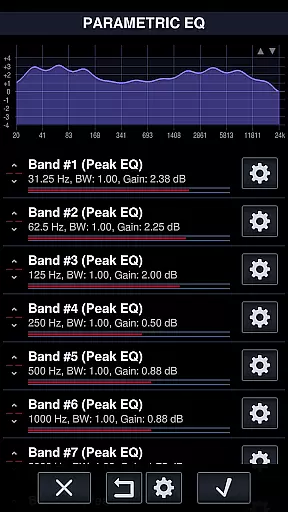
This application is particularly valuable for users who own high-end audio equipment and want to maximize their listening experience. With features like gapless playback, parametric equalizer, and surround sound, it caters to both casual listeners and audio professionals. The ability to output directly to USB DACs and network renderers (UPnP/DLNA, Chromecast) further enhances its versatility, making it an essential tool for anyone serious about audio quality.
Neutron Music Player stands out with its extensive feature set tailored for audiophiles. The app's 32/64-bit hi-res audio processing supports resolutions up to 32-bit, 1.536 MHz, ensuring pristine sound quality. It decodes audio independently of the operating system, providing a consistent experience across different platforms. The player supports all major audio formats, including native DSD playback and multi-channel DSD, along with module music formats like MOD, XM, and S3M.
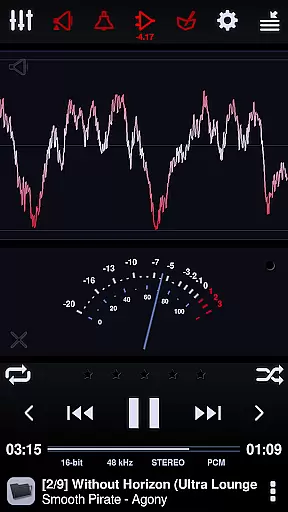
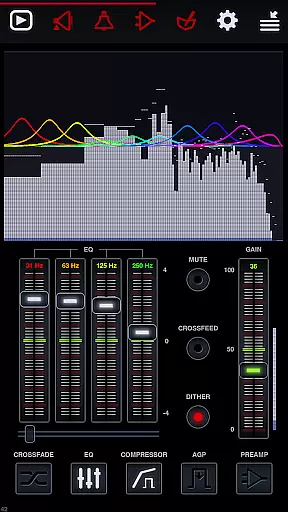
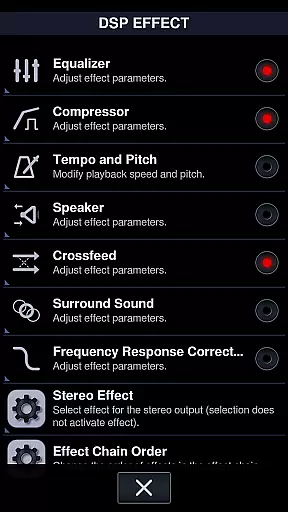
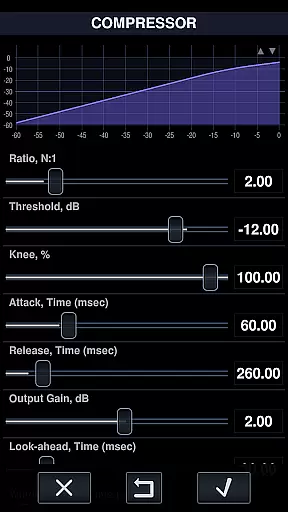
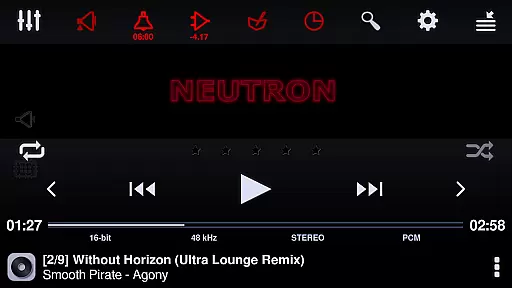
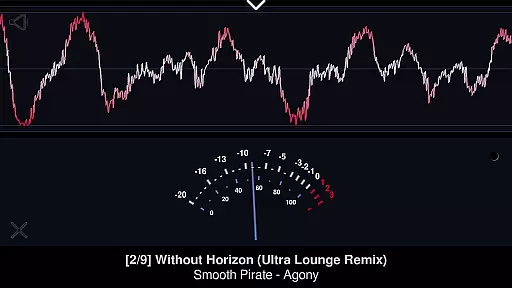
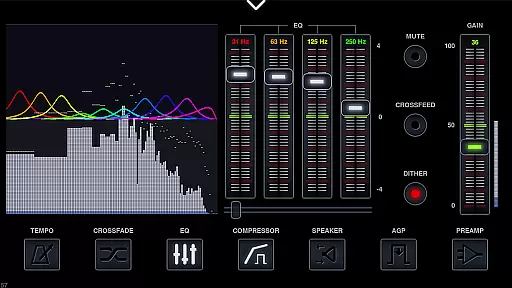
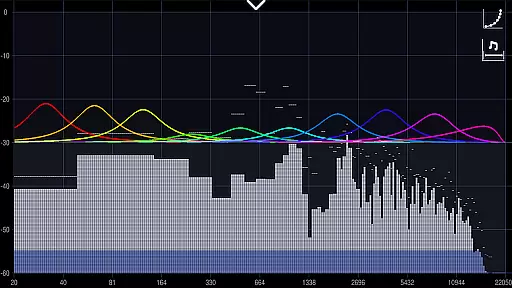
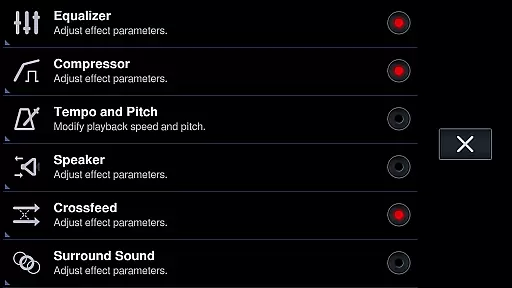
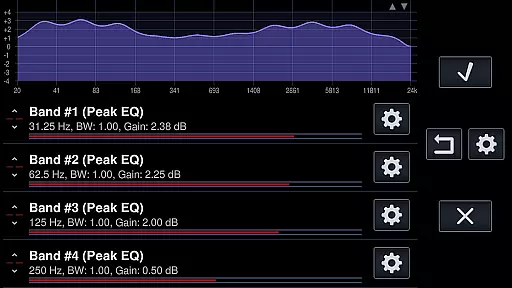
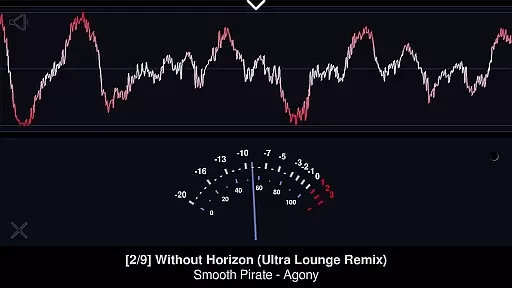
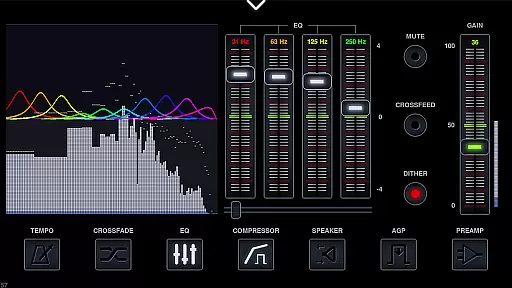
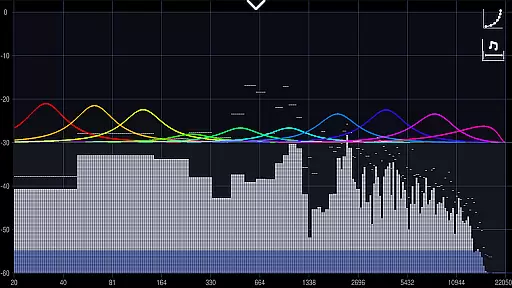
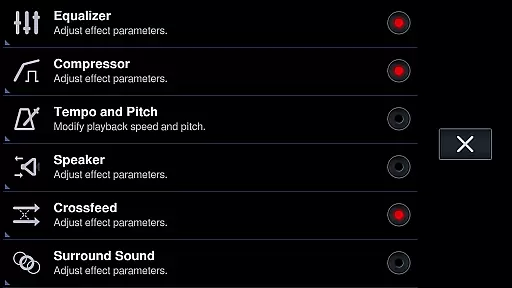
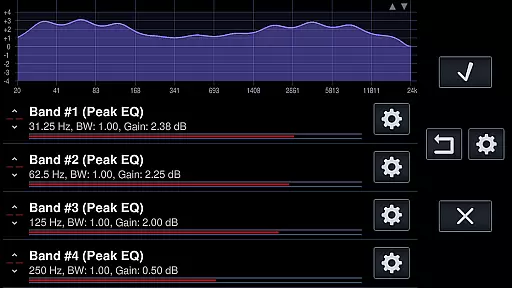
One of the key highlights is its robust DSP effects suite. Users can take advantage of a parametric equalizer with up to 60 bands, frequency response correction with over 5000 presets, and surround sound processing. Additional features include crossfeed for improved headphone listening, compressor/limiter for dynamic range control, and real-time analyzers for spectrum and waveform visualization. The app also supports AI-assisted Queue generation, tempo/BPM analysis, and various playback modes like shuffle, loop, and A-B repeat.
For those with complex audio setups, Neutron Music Player offers seamless integration with networked devices. It can stream to UPnP/DLNA media renderers and Chromecast devices while maintaining full DSP effect processing. The app also functions as a UPnP/DLNA media server, allowing users to share their music libraries across devices. With support for Android Auto, timers, tag editing, and multiple configuration profiles, it provides a complete solution for managing and enjoying high-quality audio content.
Neutron Music Player offers an extensive music library that supports virtually all audio formats, including hi-res and DSD formats. This ensures users have access to a vast range of music without compatibility concerns.
The application's support for various formats such as FLAC, DFF, DSF, and ISO demonstrates its commitment to delivering high-quality audio experiences while respecting copyright standards. Users can enjoy their legally acquired music in the best possible quality.
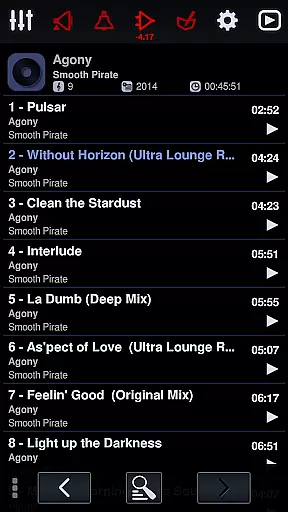
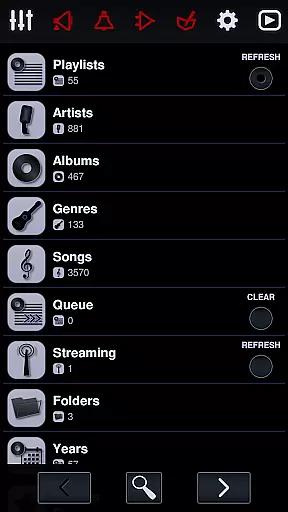
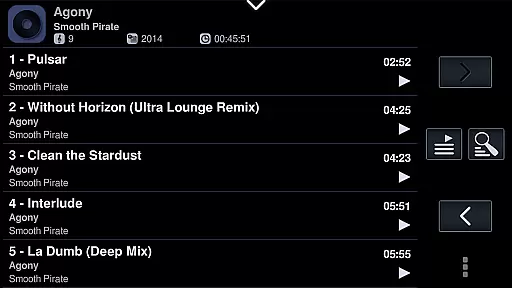
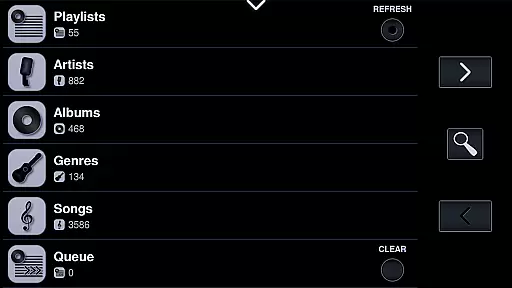
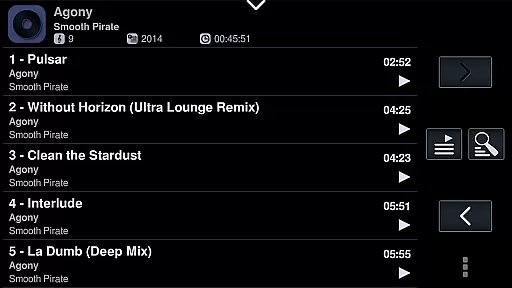
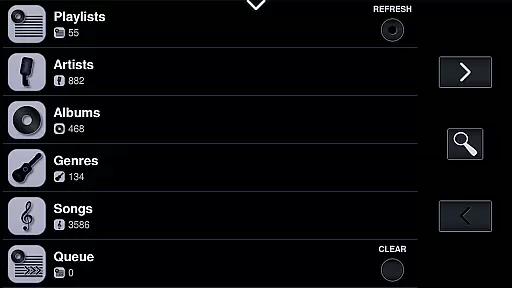
Additionally, Neutron's ability to handle large media libraries makes it suitable for audiophiles with extensive collections. The app's sophisticated library management system allows for seamless organization and playback of thousands of tracks.
With network music source integration, including SMB/CIFS, UPnP/DLNA, and FTP servers, users can access their music libraries stored on different devices, ensuring a comprehensive and versatile music streaming experience.
Neutron Music Player stands out for its exceptional audio quality options, thanks to its proprietary Neutron HiFiu2122 32/64-bit audio engine. This platform-independent engine delivers bit-perfect playback, ensuring listeners experience every detail of their audio files.
The player supports hi-res audio output directly to internal DACs, including USB DACs, offering users the purest sound reproduction available. Its advanced DSP effects further enhance the listening experience by allowing customization of equalizer settings, surround sound, and more.
Unique features like real-time PCM to DSD conversion enable users to enjoy their favorite tracks in DSD resolution if supported by their DAC. This level of flexibility and control over audio output is rare among music players.
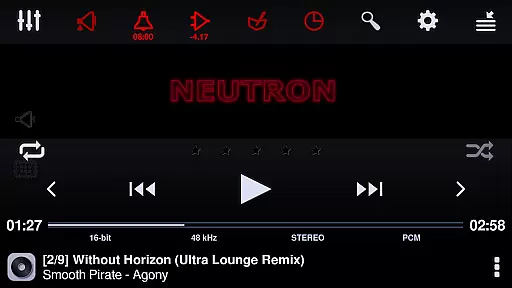
Moreover, the app provides gapless playback and hardware volume controls, making it ideal for both casual listeners and audio enthusiasts who demand the highest fidelity from their music playback software.
Bit-perfect audio playback
Extensive format support
Advanced DSP effects
Real-time DSD conversion
Network renderer compatibility
Steep learning curve
High system requirements
No free version
Complex UI for beginners
Limited visual customization

Your HD audio recorder on the go for music, meetings, ambience, animal sounds…
 4.30
4.30
Performance-Synthesizer & Multi-Track-Sequencer, polyphonic + multi timbral!
4.70
Remove ads permanently from Music Visualizer
4.0
JBL PartyBox APP works with 110/310/710/120/320/520/Encore/Encore 2/Encore Ess 2
4.80
Permanently backup Now Playing. Maps, filters & listening stats.
4.00
Simple & Intuitive Metronome
4.70
Music Streaming suite for Ampache, Nextcloud Music and compatible backends.
4.1
Manage your Sonos system directly from your home-screen!
4.40
Turn Every Moment into Music
3.60
Over 100 million tracks available for high quality streaming and download
4.60
A complete sound package for the sound engineer or enthusiast
4.60
A synth that really lets you shape your sounds!
4.50
Save hundreds of dollars for a physical strobe tuner and instead use this app.
4.50
Let your Android device with the sound effects you want
4.50
Play KORG’s revolutionary touch-based instrument on a variety of devices.
4.40
Powerful 10-Band equalizer pro with sound booster improves Android audio quality
4.30
The original SP-1200 experience on your iPad
4.20
Offline and always ad-free - stream in the highest quality available.
4.10
Control your MIDI USB or Bluetooth devices in app and avoid some trampling
3.30




User Reviews