
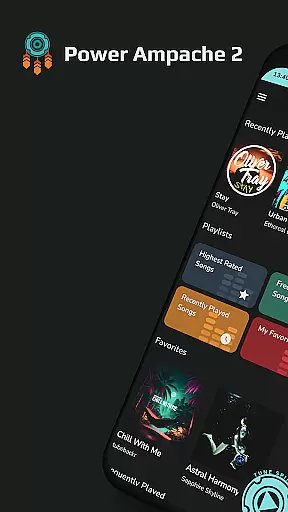
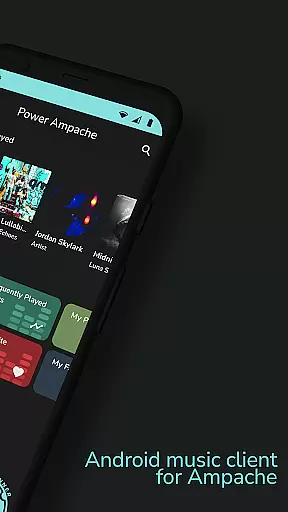
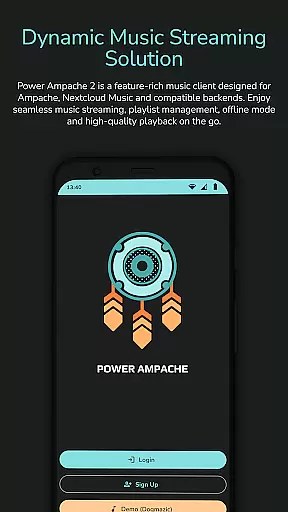
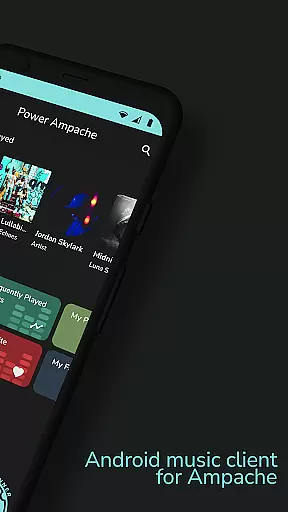
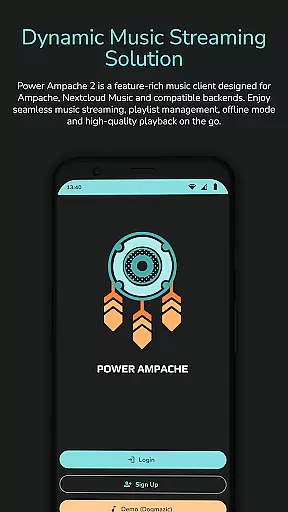
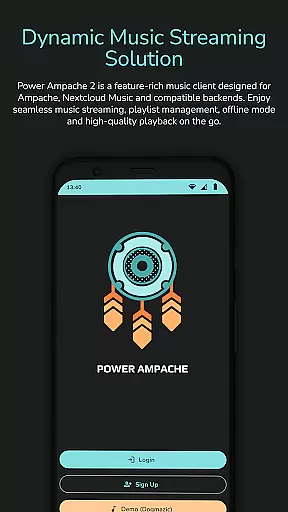
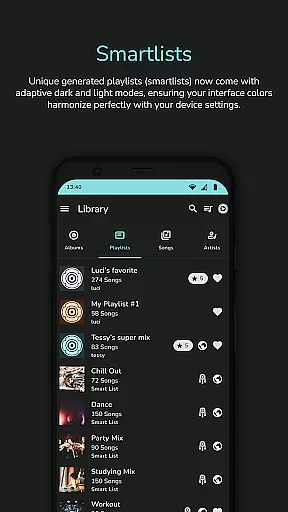
Power Ampache 2 is a versatile music client tailored for Ampache, Nextcloud Music, and compatible backends. It combines all standard music player features with advanced functionalities like smartlists, offline mode, and adaptive interface colors.
The app emphasizes privacy and user experience by offering an ad-free environment, multi-account support, and the ability to download and export music files. Whether you're managing playlists or enjoying full-quality audio, Power Ampache 2 ensures a seamless music streaming experience across various platforms.
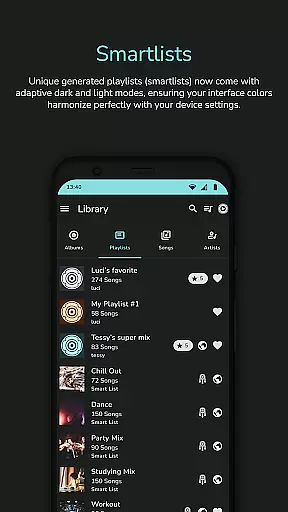
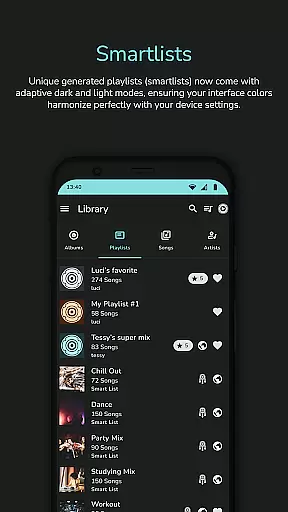
Power Ampache 2 stands out with its comprehensive feature set designed for audiophiles. The app supports unique smartlists, powerful offline capabilities, and advanced search options, ensuring users can access their music libraries effortlessly.
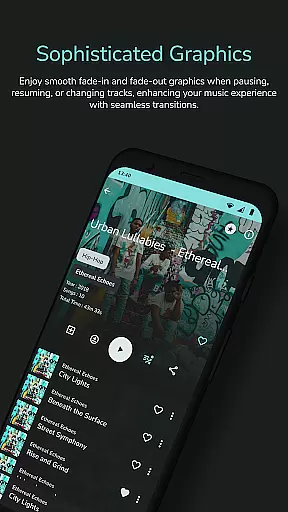
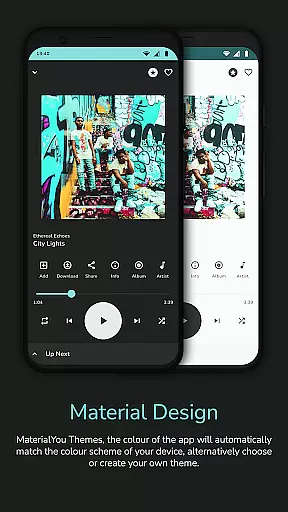
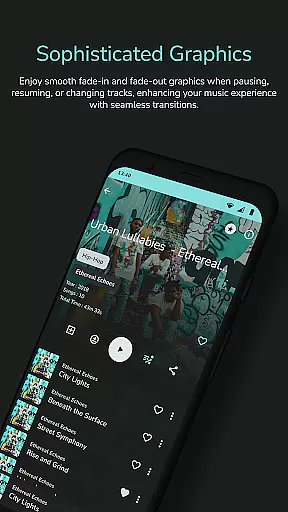
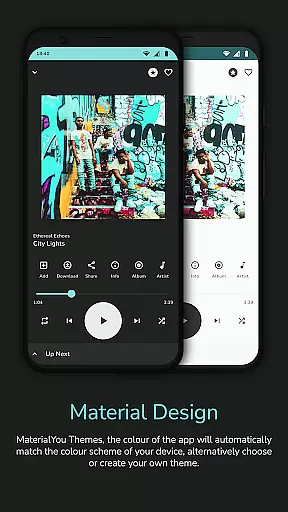
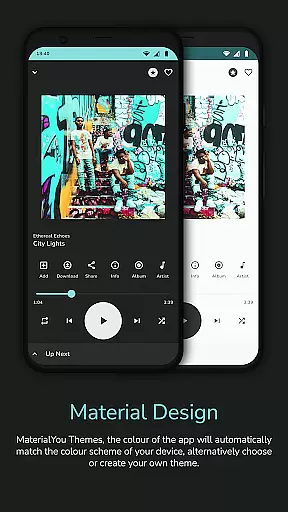
Additional highlights include media key support, Bluetooth functionalities, and adaptive themes that switch between dark and light modes. With song notifications, lock screen controls, and plans for Android TV and Auto support, Power Ampache 2 delivers a modern, efficient, and customizable music experience.
Power Ampache 2 offers a vast music library by connecting to Ampache, Nextcloud Music, and compatible backends. This ensures users have access to a wide range of songs, albums, and playlists while maintaining the authenticity of content through genuine sources.
The app supports multi-account features which means users can connect to different servers and access even more music. This not only increases the size of the accessible music library but also enhances the diversity of the content available.
With the ability to download music for offline use, Power Ampache 2 provides a seamless experience where users can enjoy their favorite tracks without an internet connection. This feature is particularly beneficial for those who want to avoid streaming due to data usage or lack of connectivity.
Moreover, the app's commitment to being open-source and free from ads reassures users about the legitimacy of the music they are accessing. There is transparency in how the music library is built and maintained, giving users peace of mind regarding copyright issues.
Power Ampache 2 places a strong emphasis on audio quality, supporting high-quality formats that ensure listeners enjoy their music at its best. Although FLAC support is coming soon, the current audio offerings are designed to satisfy even the most discerning audiophiles.
The app's efficient song search and powerful offline mode mean that users can find and save high-quality tracks with ease. This allows for an uninterrupted listening experience where audio fidelity is preserved, whether online or off.
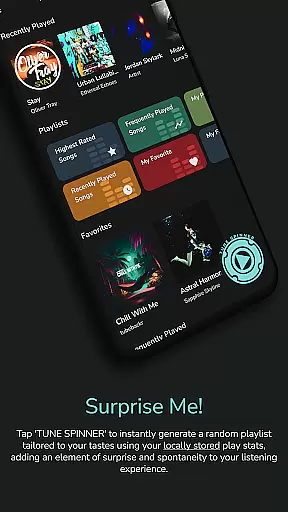
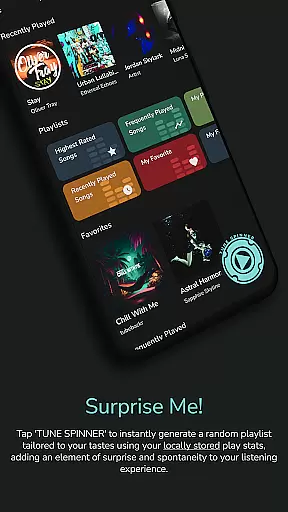
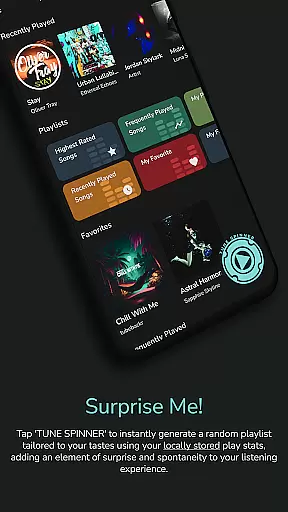
Furthermore, the advanced functionalities such as 'Spin it!' to generate playlists and media keys support enhance the overall auditory experience. Users can expect responsive controls and personalized listening sessions that cater to their preferences.
By focusing on a lightning-fast and lightweight performance, Power Ampache 2 delivers top-notch audio quality without compromising on speed or device resources. Listeners can indulge in a rich soundscape that remains consistent across various devices and platforms.
User-friendly interface
Advanced offline mode
Ad-free experience
Multi-account support
Open-source transparency
Limited widget functionality
No FLAC support yet
Some features in progress
Complex for beginners
Fewer visual customizations

Your HD audio recorder on the go for music, meetings, ambience, animal sounds…
 4.30
4.30
10-Band Audio Equalizer, Sound / Bass Booster for Spotify Users & Music Players
4.40
Brian Eno and Peter Chilvers’ acclaimed music app Bloom, radically reinvented.
4.80
The only true audiophile music player with Hi-Fi audio rendering and DSP engine
3.90
The ultimate media player for Android devices
3.90
Unleash your creativity! Turn simple prompts into full fledged songs.
4.70
Simple mp3 and mp4 player with advanced features.
3.40
Ringtone Maker is free app create ringtone from music files or your recording.
4.40
Sing, record, and create music together — enhanced by smart voice tools.
4.00
Responsive piano with great sounds, graphics, and songs
4.80
Ultimate Sonos Controller
4.70
Performance-Synthesizer & Multi-Track-Sequencer, polyphonic + multi timbral!
4.70
Over 100 million tracks available for high quality streaming and download
4.60
Pay Once, no monthly payment
4.60
The Music Journey in Your Hands
4.30
Advanced 10-Band Audio Graphic Equalizer Sound Booster Pro
4.30
Powerful beat maker & DJ mixer to remix tracks, make music, & perform DJ mix
3.70
The Cubase remote control app
3.60
Make music anywhere. Turn your device into an instrument.
4.4



User Reviews