
Eqfy Equalizer for Spotify is a powerful audio graphic equalizer designed to enhance sound quality for music streaming apps, particularly Spotify. The app employs an advanced 'RE Equalizer' engine with a user-friendly interface, allowing users to fine-tune bass, treble, and other audio parameters.
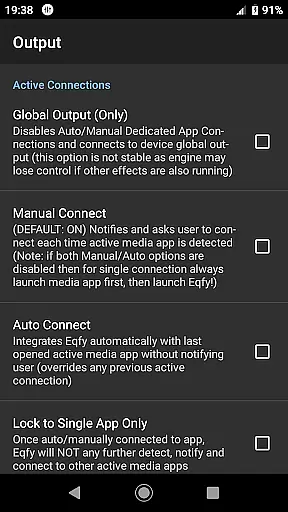
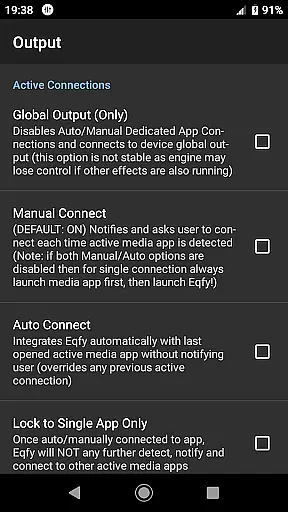
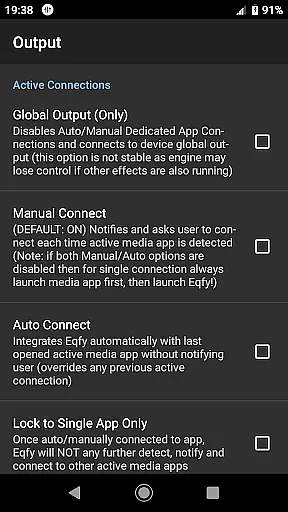
One of the standout features of Eqfy is its global output capability, which works seamlessly with various Android music and audio apps, including YouTube Music. Whether you're a fan of deep bass or prefer balanced stereo channels, Eqfy provides the tools to customize your listening experience.
This app is ideal for audiophiles who want to optimize their music experience on mobile devices. By offering superior sound quality and customizable presets, Eqfy ensures that every track sounds as good as the artist intended.
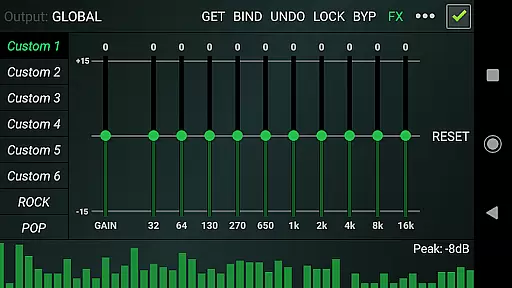
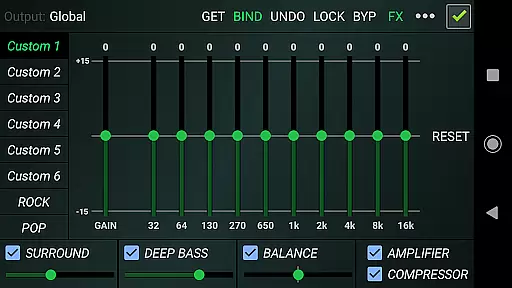
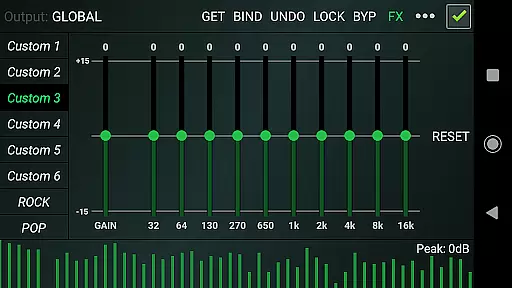
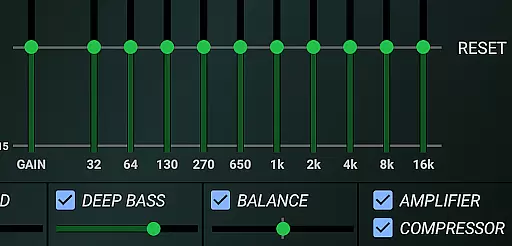
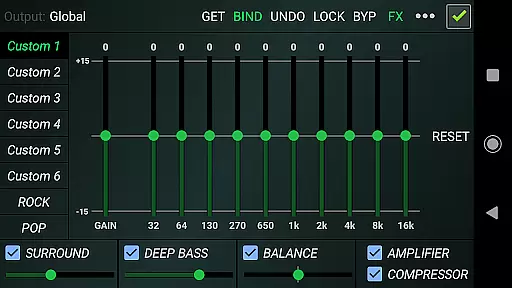
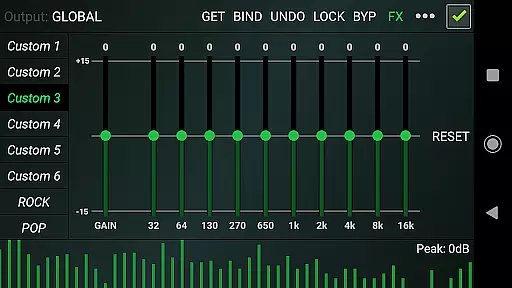
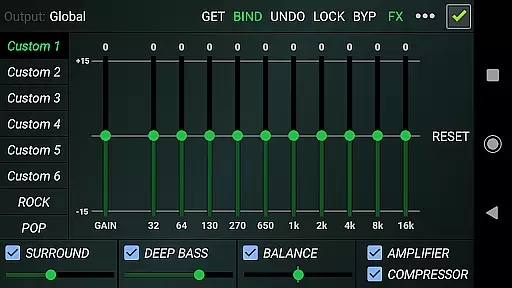
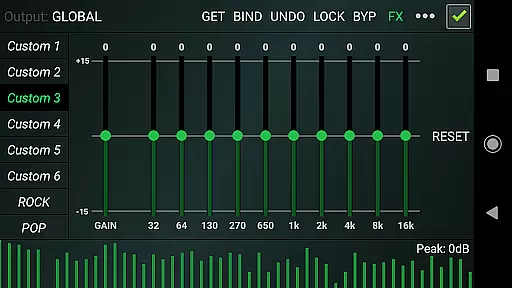
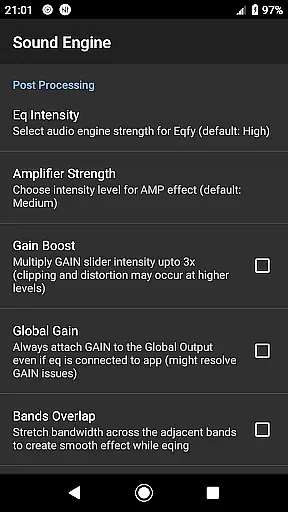
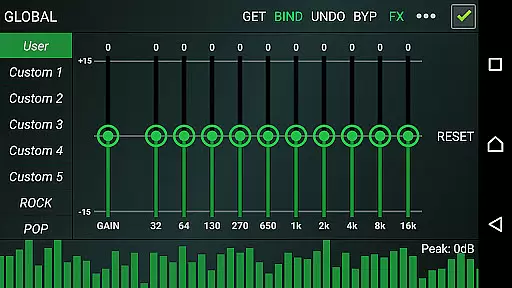
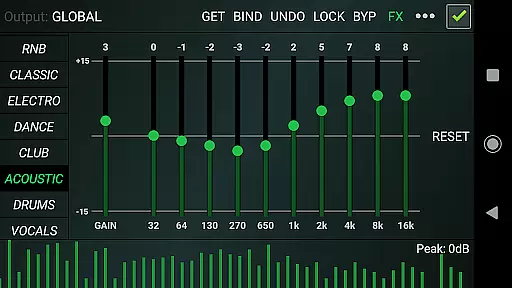
Eqfy stands out with its dedicated audio engine that supports a wide range of music players and audio effects. The app's 10-band equalizer comes with a powerful pre-amp gain, enabling users to boost volume and enhance loudness without compromising quality.
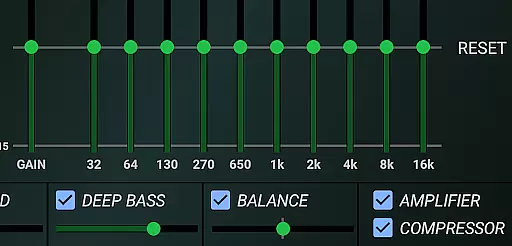
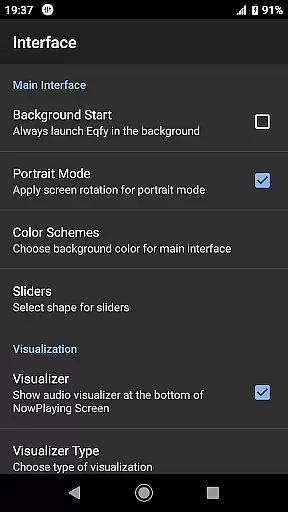
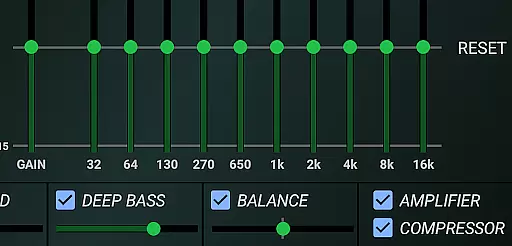
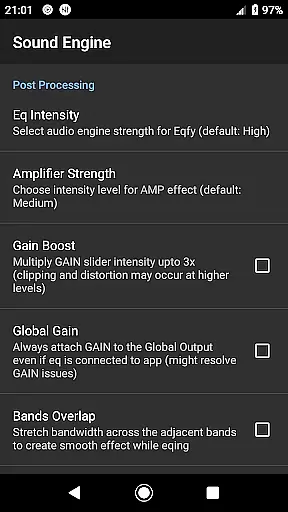
In addition to its core equalizer functionality, Eqfy offers optimized audio effects such as compressor, amplifier, and surround sound options. Users can adjust stereo balance, apply deep bass boosts, and even visualize music with peak values in real-time.
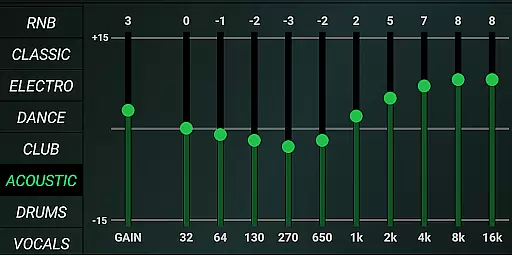
The app includes 21 configurable presets covering popular genres like rock, pop, and classical. These factory presets can be customized and saved as files, giving users complete control over their audio preferences. With its quick response time and intuitive interface, Eqfy delivers both power and simplicity.
Eqfy Equalizer for Spotify offers an extensive range of audio customization options that work seamlessly with a vast music library, including Spotify and other popular music apps. This compatibility ensures users have access to a wide array of tracks across various genres.
The app's dedication to copyright authenticity is evident in its operation as a standalone third-party tool that respects the integrity of music content provided by services like Spotify. It enhances the listening experience without infringing on intellectual property rights.
With support for global audio output, Eqfy allows users to enjoy enhanced sound quality across multiple platforms, ensuring that whether they are streaming or playing local files, their music is amplified legally and ethically.
One of the core strengths of Eqfy Equalizer for Spotify lies in its superior audio quality options. The app features a dedicated audio engine with a 10-band equalizer and pre-amp gain, allowing users to fine-tune their listening experience with precision.
In addition to its powerful equalization capabilities, Eqfy provides optimized audio effects such as compressor, amplifier, deep bass boost, and surround sound. These features enable listeners to customize their audio output according to personal preferences or specific musical genres.
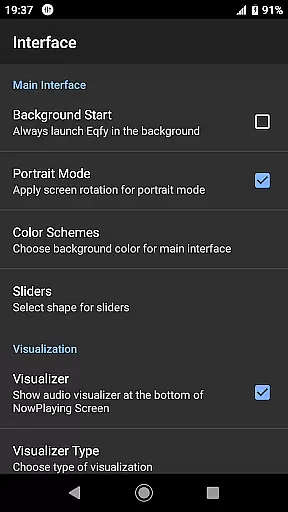
Furthermore, the inclusion of a music visualizer with peak values adds another layer of engagement for users who want to see their music come alive while enjoying crystal-clear sound quality tailored just for them.
Advanced equalizer engine
User-friendly interface
Global output compatibility
Customizable presets
Real-time music visualization
Limited to Android platform
No iOS version available
Some features may require technical knowledge
Premium version needed for full access
Occasional performance issues reported

Listen to live FM radio stations, sports, music and news on global radios online
 4.70
4.70
Enhance the sound quality of your devices, listen to what you want
4.50
Permanently backup Now Playing. Maps, filters & listening stats.
4.00
USB audio recording and playback finally possible on Android 3.1 or higher!
3.90
The alternative folder based music player.
4.20
Music, News & Sports Radio Tuner App. Tune in Live FM & AM Radio Stations.
4.80
Slow music down without changing pitch.
3.70
Powerful 10-Band equalizer pro with sound booster improves Android audio quality
4.30
One-tap booster for max volume - enjoy powerful sound with this audio booster
4.50
Bass Booster Pro takes auto-equalizing to the next level!
4.30
Time Guru will strengthen your internal sense of musical time via random muting.
4.30
Smart piano keyboard, Classical to Pop, Real-time multiplayer connection!
4.20
PowerAudio is a powerful offline music player.
4.20
VB-AUDIO Software / VBAN-Receptor allows listening to any VBAN Streams
4.10
Sing, record, and create music together — enhanced by smart voice tools.
4.00
The Cubase remote control app
3.60
The Skullcandy App Experience
3.20
Simply convert wav to mp3. Clear. Reliable. Safe.
4.1
Remove ads permanently from Music Visualizer
4.2




User Reviews