
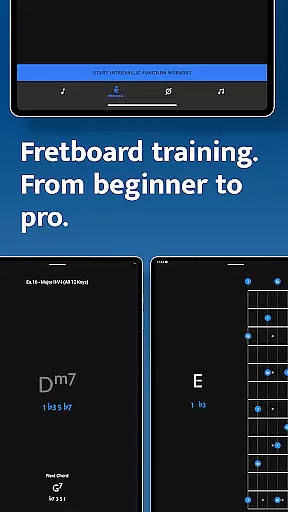
Solo is a comprehensive fretboard visualization app designed for guitarists and bassists who want to master their instruments. Created by renowned musicians Tom Quayle and David Beebee, this app offers four specialized trainers that focus on different aspects of fretboard mastery. Users can practice note names, interval shapes, chord changes, and scales through interactive exercises tailored to various string configurations.
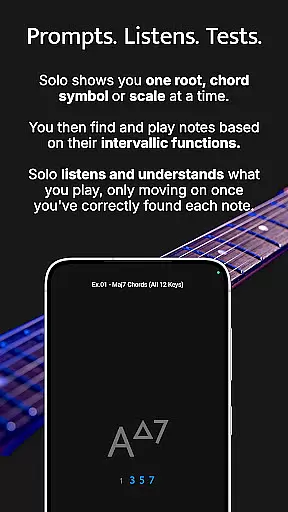
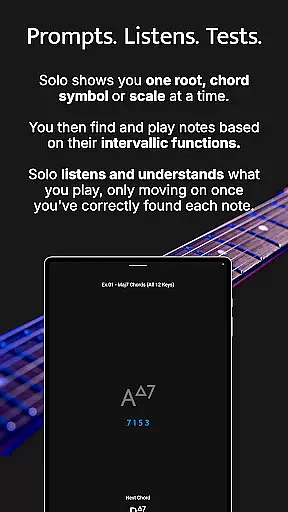
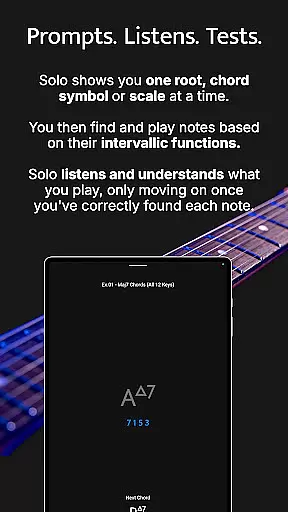
The app's unique approach involves asking users to find specific intervallic functions against a root note, chord symbol, or scale. It listens to the notes played and ensures correct identification before progressing. This method helps players build confidence in their playing and develop a deeper understanding of the fretboard. Whether you're a beginner learning basic notes or an advanced player working on complex melodic structures, Solo provides the tools needed to enhance your skills.
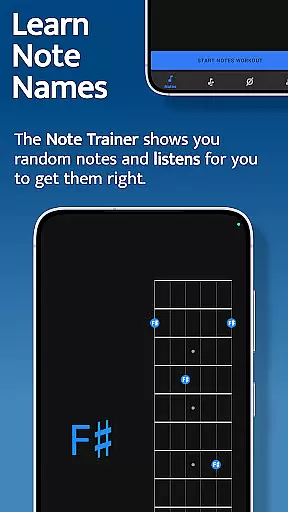
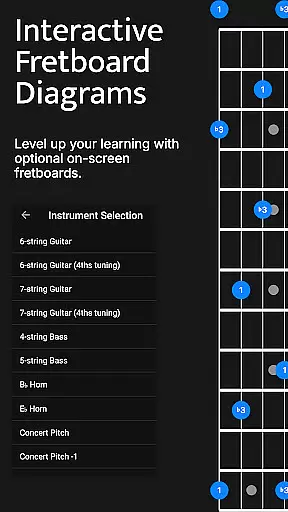
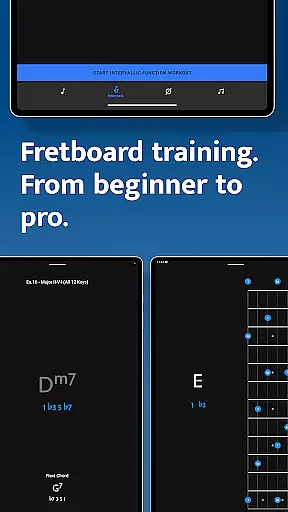
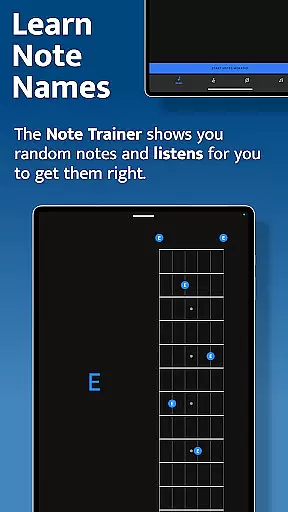
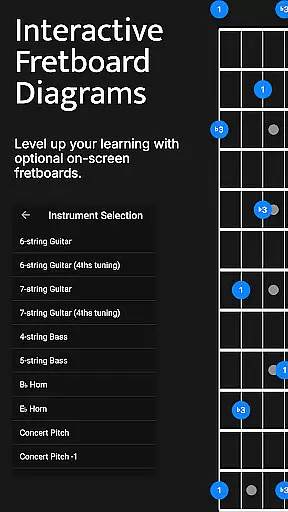
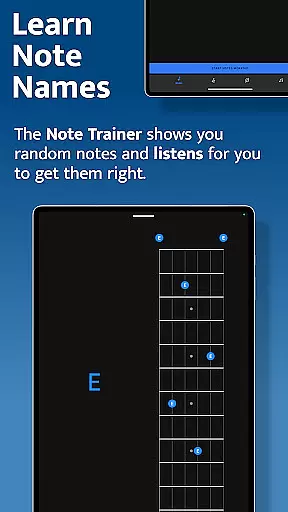
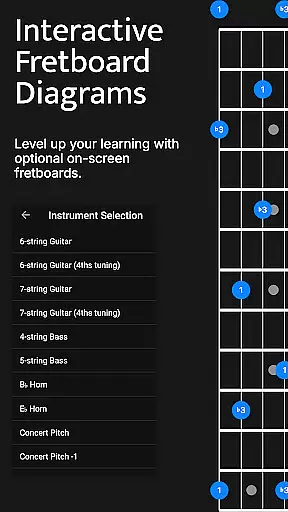
Solo stands out with its four powerful fretboard trainers, each focusing on a critical aspect of musical development. The Note Trainer is ideal for beginners and intermediates, helping them learn note names across different tunings and string configurations. With features like interactive fretboards and duration-based workouts, users can customize their practice sessions effectively.
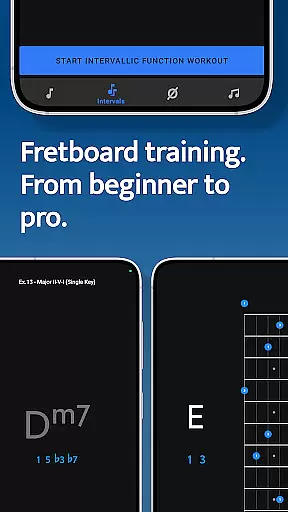
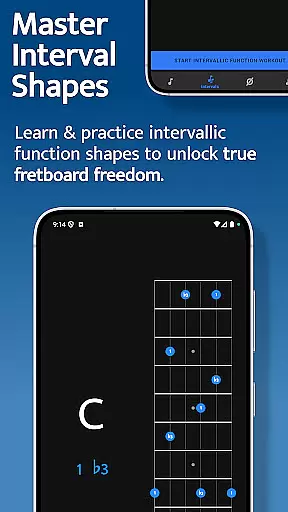
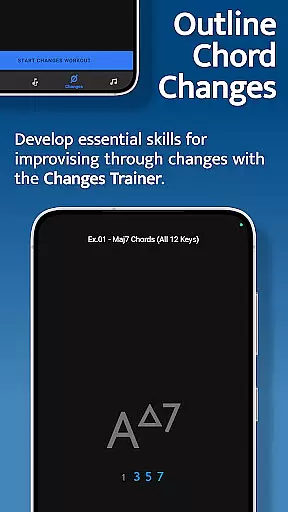
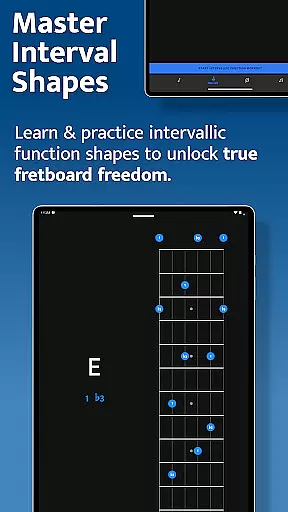
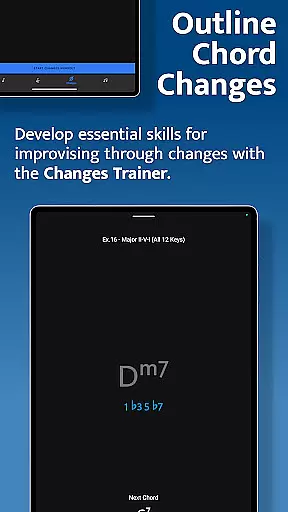
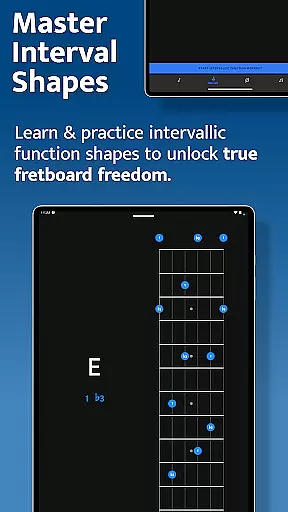
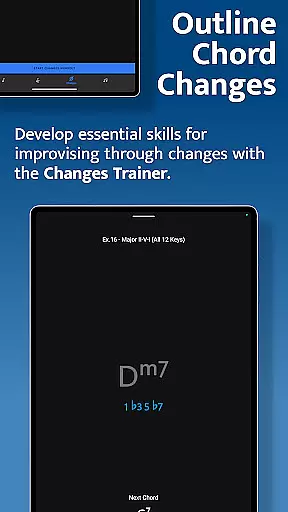
The Interval Trainer allows players to work on interval shapes using intervallic functions, essential for achieving true freedom on the fretboard. Users can choose from various intervals, create custom groups, and practice with both fixed and random root notes. Similarly, the Changes Trainer focuses on outlining chord changes, offering over 100 common progressions and single-chord exercises. Its intelligent mapping and listening capabilities ensure accurate practice.
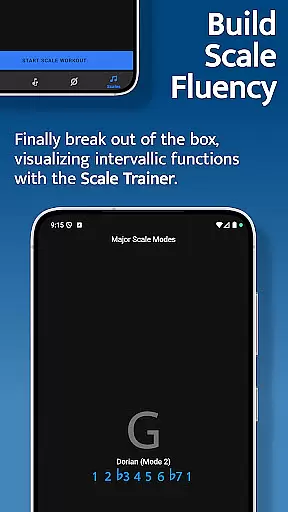
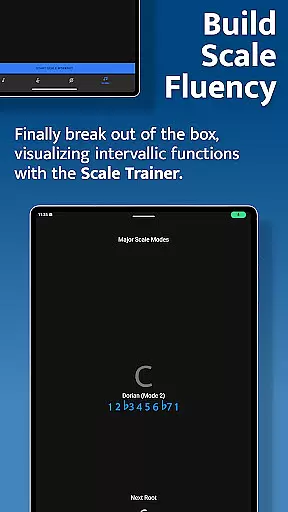
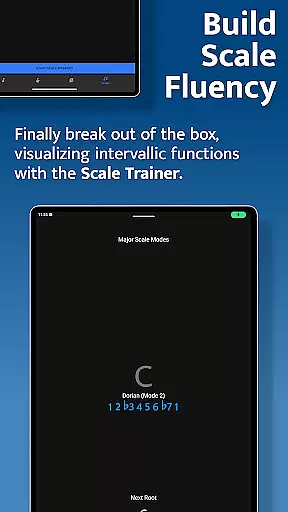
Lastly, the Scale Trainer contains over 50 scales and modes, enabling users to break out of traditional scale boxes. With options for melodic sequences and voice leading, musicians can explore new ways to understand scale construction. These features collectively provide a robust platform for mastering the fretboard, making Solo an indispensable tool for serious musicians.
When it comes to music and audio applications, the size and authenticity of the music library are crucial factors. Solo - Fretboard Visualization offers an extensive collection of scales and modes, totaling over 50 variations. This vast array ensures that musicians have access to a comprehensive range of musical resources tailored to mastering fretboard visualization.
The app's content is crafted by world-renowned guitarists Tom Quayle and David Beebee, ensuring not only quantity but also quality and authenticity. The inclusion of copyright-authentic materials means users can trust the accuracy and legitimacy of the provided scales and modes, which is essential for serious practice and learning.
For musicians at all levels, having access to such a diverse and verified music library within the app eliminates the need to search for external resources. This consolidation enhances the learning experience, allowing users to focus on their practice without worrying about the credibility of the material they're using.
Audio quality is paramount in music training applications, especially when precision in sound reproduction can affect a musician's learning curve. Solo - Fretboard Visualization takes this into account by offering various audio quality options that cater to different needs and preferences.
The app listens to the notes played by the user and provides feedback based on accurate audio processing. This feature is critical as it ensures that the nuances of each note and interval are captured, providing precise feedback that helps users correct their technique and improve their playing.
Moreover, the ability to customize audio settings allows users to tailor their experience according to their equipment and environment. Whether practicing with high-end headphones or studio monitors, musicians can adjust the audio quality to match their setup, ensuring an optimal and uninterrupted practice session.
Comprehensive training modules
Interactive fretboard diagrams
Customizable practice sessions
Wide range of scales and modes
Created by expert musicians
Steep learning curve
Requires dedicated practice time
Limited visual customization
No social sharing features
Premium pricing model

Make music anywhere. Turn your device into an instrument.
 4.4
4.4
The Cubase remote control app
3.60
Powerful beat maker & DJ mixer to remix tracks, make music, & perform DJ mix
3.70
A High-Precision Audio Spectrum Analysis App
4.20
No wifi music app. Mp3 offline. Tuner radio, young radio music. Music downloader
4.20
PowerAudio is a powerful offline music player.
4.20
The iconic iOS metronome app is now on Android.
3.70
Offline Tunes, Unlimited Vibes
3.90
Travel To The Music Universe
3.40
Play your hearts out on TouchTunes jukeboxes & connect with fellow music lovers.
4.80
Responsive piano with great sounds, graphics, and songs
4.80
Most Advanced AI Song Generator and Music Creator. Rap, Pop, Rock, Gospel & more
4.70
A synth that really lets you shape your sounds!
4.50
Guzheng Master supports many playing techniques as an acoustic Guzheng
4.50
Smart piano keyboard, Classical to Pop, Real-time multiplayer connection!
4.20
VB-AUDIO Software / VBAN-Receptor allows listening to any VBAN Streams
4.10
Turn your phone into a musical instrument from the future!
3.90
USB audio recording and playback finally possible on Android 3.1 or higher!
3.90
Remove ads permanently from Music Visualizer
4.1







User Reviews