
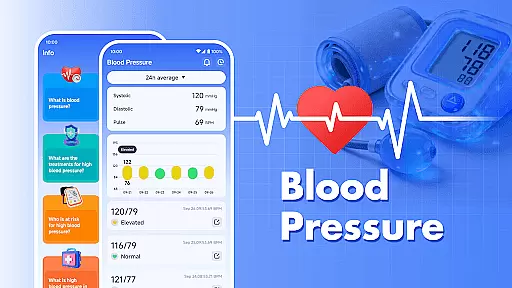
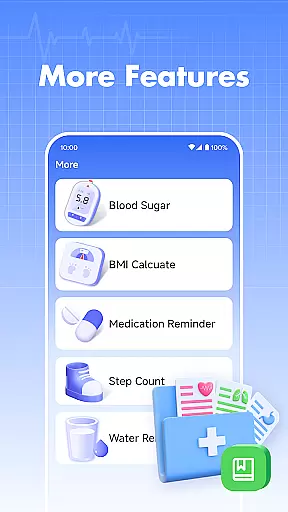
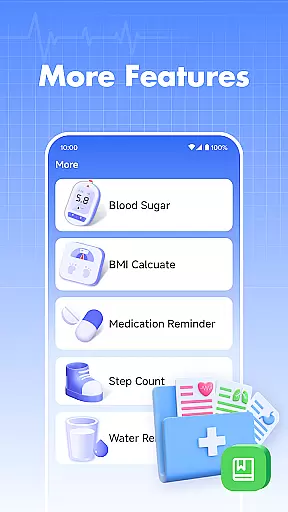
Blood Pressure is a comprehensive health tracking application designed specifically for monitoring and managing blood pressure and blood sugar levels. The app's core functionality lies in its ability to record and track your blood pressure readings over time, providing users with valuable insights into their cardiovascular health trends.
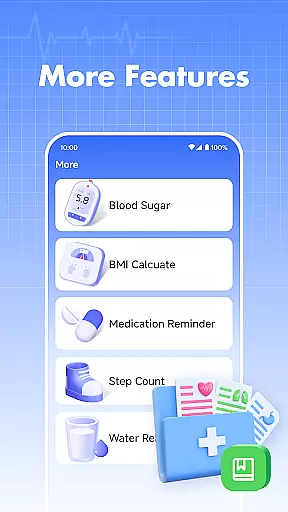
In addition to blood pressure tracking, the app also allows users to log blood sugar measurements, making it a versatile tool for those who need to monitor both metrics. The application presents data in an easy-to-understand format, enabling users to identify patterns and changes in their health metrics. Whether you're managing hypertension or simply maintaining general wellness, this app serves as a vital tool for personal health management.
The app finds particular value among individuals who are proactively managing chronic conditions or those interested in maintaining optimal health. By providing historical data views and educational content about blood pressure management, it empowers users to make informed decisions about their health while facilitating better communication with healthcare providers during medical appointments.
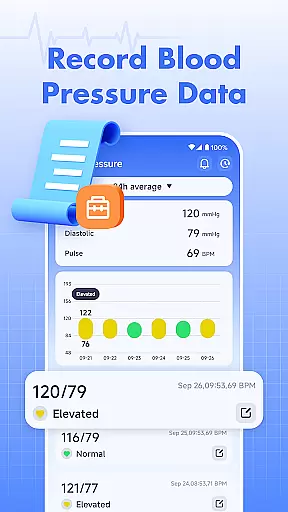
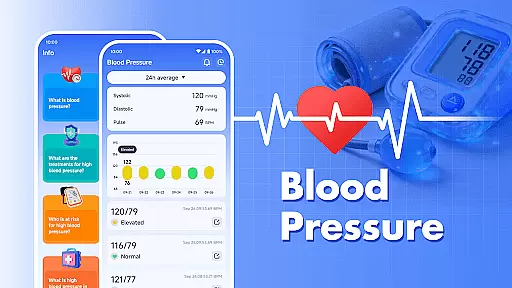
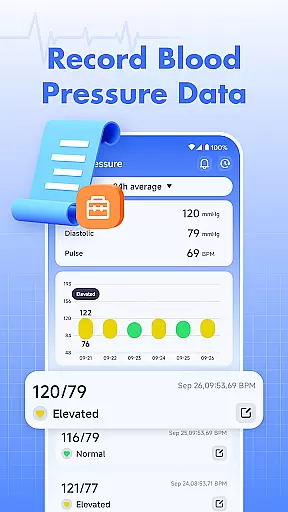
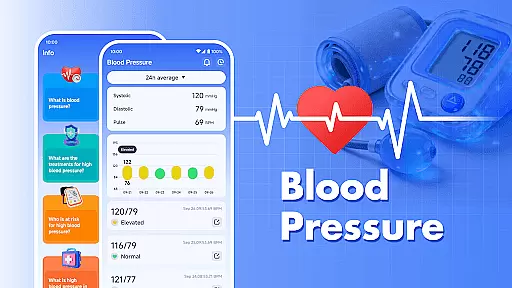
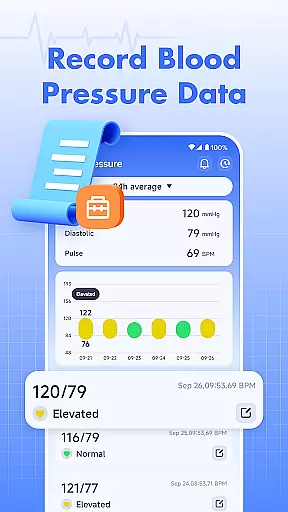
Blood Pressure stands out through its dual-tracking capability, allowing users to monitor both blood pressure and blood sugar levels within a single application. The blood pressure tracking feature enables users to input systolic and diastolic readings, automatically generating trend graphs that help visualize health patterns over time.
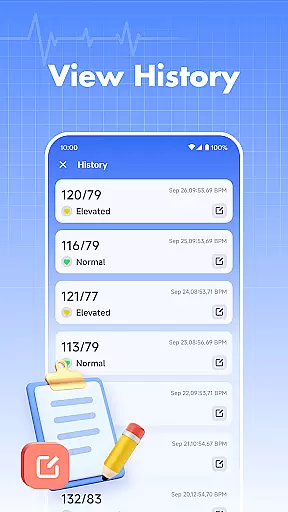
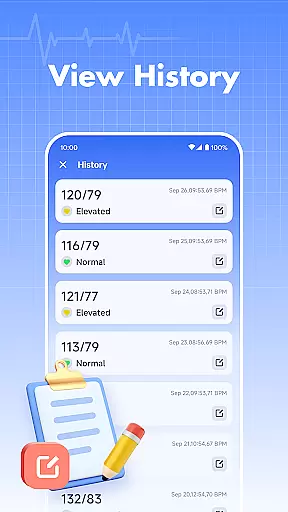
A notable innovation is the app's ability to store extensive historical data, giving users access to their complete health record in one place. The blood sugar logging feature follows similar principles, letting users track their glucose levels alongside their blood pressure readings. This combination creates a comprehensive health monitoring solution that's particularly useful for individuals managing diabetes or pre-hypertension conditions.
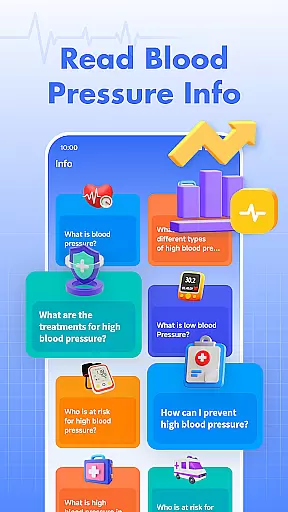
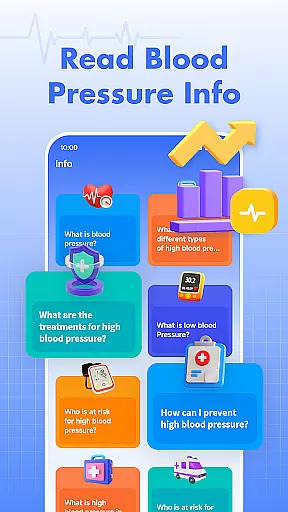
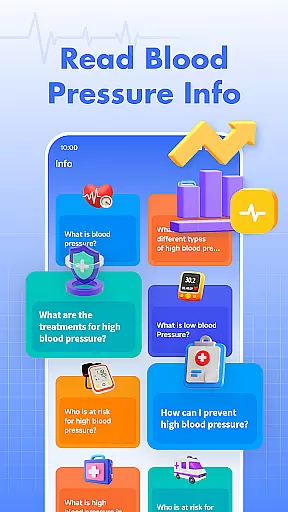
The app's educational component provides valuable information about blood pressure management and related health topics. While clearly stating its limitations as a non-medical device, the application offers general health knowledge that can enhance users' understanding of their metrics. The straightforward interface and clear data presentation make it accessible to users of all technical skill levels, ensuring accurate tracking without requiring medical expertise.
Personalized planning in health applications refers to the ability to tailor health management plans according to individual user data. Blood Pressure excels in this area by offering personalized tracking and analysis for blood pressure and blood sugar levels.
The app allows users to input their blood pressure readings regularly, which are then used to generate data trends over time. This feature provides a clear picture of how one's blood pressure is changing, allowing for more informed decisions regarding lifestyle or medication adjustments.
Beyond just tracking, the application offers insights into blood sugar levels as well, making it a comprehensive tool for managing two critical aspects of health. Users can easily log their data and review historical trends, empowering them with knowledge about their own body.
By using Blood Pressure, individuals gain access to an easy-to-use interface that simplifies the process of monitoring vital signs, thus playing a significant role in personal health management and preventive care.
Progress visualization is crucial for understanding health metrics over time. The Blood Pressure app provides users with clear graphical representations of their logged blood pressure and blood sugar data.
With each entry made by the user, the app updates its charts to reflect the latest measurements, presenting a chronological view of their health statistics. This enables users to spot trends, such as improvements or deteriorations in their condition, at a glance.
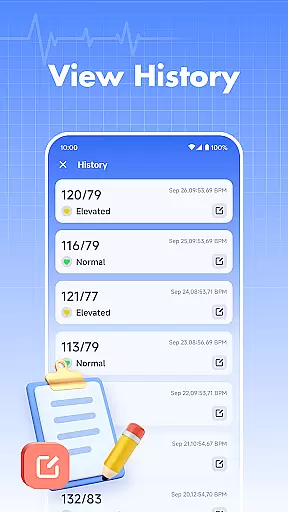
In addition to visual data displays, the app emphasizes the importance of maintaining records for future reference. Having a visual history of one's health indicators can be invaluable during consultations with healthcare providers.
Ultimately, progress visualization within Blood Pressure not only informs users about their current state but also motivates them to maintain healthy habits by showcasing tangible results of their efforts over time.
User-friendly interface
Comprehensive tracking
Historical data views
Educational resources
Data visualization tools
No direct measurement
Limited emergency use
Requires manual entry
Basic analytics only
Internet connection needed

Your Health Has Met Its App (℠)
 3.90
3.90
Create powerful subliminal audio with custom affirmations and background music.
4.00
sobriety counter app to help and motivate people to stop drinking alcohol.
4.90
Enjoy the Gluten Free living with the best app. SCAN the barcodes & SEARCH.
3.60
Meditation app, head space app provides calm music to help you meditate & sleep
5.00
You deserve easy access to important insurance information. Download for FREE.
4.70
FitCloudPro takes care of your health every minute.
3.70
Mood journal, habits, self-care tracker, self-love
4.90
Comprehensively record and manage your health
4.50
Beauty Care, Makeup & Skin Care Scanner | Pregnancy App For A Mom | Healthy Baby
5.00
Measure your Pupil Distance for Eyeglasses and VR headsets in 3 quick steps.
4.70
Walk. Earn: Get rewarded for every step! Walk, move, and earn real rewards.
4.70
Memory, mind & logic exercises. Puzzle games, IQ & brain test for kids & adults
4.50
Pack of 66 calming lullabies for smooth fall asleep and relaxation
4.10
beat yesterday.
4.00
3D Body Measurement System
3.60
Live Heart Rate Pro - Real Time Heart & Workout Data For Wear OS & Bluetooth BLE
3.20
Measure real-time wrist & ambient temperature with your Galaxy Watch (Wear OS)
3.20
The Wear OS BeechBand app is designed to alleviate anxiety and other conditions
4.1



User Reviews