
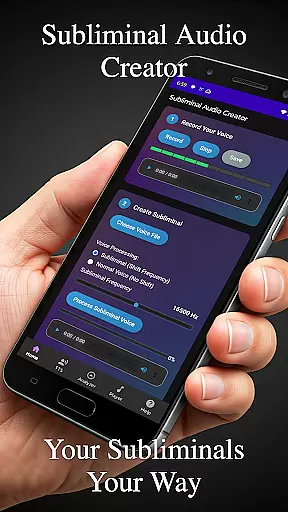
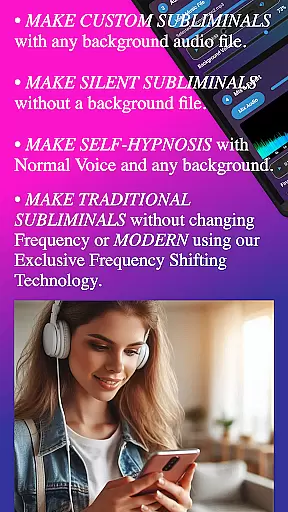
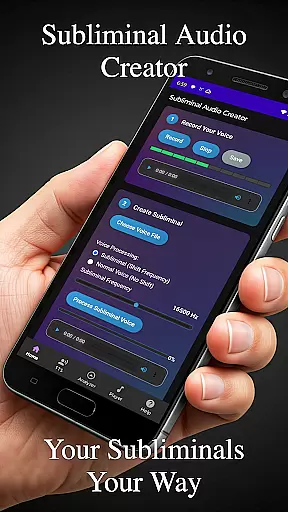
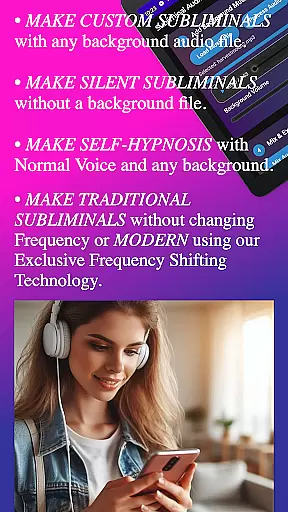
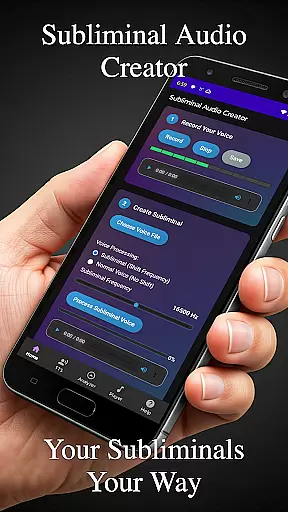
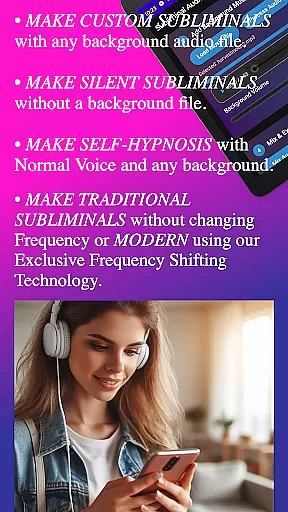
Subliminal Audio Creator is a comprehensive tool designed for creating personalized subliminal audio tracks, self-hypnosis recordings, and meditation music. This professional-grade app allows users to craft high-quality subliminal messages by combining voice recordings or text-to-speech affirmations with background music or ambient sounds. With its advanced features, the app caters to individuals seeking personal development, positive affirmations, and enhanced meditation experiences.
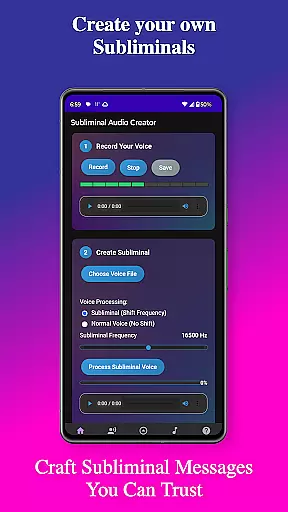
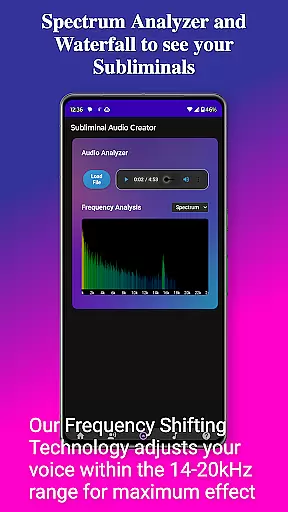
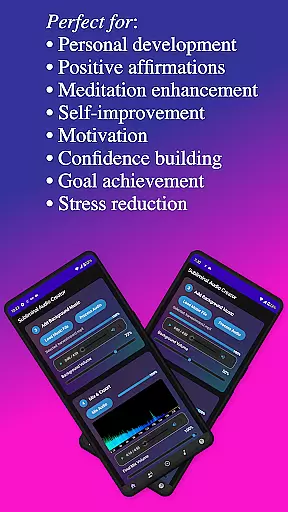
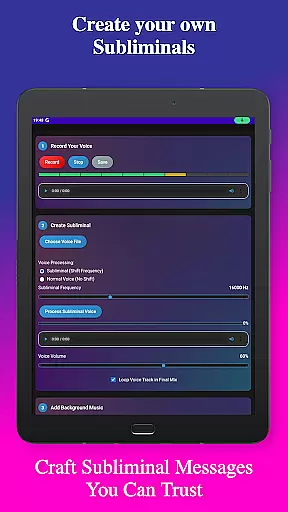
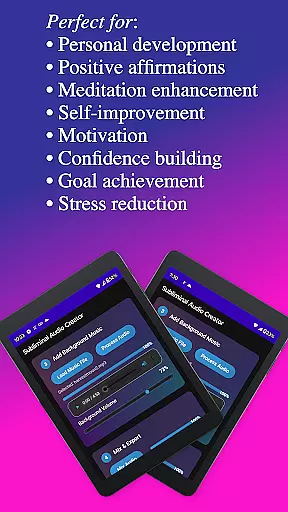
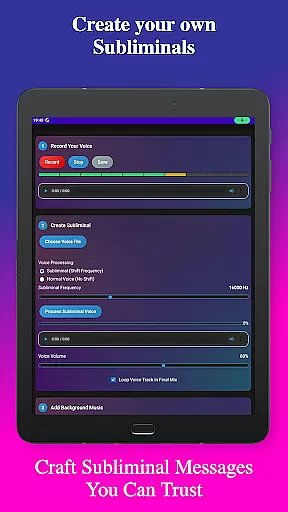
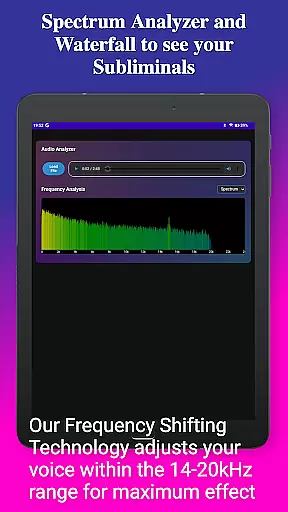
The app's built-in audio analyzer provides real-time frequency spectrum visualization, ensuring perfect mixes for manifestation and personal growth. Users can adjust subliminal frequencies, fine-tune volumes, and create seamless audio loops. The intuitive interface offers step-by-step guidance through the creation process, while the organized file management system helps maintain an efficient workflow. Whether you're looking to boost motivation, build confidence, or reduce stress, Subliminal Audio Creator delivers a complete solution for your subliminal audio needs.
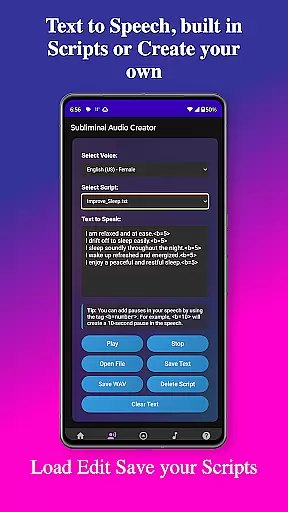
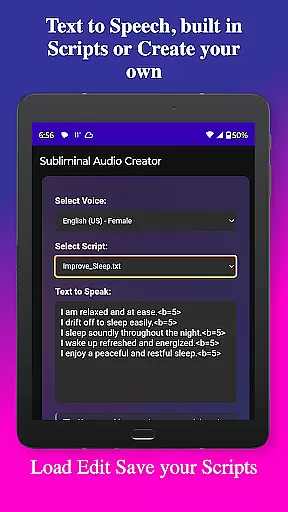
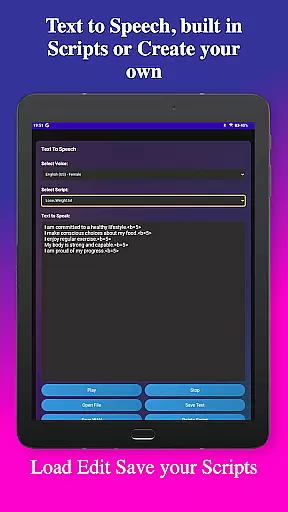
Subliminal Audio Creator stands out with its extensive feature set tailored for subliminal audio production. The app includes professional-grade voice recording capabilities, allowing users to capture crystal-clear affirmations and preview recordings before finalizing them. For those preferring text-based affirmations, the robust text-to-speech engine offers multiple voice options and customizable pause settings between affirmations.
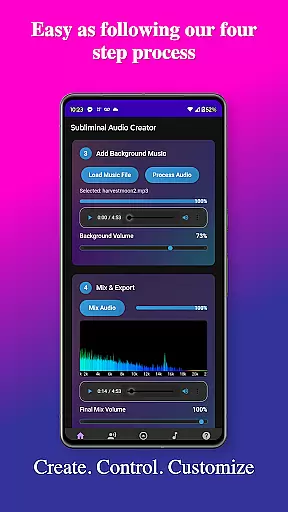
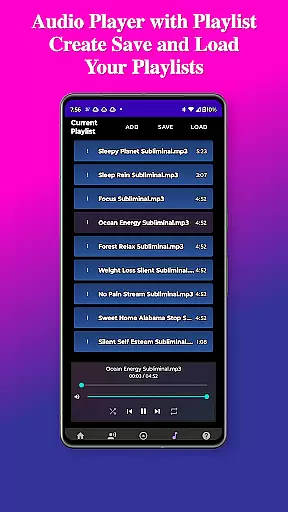
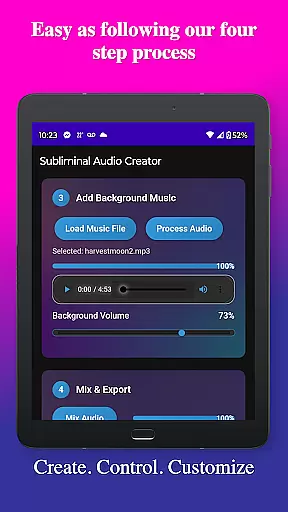
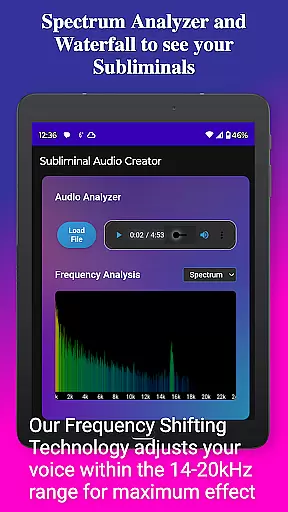
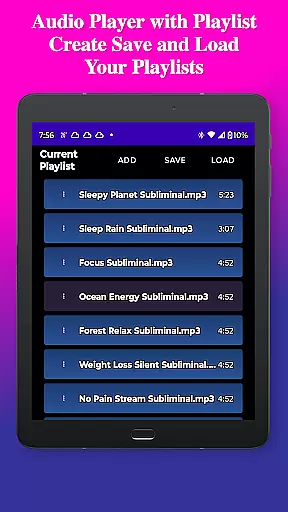
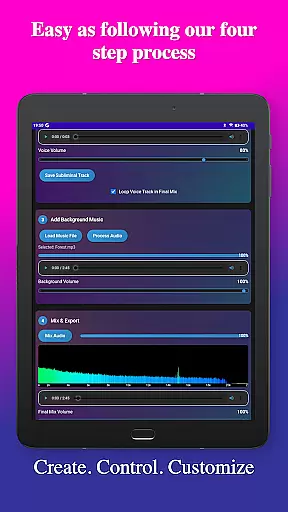
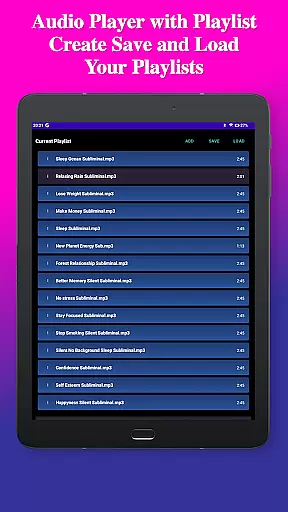
Background music integration is another key strength, supporting both included tracks and user-imported files in MP3 and WAV formats. The app's audio analysis tools provide detailed visual feedback through real-time frequency spectrum and waterfall displays. Advanced controls enable precise adjustments of subliminal frequencies and volume levels, while playback features include Google Cast support and background playback capability. These comprehensive features make Subliminal Audio Creator an indispensable tool for anyone serious about personal development through audio technology.
Personalized planning in the realm of subliminal audio creation involves tailoring affirmations and audio tracks to meet individual needs. Subliminal Audio Creator excels in this area by allowing users to record custom affirmations or utilize text-to-speech functionality with multiple voice options, ensuring that each subliminal message is personalized.
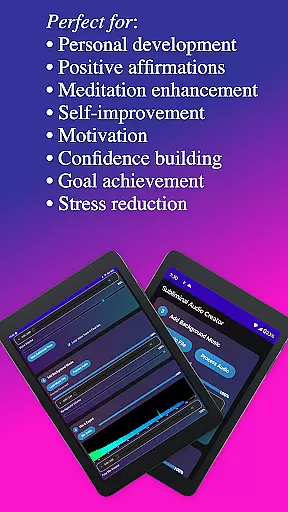
The app's advanced controls enable fine-tuning of subliminal frequencies and volumes, which means users can adjust settings to align with their specific goals, whether it be for meditation enhancement, motivation boosting, or personal development. This level of customization ensures that each audio track resonates with the user's personal aspirations.
Moreover, the inclusion of an audio analyzer provides real-time feedback on frequency spectrums, empowering users to create mixes that are optimized for their objectives. The ability to visualize subliminal frequencies aids in crafting messages that are more likely to influence the subconscious mind effectively.
Ultimately, the personalized planning offered by Subliminal Audio Creator translates into a powerful tool for self-improvement. Users can save and manage their scripts and recordings, building a library of personalized content that evolves with their journey towards personal growth, making every listening experience a step forward in their transformation process.
Progress visualization is crucial for maintaining motivation and tracking the effectiveness of subliminal audio sessions. Subliminal Audio Creator addresses this need through its built-in audio analyzer, which features a real-time frequency spectrum analyzer and waterfall display. These tools allow users to visually monitor the audio quality and verify the subliminal frequencies within their mixes.
By observing the visual feedback provided during the creation process, users can make informed decisions about adjustments needed to achieve the desired outcome. This feature transforms the typically intangible nature of subliminal effects into something concrete and observable, enhancing the user's understanding of their progress.
In addition to technical visualization, the app facilitates progress tracking through organized file management. Users can easily access dedicated folders for voice recordings, subliminal tracks, and final mixes, providing a clear overview of their creative journey and milestones achieved along the way.
This combination of technical and organizational visualization empowers users to witness their advancement in creating subliminal audios. As they refine their skills and produce more sophisticated tracks, the visible results from the analyzer alongside an expanding library of projects serve as tangible evidence of their growth and commitment to personal transformation.
User-friendly interface
Advanced audio controls
Multiple export formats
No subscription fees
Comprehensive feature set
Requires storage permission
Microphone access needed
Complex for beginners
Limited free content
Specific use case

Text notifications, button control, heart monitor & more for your Amazfit.
 2.40
2.40
Control your sleep in real-time wearing Garmin device
3.60
Personal Measurements - Track your gains!
4.50
Pack of 66 calming lullabies for smooth fall asleep and relaxation
4.10
Easy reconstitution calc for mixing peptides and creating protocols
4.70
See what's really going on inside your head! Real time EEG graphs from your Muse
4.40
Interval timer for High Intensity Interval Training, Tabata and Circuit Training
4.20
50 HD sounds to help you relax during the day and sleep great at night!
4.40
Your portable blood pressure tracker. Record, monitor, and analyze BP anytime.
4.30
Meditation app, head space app provides calm music to help you meditate & sleep
5.00
Weight loss app: home workout for women to lose weight & burn calories.
4.80
Protect your healthy sleep
4.80
Easy to use step counter, calorie counter helps lose weight, count steps offline
4.80
Get lasting results with Chair Yoga, Wall Pilates, and Walking workouts!
4.60
Grow with self-tests and personal routine.
4.30
Walk, track, and burn calories with step counter & GPS walking tracker
4.20
This is an application that serves as a companion app for smart watch.
4.20
Enjoy the Gluten Free living with the best app. SCAN the barcodes & SEARCH.
3.60
Use your watch as a bike computer, heart rate monitor and cycling power meter
2.50



User Reviews