
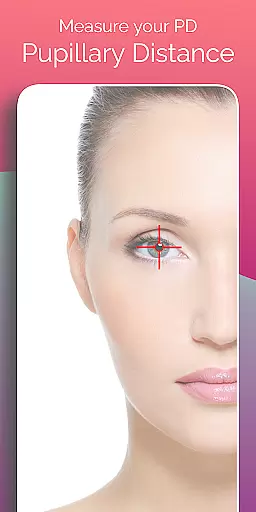
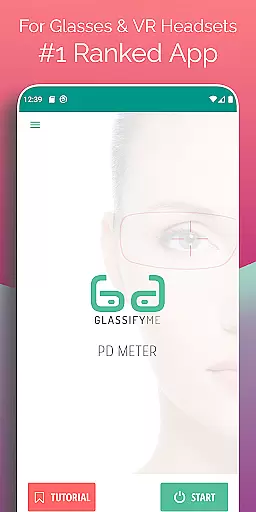
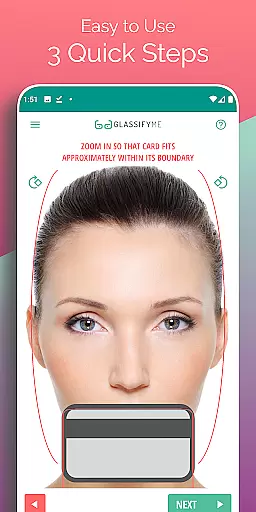
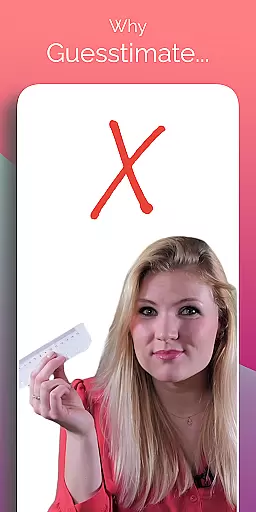
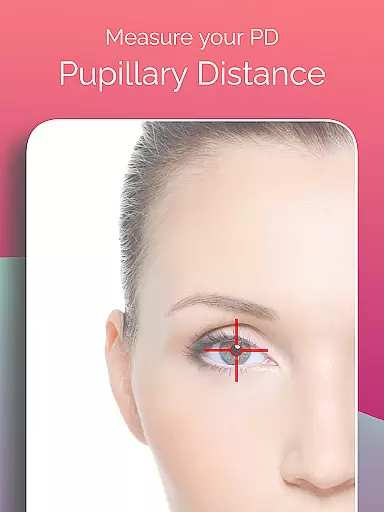
Pupil Distance PD Glasses & VR is a leading mobile application designed for accurately measuring Pupillary Distance (PD). This Health & Fitness tool leverages advanced algorithms to automatically detect pupils and calculate precise PD measurements in millimeters. Users can take a selfie with a standard-sized card, ask a friend to take their picture, or import photos from the gallery.
The app serves two primary purposes: aiding in the proper manufacturing of prescription glasses and providing accurate measurements for VR headsets. Its innovative approach eliminates the need for professional equipment, making PD measurement accessible to everyone. Whether you're an optometry professional or simply someone in need of glasses, this app offers significant value by ensuring correct lens alignment.
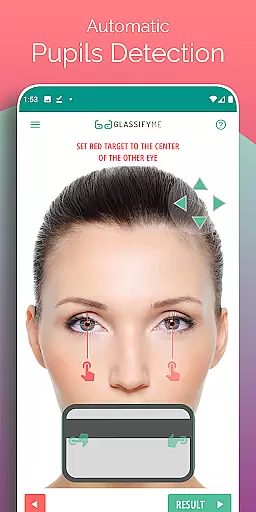
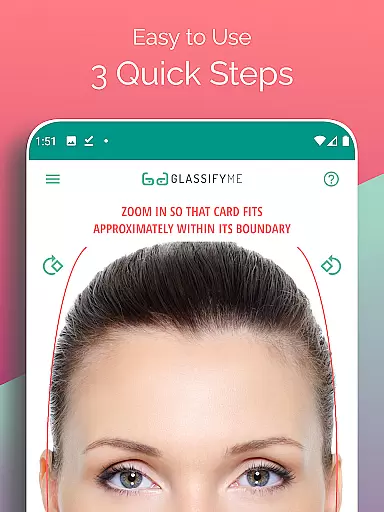
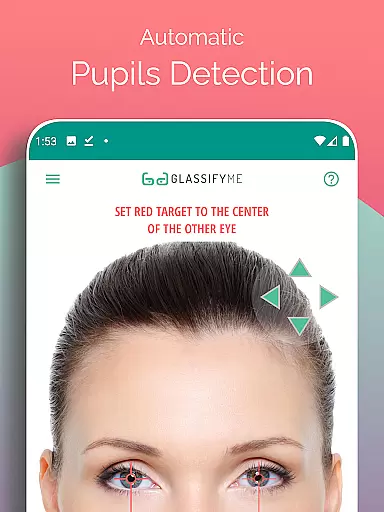
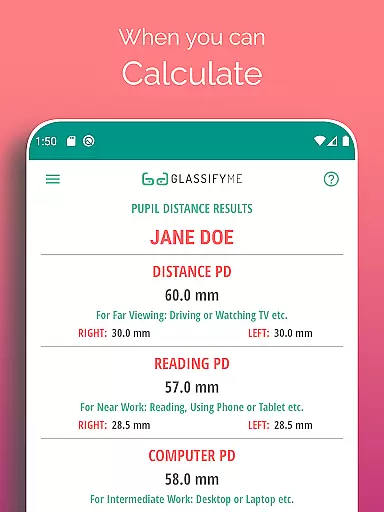
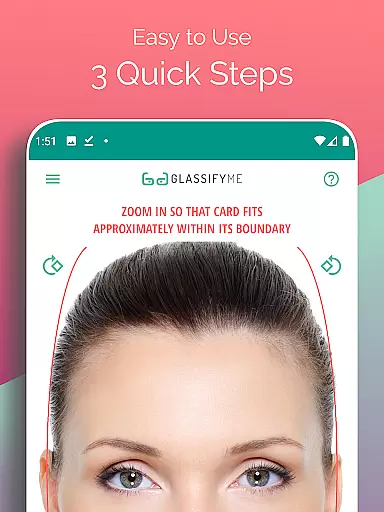
This app stands out with its sophisticated features tailored for precision and convenience. The core functionality includes automatic eye and pupil detection powered by an advanced algorithm that ensures reliable results every time. Users can measure both Distance and Reading PD through three simple steps.
Additional features include multiple photo capture options - users can either take a new photo, have someone else take it, or use an existing image from their gallery. The app also provides a comprehensive video tutorial, offering step-by-step guidance for optimal usage. These capabilities make Pupil Distance PD Glasses & VR an indispensable tool for anyone requiring precise pupillary measurements without visiting a specialist.
Personalized planning in the context of PD measurement involves tailoring the approach to suit individual user needs. The PD Meter App by GlassifyMe offers a customized experience by allowing users to choose from various methods to measure their PD.
Whether you prefer taking a selfie, having a friend take your picture, or importing an existing photo from your gallery, the app accommodates all preferences. This flexibility ensures that every user can find a method that best suits their comfort and accuracy requirements.
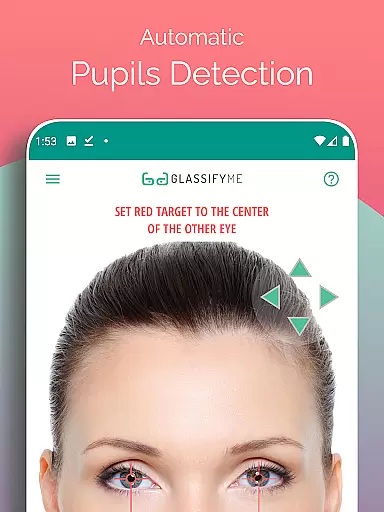
The app's advanced algorithm plays a crucial role in personalized planning. It automatically detects the eyes and pupils, providing precise measurements without the need for manual input. This feature is particularly beneficial for users who require different PD measurements for distance and reading glasses.
By offering multiple measurement options and automating the detection process, the PD Meter App delivers a personalized planning experience that enhances user convenience and measurement accuracy. This tailored approach helps users obtain proper vision correction through their prescription glasses and optimizes their VR headset experience.
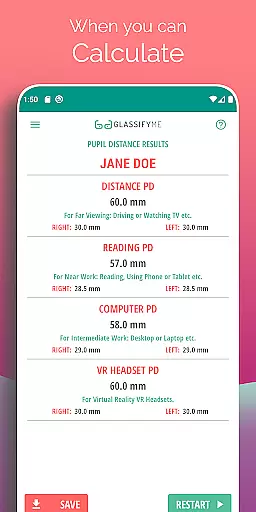
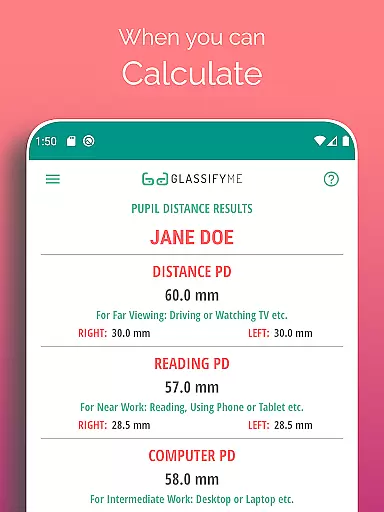
Progress visualization refers to the clear presentation of measured outcomes, enabling users to understand their results better. In the PD Meter App, progress visualization is evident through its ability to display accurate pupillary distance measurements after processing user-submitted photos.
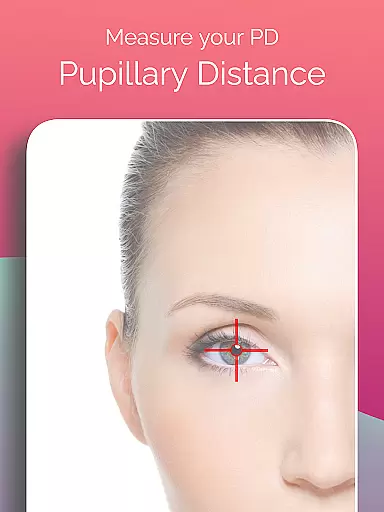
Upon capturing an image with a reference card, the app swiftly processes the data and highlights the pupils' positions, presenting the PD measurement in millimeters. This immediate visual feedback allows users to see and comprehend their unique ocular metrics effortlessly.
For those relying on precise measurements for prescription glasses or VR headsets, this visual confirmation is invaluable. It assures users of the measurementu2019s accuracy and provides peace of mind before proceeding with purchases or fittings.
Moreover, the appu2019s tutorial video serves as an additional resource for progress visualization. By watching the step-by-step guide, users can visually follow the measurement process, reinforcing their understanding and boosting confidence in their PD readings. This comprehensive approach to progress visualization ensures users are well-informed and satisfied with their results.
User-friendly interface
Accurate measurements
Multiple capture methods
Automatic eye detection
Comprehensive tutorial
Requires reference card
Limited to Android
Internet connection needed
Premium version costly
Occasional inaccuracies

For Absolute Novices to Strength Training. Simple. Effective.
 4.40
4.40
a fun app full of surprises :)
4.70
Meditation app, head space app provides calm music to help you meditate & sleep
5.00
Interval timer for High Intensity Interval Training, Tabata and Circuit Training
4.20
Protect your healthy sleep
4.80
The most accurate heart rate app to monitor and track your heart rate & pulse.
4.40
Track sleep cycle, relax with white noise, sleep sounds & smart alarm clock
3.80
Dexcom G7 Continuous Glucose Monitoring
3.70
Monitor blood sugar, gain insights, and manage diabetes with ease.
3.20
Pilates, Calisthenics, Yoga
4.50
The simplest way to track your 21 Day Program containers, exercises, and water.
4.50
See what's really going on inside your head! Real time EEG graphs from your Muse
4.40
Grow with self-tests and personal routine.
4.30
SportWerks - Workout Tracker for Wear OS Watches
3.90
Understand your body’s most meaningful messages and transform your health.
3.90
Focus on BP & Health
3.80
FitCloudPro takes care of your health every minute.
3.70
Your plan in your pocket 24/7
3.00
Use your watch as a bike computer, heart rate monitor and cycling power meter
2.50



User Reviews