
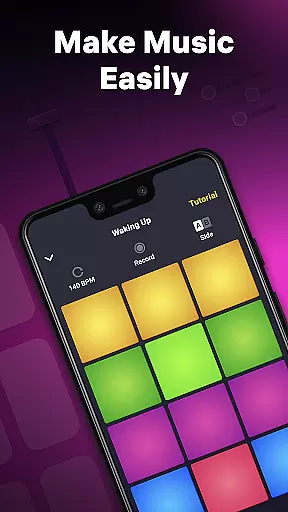
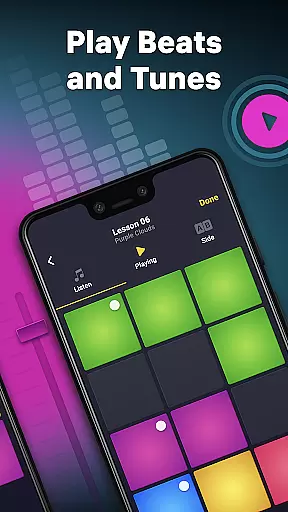
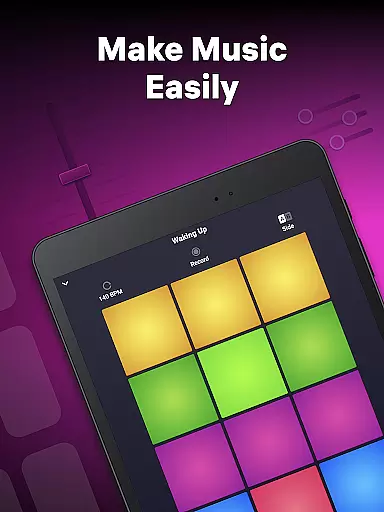
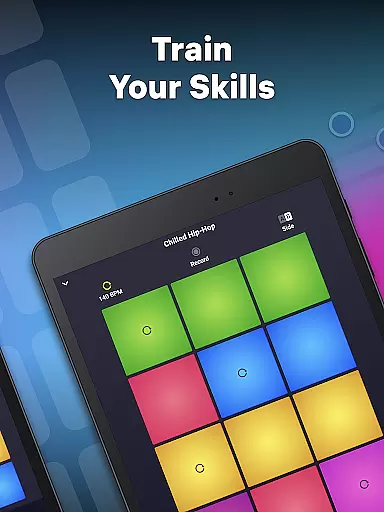
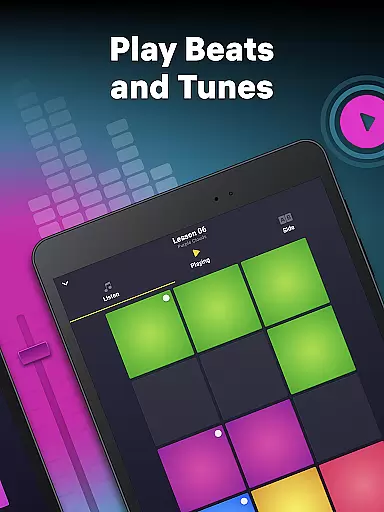
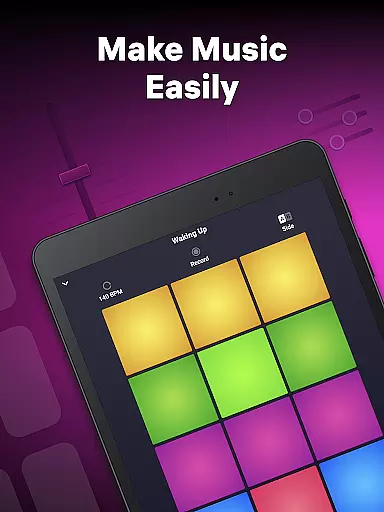
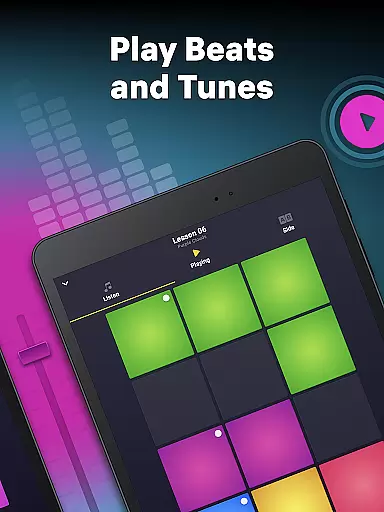
Drum Pad Machine is a dynamic music creation app designed for both aspiring and professional DJs. This application allows users to produce high-quality beats across various genres including Trap, Dubstep, EDM, and Hip-Hop. With an intuitive interface featuring colorful pads, each representing unique sounds, users can easily mix loops, record melodies, and create mixtapes.
The app stands out with its comprehensive sound library developed by professional musicians, making it suitable for both beginners and experienced beat makers. Whether you're at home, in a studio, or on the go, Drum Pad Machine provides all the tools necessary to craft professional-grade music tracks in real-time.
For those new to music production, the app offers detailed tutorials that guide users through the process of creating and mixing music. This makes it an ideal tool for anyone looking to explore the world of DJing and electronic music production.
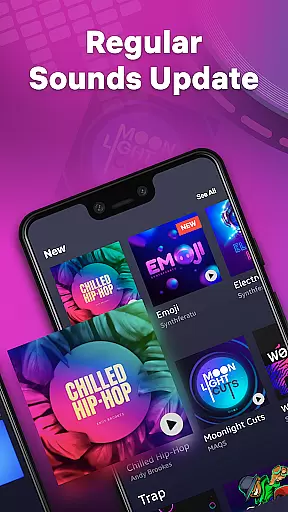
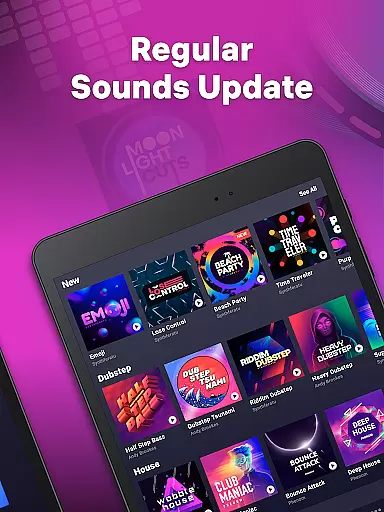
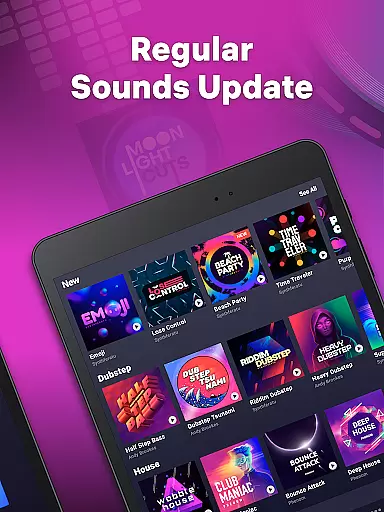
Drum Pad Machine boasts an array of powerful features tailored for music enthusiasts. The app includes a wide variety of sound packs covering multiple music styles, enabling users to experiment with different genres. Each sound pack is crafted by professional musicians, ensuring high-quality audio samples for your compositions.
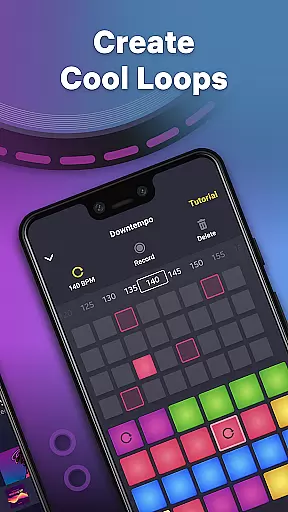
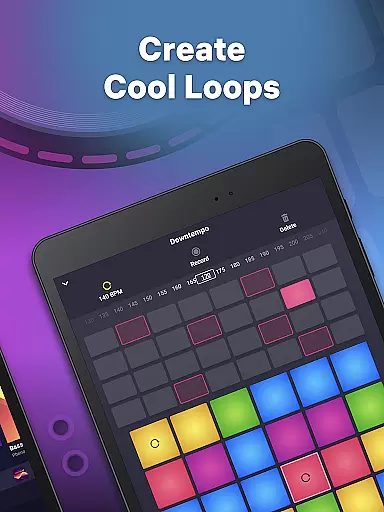
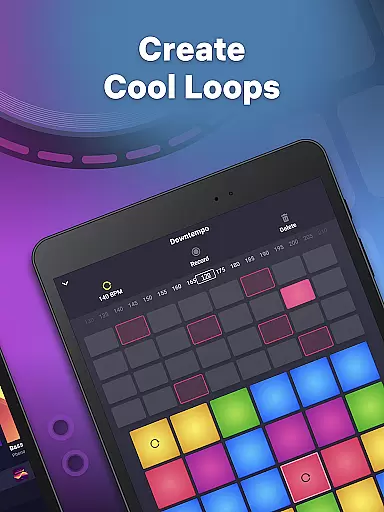
One of the standout features is the built-in sequencer, which allows users to create loops and change tempo effortlessly. Additionally, the launch pad supports finger drumming, providing a tactile way to play and record beats. Users can also share their creations directly from the app, making it easy to distribute music across platforms.
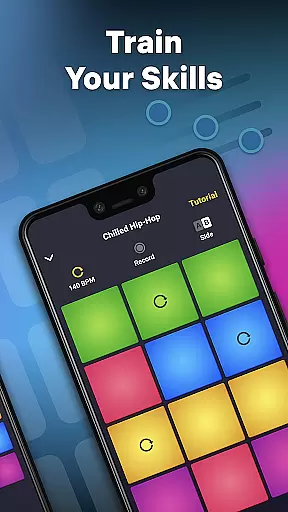
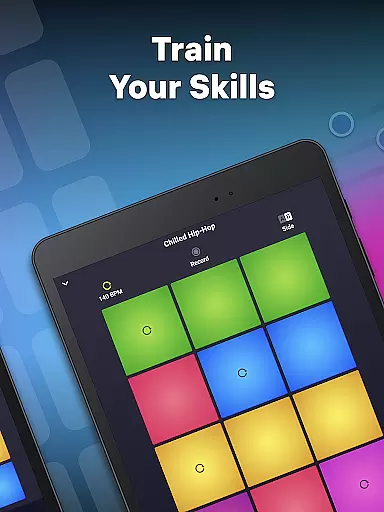
Designed with user experience in mind, Drum Pad Machine offers a step-by-step tutorial system. These tutorials help users master essential skills such as mixing tracks, recording sounds, and utilizing the app's full potential to create professional-sounding music.
Drum Pad Machine offers an extensive music library that caters to various styles including Trap, Dubstep, EDM, House, Drum & Bass, Hip-Hop, Electro, and Future Bass. This wide selection ensures that users have access to a rich diversity of sounds and beats.
The app provides professionally developed samples and sound packs created by seasoned musicians. This guarantees not only a vast array of musical options but also the authenticity and quality of the content available for music creation.
With its commitment to copyright authenticity, Drum Pad Machine assures users that all the sounds and loops are legally usable. This empowers creators to compose tracks without concerns about copyright infringement, making it a reliable tool for both amateur and professional music production.
Drum Pad Machine stands out in its provision of high-quality audio options. The app allows users to create appropriate chords for different instruments such as piano and guitar, ensuring that the output meets professional standards.
Users can take advantage of the sequencer to try loop creation and change tempo, which contributes to the refinement of audio quality. These features provide control over how the music sounds, allowing for adjustments that suit specific preferences or requirements.
In addition to offering advanced audio manipulation tools, Drum Pad Machine supports recording capabilities. Users can record their own tracks with clarity and share them with ease, knowing that the app maintains high fidelity throughout the process.
User-friendly interface
Wide range of sound packs
Professional audio quality
Comprehensive tutorial system
Real-time music creation
Limited free content
In-app purchases required
Occasional bugs reported
High learning curve for beginners
Subscription model

Simply convert wav to mp3. Clear. Reliable. Safe.
 4.4
4.4
Performance-Synthesizer & Multi-Track-Sequencer, polyphonic + multi timbral!
4.70
JBL PartyBox APP works with 110/310/710/120/320/520/Encore/Encore 2/Encore Ess 2
4.80
The best music and audio player, with beautiful UI, music search and equalizer.
4.60
Music, News & Sports Radio Tuner App. Tune in Live FM & AM Radio Stations.
4.80
The original SP-1200 experience on your iPad
4.20
Slow music down without changing pitch.
3.70
Powerful 10-Band equalizer pro with sound booster improves Android audio quality
4.30
Get alarms that fit your lifestyle and wake up to the sounds you love.
4.80
Tune in to the greatest hits on UK Radio | The home of Capital, Smooth & Heart.
4.90 4.70
4.70
Most Advanced AI Song Generator and Music Creator. Rap, Pop, Rock, Gospel & more
4.70
Reverse your voice & songs instantly! Fun singing challenge with cool effects.
4.60
Play KORG’s revolutionary touch-based instrument on a variety of devices.
4.40
Your HD audio recorder on the go for music, meetings, ambience, animal sounds…
4.30
A High-Precision Audio Spectrum Analysis App
4.20
Smart piano keyboard, Classical to Pop, Real-time multiplayer connection!
4.20
USB audio recording and playback finally possible on Android 3.1 or higher!
3.90
Simple mp3 and mp4 player with advanced features.
3.40




User Reviews