
Equalizer FX Pro is a comprehensive audio enhancement application designed to elevate the sound quality of Android devices. The app combines equalizer, bass booster, and volume booster functionalities, allowing users to customize their audio experience across various media players. Whether you're listening to music, watching videos, or managing system sounds, this app provides precise control over audio frequencies and volumes.
The application offers specialized features like 7-band equalizer with 10 presets, virtualizer effects, and 6 distinct volume modes tailored for different scenarios such as music, meetings, or outdoor use. With support for all music and video players, Equalizer FX Pro ensures an immersive audio experience through its intuitive interface and powerful sound processing capabilities.
Perfect for audiophiles and casual listeners alike, Equalizer FX Pro enhances your mobile entertainment by delivering richer bass and clearer sound. Its user-friendly design allows quick setup - simply launch your media player, activate the app, and adjust settings for optimal results. Enjoy superior sound quality whether using headphones or external speakers.
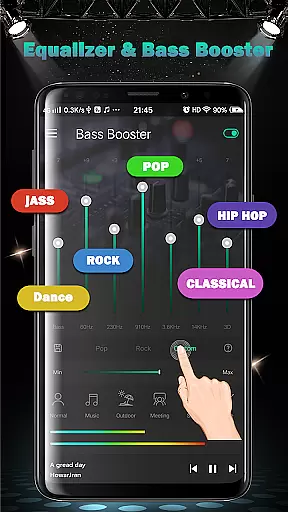
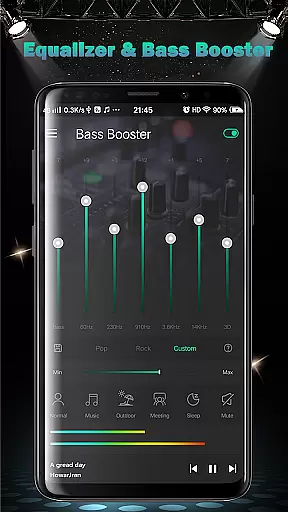
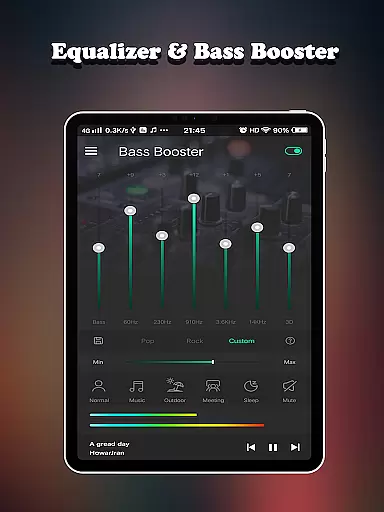
Equalizer FX Pro stands out with its robust feature set designed to optimize audio performance on Android devices. The app's core functionality includes a 7-band equalizer with 10 professional presets, enabling users to fine-tune their sound experience across different genres and media types. The inclusion of virtualizer effects adds depth to audio playback, creating a more immersive listening environment.
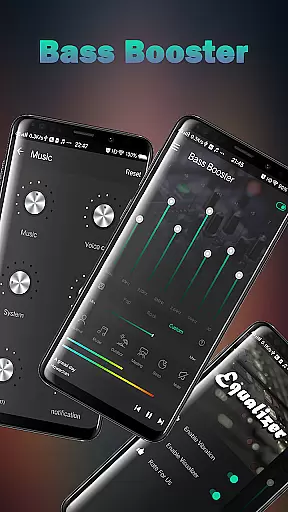
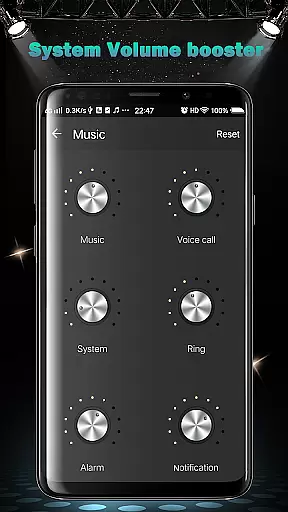
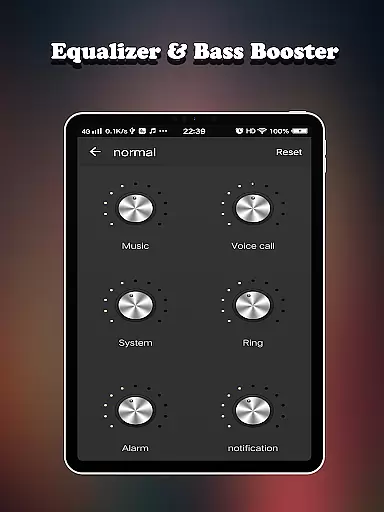
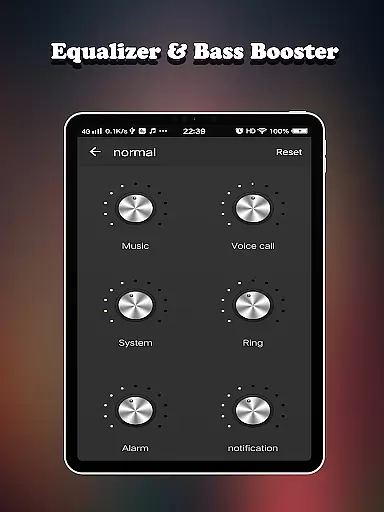
One of the app's key innovations is its comprehensive volume management system. Users can independently control six different volume types including media, voice, system, ringtone, alarm, and notification sounds. The app also provides six specialized volume modes - normal, music, outdoor, meeting, sleep, and mute - each carefully calibrated for specific usage scenarios.
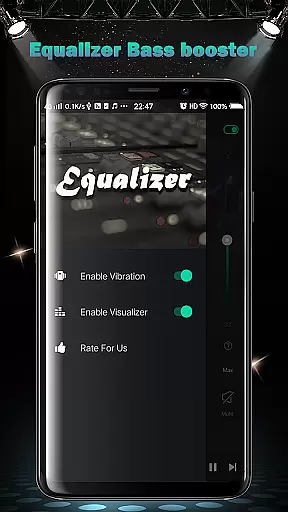
Additional notable features include two visual spectrums for real-time audio visualization, music playback controls integrated directly within the app, and support for all major media players. The combination of these features makes Equalizer FX Pro a versatile tool for both casual listeners and audio enthusiasts seeking to maximize their device's sound potential.
Equalizer FX Pro offers a comprehensive suite of audio enhancement features that work across all music and video players on your Android device. While the app itself does not maintain a proprietary music library, it significantly enhances the listening experience of your existing audio collection.
The application's equalizer functionality includes 7 bands of precise frequency control, allowing users to customize their sound profile across different media sources. With 10 professional equalizer presets, the app caters to various music genres while maintaining optimal audio quality standards.
Regarding copyright authenticity, Equalizer FX Pro respects intellectual property rights by working exclusively with the user's legally acquired media content. The app's processing algorithms enhance audio playback without modifying or redistributing original media files.
All audio enhancement features, including Bass Booster and Volume Booster effects, are designed to improve the listening experience while preserving the integrity of original audio recordings. This approach ensures compliance with copyright laws while delivering premium sound quality.
Equalizer FX Pro excels in providing diverse audio quality enhancement options for discerning listeners. The application features a sophisticated 7-band equalizer that allows precise control over different frequency ranges, enabling users to fine-tune their audio experience according to personal preferences.
The inclusion of Virtualizer effect technology creates an immersive listening environment by simulating surround sound characteristics. This feature, combined with two visual spectrums, provides both auditory and visual feedback for optimal sound adjustment.
Users can choose from six distinct volume modes - normal, music, outdoor, meeting, sleep, and mute - each offering specialized audio processing tailored to specific environments. Additionally, six volume boosters provide enhanced amplification capabilities while maintaining audio clarity.
The application's compatibility with all media players on Android devices ensures consistent high-quality audio performance across different platforms. Whether using headphones or external speakers, Equalizer FX Pro delivers professional-grade audio enhancement through its comprehensive suite of sound processing tools.
Comprehensive audio control
User-friendly interface
Wide device compatibility
Multiple volume modes
Real-time sound adjustment
Premium version required
Occasional audio glitches
Drains battery faster
Limited free features
Interface could be improved

 4.70
4.70
Your HD audio recorder on the go for music, meetings, ambience, animal sounds…
4.30
Powerful beat maker & DJ mixer to remix tracks, make music, & perform DJ mix
3.70
More downloads than any other metronome. Includes drum machine & tempo trainer.
4.80
Next generation modular control surface
4.10
PowerAudio is a powerful offline music player.
4.20
The iconic iOS metronome app is now on Android.
3.70
Listen to offline music and sounds from all categories
4.70
Play your music offline without limits
4.80
Play your hearts out on TouchTunes jukeboxes & connect with fellow music lovers.
4.80
Pay Once, no monthly payment
4.60
Taal player that lets you sing any Indian & Western song with Tabla & Tanpura
4.60
The best music and audio player, with beautiful UI, music search and equalizer.
4.60
Fun & Easy Voice Changer – Record, Edit & Add Hilarious Effects!
4.50
Learn and play 2M+ music tabs & chords on guitar, ukulele, bass, and more
4.30
No wifi music app. Mp3 offline. Tuner radio, young radio music. Music downloader
4.20
Smart piano keyboard, Classical to Pop, Real-time multiplayer connection!
4.20
Permanently backup Now Playing. Maps, filters & listening stats.
4.00
Sheet music reader, piano & music note player. Play music score & learn to read.
3.90



User Reviews