
Microsoft Authenticator is a business-focused application that provides secure sign-in options for online accounts through multi-factor authentication, passwordless login, or traditional passwords. The app supports both personal and organizational Microsoft accounts, as well as non-Microsoft accounts like Facebook, Amazon, and Google.
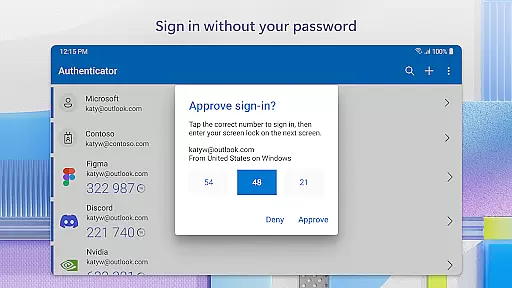
The core functionality includes two-factor authentication (2FA) using one-time passwords (OTP) that refresh every 30 seconds, ensuring enhanced security without the need for network connectivity. Additionally, users can leverage their mobile device's biometric features such as fingerprint or face recognition to log in without a password, offering seamless access to services like Outlook, OneDrive, and Office.
This app is particularly useful for businesses that require employees to authenticate securely when accessing sensitive files, emails, or applications. It also supports cert-based authentication and single sign-on capabilities, making it an essential tool for modern workplaces focused on security and efficiency.
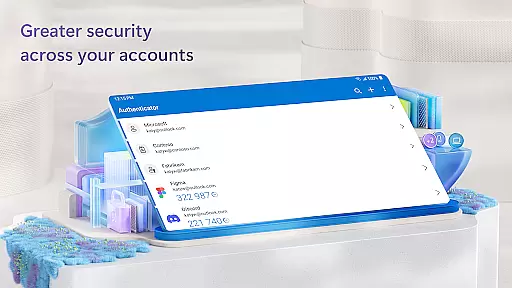
Microsoft Authenticator offers several key features that enhance its usability and security. First, the app supports multi-factor authentication (MFA) with time-based one-time passwords (TOTP), which are refreshed every 30 seconds. This ensures that each OTP is unique and cannot be reused, providing an additional layer of protection.
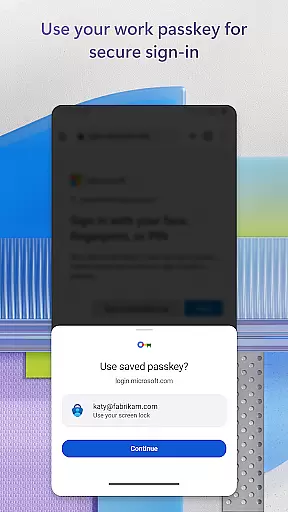
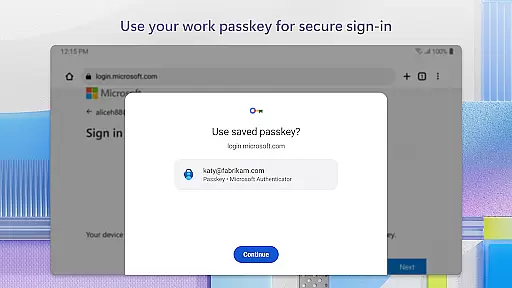
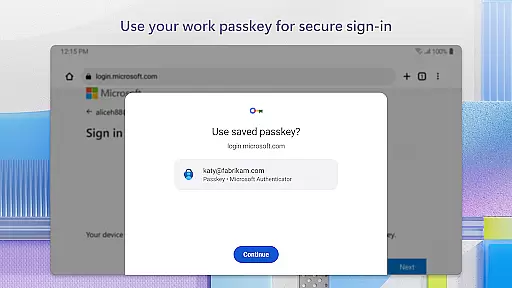
Another standout feature is passwordless login, where users can authenticate using their mobile device's biometric capabilities such as fingerprint or facial recognition. This not only simplifies the login process but also enhances security by eliminating the need to remember complex passwords.
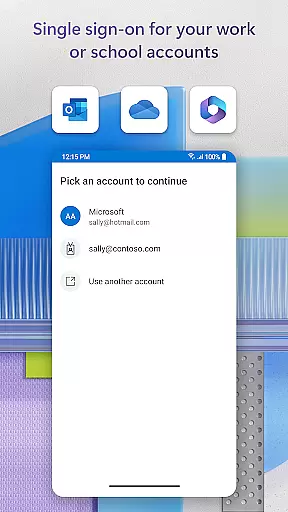
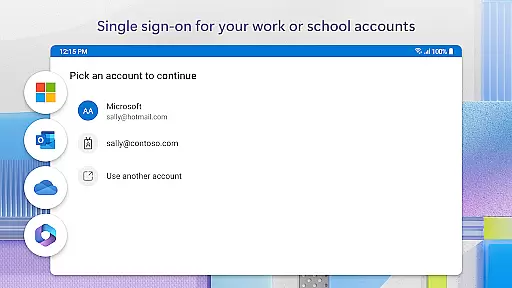
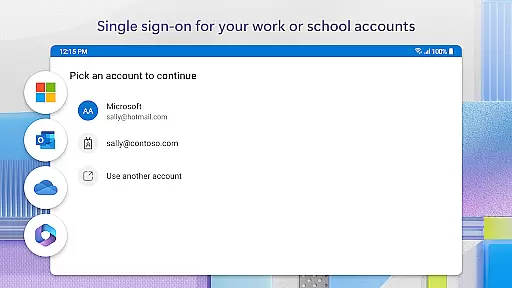
For organizations, the app supports cert-based authentication and single sign-on (SSO). Once a user authenticates via MFA, they gain automatic access to other Microsoft services without needing to log in again. Optional permissions like location tracking and camera access allow for advanced functionalities such as QR code scanning and location-based access policies.
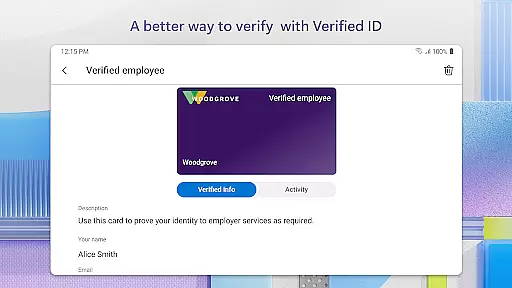
Microsoft Authenticator enhances collaborative work environments by providing secure access to essential resources. The app supports organizations in maintaining security while enabling employees to access files, emails, and applications seamlessly. By registering the device through the app, users can add their work or school accounts, ensuring that sign-in requests come from trusted devices.
The app's support for cert-based authentication further strengthens organizational security. This feature issues a certificate on the user's device, allowing for seamless and secure access to multiple Microsoft apps and services without needing to log in individually each time. With single sign-on capabilities, once users authenticate, they gain access to all authorized Microsoft products and services, streamlining workflows and boosting productivity.
Additionally, Microsoft Authenticator offers optional access permissions tailored to organizational policies. For instance, location data may be requested if the organization requires it before granting access to certain resources. These customizable security measures ensure that businesses can adapt the app to fit their unique operational needs while safeguarding sensitive information.
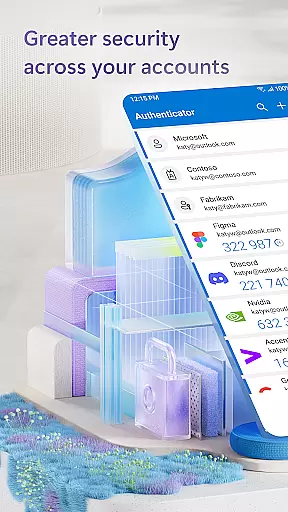
Task management within Microsoft Authenticator revolves around simplifying and securing the login process for various accounts. Users can manage multiple accounts, including non-Microsoft ones like Facebook, Amazon, and Google, through a single platform. This consolidation allows for efficient handling of credentials without compromising security, thanks to multi-factor authentication (MFA) and one-time passwords (OTP).
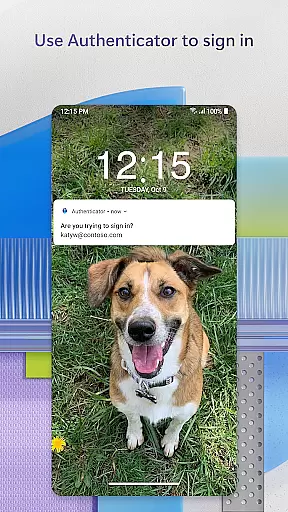
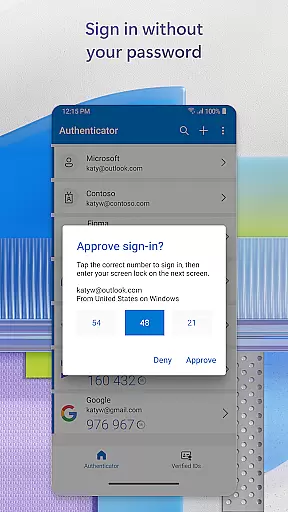
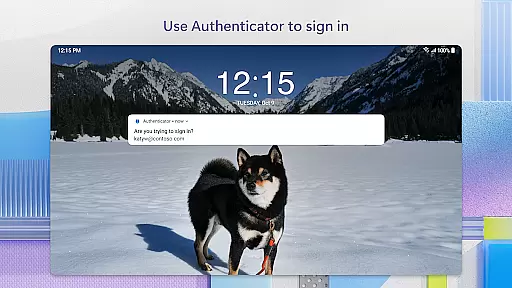
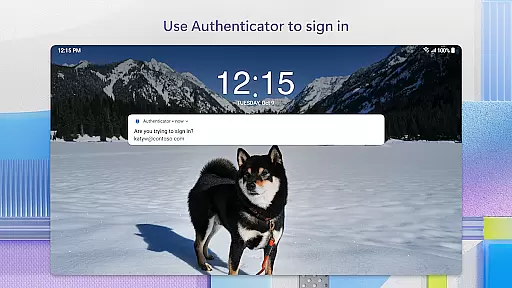
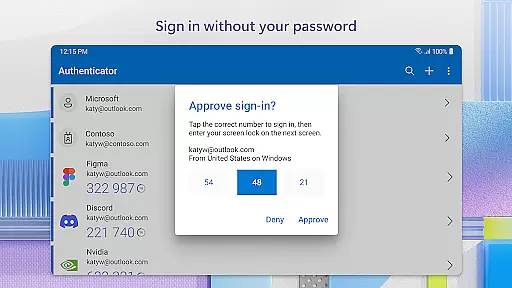
The app generates OTP codes with a 30-second timer, ensuring that each code is used only once and eliminating the need to memorize passwords. This feature provides an additional layer of security without requiring network connectivity, thus conserving device battery life. Users can easily approve login requests via notifications sent directly to their phones, making the authentication process both swift and secure.
Moreover, Microsoft Authenticator supports passwordless login using biometric verification methods such as fingerprint or face ID. After entering a username, users verify their identity through these biometric factors, enhancing both convenience and security. This approach not only simplifies task management related to account access but also aligns with modern standards for protecting personal and professional data.
Enhanced Security
User-Friendly Interface
Multi-Platform Support
Seamless Integration
Optional Permissions
Requires Device Compatibility
Dependent on Network for Some Features
Limited Offline Functionality
Potential Privacy Concerns
Complex Setup for Beginners

GoTo Mobile is a simple & secure calling, messaging & meetings solution
 4.80
4.80
FaxCover - Create fax cover pages. Works with any app or fax machine.
4.90
Simple, Fast & Lightweight
3.90
One marketplace. Hundreds of services. Unlimited possibilities. All on Fiverr.
4.40
enjoy effortless PDF reading anytime, anywhere
3.90
Master crypto trading with real-time simulations and exciting challenges!
4.50
USPS Mobile®Access USPS.com’s most popular tools on-the-go.
4.70
On the go? Take FedEx with you.
4.00
We help people get jobs
4.70
Permission Guard is a security app that helps you manage app permissions.
4.80
Make invoices, bills, receipts & estimates on the go with Invoice Generator.
4.70
Access to Paylocity, empowering employees with information they need 24/7.
4.70
AI-powered document scanner with auto enhance for perfect PDFs.
4.60
Paychex Flex - Save Time and Stay Connected
4.60
Collaborate seamlessly with Google Chat, part of Google Workspace
4.50
Earn crypto with secure cloud mining. Monitor, track & withdraw easily
4.40
Smarter career moves start here. AI job alerts, insights & the right tools.
4.20
The Penny Puss app with DG penny finder
4.10
Convert Your Lovable.dev Website into a Mobile App Instantly!
4.2




User Reviews