
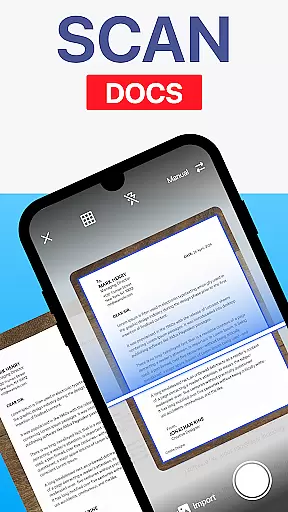
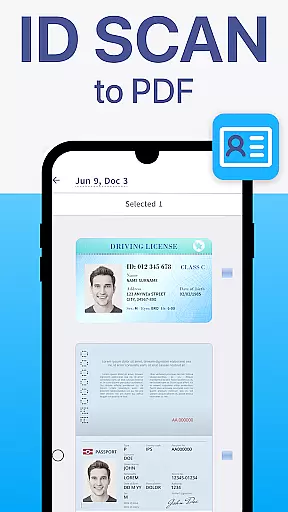
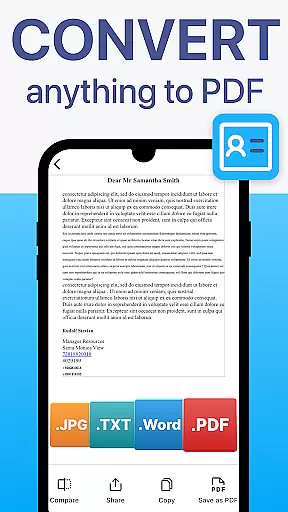
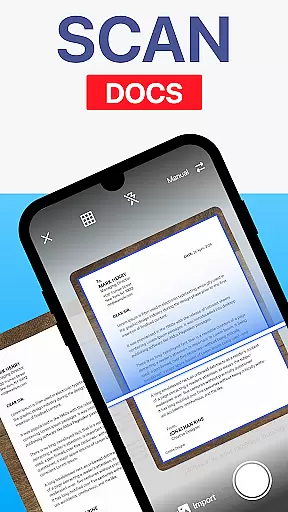
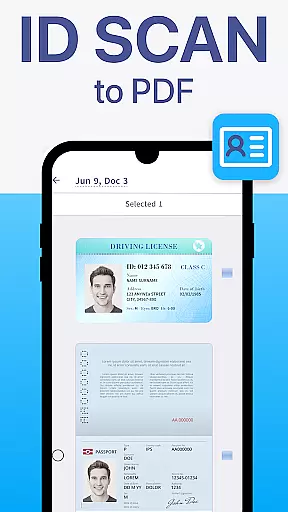
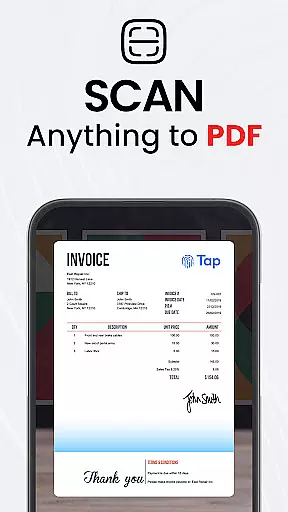
TapScanner is a powerful mobile application that transforms your device into a professional-grade document scanner and comprehensive PDF management tool. Trusted by millions globally, this app allows users to capture, edit, organize, and share various types of documents with ease.
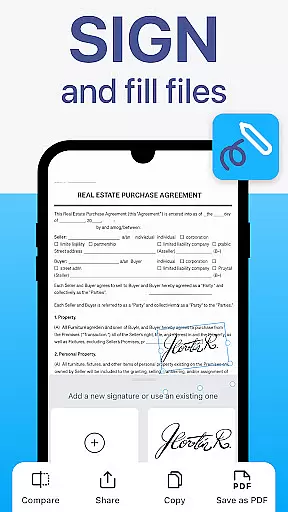
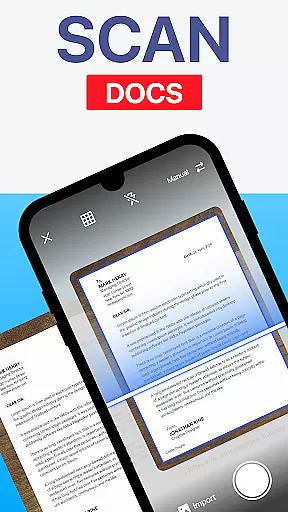
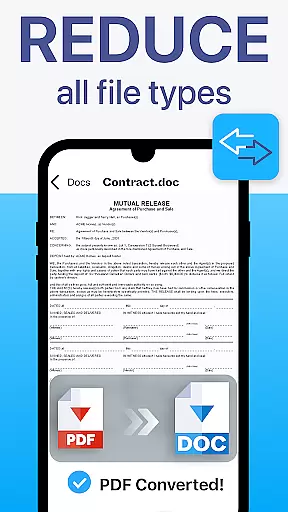
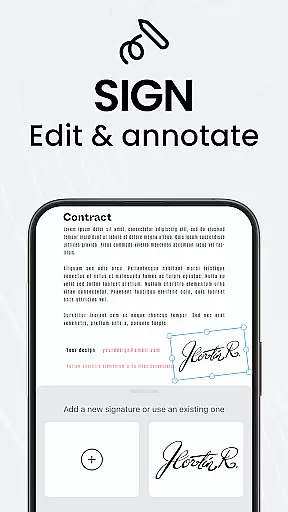
The app's standout features include automatic edge detection, smart image correction, and advanced PDF manipulation capabilities such as merging, splitting, reordering, signing, and annotating files. Additionally, TapScanner offers OCR text recognition in over 110 languages, making scanned documents searchable and editable. With secure cloud backup options and multi-page support, it serves as an all-in-one solution for professionals, students, and everyday users looking to streamline their paperwork efficiently.
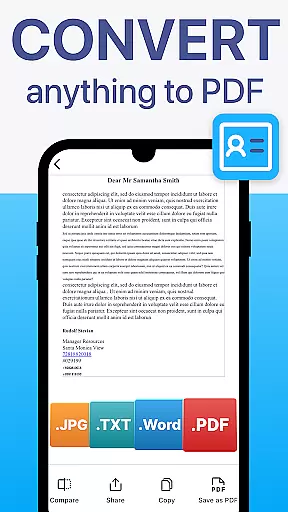
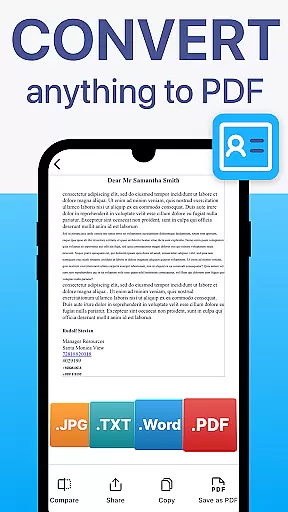
TapScanner distinguishes itself through its robust feature set designed to enhance productivity and document management. The app employs sophisticated algorithms for automatic edge detection and image correction, ensuring high-quality scans every time. Its OCR technology supports over 110 languages, converting images into editable and searchable text while maintaining formatting integrity.
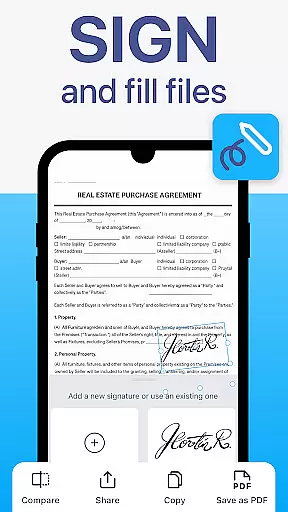
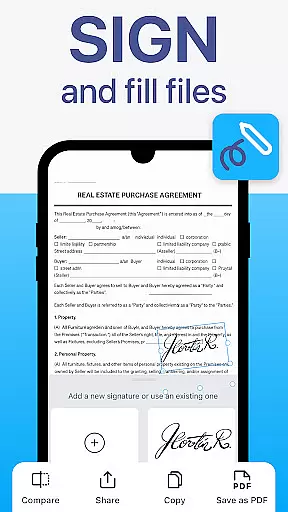
Users can take advantage of the complete PDF workspace, enabling them to merge, split, reorder, sign, and annotate PDFs directly within the app. The interface includes productivity-boosting tools like batch scanning, one-tap renaming, and automated file organization. Furthermore, TapScanner provides secure cloud backup options, allowing synchronization with popular services like Google Drive, Dropbox, and OneDrive. These features collectively create a seamless experience for managing both personal and professional documents.
TapScanner offers a comprehensive set of collaborative work features that make team document management seamless and efficient. The app allows multiple users to access and manage scanned documents and PDFs, ensuring that teams can work together no matter where they are located.
One of the key collaborative features is the ability to sync scans directly to cloud services like Google Drive, Dropbox, and OneDrive. This ensures that all team members have access to the latest versions of documents, promoting real-time collaboration and reducing the risk of version control issues.
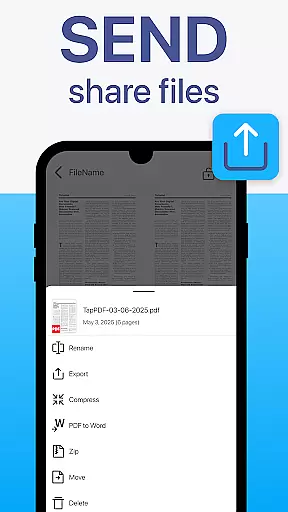
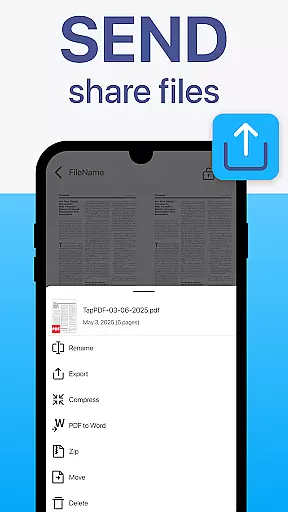
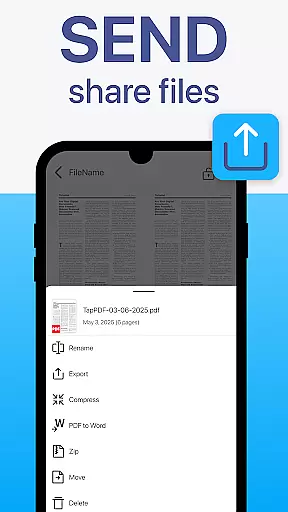
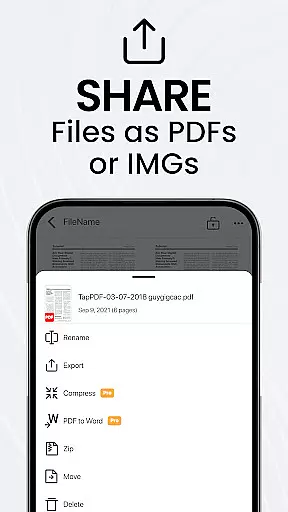
In addition to cloud syncing, TapScanner provides options for instant sharing via email and messaging apps. This makes it easy for team members to distribute documents quickly and securely, facilitating swift communication and decision-making processes within the team.
Furthermore, the app's user-friendly interface ensures that all team members, regardless of their technical expertise, can easily navigate and utilize these collaborative features. This democratizes document management, allowing professionals, students, and everyday users to participate fully in collaborative efforts.
TapScanner excels in task management by providing tools that help users efficiently organize and track their document-related tasks. With features designed to streamline workflows, users can manage their paperwork with minimal effort and maximum precision.
The app includes batch scanning and one-tap renaming functionalities, which significantly reduce the time spent on repetitive tasks. Users can scan multiple pages at once and rename files quickly, allowing them to focus more on their core responsibilities rather than getting bogged down by administrative duties.
Another standout feature is the automated file organization system. TapScanner automatically sorts and compiles scans into neatly ordered PDFs, making it easy for users to locate and retrieve specific documents when needed. This systematic approach not only saves time but also enhances productivity by keeping all essential files in an organized manner.
Moreover, TapScanner's multi-page support and secure cloud backup options ensure that users can maintain a clear overview of their tasks without worrying about data loss or misplacement. These features collectively contribute to a robust task management system that supports both individual efficiency and team collaboration.
User-friendly interface
Advanced OCR capabilities
Comprehensive PDF tools
Secure cloud integration
Multi-language support
Subscription required
Limited free features
Occasional bugs
Ads in free version
Learning curve

The revolutionary flexible staffing platform
 4.40
4.40
Quickly open and manage PDF files on your device.
3.80
Manage work life on the go
4.50
Find work, shifts and gigs near you. Jobs lasting a few hours to a few months.
4.30
Deliver and earn money
4.30
Grow your business and connect with more people with Meta Business Suite.
4.60
Build a store in minutes with our full suite of AI tools. Start for free!
4.20
Mobile POS for any business: sales, invoices, retail, restaurants & appointments
4.60
Make invoices, bills, receipts & estimates on the go with Invoice Generator.
4.70
TurboScan turns your phone into a full-featured PDF document scanner.
4.80
Start earning fast. Apply Today.
4.80
We help people get jobs
4.70
Ship, Track, Find a Location or Get a Quote with UPS. Anytime. Anywhere.
4.60
Chat, meet, and collaborate to achieve more together, all in one place on Teams
4.60
Master crypto trading with real-time simulations and exciting challenges!
4.50
Earn crypto with secure cloud mining. Monitor, track & withdraw easily
4.40
Work happy with AI Companion
4.10
Take the stress out of storage with the all-in-one app to manage your space.
3.70
Completed Course Lectures on how to use IBM Maximo in Maintenance issues
4.0





User Reviews