
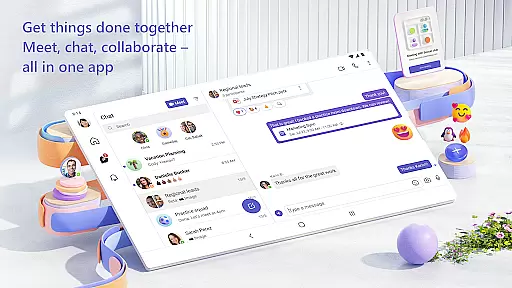
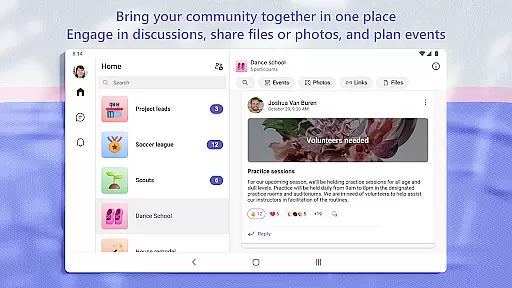
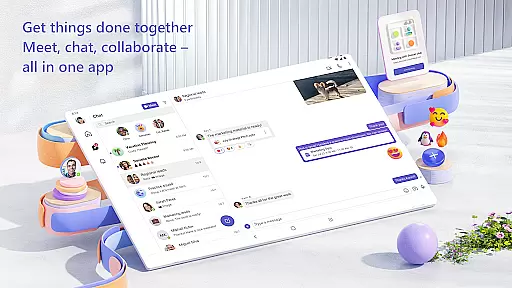
Microsoft Teams is a comprehensive business communication tool that integrates communities, events, chats, channels, meetings, storage, tasks, and calendars into a single platform. It enables users to connect, collaborate, and manage access to information efficiently. Whether for community activities or project teamwork, Teams provides a secure environment for audio and video calls, document collaboration, and built-in cloud storage.
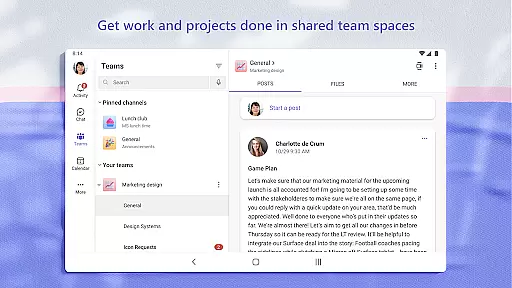
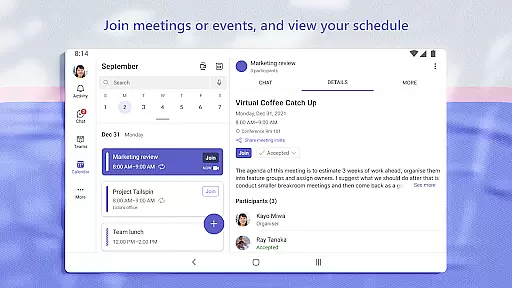
The app's versatility allows users to meet securely with teammates, family, or friends, set up meetings quickly, and organize conversations by topics and projects using teams and channels. With features like task lists, screen sharing, and enterprise-level security, Microsoft Teams is designed to enhance productivity while maintaining data privacy and control.
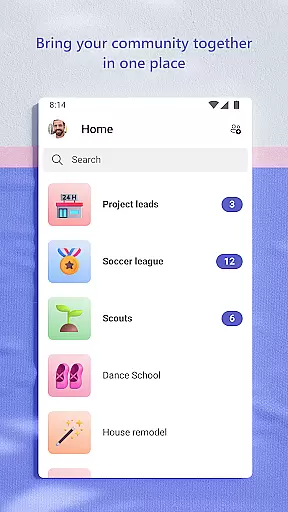
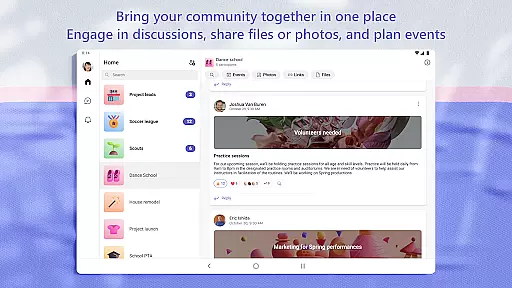
Microsoft Teams stands out with its unique combination of communication and collaboration tools. The integration of Skype into Teams allows users to continue their chats, calls, and contacts seamlessly. Users can create dedicated communities for specific topics, make plans, and collaborate closely through organized conversations in teams and channels.
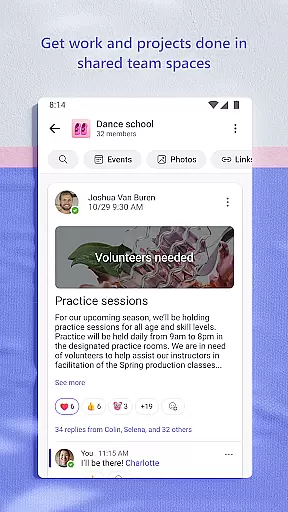
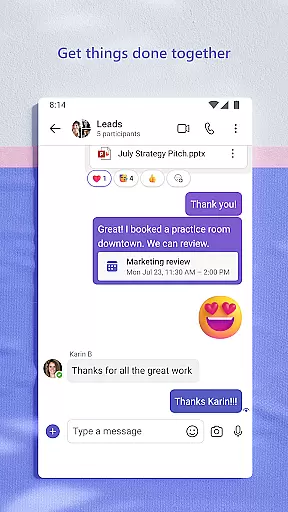
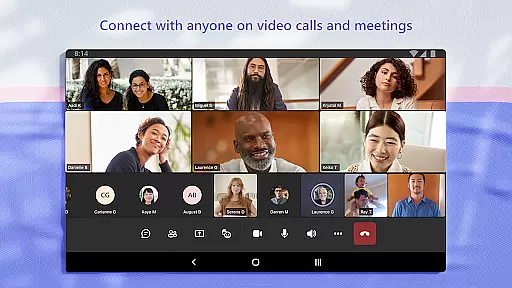
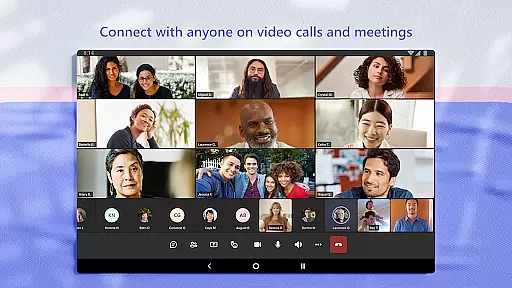
One of the key features is the ability to join audio and video calls securely, collaborate on documents, and store files with built-in cloud storage. The app also supports sending photos and videos in chats, organizing shared content, and managing access to information effectively. With task lists, screen sharing, and virtual rooms, Teams ensures that users can accomplish their plans and projects efficiently while maintaining enterprise-level security and compliance.
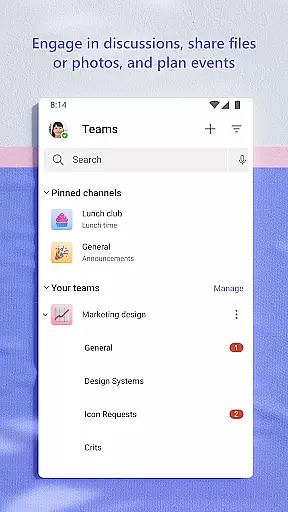
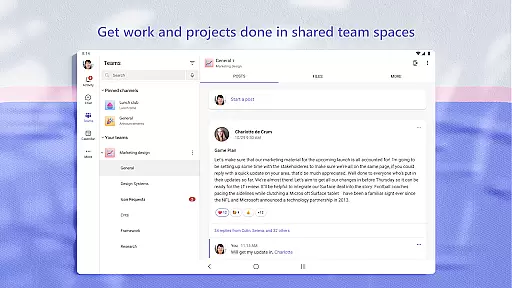
Microsoft Teams stands out in the Business category by offering robust collaborative work features that are essential for modern teamwork. The platform allows users to create teams and channels dedicated to specific projects or topics, ensuring that conversations remain organized and relevant.
The app integrates various communication methods including chat, audio, and video calls, making it versatile for different collaboration needs. Users can seamlessly transition from a group chat to a call, share screens during meetings, and even use virtual whiteboards for brainstorming sessions.
One of the key benefits is its ability to manage access to information effectively. Team owners can control who sees what, ensuring sensitive data remains secure while still being accessible to authorized members. This feature is particularly useful when team membership changes over time.
Overall, Microsoft Teams' collaborative work features provide a comprehensive solution for businesses looking to enhance their team's productivity and communication without compromising on security or ease of use.
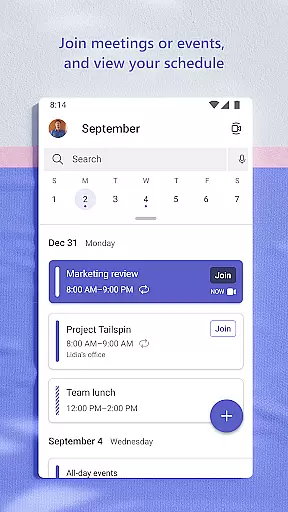
In the realm of task management, Microsoft Teams excels by providing tools that help teams stay organized and on track with their projects. The app includes task lists where users can assign tasks, set deadlines, and monitor progress, all within the same environment used for communication and file sharing.
This integration ensures that project management is streamlined; team members receive notifications about upcoming due dates and can easily update the status of their tasks. By keeping all project-related information centralized, Microsoft Teams reduces the likelihood of miscommunication and missed deadlines.
Additionally, the ability to attach files and documents directly to tasks enhances transparency and accountability. Team members can access necessary resources without having to leave the app, promoting efficiency and clarity in task execution.
With these capabilities, Microsoft Teams not only simplifies task management but also fosters a more cohesive and productive working environment, ultimately leading to better project outcomes.
Integrated communication tools
Secure meeting environment
Efficient task management
Cloud storage integration
Enterprise-level security
Requires paid subscription
Complex setup process
Limited free features
High resource consumption
Steep learning curve

All Your Gig Work. One App.
 4.30
4.30
The MyWalmart App is available for all associates in stores.
4.70
Amazon A to Z is the place to manage your work-life at Amazon.
4.50
All document reader, pdf viewer app, read docs & excel files
3.80
Mobile POS for any business: sales, invoices, retail, restaurants & appointments
4.60
Job search app that finds jobs for you! Takes the work out of looking for a job!
4.90
Collaborate seamlessly with Google Chat, part of Google Workspace
4.50
Permission Guard is a security app that helps you manage app permissions.
4.80
We help people get jobs
4.70
USPS Mobile®Access USPS.com’s most popular tools on-the-go.
4.70
Drive and earn extra money
4.50
Earn crypto with secure cloud mining. Monitor, track & withdraw easily
4.40
Build a store in minutes with our full suite of AI tools. Start for free!
4.20
Shop, deliver, and earn with the Spark Driver™ App
4.10
Work happy with AI Companion
4.10
Find flexible, hourly jobs hiring near you in restaurant, retail & hospitality!
4.00
Get your benefits on-the-go.
3.80
viewing and sharing of PDFs
3.60
Roadie connects people with stuff to send with drivers already going that way.
3.50






User Reviews