
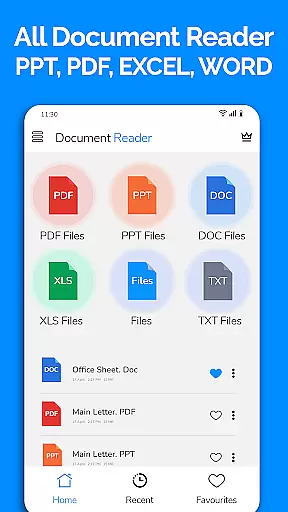
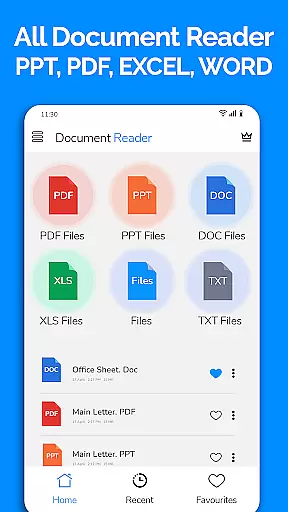
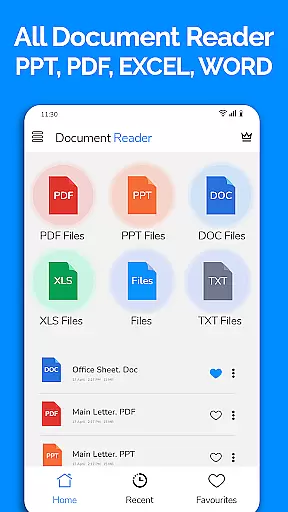
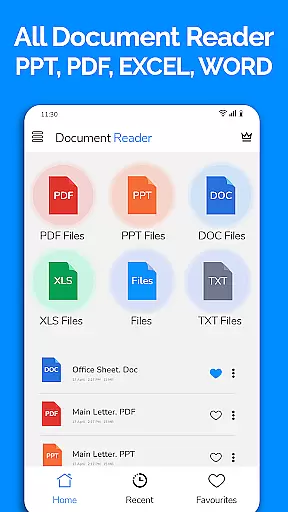
All Document Reader is a comprehensive document management solution that allows users to view, edit, and share various file formats directly from their mobile devices. The app supports a wide range of document types including Word, PDF, Excel, PowerPoint, and TXT files, eliminating the need for multiple specialized apps.
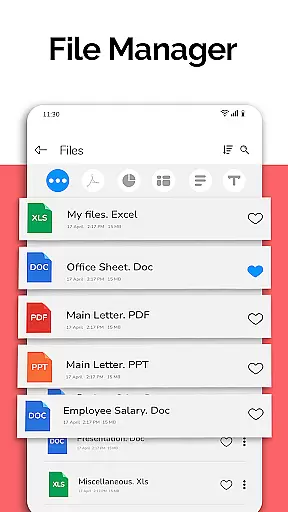
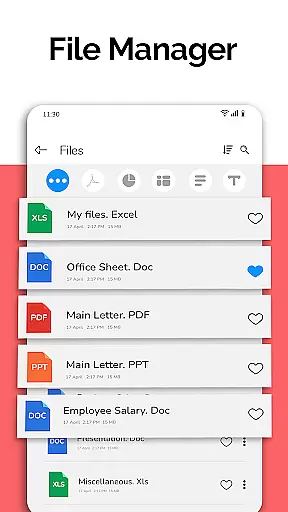
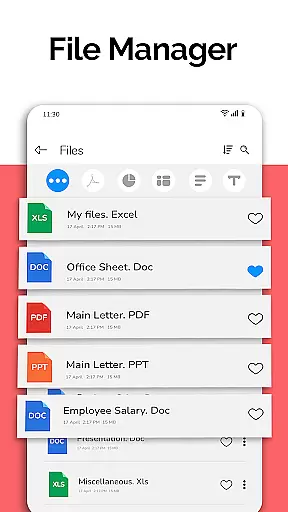
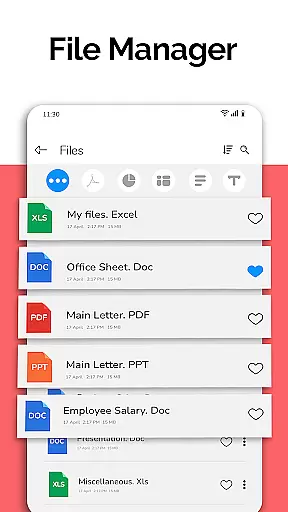
One of the standout features is its integrated file manager, which simplifies document organization and access. Users can easily sort, delete, rename, and share files while viewing detailed file information such as size and modification dates. The app's intuitive interface provides seamless navigation through different document formats.
This application is particularly useful for professionals who need to review business documents on the go. Whether you're reading meeting notes, checking financial reports, or preparing presentation slides, All Document Reader offers a complete mobile office solution that enhances productivity without requiring a computer.
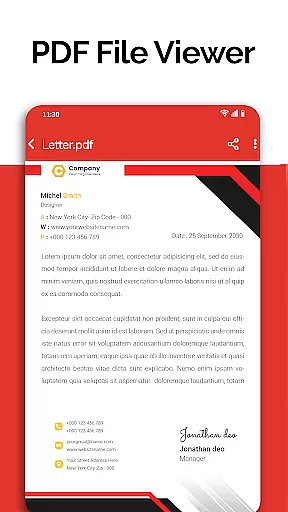
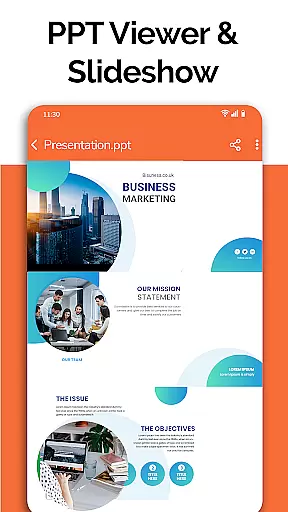
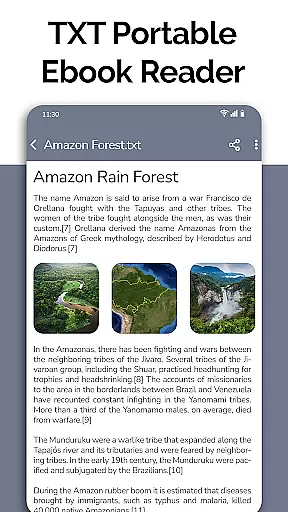
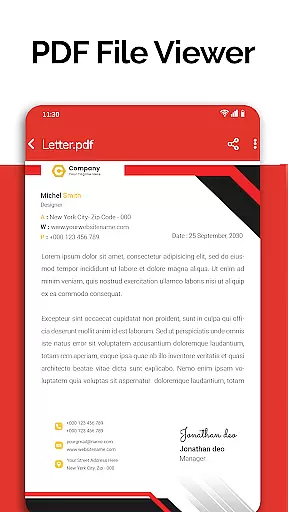
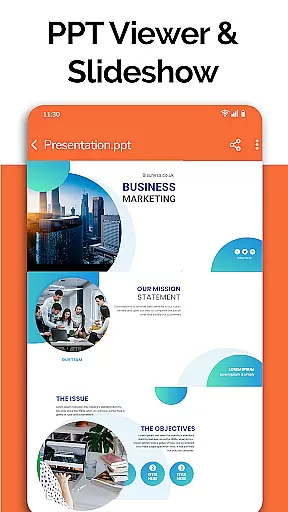
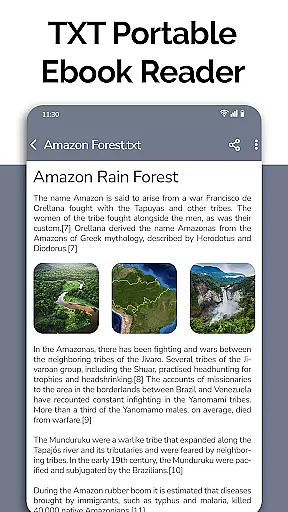
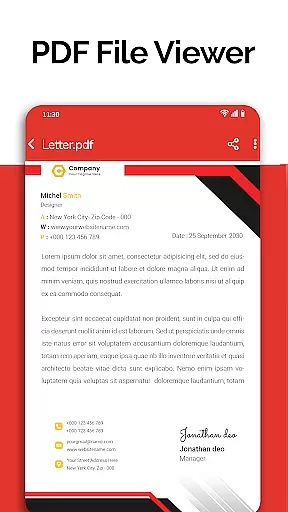
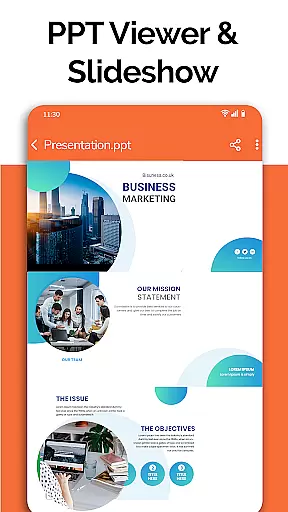
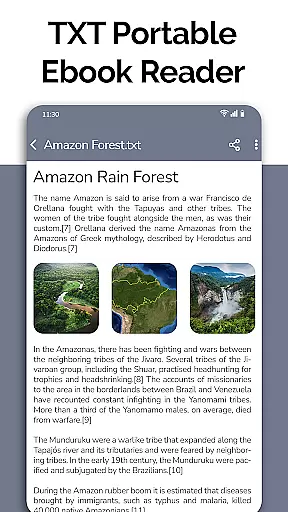
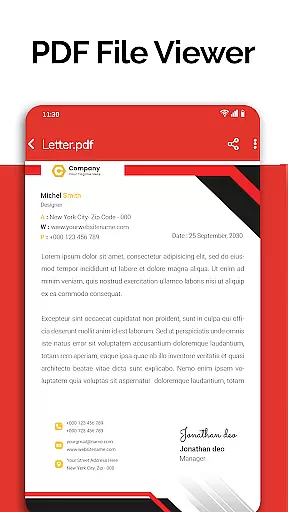
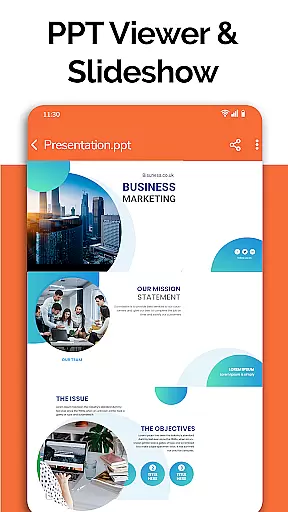
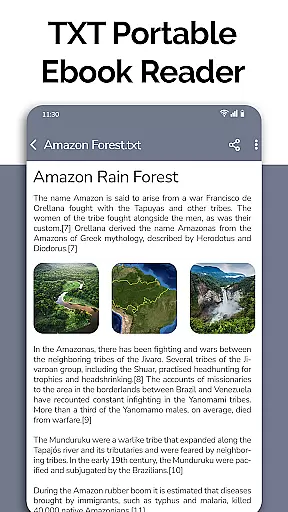
The app boasts an impressive array of features designed to handle all your document needs. Its powerful PDF reader allows users to view newspapers, business invoices, travel tickets, and educational materials with ease. The document viewer supports multiple formats including DOC, XLSX, PPT, and TXT files, providing smooth rendering and easy navigation.
All Document Reader incorporates advanced document management capabilities. Files are automatically sorted and organized, making it simple to locate specific documents. The built-in file manager offers comprehensive tools for managing documents, including options to view file paths, sizes, and modification details. Users can also edit basic document properties directly from their mobile devices.
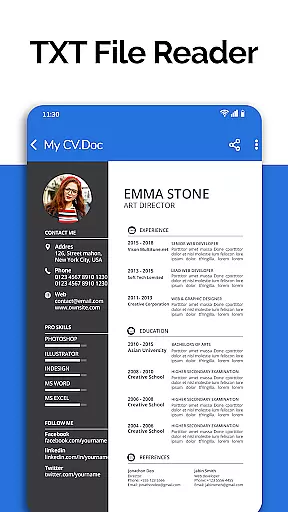
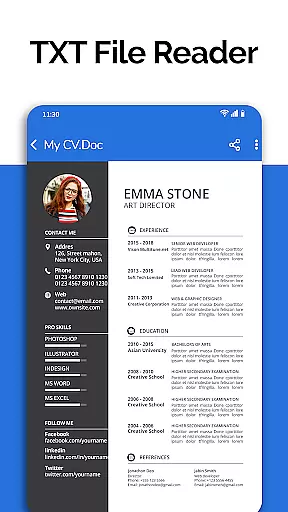
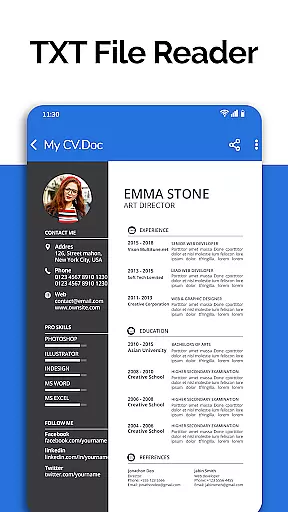
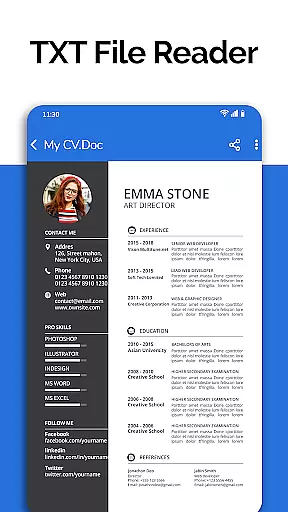
Additional features include a text editor for viewing and modifying text files, and a document scanner that enables users to access various file types from a single platform. The app's developers have announced exciting upcoming features such as dark mode, voice search, image-to-PDF conversion, and enhanced document creation tools, ensuring the app remains at the forefront of mobile document management solutions.
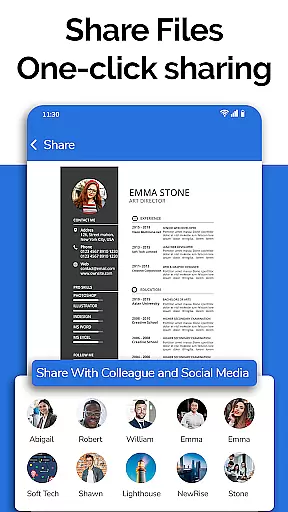
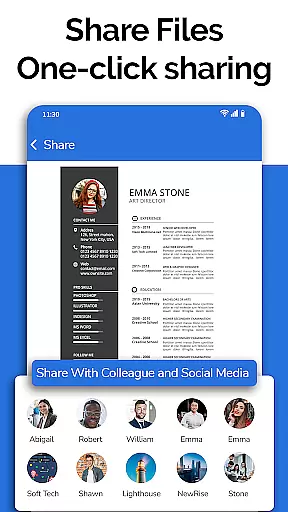
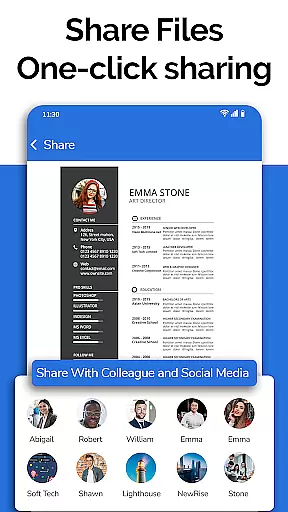
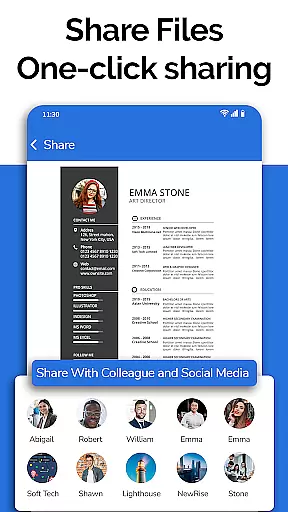
In today's fast-paced business environment, the ability to collaborate effectively is crucial. All Document Reader: PDF Viewer facilitates collaborative work by allowing users to view, edit, and share various document formats including Word, Excel, PowerPoint, PDF, and TXT files directly from their mobile devices.
The app simplifies teamwork by providing a file manager that organizes documents automatically, making it easy for teams to locate and work on the necessary files. With options to delete, rename, and share documents, colleagues can manage project files efficiently without the need for a computer.
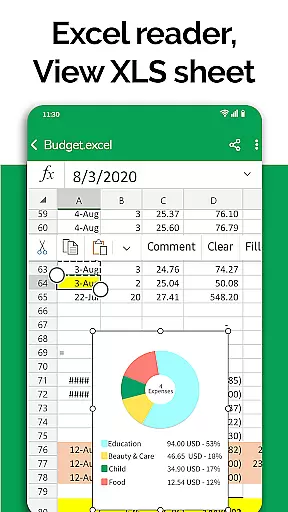
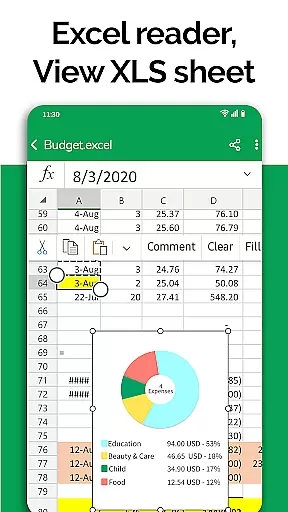
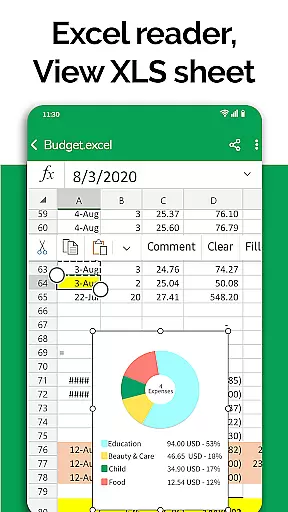
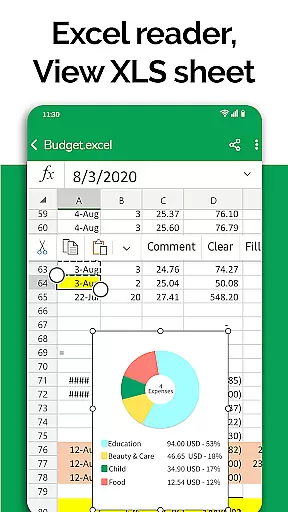
Moreover, the document editor feature supports preparing presentations and reviewing Excel files, ensuring that team members can contribute to projects from anywhere. This flexibility enhances productivity and ensures that all team members have access to the latest versions of documents, promoting seamless collaboration.
Effective task management is essential for maintaining productivity in a business setting. All Document Reader: PDF Viewer offers features that aid in organizing and managing tasks related to document handling. Users can easily sort and organize files, which streamlines task prioritization and execution.
The app's file viewer allows users to access both small and large-sized files, ensuring that no task is delayed due to file size constraints. The simplicity of the file manager interface means that users can quickly navigate through content, enhancing efficiency when managing multiple tasks.
Additionally, with capabilities such as viewing, editing, and sharing XLSX, Docx, PPT, TXT, and PDF files, users can complete document-related tasks within the app. This comprehensive functionality reduces the need to switch between different applications, thus improving focus and task management across various business operations.
User-friendly interface
Multi-format support
Integrated file manager
Document editing capabilities
Regular updates
Limited advanced editing
Occasional performance issues
Premium feature costs
Large app size
Ads in free version

Zoom built for Chrome OS
 3.90
3.90
Scan Business Cards & Conference Badges - Capture Leads at Events & Tradeshows
4.20
VSD Viewer - Visio Drawings Viewer for Android Preview VSD, VDX, VSDX drawings
4.10
The MyWalmart App is available for all associates in stores.
4.70
Employee Management Made Easy
4.80
enjoy effortless PDF reading anytime, anywhere
3.90
Use Generative Summary to understand your rental or insurance docs in seconds.
4.70
We are a dynamic team of creatives people of design, marketing, web & apps
3.00
Mobile POS for any business: sales, invoices, retail, restaurants & appointments
4.60
GoTo Mobile is a simple & secure calling, messaging & meetings solution
4.80
Create curriculum vitae, a professional cover letter creator and resume designer
4.80
Recover what matters — quickly and easily.
4.70
Collaborate seamlessly with Google Chat, part of Google Workspace
4.50
Earn crypto with secure cloud mining. Monitor, track & withdraw easily
4.40
One marketplace. Hundreds of services. Unlimited possibilities. All on Fiverr.
4.40
Say hello to the mobile work experience built to help you thrive at work.
4.30
Shop, deliver, and earn with the Spark Driver™ App
4.10
Quickly open and manage PDF files on your device.
3.80
Delivery Track App - Tracking with Fedex, USPS, UPS, DHL. Monitor your Orders.
3.20



User Reviews