
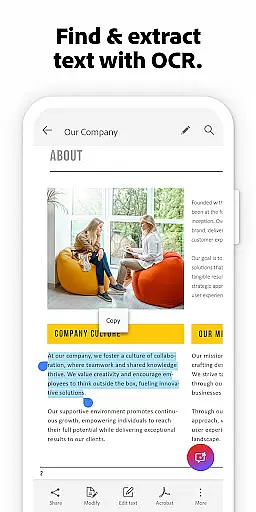
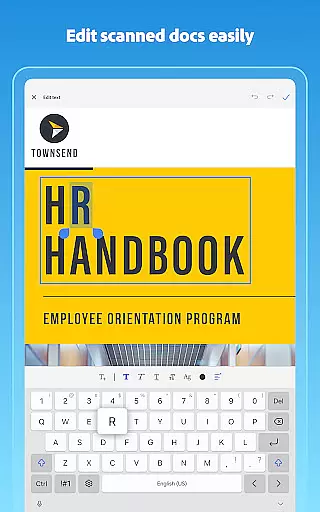
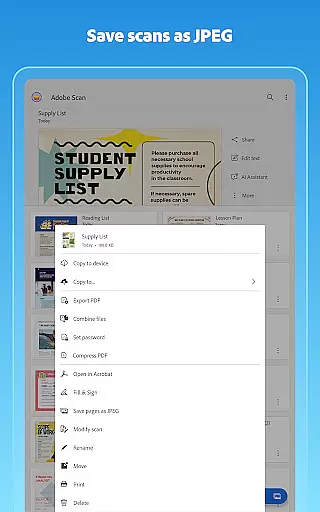
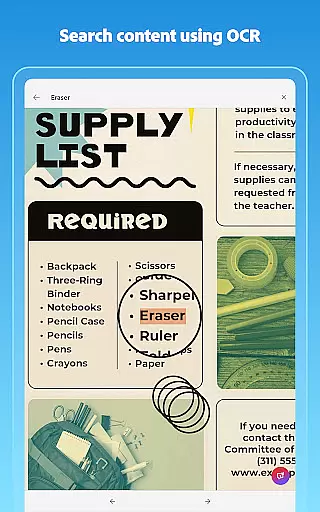
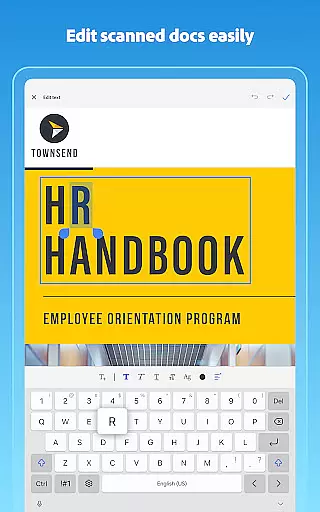
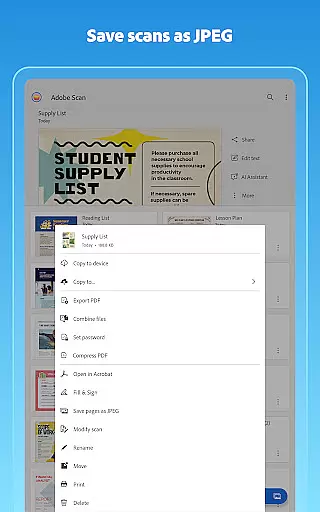
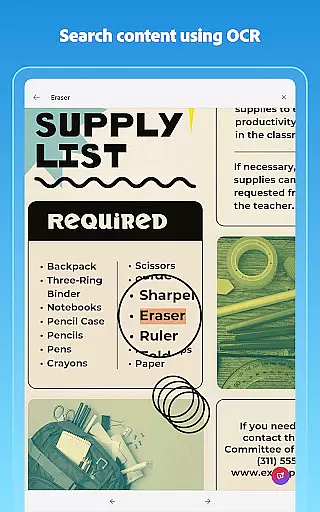
Adobe Scan AI PDF Scanner is a versatile business tool that transforms your mobile device into a powerful document scanner. The app excels in converting paper documents, images, and various physical materials into high-quality PDFs or JPEGs. Its advanced OCR technology not only detects text but also makes it searchable and editable, streamlining document management for professionals.
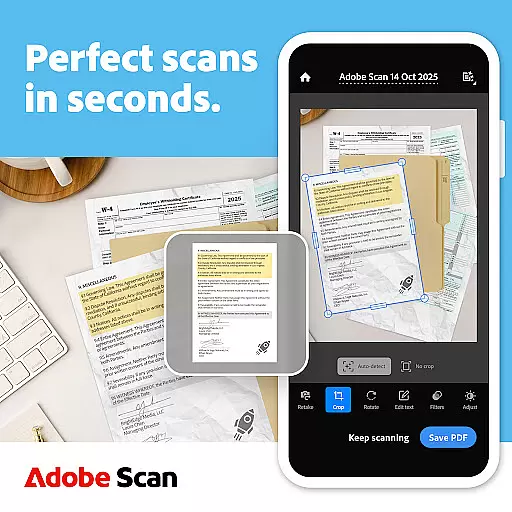
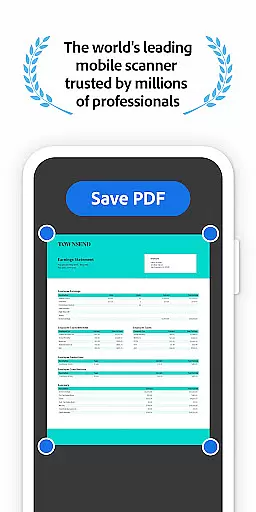
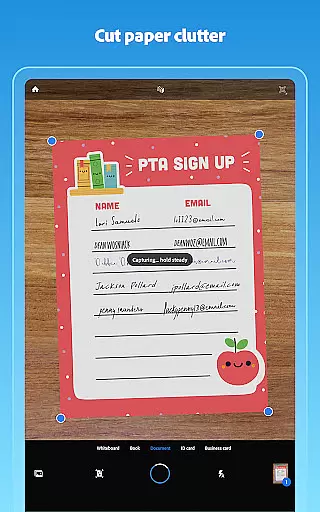
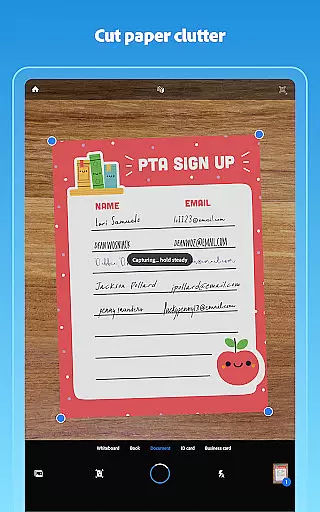
The application offers precise scanning capabilities with features like automatic border detection, image enhancement, and tilt correction. Users can effortlessly organize their digital files through custom folders and benefit from seamless integration with Adobe Document Cloud. Whether you need to scan receipts, notes, or business cards, Adobe Scan ensures professional-grade results every time.
This app is particularly valuable for businesses and individuals who require efficient document digitization. From creating editable PDFs to organizing important files, Adobe Scan supports productivity by simplifying how we handle paperwork. Its AI-powered tools further enhance usability, making it an indispensable asset for modern workplaces.
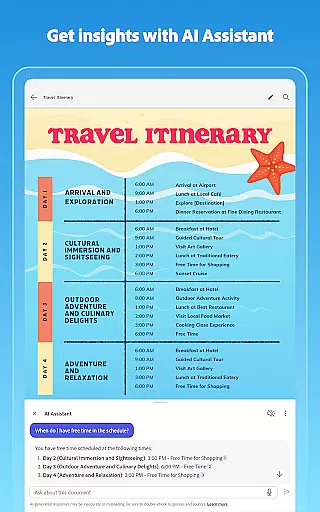
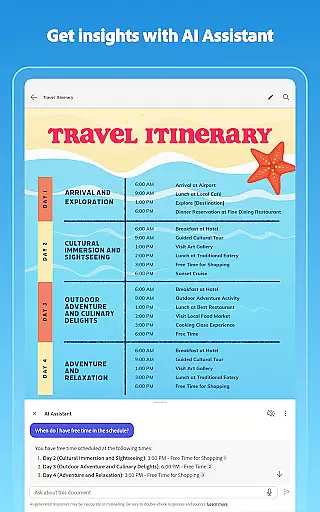
Adobe Scan stands out with its comprehensive feature set tailored for business users. One of the key highlights is the AI Assistant, which extracts key points from scans and helps draft follow-up emails or reports. This functionality saves considerable time when processing large volumes of documents.
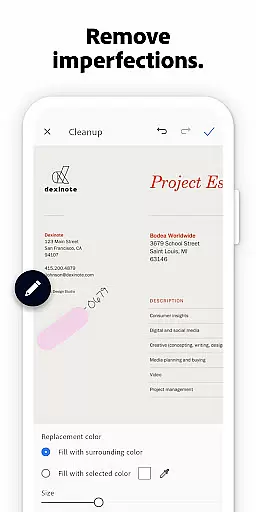
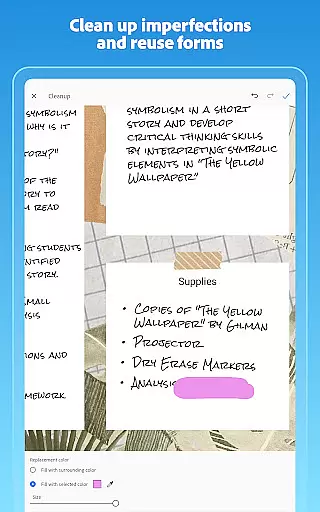
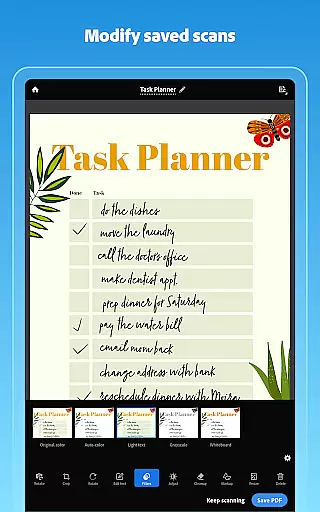
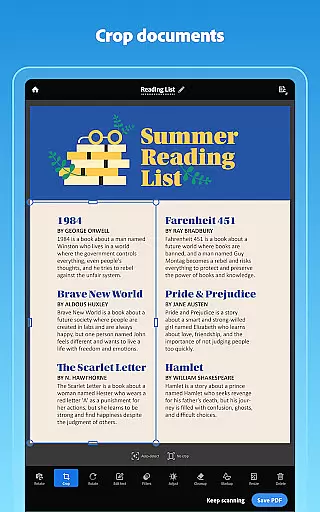
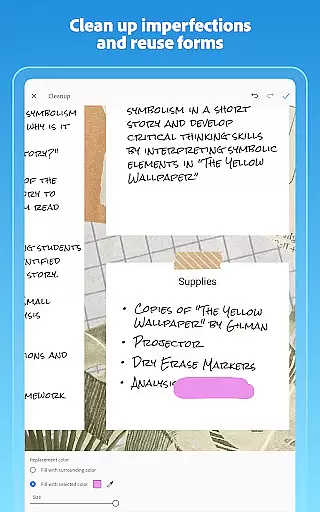
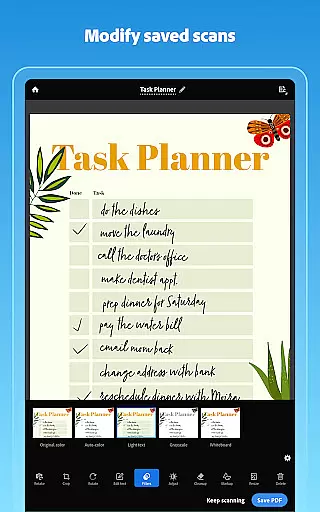
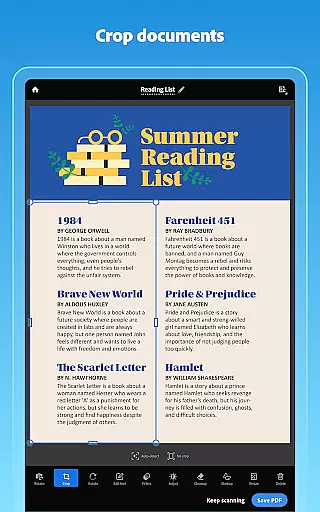
The app's OCR capabilities are robust, supporting up to 100 pages for text recognition with a subscription. Users can modify scans extensively using tools for cropping, rotating, resizing, and color adjustment. Additionally, the Cleanup feature allows for removing imperfections such as stains or handwriting, ensuring pristine digital copies.
Another notable aspect is its Smart Library function, which automatically detects documents in your photo library and converts them into PDFs. With options to export scans to Word, Excel, or PowerPoint formats, Adobe Scan facilitates easy sharing and repurposing of content across different platforms, enhancing collaboration and workflow efficiency.
In today's fast-paced business environment, collaborative work features are essential for maximizing productivity and ensuring seamless communication among team members. Adobe Scan AI PDF Scanner excels in this area by integrating with Adobe Document Cloud, allowing users to access and share their scanned documents securely across multiple platforms.
The application enables teams to create high-quality PDFs from scanned contracts, study notes, or any paper document, unlocking text from images through advanced OCR technology. This means that the content is not only digitized but also fully editable and reusable, which significantly enhances collaboration capabilities.
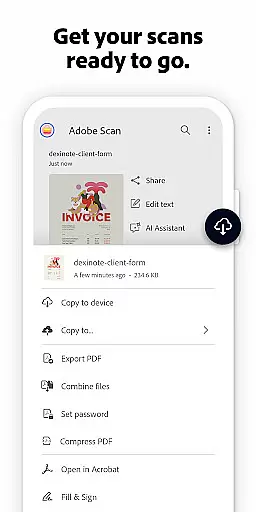
Moreover, Adobe Scan facilitates efficient document management by automatically saving scans to the cloud. Team members can organize these digital files into custom folders based on projects or categories, streamlining workflows and making it easier to locate specific documents when needed.
With additional subscription features such as combining scans into one file and increasing OCR capacity, teams can handle more complex tasks with ease. These collaborative tools ensure that every member has the necessary resources at their fingertips, promoting a cohesive work environment where ideas and information flow freely.
Effective task management is crucial for maintaining an organized workflow and meeting deadlines in a business setting. Adobe Scan AI PDF Scanner supports this by providing users with powerful tools to capture, enhance, and manage their documents efficiently. The app's ability to reorder pages and preview before saving ensures that all scanned materials are presented in a professional manner.
One of the standout features is the Modify tool, which allows users to crop, rotate, resize, and adjust colors within their scans. This level of control over document presentation aids in creating clear and concise reports, making it simpler for teams to review and act upon shared information.
Additionally, Adobe Scan offers functionalities like adjusting brightness and contrast, as well as cleaning up imperfections on scans. Such capabilities contribute to better readability and comprehension of tasks, enabling users to focus on what matters most without being distracted by poor-quality documents.
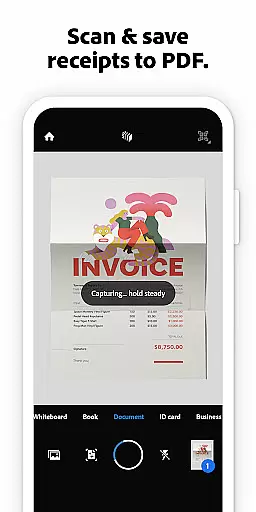
By leveraging these robust task management features, businesses can improve overall efficiency and accuracy in handling various types of paperwork. Whether itu2019s processing receipts, IDs, notes, recipes, photos, business cards, or whiteboards, Adobe Scan equips professionals with everything they need to stay on top of their responsibilities while fostering a culture of precision and excellence.
Advanced OCR technology
AI-powered document analysis
Seamless cloud integration
Comprehensive editing tools
Cross-platform compatibility
Limited free OCR pages
Premium features require subscription
Occasional scanning inaccuracies
High storage requirements
Complexity for novice users

viewing and sharing of PDFs
 3.60
3.60
Zoom built for Chrome OS
3.90
AI-powered document scanner with auto enhance for perfect PDFs.
4.60
FaxCover - Create fax cover pages. Works with any app or fax machine.
4.90
Earn free swag, G-Cards & food • Enter sweepstakes • Find stores • So much more.
4.70
viewing and sharing PDFs and other files—anytime, anywhere!
4.0
All document reader, pdf viewer app, read docs & excel files
3.80
Delivery Track App - Tracking with Fedex, USPS, UPS, DHL. Monitor your Orders.
3.20
Mobile POS for any business: sales, invoices, retail, restaurants & appointments
4.60
The MyWalmart App is available for all associates in stores.
4.70
Grow your business and connect with more people with Meta Business Suite.
4.60
A secure, all-in-one team collaboration app
4.30
Formerly Facebook Ads Manager. Manage and create ads on the go.
4.20
FX Plus adds media, networking, and cloud capabilities to FX File Explorer.
4.10
Find flexible, hourly jobs hiring near you in restaurant, retail & hospitality!
4.00
On the go? Take FedEx with you.
4.00
Access All PDF Files
3.40
Find part-time earning opportunities near you that pay within days.
3.20
We are a dynamic team of creatives people of design, marketing, web & apps
3.00






User Reviews