
Square Point of Sale (POS) is a versatile payment processing app designed for businesses across various industries. It offers tailored modes for retail, restaurants, bookings, and services, simplifying operations and enhancing customer experiences. The app supports multiple payment methods including credit cards, digital wallets, and Cash App Pay, ensuring smooth transactions.
With features like offline transaction processing, instant fund transfers, and detailed sales analytics, Square POS provides essential tools for business management. Retailers benefit from real-time inventory updates, while beauty businesses can manage appointments efficiently. Restaurants can streamline order entry, and service providers can send professional invoices with e-signature support.
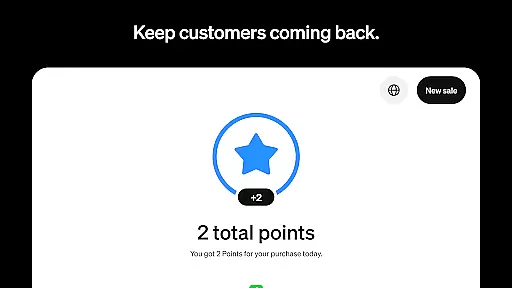
This all-in-one solution helps businesses grow by fostering customer relationships, managing staff, and providing advanced reporting capabilities. Some features are US-only, but the app's comprehensive functionality makes it an invaluable tool for modern businesses looking to optimize their operations and increase profitability.
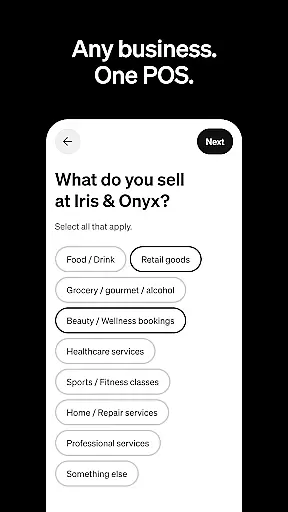
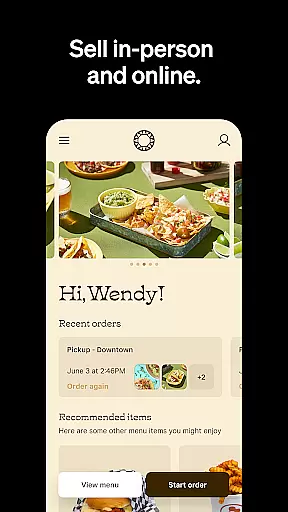
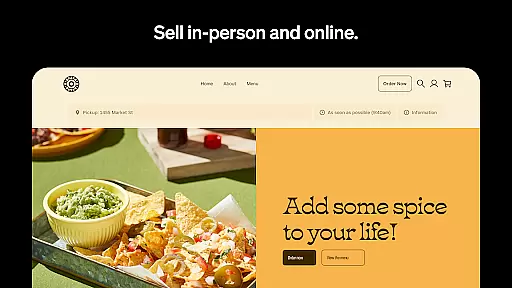
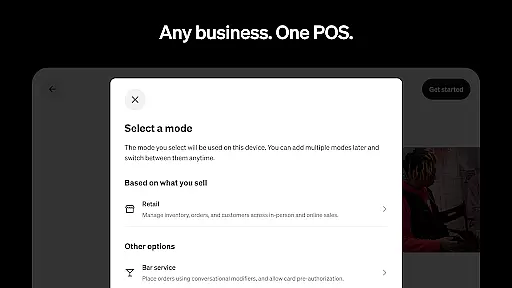
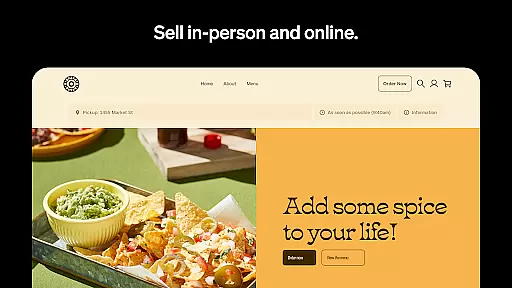
Square POS stands out with its industry-specific modes that cater to different business needs. Retailers can sync online and in-store inventory through Square Online, receiving low-stock alerts and automated restocking notifications. The restaurant mode enables quick order entry and efficient modifier management, while the beauty mode offers 24/7 appointment booking with SMS reminders to reduce no-shows.
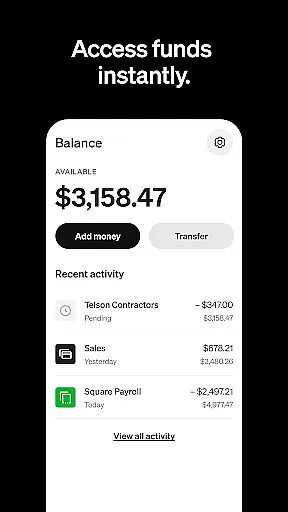
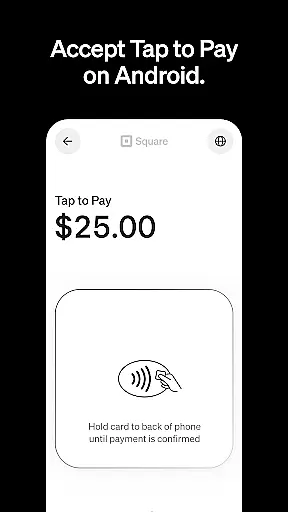
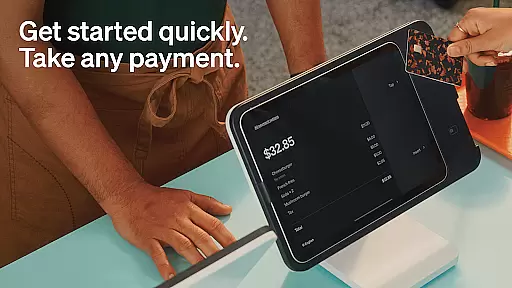
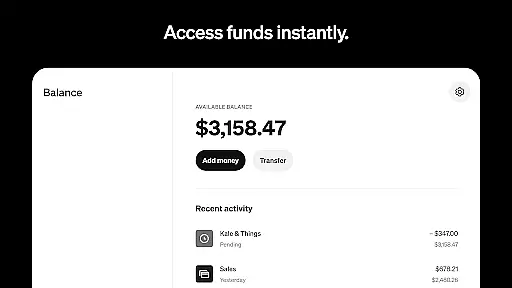
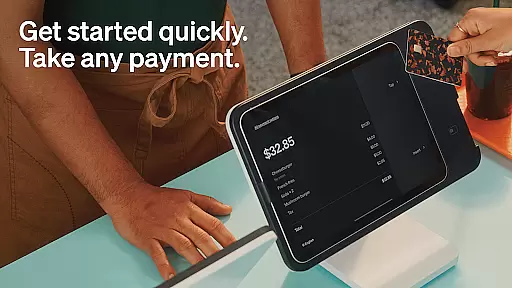
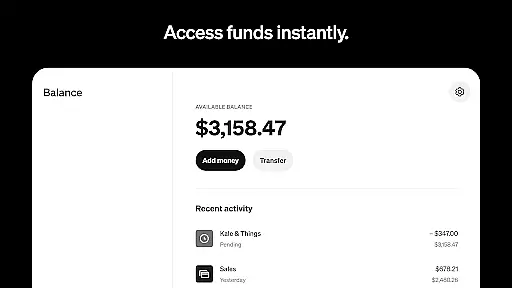
The service mode allows professionals to send detailed estimates and secure commitments through e-signatures. All users benefit from flexible payment options, including major credit cards, digital wallets, and QR codes. The app's offline processing capability ensures uninterrupted transactions, while its instant transfer feature provides quick access to funds.
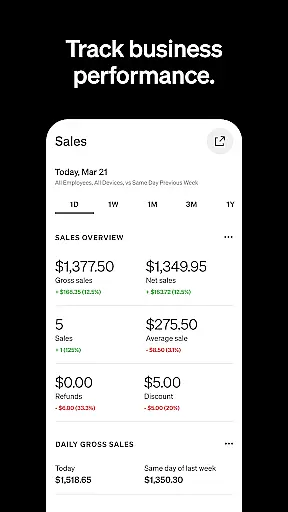
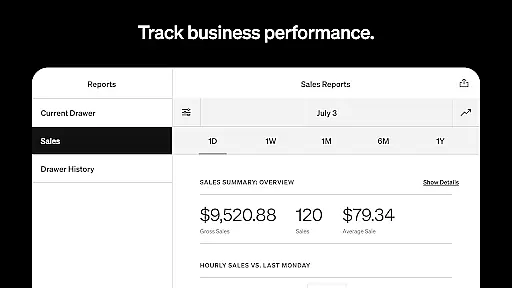
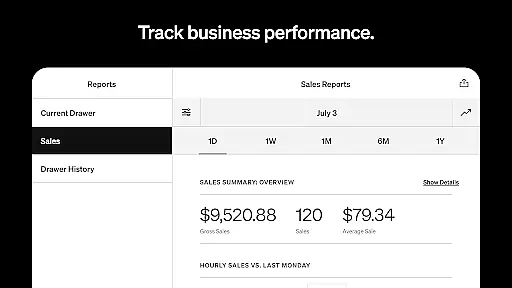
Business owners can make informed decisions using the comprehensive Dashboard, which displays daily sales, payment methods, and itemized details. The app also supports staff management and offers integrated banking solutions, making it a complete business management tool that adapts to various operational requirements.
Collaborative work features are essential for businesses that require seamless communication and coordination among team members. Square Point of Sale (POS) excels in this area by offering tools that cater to different business types, ensuring that teams can work together efficiently.
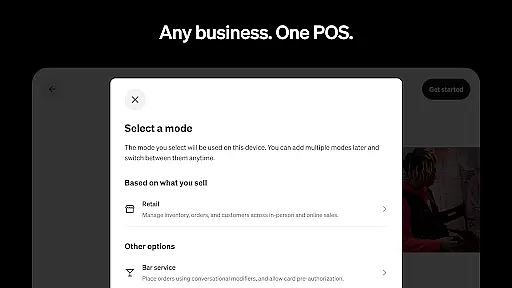
Square POS provides multiple modes tailored to various industries, such as retail, restaurants, and service businesses. Each mode comes with unique settings and functionalities designed to simplify operations and enhance team collaboration. For instance, retail businesses can sync online and in-store inventory, while beauty businesses can manage appointments and reduce no-shows with automated reminders.
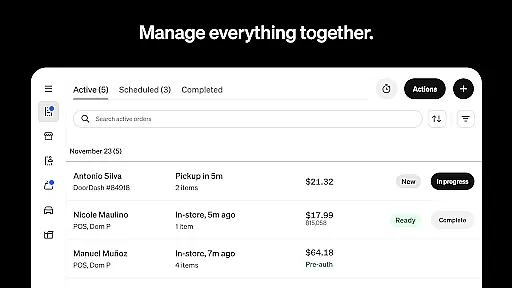
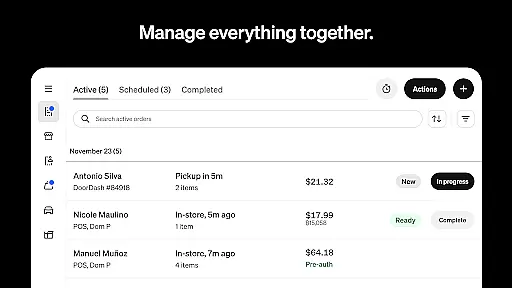
The app also allows users to manage all transactions and orders in one place, making it easier for teams to track sales and customer interactions. This centralized approach not only boosts productivity but also ensures that every team member has access to the same up-to-date information, facilitating better decision-making.
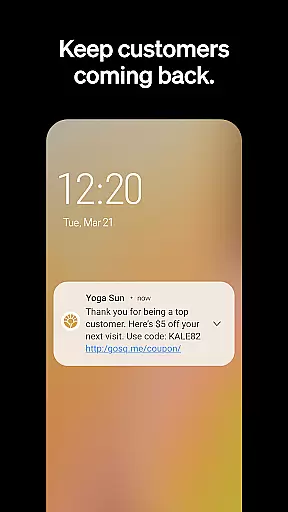
By integrating advanced reporting and tracking features, Square POS enables businesses to foster stronger customer relationships and manage staff more effectively. These collaborative tools help businesses improve their bottom line and deliver exceptional customer experiences.
Effective task management is crucial for maintaining operational efficiency and ensuring that all business processes run smoothly. Square Point of Sale (POS) offers a comprehensive suite of task management features that cater to the specific needs of different business sectors.
For retail businesses, Square POS provides real-time stock updates and low-stock alerts, allowing managers to automate restocking processes and maintain optimal inventory levels. This feature ensures that businesses can meet customer demands without interruption, enhancing overall satisfaction.
In the restaurant industry, the app enables quick order entry and management, which helps keep lines moving and improves service speed. By creating items and modifiers with just a few clicks, staff can process transactions faster, leading to increased customer turnover and revenue.
Service-based businesses benefit from professional invoicing and detailed estimates, which can be sent via email, SMS, or shareable links. The ability to attach appointment details and secure commitments with e-signatures further streamlines task management, ensuring that all transactions are managed efficiently and professionally.
User-friendly interface
Multiple payment options
Offline transaction support
Inventory management tools
Appointment scheduling system
Limited features outside US
Transaction fees apply
Internet required for full functionality
Steep learning curve for new users
Occasional syncing issues

 4.70
4.70
Find jobs and make money fast with JobStack.
4.60
Find the right fit, faster.
4.70
Find work, shifts and gigs near you. Jobs lasting a few hours to a few months.
4.30
All document reader, pdf viewer app, read docs & excel files
3.80
Job search app that finds jobs for you! Takes the work out of looking for a job!
4.90
From Gone to Back Again — In Just a Few Taps
4.50
Collaborate seamlessly with Google Chat, part of Google Workspace
4.50
Ship, Track, Find a Location or Get a Quote with UPS. Anytime. Anywhere.
4.60
Create curriculum vitae, a professional cover letter creator and resume designer
4.80
TurboScan turns your phone into a full-featured PDF document scanner.
4.80
USPS Mobile®Access USPS.com’s most popular tools on-the-go.
4.70
AI-powered document scanner with auto enhance for perfect PDFs.
4.60
Ask Accio anything about business. Alibaba-backed, built by experts, not just AI
4.60
Manage work life on the go
4.50
All Your Gig Work. One App.
4.30
Deliver and earn money
4.30
The Penny Puss app with DG penny finder
4.10
On the go? Take FedEx with you.
4.00





User Reviews