
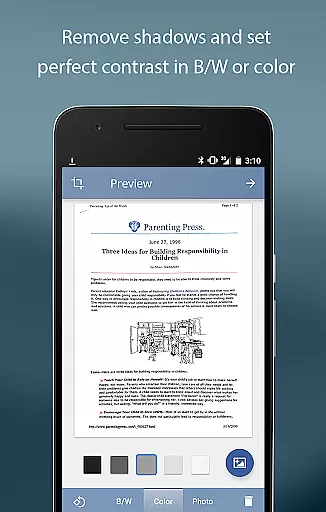
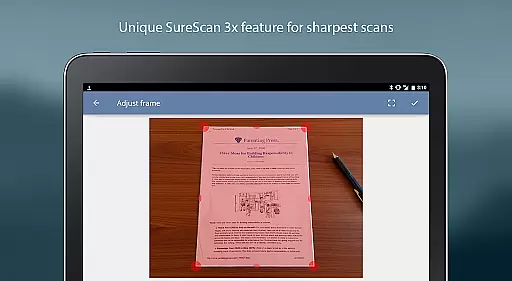
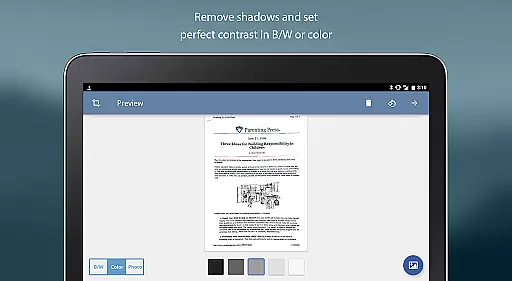
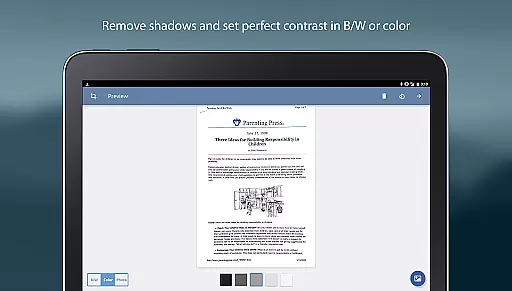
TurboScan Pro is a premier mobile scanning solution that transforms your smartphone into a versatile document scanner. Designed for business professionals and individuals alike, this app allows you to scan documents, receipts, notes, whiteboards, and photos with exceptional clarity. Utilizing advanced algorithms, TurboScan Pro detects document edges, corrects perspective, and enhances image quality by eliminating shadows and adjusting contrast.
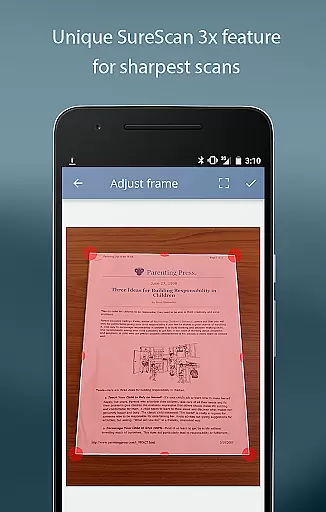
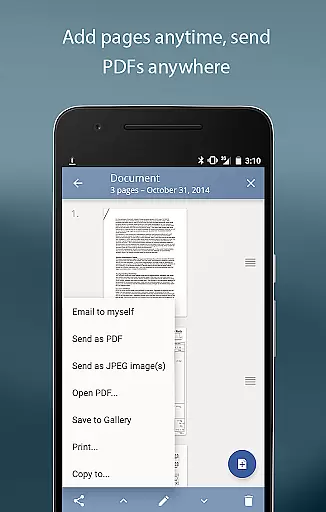
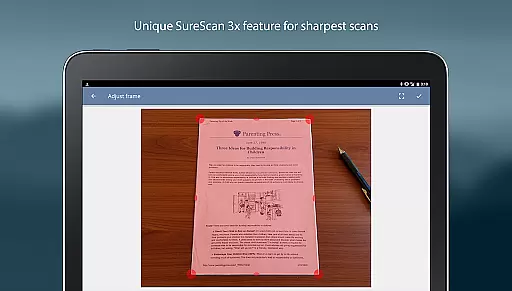
What sets TurboScan Pro apart is its SureScan mode, which ensures sharp scans even in low-light conditions by capturing three images of the same document. With ultra-fast processing speeds of under 3 seconds per page, users can quickly create high-quality multipage PDF or JPEG files. The app also offers convenient features like 'Email to Myself' for quick sharing and seamless integration with cloud storage services such as Evernote, Dropbox, and Google Drive.
TurboScan Pro boasts an array of powerful features designed to streamline document management. Its automatic edge detection and perspective correction ensure every scan is perfectly aligned and formatted. The proprietary SureScan technology captures sharper images by taking multiple shots, making it ideal for challenging lighting environments. Additionally, TurboScan Pro provides instant one-tap controls for brightness, rotation, and color adjustments, all accessible from a single intuitive interface.
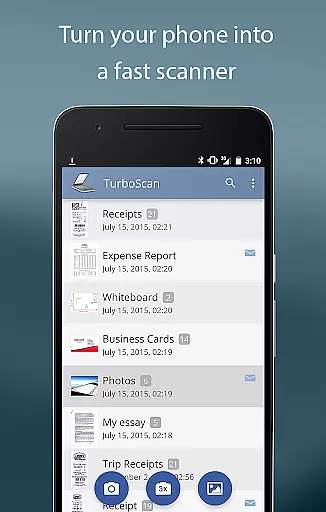
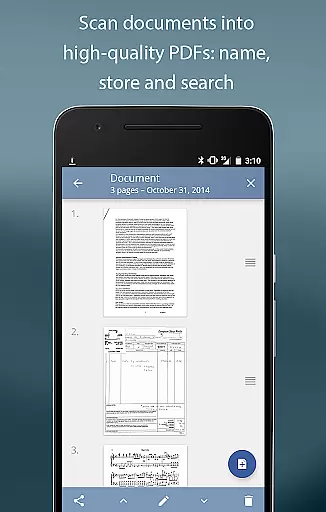
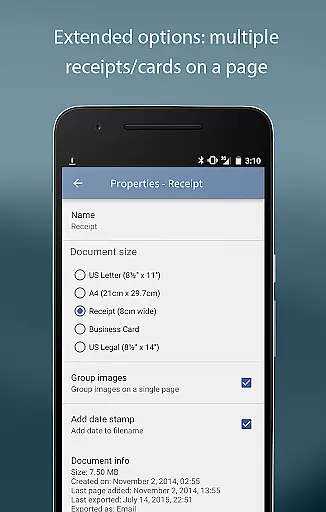
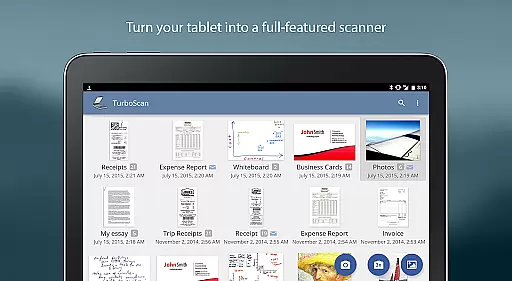
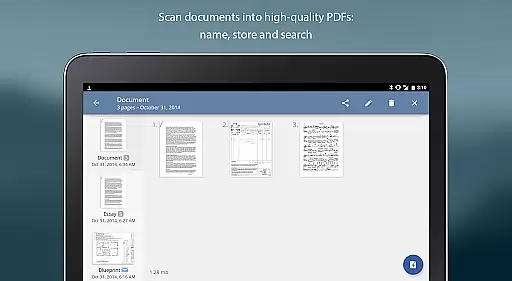
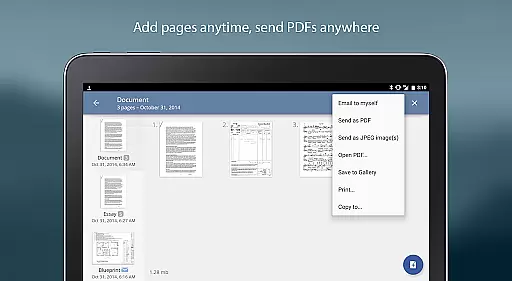
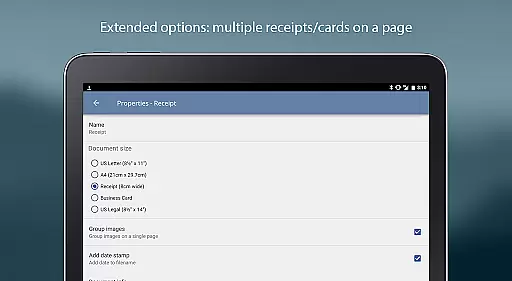
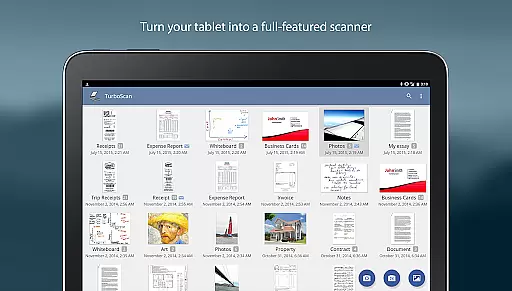
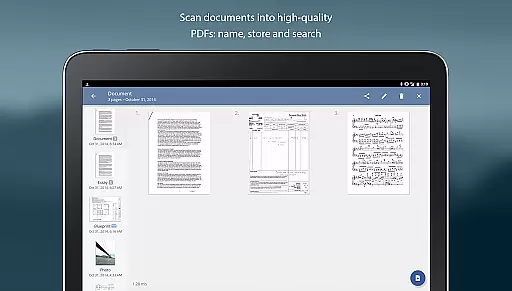
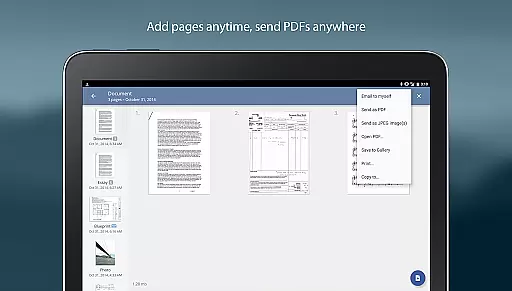
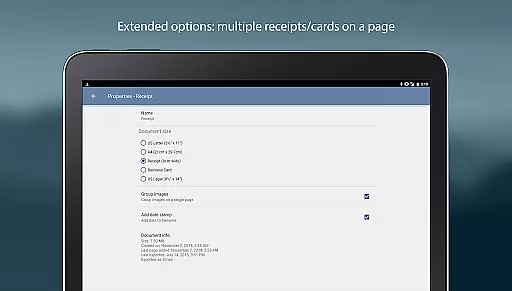
The app supports comprehensive document management, including naming, storing, searching, and editing multipage scans. Users can add, reorder, or delete pages within scans, copy pages between different scans, and arrange multiple receipts or business cards on a single PDF page. TurboScan Pro also enables exporting documents in various formats (PDF, JPEG, PNG) and integrates with other apps for cloud storage, faxing, or printing via Cloud Print. All processing occurs locally on the device, ensuring data confidentiality without requiring an internet connection.
In today's fast-paced business environment, the ability to collaborate effectively is crucial. TurboScan Pro enhances team productivity by offering features that support collaborative work. With its powerful scanning capabilities, teams can quickly digitize important documents, receipts, and notes, making them accessible to all members.
The app allows for multipage editing where users can add, reorder, and delete pages, ensuring that shared documents are well-organized and comprehensive. This feature is particularly beneficial when compiling reports or preparing presentations that require input from various team members.
TurboScan Pro also facilitates document sharing across different platforms such as Evernote, Google Drive, and Dropbox. By enabling users to email documents directly from the app or upload them to cloud services, it ensures seamless integration into existing workflows and promotes efficient information exchange among colleagues.
Furthermore, the 'Email to myself' function simplifies personal workflow management by allowing predefined addresses for quick sending of scanned materials. This not only saves time but also helps maintain an organized digital workspace, which is essential for successful collaboration within any business setting.
Effective task management is at the heart of productivity, and TurboScan Pro offers tools that help streamline this process. The app's ability to store and organize scanned documents with features like document naming, in-app storage, and search functionality means users can easily keep track of their tasks and associated paperwork.
With TurboScan Pro, you can arrange multiple receipts or business cards on a single PDF page, which is incredibly useful for managing expenses or networking contacts. This consolidation helps in maintaining a clear overview of financial transactions or client interactions, which are often critical components of project management.
The appu2019s instant one-tap brightness, rotation, and color controls ensure that every scanned document is clear and professional-looking, enhancing the quality of shared information. These adjustments contribute to better communication and understanding within teams, leading to more efficient task execution.
Additionally, TurboScan Pro supports exporting documents in various formats including PDF, JPEG, or PNG, providing flexibility in how tasks are documented and shared. Whether it's saving files locally or integrating with other apps for further processing, these options empower users to manage their responsibilities effectively while keeping all necessary documentation readily available.
Advanced scanning algorithms
Fast processing speed
Excellent document management
Secure offline processing
Versatile export options
Premium version costs
Requires manual updates
Limited free features
Occasional glitches
Learning curve for new users

Formerly Facebook Ads Manager. Manage and create ads on the go.
 4.20
4.20
Manage work life on the go
4.50
Take the stress out of storage with the all-in-one app to manage your space.
3.70
Use Generative Summary to understand your rental or insurance docs in seconds.
4.70
Deliver and earn money
4.30
Start earning fast. Apply Today.
4.80
Mobile POS for any business: sales, invoices, retail, restaurants & appointments
4.60
Find jobs near you and temp work in minutes, from your phone.
4.50
Permission Guard is a security app that helps you manage app permissions.
4.80
Job search app that finds jobs for you! Takes the work out of looking for a job!
4.90
FaxCover - Create fax cover pages. Works with any app or fax machine.
4.90
BuildCalc - the easiest AND the most advanced construction calculator app.
4.80 4.70
4.70
Measure distances, surfaces and draw plans in seconds with CamToPlan!
4.40
Say hello to the mobile work experience built to help you thrive at work.
4.30
Find flexible, hourly jobs hiring near you in restaurant, retail & hospitality!
4.00
enjoy effortless PDF reading anytime, anywhere
3.90
All document reader, pdf viewer app, read docs & excel files
3.80
Delivery Track App - Tracking with Fedex, USPS, UPS, DHL. Monitor your Orders.
3.20



User Reviews