
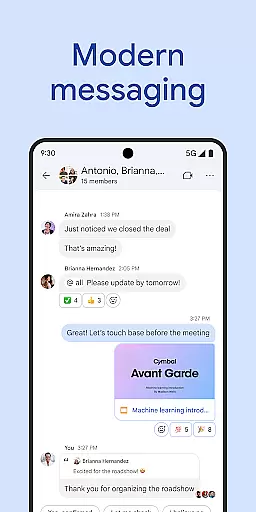
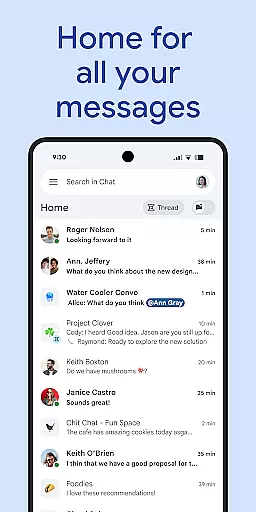
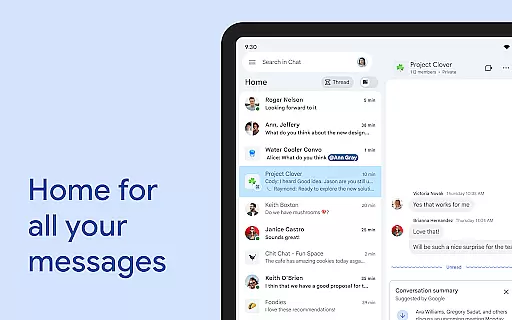
Google Chat is a powerful business communication tool designed for teams using Google Workspace. This AI-first messaging platform transforms team collaboration with features like automatic message translation across 120+ languages and AI-powered search capabilities. The app integrates seamlessly with other Workspace apps including Gmail, Calendar, and Drive, creating a unified productivity ecosystem.
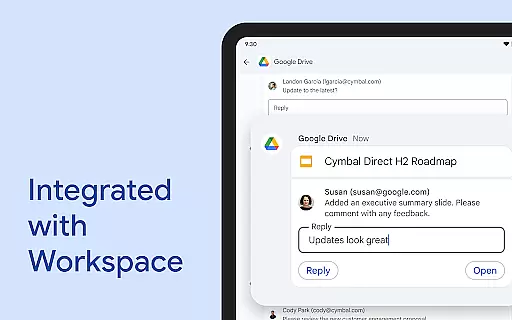
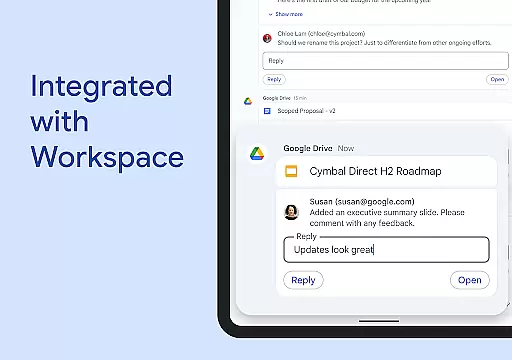
With smart chips integration, users can easily link files, people, and spaces while staying on top of requests and approvals through the Google Drive app for Chat. The application supports various communication formats from simple chats to audio and video messages. Its robust security architecture includes zero-trust protection, AI-powered data loss prevention, and malware detection, making it suitable for both small businesses and large enterprises.
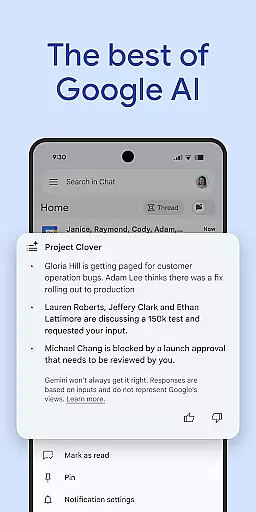
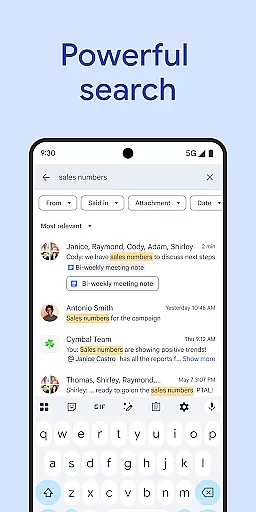
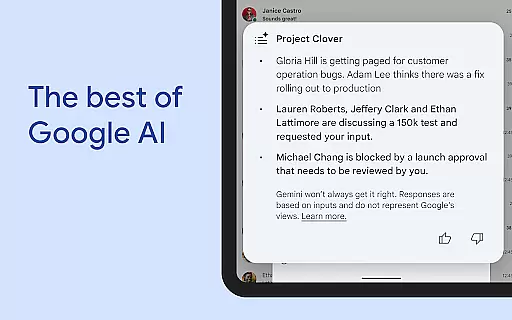
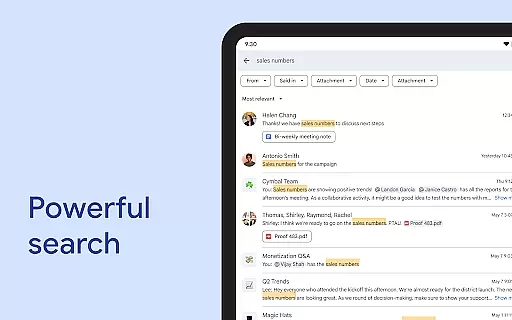
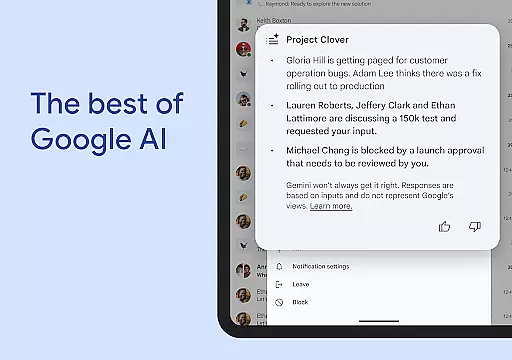
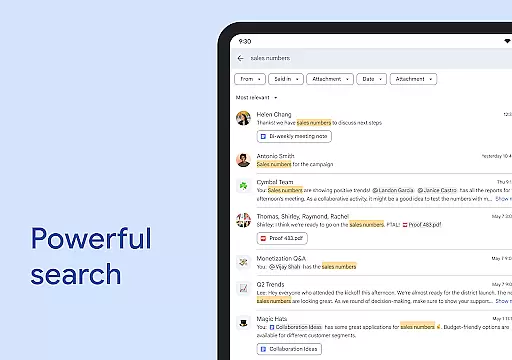
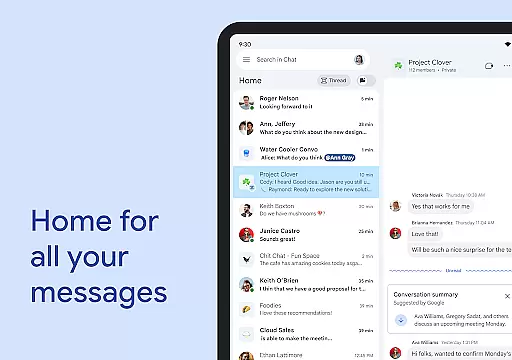
Google Chat offers an impressive array of features that enhance team productivity. The application's conversation summaries help users stay updated while its AI-powered search enables quick information retrieval. Users can create personalized status updates to inform colleagues about their availability and utilize huddles for real-time connections.
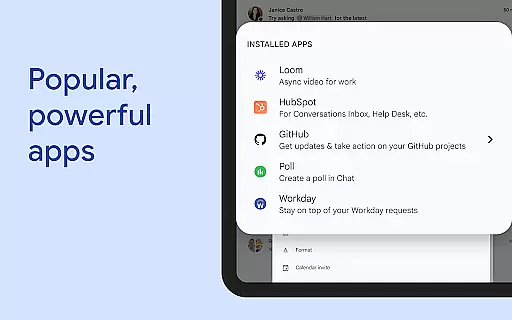
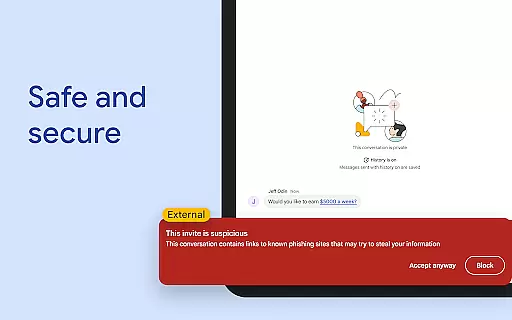
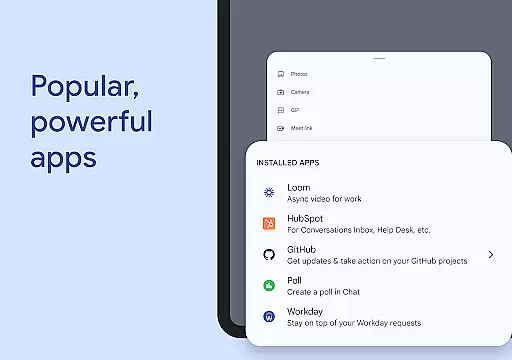
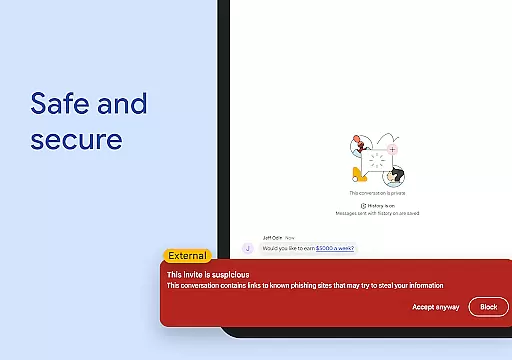
The platform's integration with popular third-party applications like PagerDuty, Jira, and GitHub extends its functionality significantly. Developers can build custom applications using Chat APIs with options for no-code, low-code, and pro-code development. The application's security features are particularly noteworthy, including cloud-native zero-trust architecture and automatic phishing detection.
Additional premium features include advanced admin controls and enterprise-grade security options. These capabilities make Google Chat a comprehensive solution for modern workplace communication needs, though some advanced features require a paid subscription plan.
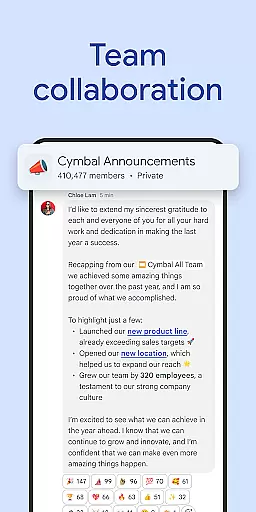
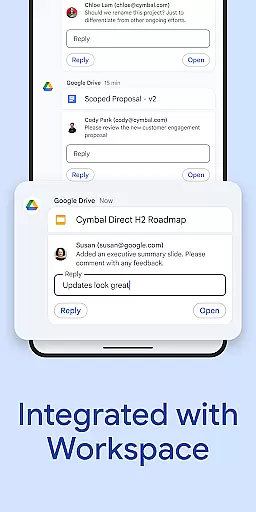
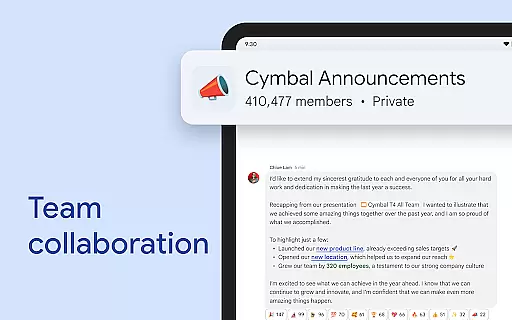
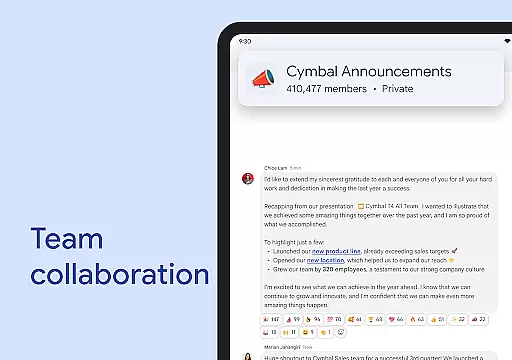
Google Chat revolutionizes team collaboration by integrating seamlessly with Workspace apps like Gmail, Calendar, and Drive. This integration allows teams to connect and collaborate efficiently without switching between multiple platforms.
The app offers smart chips that streamline teamwork by linking files, people, and spaces directly within conversations. This feature ensures that all necessary resources are readily accessible, enhancing productivity and reducing the time spent searching for information.
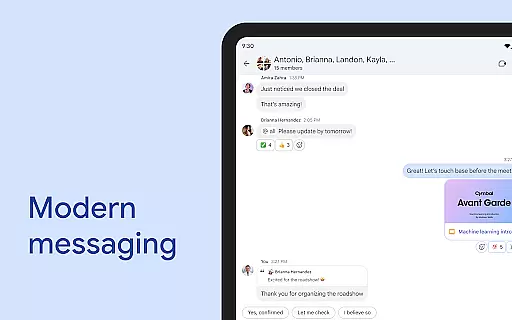
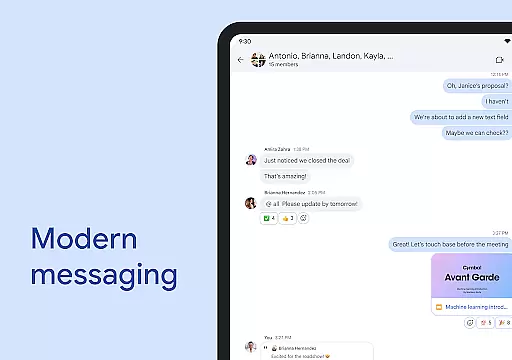
Real-time communication is facilitated through huddles, enabling spontaneous meetings and discussions. Users can also share detailed updates via audio and video messages, ensuring comprehensive and clear communication across the team.
With AI-powered functionalities such as conversation summaries and automated translations in over 120 languages, Google Chat keeps everyone informed and engaged regardless of language barriers or busy schedules.
Task management in Google Chat is transformed with integrated tools like Google Drive and Tasks, which help teams stay on top of requests, comments, and approvals. These integrations ensure that action items are captured and visible to the entire team, keeping everyone aligned.
Users can set personalized status updates to inform their teams when they are focused on work or available for collaboration. This transparency helps manage expectations and improves overall team coordination.
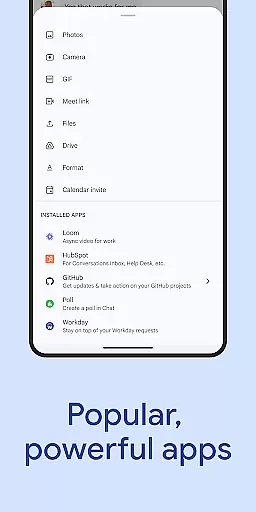
Popular third-party apps such as PagerDuty, Jira, GitHub, and Workday can be installed directly into Chat, providing powerful task management capabilities tailored to specific project needs. Additionally, developers have access to Chat APIs for building custom no-code, low-code, and pro-code applications.
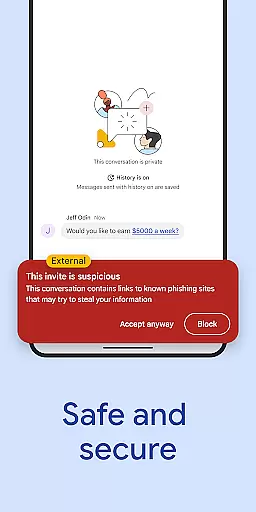
Security features protect data with AI-powered data loss prevention (DLP), phishing detection, and malware protection. This secure environment ensures that sensitive task-related communications remain confidential while leveraging Google's robust cloud-native architecture.
Seamless Workspace Integration
Advanced AI Capabilities
Robust Security Features
Multi-language Support
Real-time Collaboration Tools
Premium Features Locked
Requires Subscription
Limited Free Options
Complex Setup Process
Steep Learning Curve

Ask Accio anything about business. Alibaba-backed, built by experts, not just AI
 4.60
4.60
TurboScan turns your phone into a full-featured PDF document scanner.
4.80
Drive and earn extra money
4.50
Recover what matters — quickly and easily.
4.70
Grow your business and connect with more people with Meta Business Suite.
4.60
Say hello to the mobile work experience built to help you thrive at work.
4.30
Shop, deliver, and earn with the Spark Driver™ App
4.10
Roadie connects people with stuff to send with drivers already going that way.
3.50
On the go? Take FedEx with you.
4.00
All your team communication in one place
4.70
Manage Your Shop
4.70
Access to Paylocity, empowering employees with information they need 24/7.
4.70
All-in-one Mobile solutions for employees & managers to succeed at work
4.30
Build a store in minutes with our full suite of AI tools. Start for free!
4.20
FX Plus adds media, networking, and cloud capabilities to FX File Explorer.
4.10
The All-in-One File Manager for Phone, TV, Watch, Cars, XR / VR, Chromebook
4.10
Find flexible, hourly jobs hiring near you in restaurant, retail & hospitality!
4.00
Convert Your Lovable.dev Website into a Mobile App Instantly!
4.0
viewing and sharing PDFs and other files—anytime, anywhere!
4.2




User Reviews