
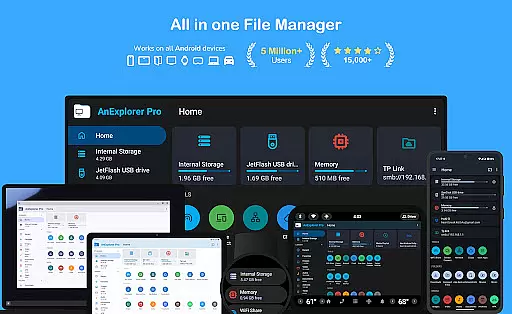
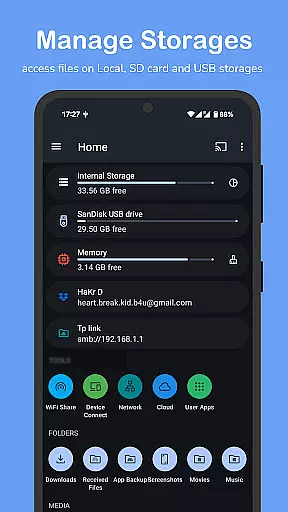
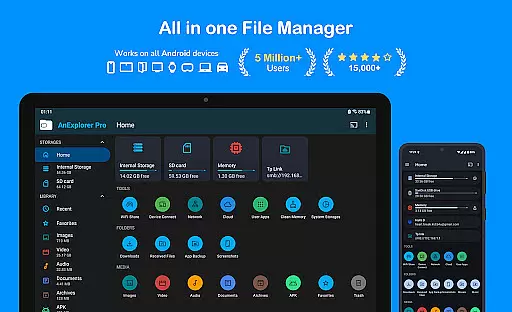
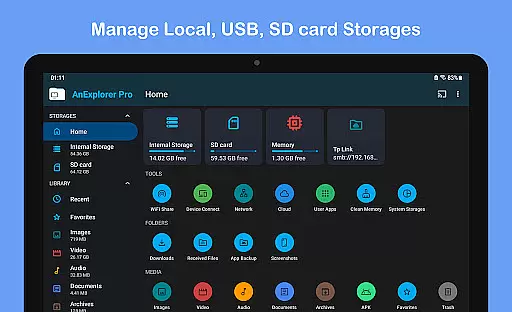
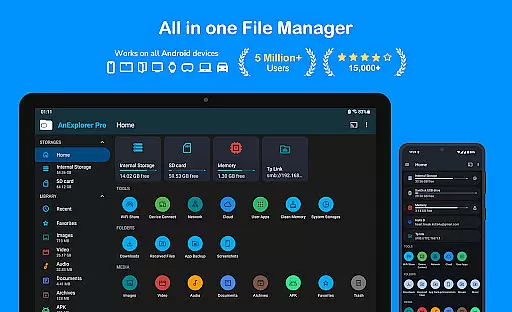
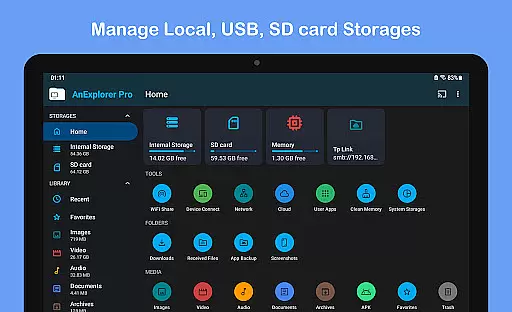
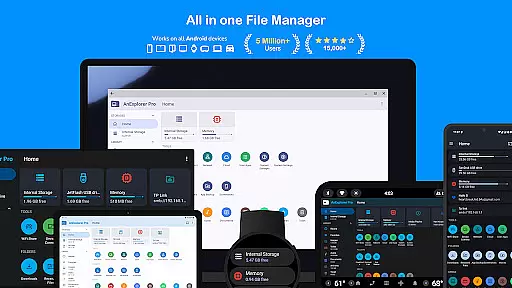
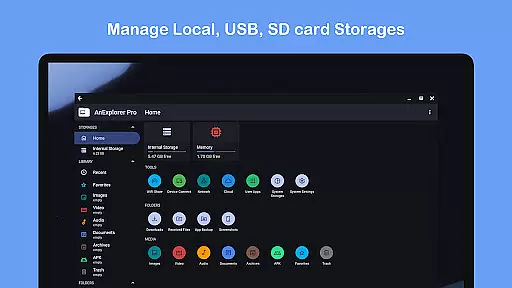
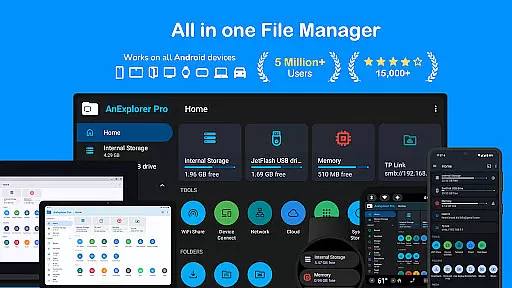
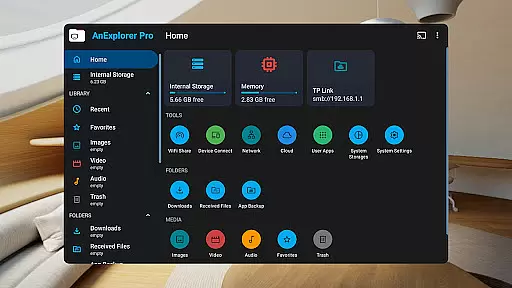
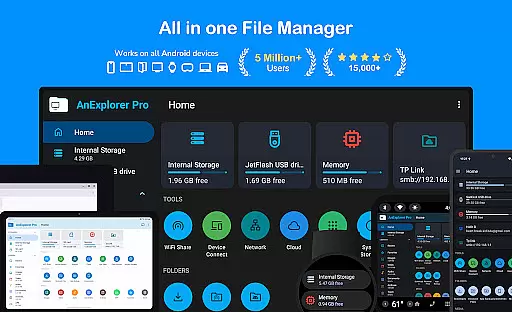
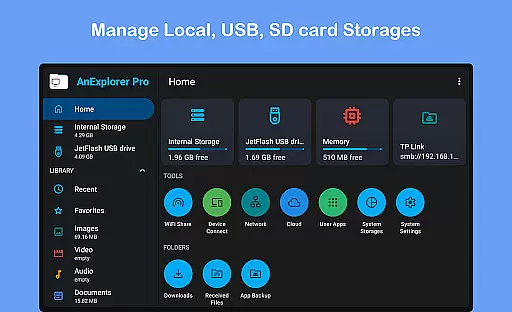
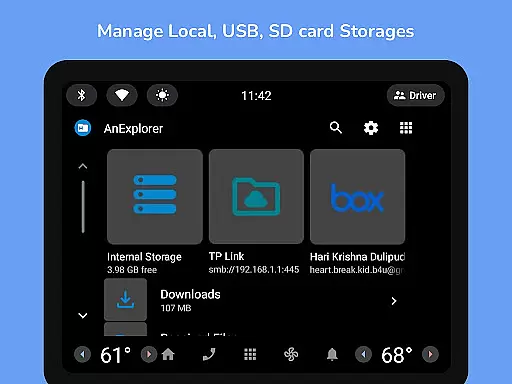
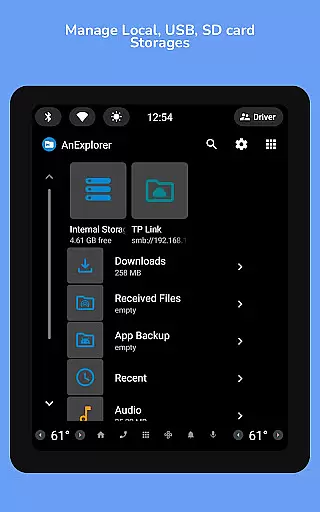
AnExplorer Pro File Manager is a versatile business tool designed to streamline file management across all Android devices. This powerful app allows users to efficiently organize, transfer, and manage files across multiple storage types including local storage, USB drives, SD cards, network storages, and cloud services. With its intuitive interface and extensive feature set, it serves as an essential solution for businesses that require robust file handling capabilities.
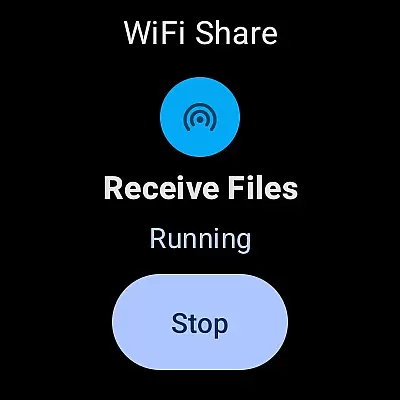
The app stands out with its comprehensive functionality that includes file organization, media playback, archive management, and text editing. It supports various file systems and offers specialized tools for managing files on different Android platforms such as TVs, watches, and VR/XR headsets. The ability to connect to FTP servers and cloud services like Dropbox makes it particularly valuable for businesses operating in diverse technological environments.
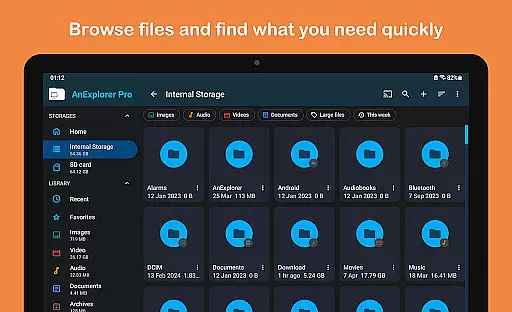
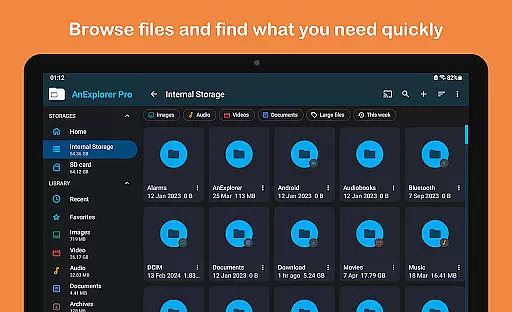
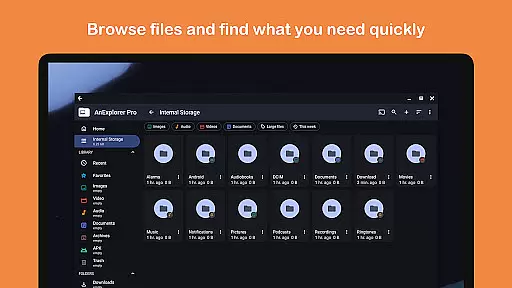
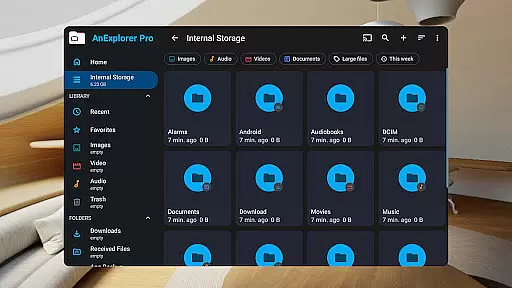
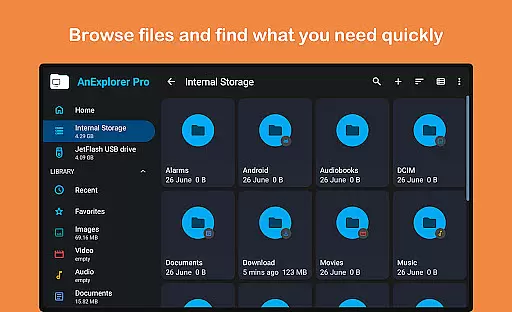
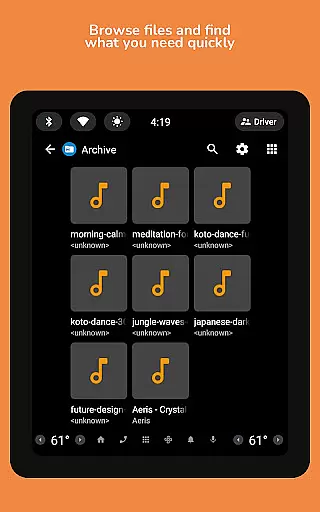
AnExplorer Pro File Manager distinguishes itself through its rich array of features tailored for business use. The app provides complete file management capabilities including copy, move, rename, delete, compress, and extract functions. Its advanced search and filter options allow users to quickly locate files by name, type, size, or date, while the thumbnail view helps visualize folder contents efficiently.
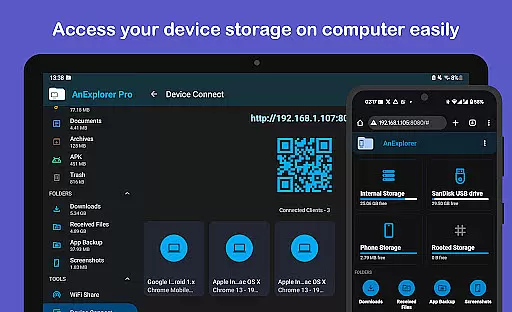
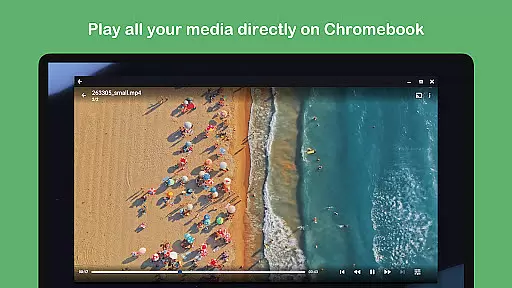
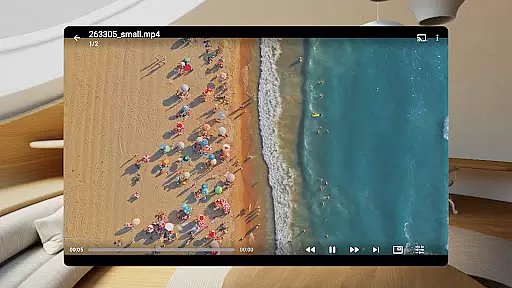
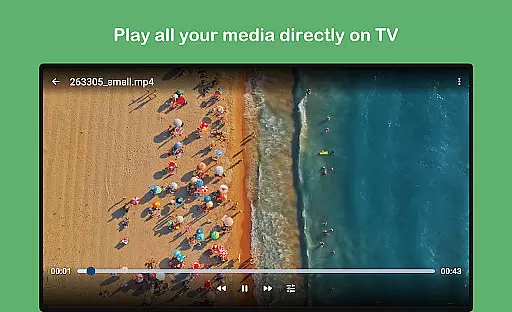
Beyond basic file operations, the app includes specialized tools such as a built-in music and video player, PDF viewer, and text editor. These features enable users to preview and modify content without leaving the app. The inclusion of root mode for system-level file editing and support for RTL languages demonstrates the app's commitment to serving diverse business needs. Additionally, the memory cleaner and storage analyzer help optimize device performance, making it an invaluable tool for maintaining efficient business operations.
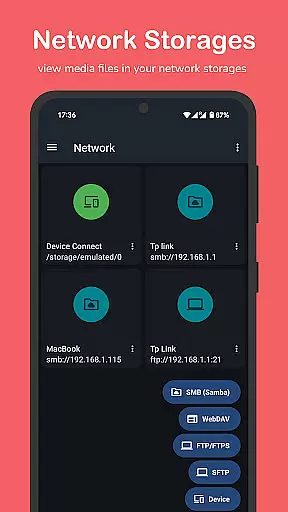
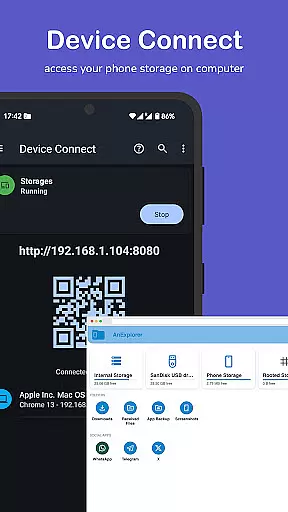
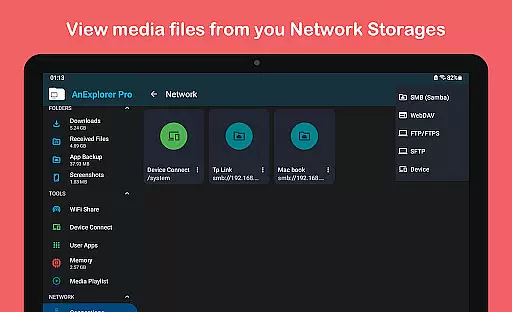
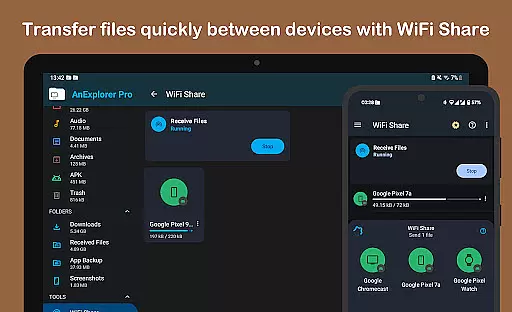
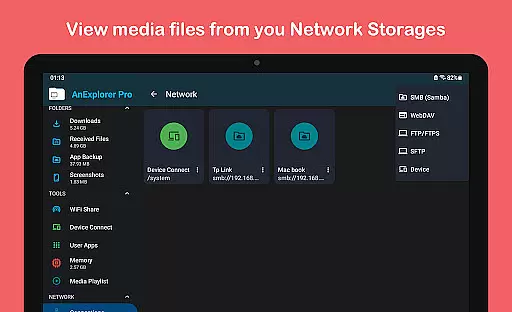
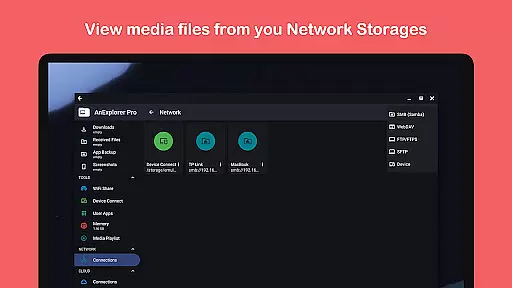
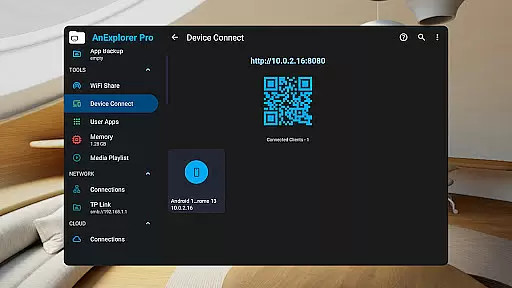
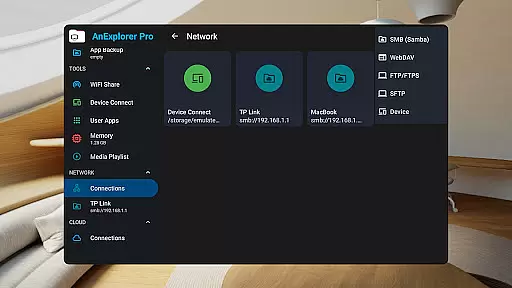
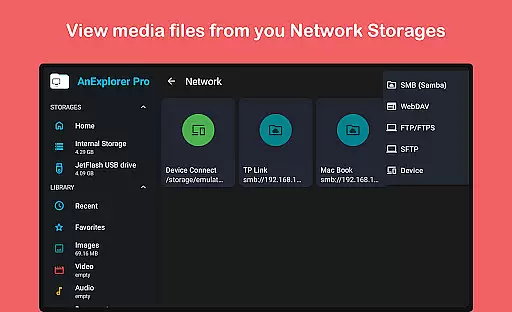
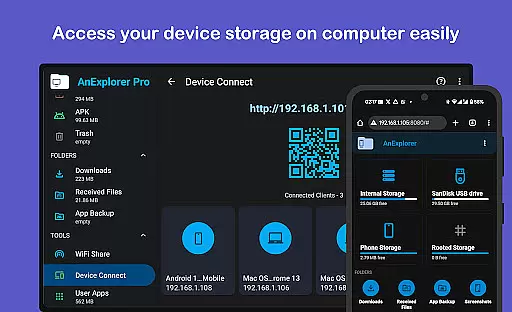
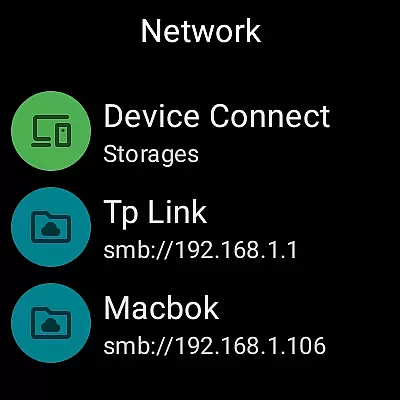
Collaborative work features are essential for modern business applications, enabling teams to work together efficiently regardless of location. AnExplorer Pro File Manager supports this through its network file management capabilities, allowing users to connect to FTP, FTPS, SMB, and WebDAV servers.
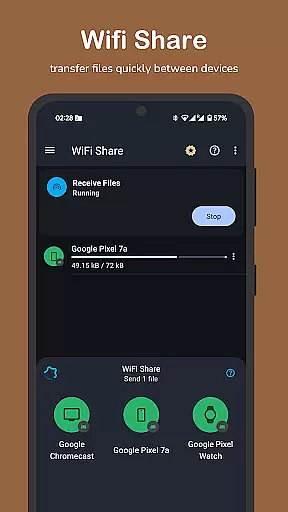
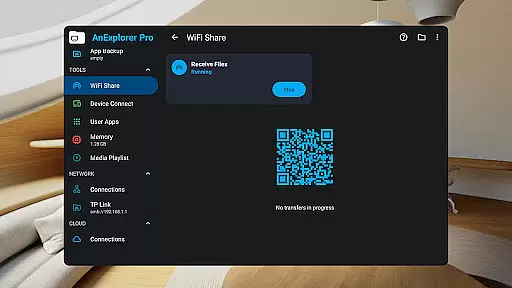
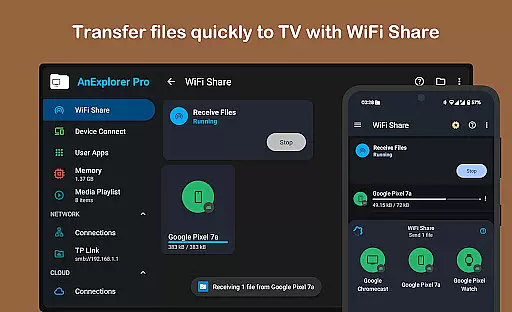
This functionality facilitates seamless file sharing and collaboration across different devices and platforms. Users can stream and transfer files from NAS devices and shared folders, ensuring that all team members have access to the necessary resources when they need them.
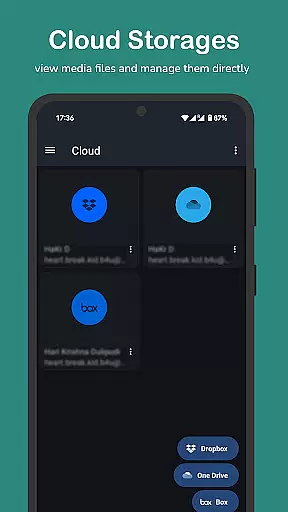
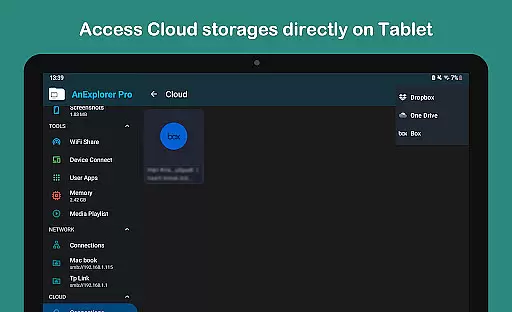
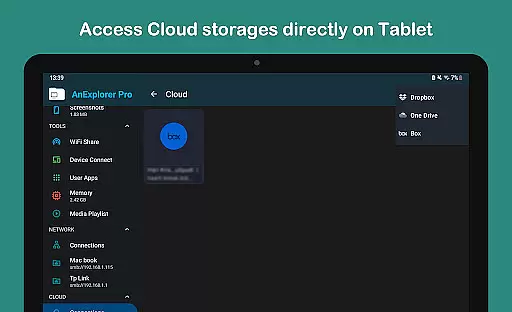
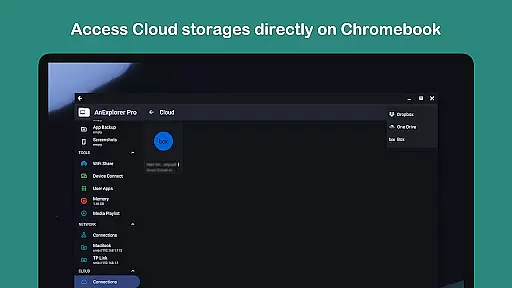
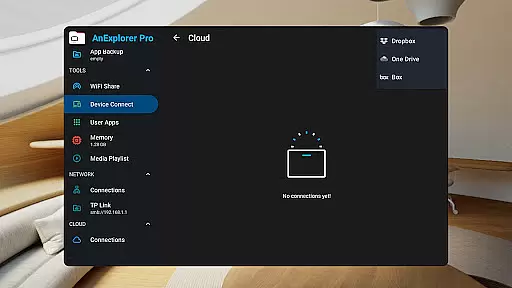
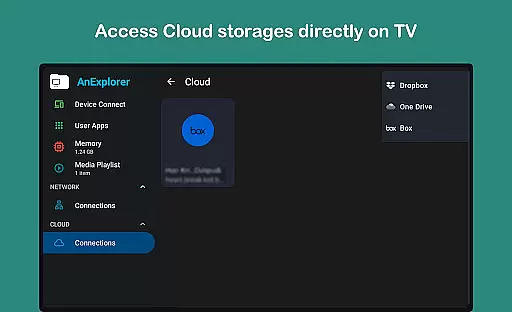
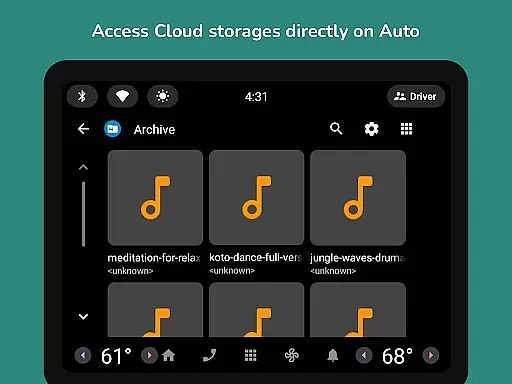
The app's cloud file manager further enhances collaborative efforts by integrating with popular services like Box, Dropbox, and OneDrive. This allows teams to manage, upload, download, delete, or preview media directly in the cloud, promoting a flexible and dynamic work environment.
By providing these robust collaborative tools, AnExplorer Pro File Manager empowers businesses to maintain productivity and cohesion among distributed teams, ultimately leading to more successful project outcomes.
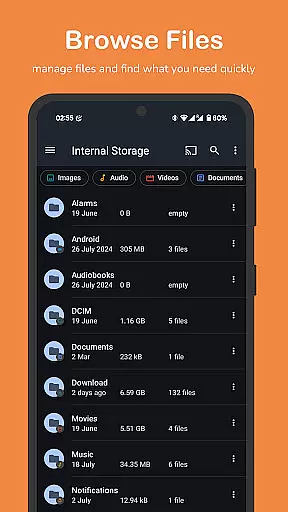
Effective task management is crucial for maintaining productivity and ensuring that projects progress smoothly. AnExplorer Pro File Manager offers several features that contribute to efficient task management, such as its file organizer capabilities, which allow users to browse, copy, move, rename, delete, compress, and extract files and folders.
The app also includes a search function that enables users to find files by name, type, size, or date, and filter by media types. This helps streamline workflows by making it easy to locate specific files quickly, reducing the time spent on file management tasks.
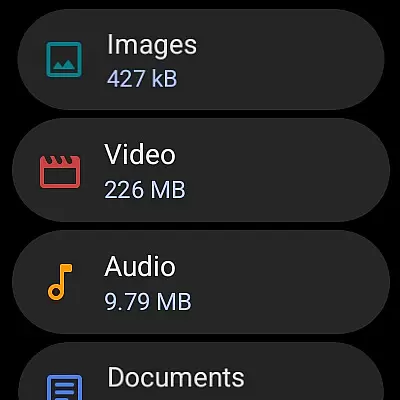
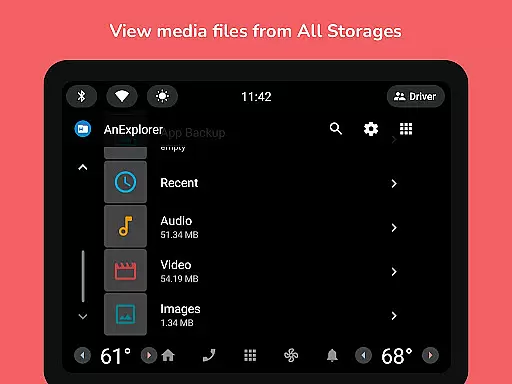
In addition, AnExplorer Pro provides tools for organizing media libraries, auto-categorizing files into images, videos, music, documents, archives, and APKs. This systematic approach to file organization ensures that users can easily access and manage their digital assets, contributing to a more organized and productive work environment.
Overall, these task management features make AnExplorer Pro File Manager a valuable tool for businesses looking to optimize their operations and improve efficiency.
User-friendly interface
Wide device compatibility
Comprehensive file management
Advanced search capabilities
Cloud service integration
Paid version only
Complex for beginners
Requires technical knowledge
Some features need root access
Occasional performance issues

Completed Course Lectures on how to use IBM Maximo in Maintenance issues
 4.3
4.3
Scan Business Cards & Conference Badges - Capture Leads at Events & Tradeshows
4.20
FaxCover - Create fax cover pages. Works with any app or fax machine.
4.90
Manage Your Shop
4.70
Drive and earn extra money
4.50
Find jobs near you and temp work in minutes, from your phone.
4.50
Make invoices, bills, receipts & estimates on the go with Invoice Generator.
4.70
Permission Guard is a security app that helps you manage app permissions.
4.80
Work happy with AI Companion
4.10
Job search app that finds jobs for you! Takes the work out of looking for a job!
4.90
The MyWalmart App is available for all associates in stores.
4.70
Chat, meet, and collaborate to achieve more together, all in one place on Teams
4.60
Manage work life on the go
4.50
From Gone to Back Again — In Just a Few Taps
4.50
Collaborate seamlessly with Google Chat, part of Google Workspace
4.50
The revolutionary flexible staffing platform
4.40
A secure, all-in-one team collaboration app
4.30
Formerly Facebook Ads Manager. Manage and create ads on the go.
4.20
Find part-time earning opportunities near you that pay within days.
3.20











User Reviews