
Alight Mobile is a comprehensive business application designed to provide employees with seamless access to their employer-sponsored benefits. The app enables users to manage health, retirement, and payroll information from their mobile devices, ensuring accessibility anytime and anywhere. With its robust functionality, Alight Mobile serves as an essential tool for employees of companies partnering with Alight Solutions.
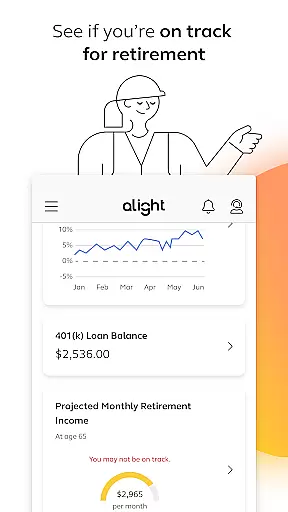
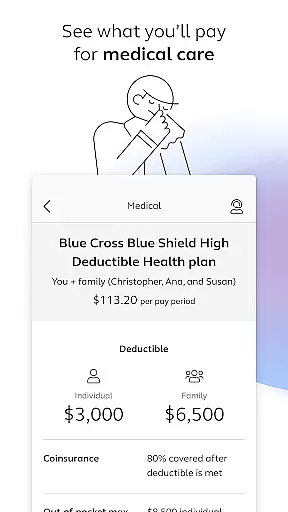
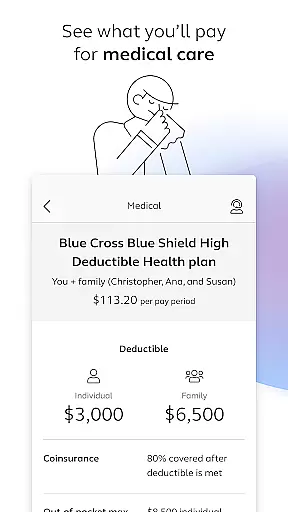
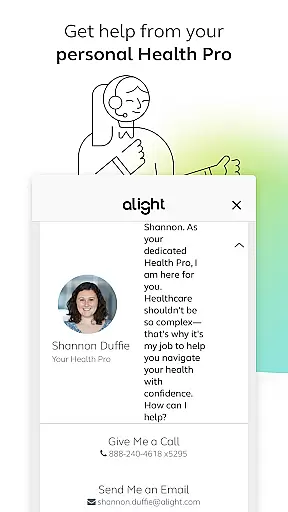
Key features include the ability to locate healthcare providers, review medical plans, manage 401(k) contributions, and access insurance cards digitally. Additionally, the app offers personalized support through Health Pro assistance and consolidates various benefit resources in one convenient location. This makes it particularly useful for employees seeking to optimize their benefits management while staying informed about their financial wellness and retirement readiness.
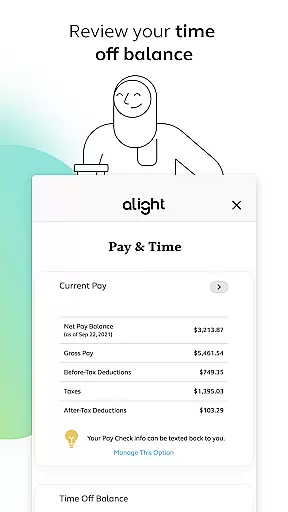
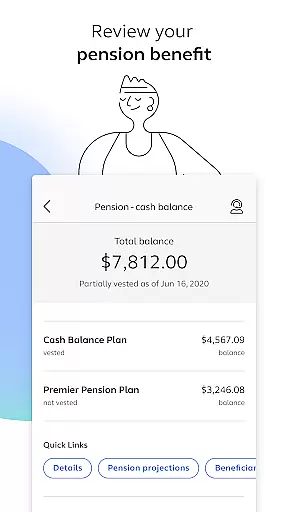
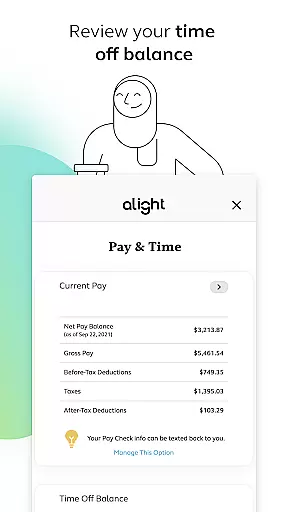
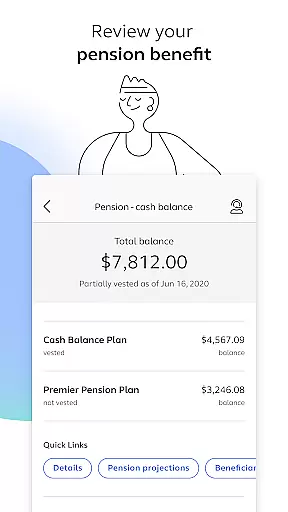
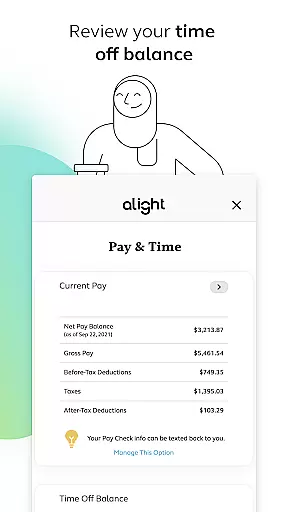
The app's value lies in its ability to simplify complex HR processes, empowering users to make informed decisions about their benefits. Whether reviewing time-off balances or exploring pension details, Alight Mobile ensures that employees have the necessary tools to stay connected with their workplace benefits efficiently and effectively.
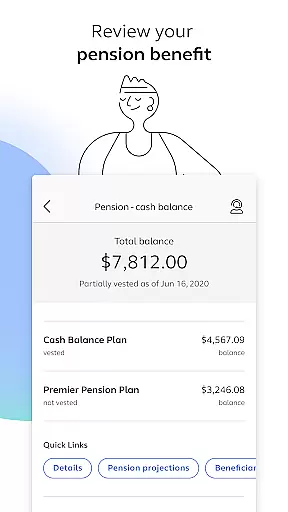
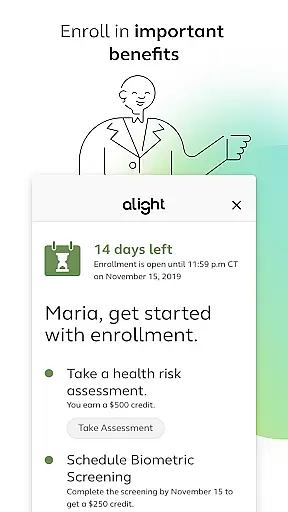
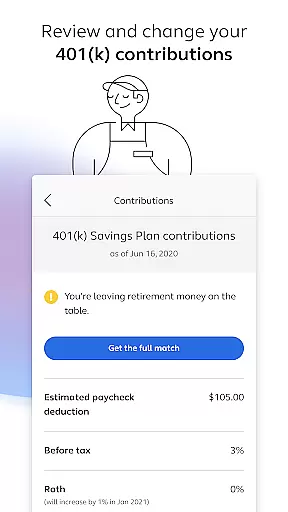
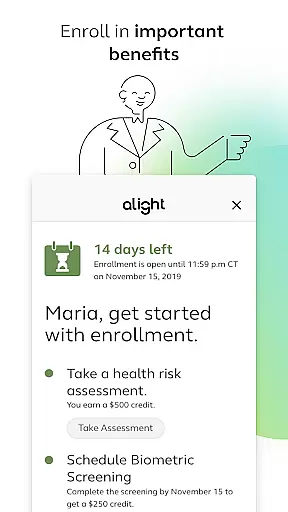
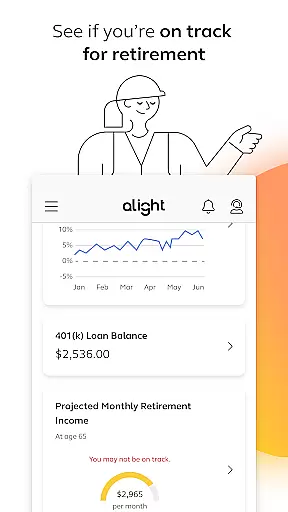
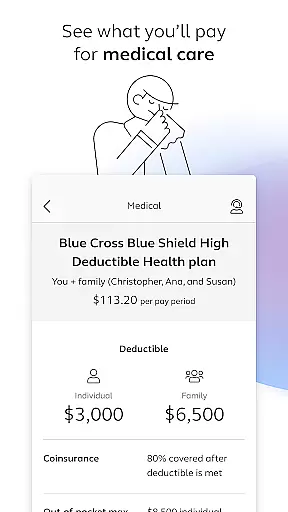
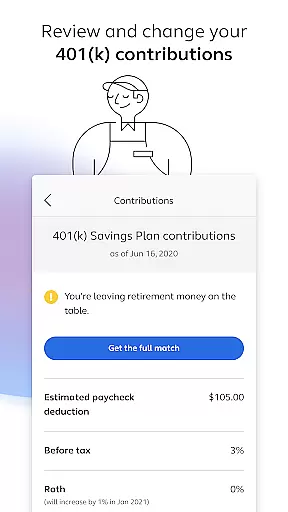
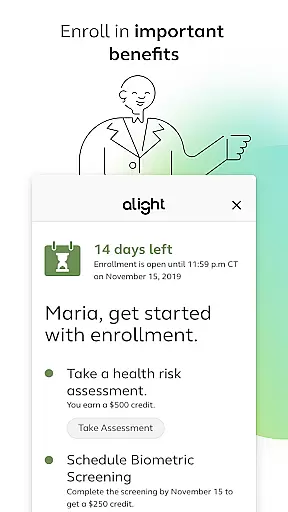
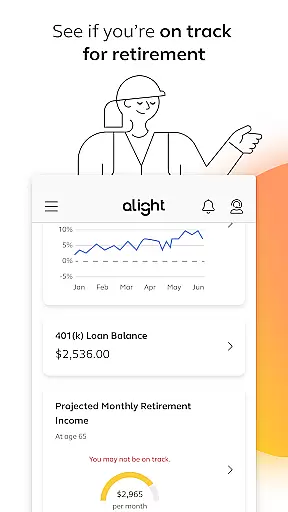
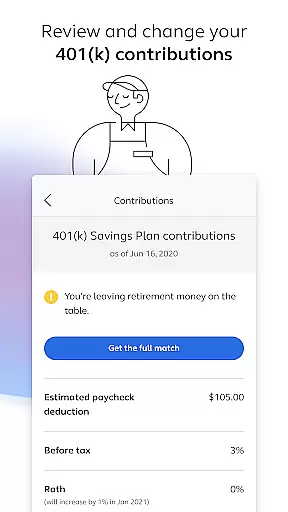
Alight Mobile stands out with its diverse range of features tailored to streamline benefits management. One of its core strengths is the ability to enroll in and manage essential benefits such as health plans, retirement accounts, and payroll details. Users can easily review their medical plan spending, adjust 401(k) contribution elections, and check pension benefits, all within a single platform.
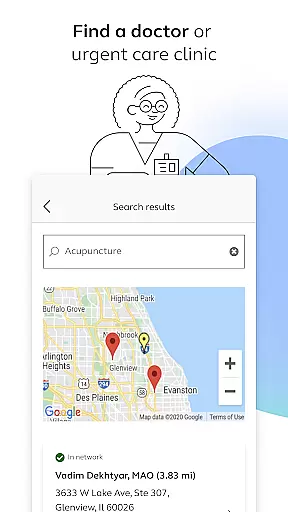
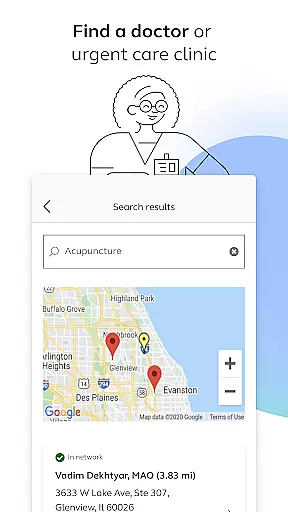
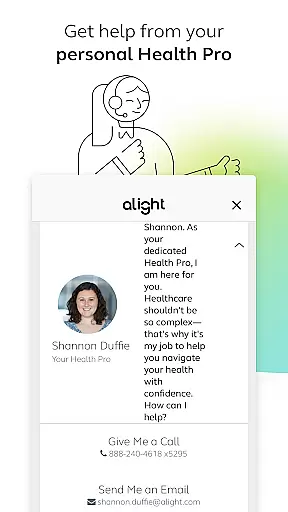
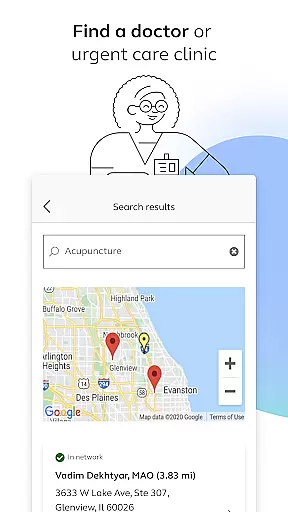
Another notable feature is the app's integration with healthcare provider databases, allowing users to find doctors or urgent care clinics quickly. It also provides digital access to insurance cards and personalized support from Health Pros, enhancing convenience and user experience. Furthermore, the app consolidates additional resources like time-off balances and retirement planning tools, offering a holistic view of employee benefits.
These features collectively ensure that users can manage their professional and personal benefits with ease. By centralizing critical HR functions into one accessible interface, Alight Mobile significantly reduces administrative burdens while improving overall efficiency for both employees and employers.
Collaborative work features are essential for modern businesses to enhance productivity and streamline communication. Alight Mobile excels in this area by providing employees with seamless access to their benefits information, enabling better collaboration between employers and employees.
The app allows users to review and manage various aspects of their employment benefits, including health plans, retirement contributions, and time-off balances. This ensures that all parties have up-to-date information at their fingertips, facilitating more informed discussions and decisions.
By offering features such as enrollment in important benefits, reviewing medical plans, and accessing insurance cards, Alight Mobile fosters a collaborative environment where employees can take control of their benefits. This not only improves individual satisfaction but also contributes to the overall efficiency of benefit administration.
Ultimately, the collaborative tools within Alight Mobile empower both employers and employees by ensuring transparency and accessibility in managing workplace benefits, leading to enhanced organizational success.
Effective task management is crucial for maintaining productivity and achieving business goals. Alight Mobile offers robust task management capabilities that allow employees to efficiently handle their benefits-related tasks anytime and anywhere.
Users can perform a variety of tasks through the app, such as finding healthcare providers, enrolling in benefits, reviewing 401(k) contributions, and checking retirement readiness. These functionalities ensure that employees can manage their personal benefits with ease and precision.
The app's intuitive design simplifies complex processes, making it easier for users to complete necessary tasks without confusion or delay. Whether it's adjusting contribution elections or saving digital copies of insurance cards, Alight Mobile streamlines these activities to save time and reduce stress.
By integrating comprehensive task management features, Alight Mobile enhances user engagement and satisfaction, ultimately contributing to a more organized and productive workforce.
User-friendly interface
Comprehensive benefits management
Personalized support options
Convenient mobile access
Integrated healthcare tools
Limited to partner companies
Feature availability varies
Requires login credentials
No offline functionality
Potential privacy concerns

Scan Business Cards & Conference Badges - Capture Leads at Events & Tradeshows
 4.20
4.20
Employee Management Made Easy
4.80
Get instant construction estimates: accurate home repair & material calculator.
4.70
Simple, Fast & Lightweight
3.90
Master crypto trading with real-time simulations and exciting challenges!
4.50
view, manage, and share every PDF file you have
3.60
USPS Mobile®Access USPS.com’s most popular tools on-the-go.
4.70
Find part-time earning opportunities near you that pay within days.
3.20
Ship, Track, Find a Location or Get a Quote with UPS. Anytime. Anywhere.
4.60
BuildCalc - the easiest AND the most advanced construction calculator app.
4.80
TurboScan turns your phone into a full-featured PDF document scanner.
4.80
Find the right fit, faster.
4.70
Recover what matters — quickly and easily.
4.70
All your team communication in one place
4.70
No more passwords, easier sign-in, and greater protection for your accounts.
4.60
The revolutionary flexible staffing platform
4.40
Formerly Facebook Ads Manager. Manage and create ads on the go.
4.20
Find flexible, hourly jobs hiring near you in restaurant, retail & hospitality!
4.00
Zoom built for Chrome OS
3.90





User Reviews