
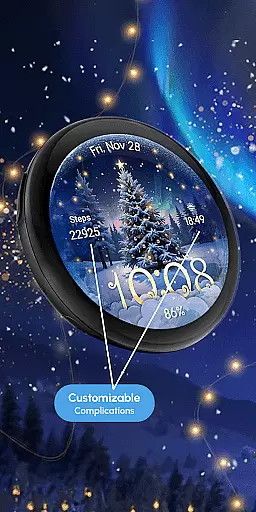
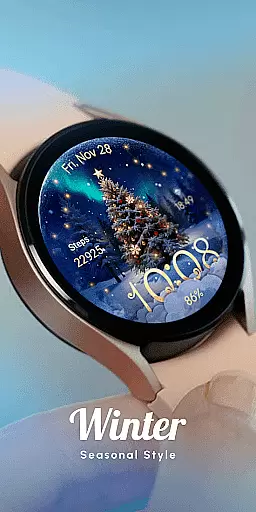
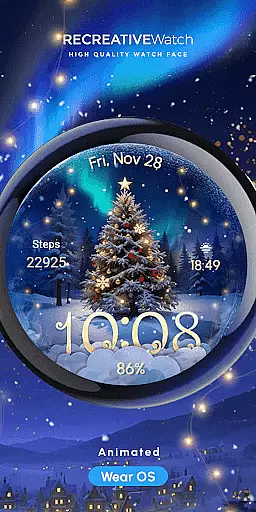
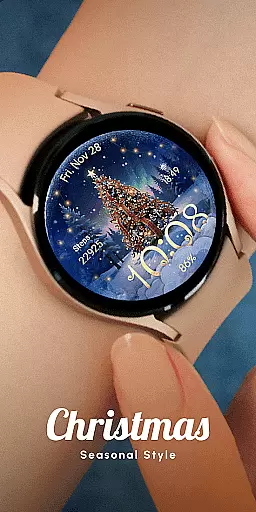
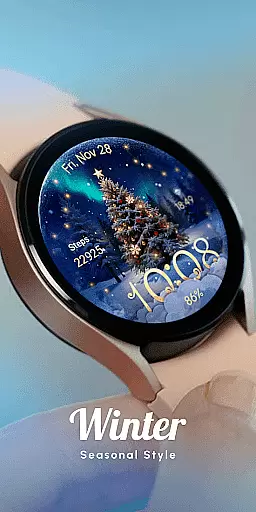
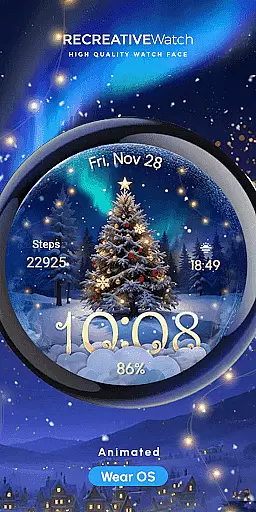
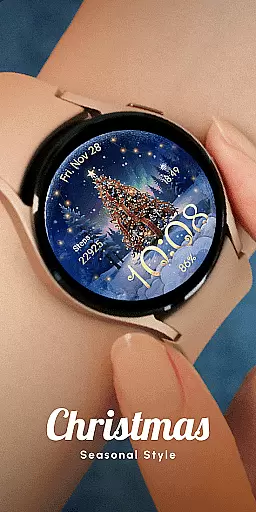
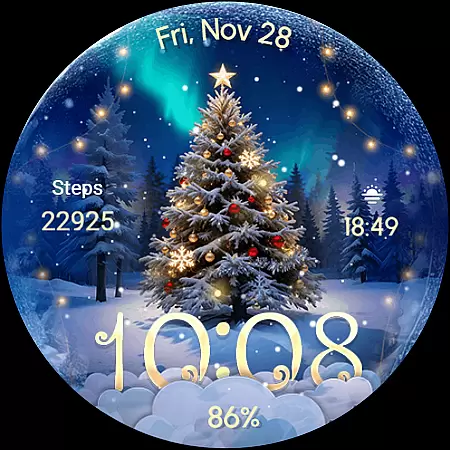
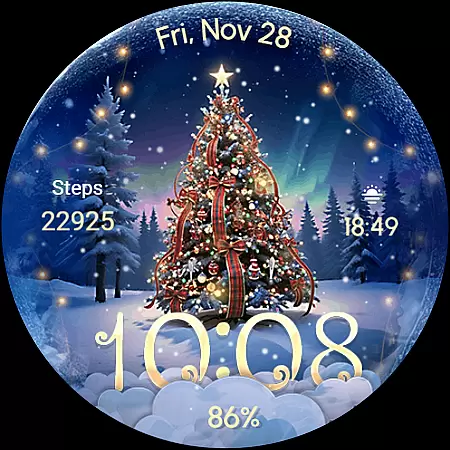
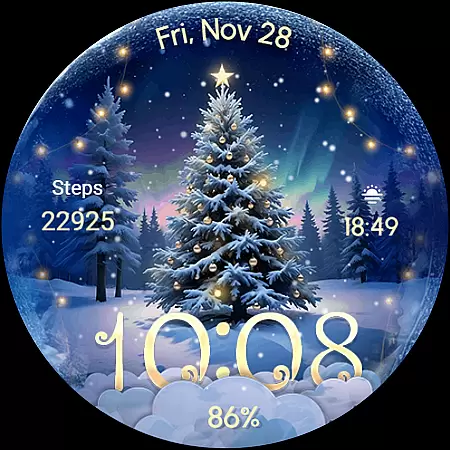
ReS71 - Northern Christmas is a captivating Wear OS watch face that brings the magic of the holiday season to your smartwatch. Featuring an enchanting Christmas tree at the North Pole, this watch face glows with animated holiday lights and includes a beautiful snow effect. Designed for users who appreciate festive themes, it combines functionality with seasonal charm.
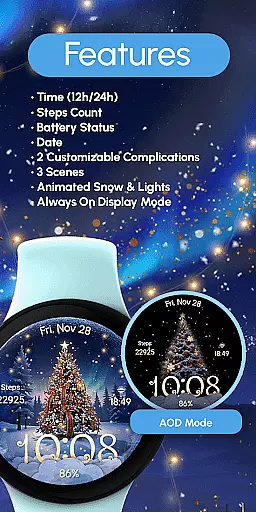
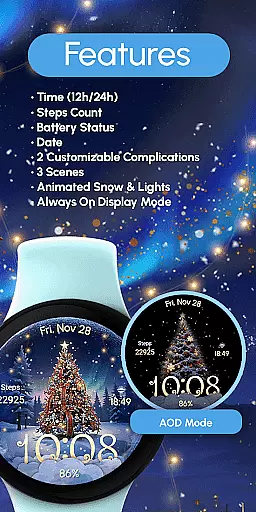
The watch face offers essential features like 12/24hr digital time display, date, battery status, and customizable complications. With three unique scenes, animated snow and lights, and Always ON Display capability, it provides both aesthetic appeal and practical utility. Compatible with API level 33+ devices including Google Pixel and Galaxy Watch series, this app ensures a delightful holiday experience on your wrist.
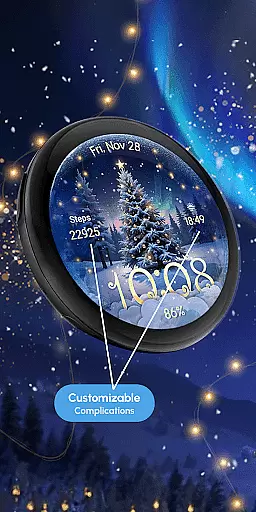
ReS71 - Northern Christmas stands out with its rich feature set tailored for the holiday season. The watch face displays 12/24hr digital time, date, and battery status while incorporating two customizable complications that allow users to personalize their data fields. Its three distinct scenes offer varied visual experiences, enhanced by animated snow and glowing lights.
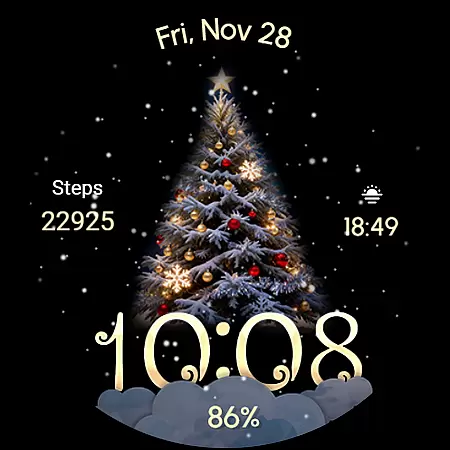
One notable feature is the Always ON Display, which ensures time and important information are always visible. For customization, users can simply touch and hold the display to access settings. While the animations and Always ON Display create an immersive experience, they may impact battery life. To optimize performance, users can disable the Always ON mode. This combination of festive design and functional elements makes the watch face both engaging and practical.
Companion app integration is essential for Wear OS watch faces like ReS71 - Northern Christmas. This feature ensures seamless synchronization between the watch face and its companion app on your smartphone.
The ReS71 watch face allows users to customize complications through the companion app, providing real-time data display options such as weather, calendar events, or fitness metrics. This integration enables quick access to frequently used information directly from the watch face.
Users benefit from this integration by experiencing enhanced functionality without compromising the watch's battery life. The companion app provides easy access to all customization options while maintaining optimal performance of the watch face itself.
This implementation demonstrates how proper companion app integration can significantly enhance user experience by combining aesthetic appeal with practical functionality in a wearable device interface.
Device compatibility is crucial for Wear OS applications like ReS71 - Northern Christmas. This watch face supports API level 33+ devices including Google Pixel, Galaxy Watch series (4-7), and other Wear OS models.
The application ensures broad compatibility by optimizing its performance across various screen sizes and resolutions. It maintains consistent visual quality and functionality regardless of the specific Wear OS device being used.
Users benefit from this wide compatibility as they can enjoy the festive-themed watch face on their preferred smartwatch model without worrying about technical limitations or display issues.
This approach to compatibility demonstrates how developers can create engaging wearable experiences while maintaining support for multiple device types within the Wear OS ecosystem.
Holiday-themed design
Animated lights and snow
Customizable complications
Always ON Display
Compatible with multiple devices
Battery consumption
Limited to Wear OS
Fewer customization options
Requires newer devices
No automatic application

Watch the sharpness of the sky on your wrist..
 3.70
3.70
Highly customizable hybrid watch face for Wear OS, perfect for everyday use.
4.60
A watch face that fuses motorsport precision with contemporary smartwatch design
4.1
Be an elegant and classy secret agent, with this carefully detailed watch face
4.70
Period, ovulation & pregnancy tracker. Fertility insights & menstrual calendar.
4.90
Reliable phone calls with spam protection, caller ID and more helpful features
4.40
Premium hybrid watch face with many customizations for Wear OS devices.
4.40
Start and succeed with PAP
4.10
Toyota app currently supports 2010 or newer vehicles (2018 or newer for Hawaii).
4.50
Christmas - Festive - Christmas Village - Winter - Christmas lights
5.00
The most customizable minimal watch face. For Wear OS 5.0, API 34+ and later
4.70
Gym & home workout plans with strength training, exercise tracking, HIIT & more.
4.60
Retro digital watch face with customizable colors and a unique lighting effect
4.60
Wear Os Watch Face - Animated Snow Effect & Magic Spark - 6 Scenes
4.10
Daily Weather forecast with 15 weather images for Day & Night plus Big Bold time
4.10
Professional weather radar and more
3.90
Analog watch face with 8 complications and expedition styling
4.0
Stunning modern digital watch face with 7 complications and strong contrast
4.2
Fitness interactive virtual pet super fighter boy watch face
4.0



User Reviews