
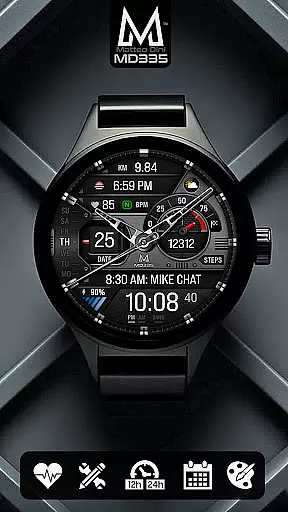
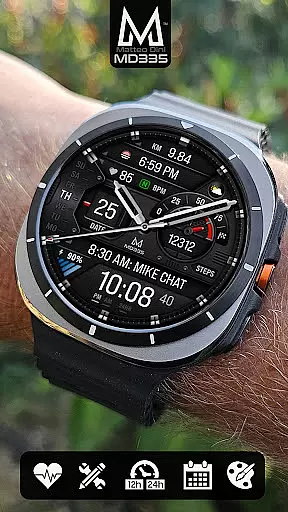
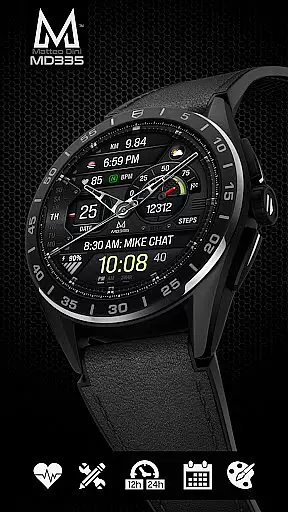
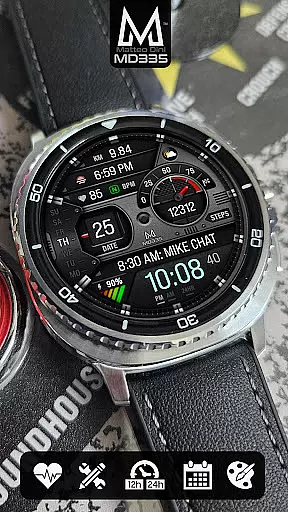
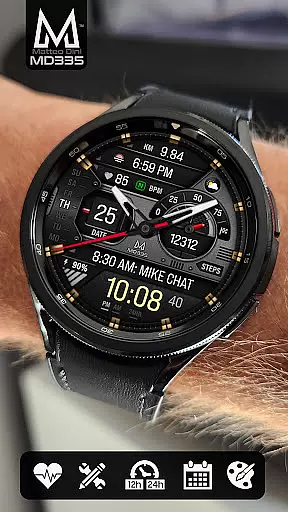
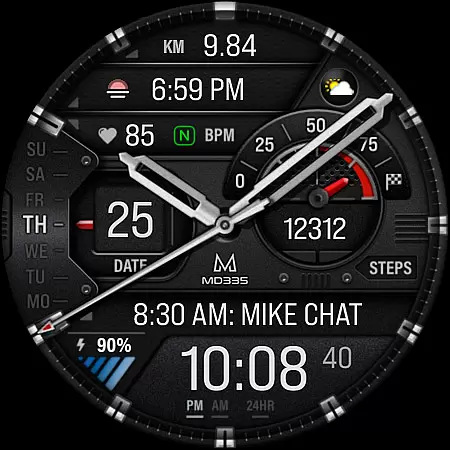
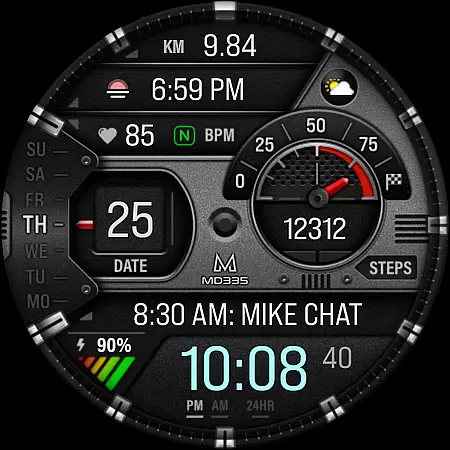
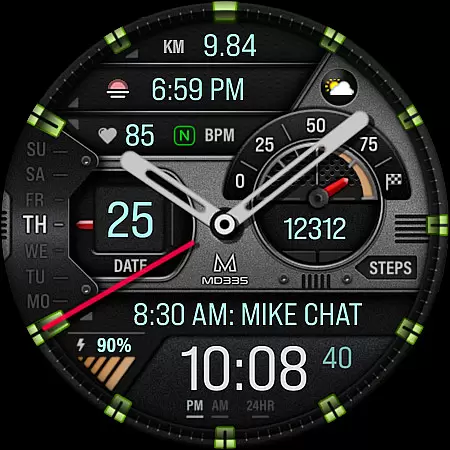
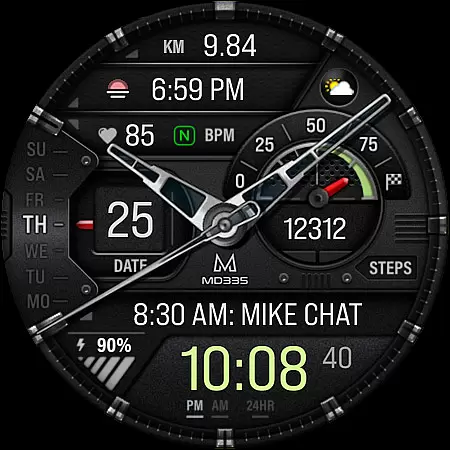
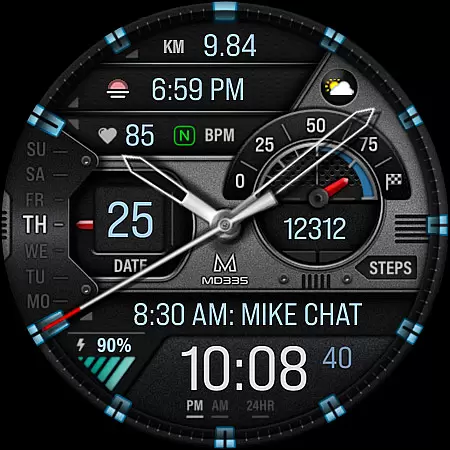
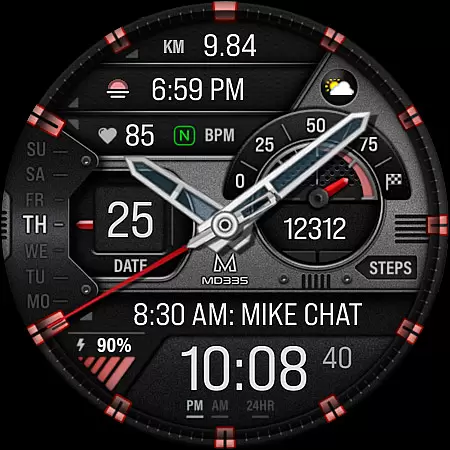
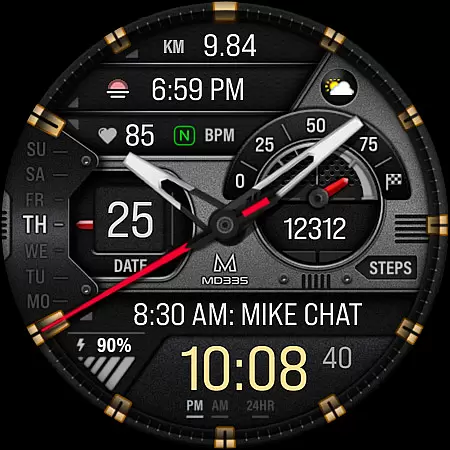
MD335 Hybrid watch face offers a sophisticated blend of traditional and digital elements, designed specifically for Galaxy Watch users. This complex watch face features 4 preset app shortcuts, 1 customizable shortcut, and 3 customizable complications that allow you to display preferred data such as weather, barometer readings, and more. Compatible with all Wear OS devices running API Level 33+ (Wear OS 4 and later), it supports Samsung Galaxy Watch 4-8, Ultra, Pixel Watch, and others.
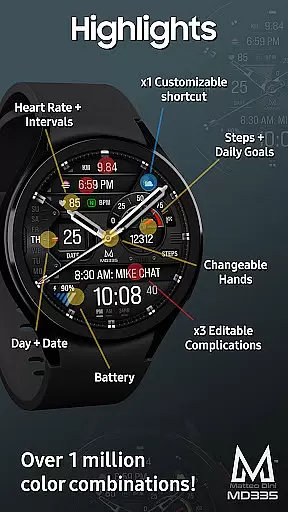
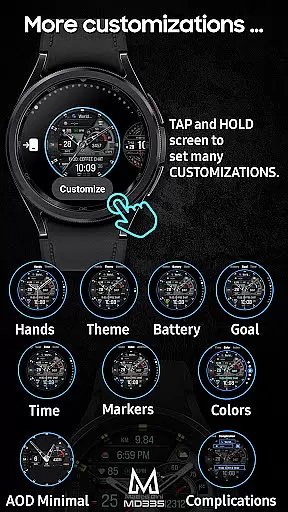
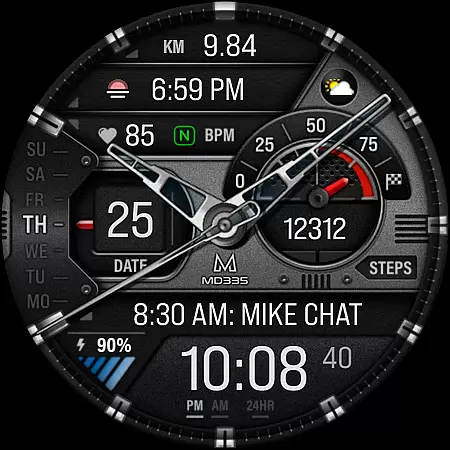
The watch face boasts a hybrid design with hideable hands, displaying the date, day, battery level, heart rate, steps, and daily goals. Users can customize colors, switch between dark and light themes, and enjoy both minimal and full Always-On Display (AOD) modes. The intuitive customization process allows users to personalize their experience directly on the watch, offering a seamless blend of style and functionality tailored to individual preferences.
MD335 Hybrid watch face stands out with its advanced customization options and versatile features. It includes 12/24hr time formats based on phone settings, changeable hands, and multiple complications like weather, health data, and world clock. With 4 preset app shortcuts including Calendar, Battery, Measure Heart Rate, and Set Alarms, users can quickly access essential functions.
One of the key highlights is the ability to customize the watch face with any desired data, enhancing personalization. Although complications are external apps, MD335 integrates them seamlessly, providing a cohesive user experience. Additionally, users can modify the theme between dark and light, adjust various color settings, and enjoy a minimal or full AOD mode, ensuring both aesthetic appeal and practical utility.
Companion app integration is crucial for hybrid watch faces like MD335, ensuring seamless functionality between the wearable and its paired smartphone.
This particular watch face supports extensive customization options directly on the device, allowing users to personalize shortcuts, complications, and themes without needing a companion app.
However, when using the Samsung Wearable app, some complex features may fail to load due to editor limitations, not issues with the watch face itself. To avoid this, users are encouraged to customize directly on their watch.
The synchronization between the watch and its companion device ensures that time, date, and other personalization settings reflect the user's preferences and phone settings accurately, enhancing usability.
Ensuring broad device compatibility is essential for any Wear OS application, including MD335 Hybrid watch face. This watch face supports all Wear OS devices with API Level 33+ such as Samsung Galaxy Watch 4-8, Ultra, and Pixel Watch.
By supporting the latest Wear OS versions, MD335 guarantees access to advanced features like customizable complications, app shortcuts, and health data tracking which collectively enhance user experience.
Users benefit from a consistent experience across different devices, knowing their smartwatch will function reliably regardless of model.
Moreover, the emphasis on compatibility ensures that future updates to Wear OS will maintain the integrity and functionality of the watch face, providing lasting value and performance.
Highly Customizable
Versatile Complications
Intuitive Interface
Wide Compatibility
Stylish Design
Complex Setup
Limited Support
External Complications
Preset Limitations
Device Restrictions

Wear Os Watch Face - Animated Snow Effect & Christmas Lights
 4.3
4.3
an Analog Watch Face for winter season with freeze winter background for Wear OS
4.3
Snowflake Rose Gold Watch Face - Digital, modern, & sleek with GYRO effect.
4.10
Watch face designed for Thanksgiving Day. 7 Background Styles included.
3.20
Nutrition, Macro tracker: Food, fitness & healthy diet tracking for weight loss
4.60
Hyper-Realistic Airplane Dashboard Watch Face With 10 Skins and Custom AOD
4.00
Hybrid watch face for Wear OS with customizable complications by Matteo Dini MD
4.70
Your music, your playlists, and more—offline and unlimited.
4.20
Control your Samsung Smart TVs, appliances, and SmartThings-compatible devices
4.60
Christmas - Festive - Christmas Village - Winter - Christmas lights
5.00
The Chevron App allows you to pay for fuel from the comfort of your car!
4.80
A modern premium sporty hybrid watch face for Wear OS by Ballozi
4.70
The most customizable minimal watch face. For Wear OS 5.0, API 34+ and later
4.70
Digital watch face. For Wear OS devices.
4.40
Christmas watch face. For Wear OS devices.
4.30
Locate your family members by GPS phone location tracker everywhere and anytime
4.30
The ultimate destination for kids ages 3-8 to explore the Marvel Universe!
4.30
"PER27 Galaxy Digital" is a digital Wear OS watch face designed by PERSONA
4.10
Funny animated watch face for Thanksgiving
4.2



User Reviews