
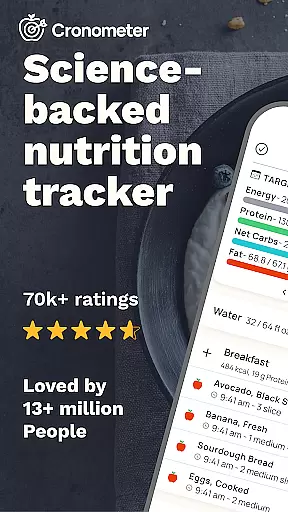
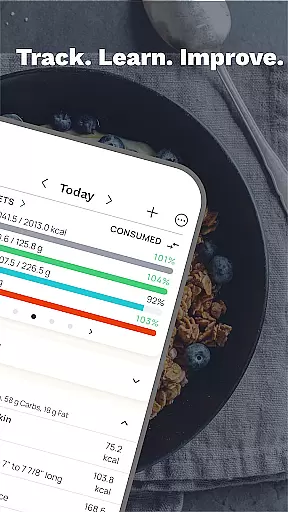
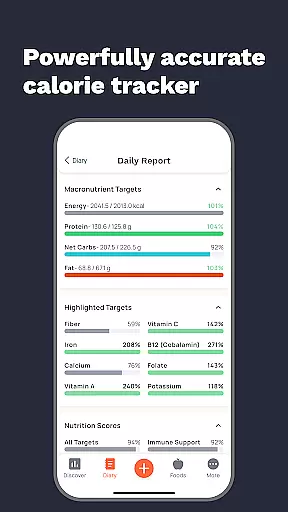
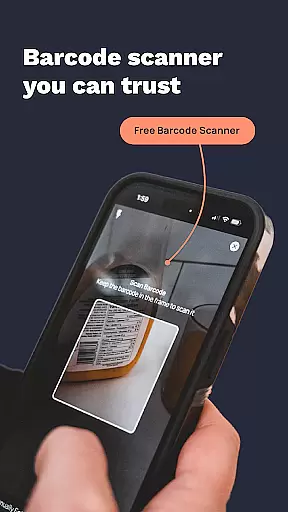
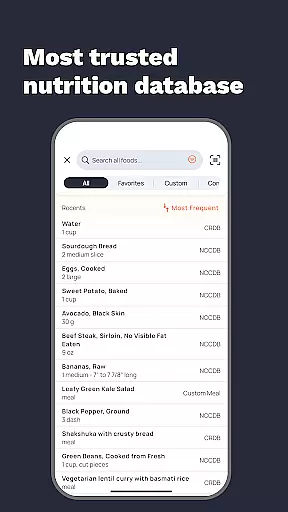
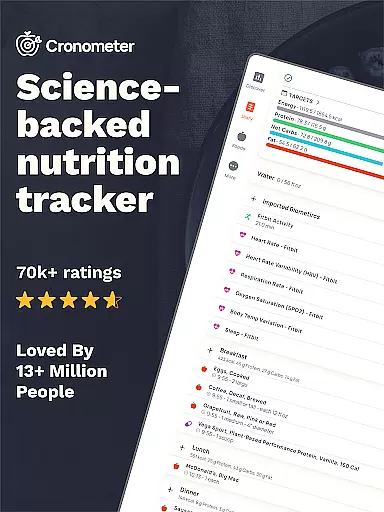
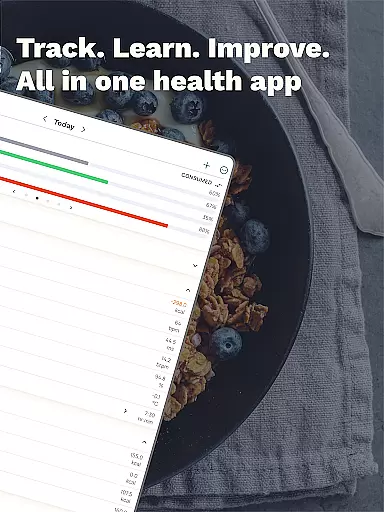
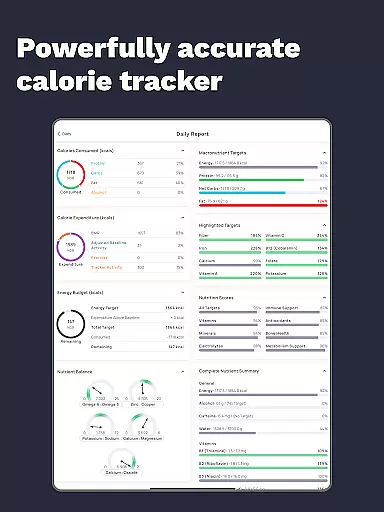
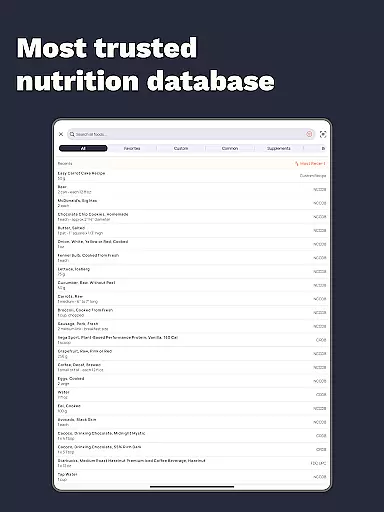
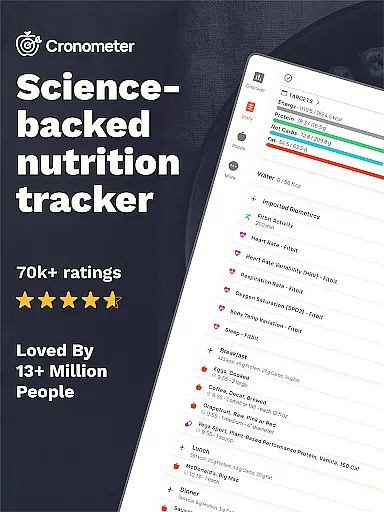
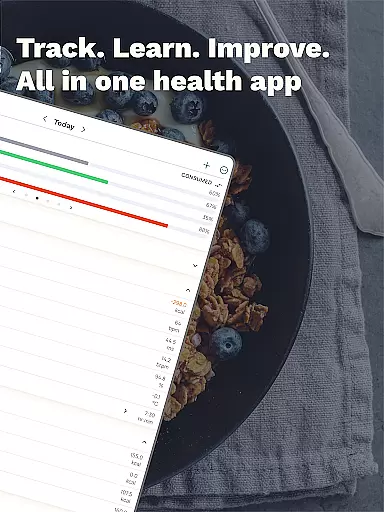
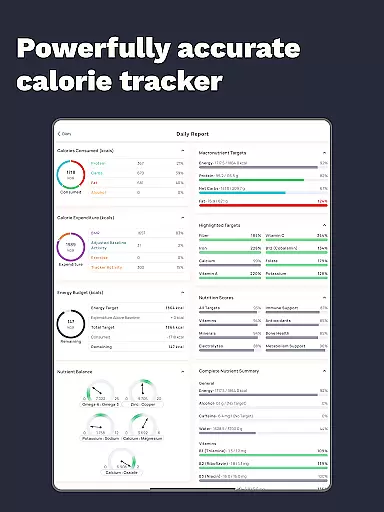
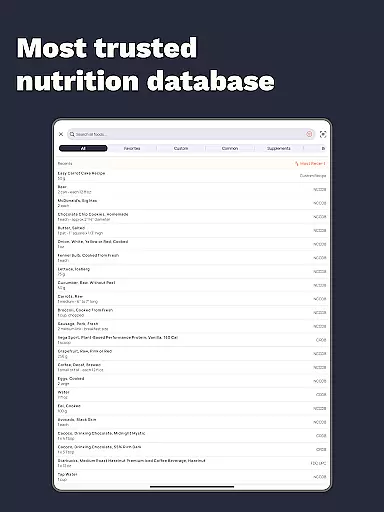
Cronometer is a comprehensive nutrition and calorie tracking application designed for health-conscious individuals. This app goes beyond basic calorie counting by providing detailed insights into macronutrients, micronutrients, and overall dietary balance. With over 1.1 million verified food entries and lab-analyzed nutrient data, it ensures unparalleled accuracy in tracking your daily intake.
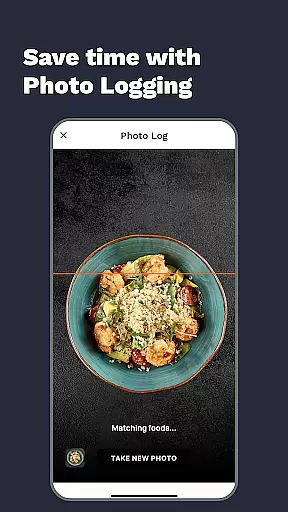
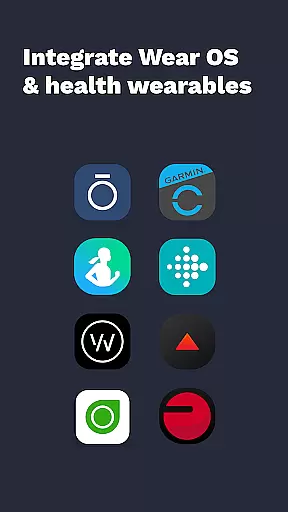
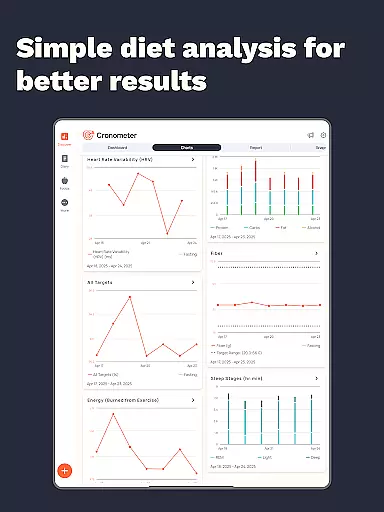
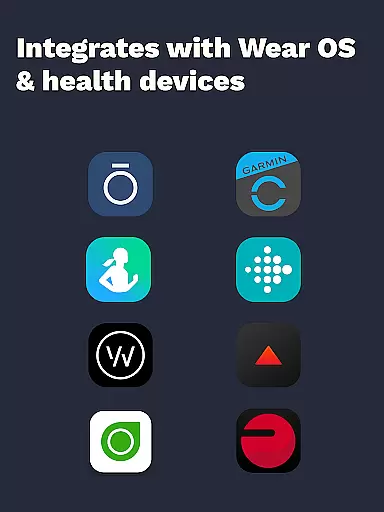
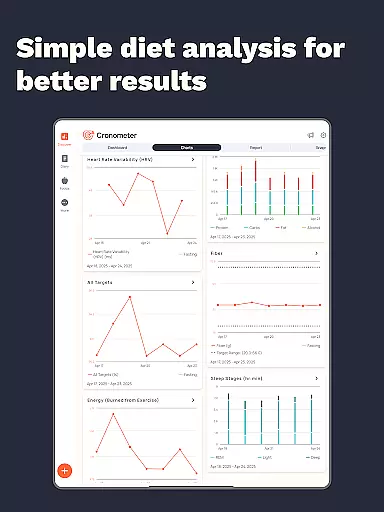
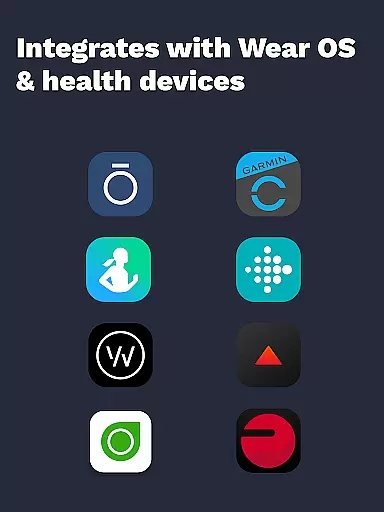
What sets Cronometer apart is its integration with various wearable devices like Fitbit, Garmin, and Apple Watch, allowing users to unify their health data in one place. The app also features AI-powered photo logging, making meal tracking faster and more convenient. Whether you're focused on weight loss, muscle gain, or simply maintaining a balanced diet, Cronometer offers the tools needed to achieve your health goals while providing valuable insights through customizable charts and reports.
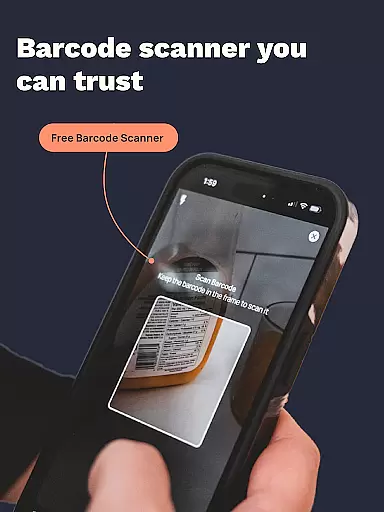
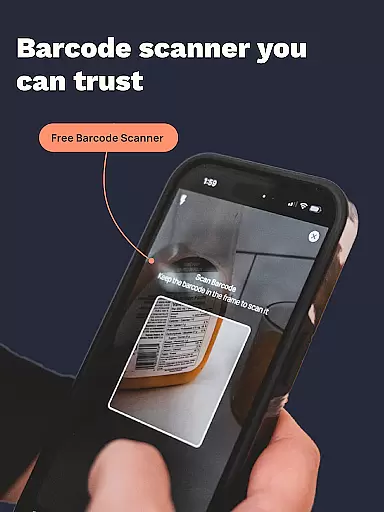
Cronometer stands out with its robust feature set tailored for both casual users and health professionals. The app's core functionality includes precise calorie counting, macro tracking, and detailed micronutrient analysis across 84 different nutrients. Its unique AI Photo Logging feature uses advanced algorithms to identify meal components and estimate portion sizes, significantly streamlining the food logging process.
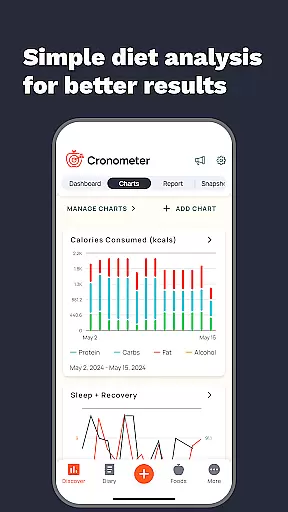
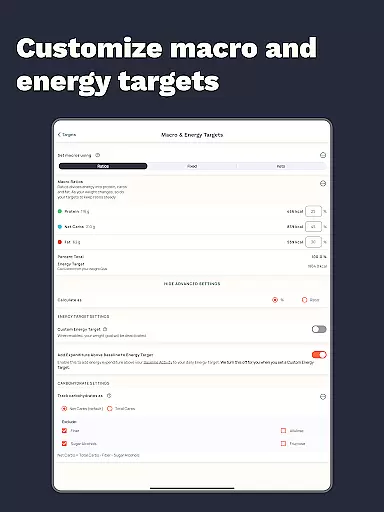
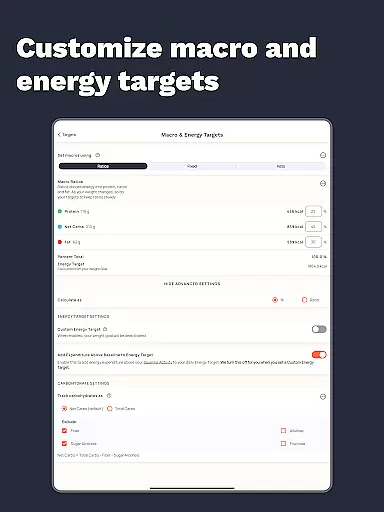
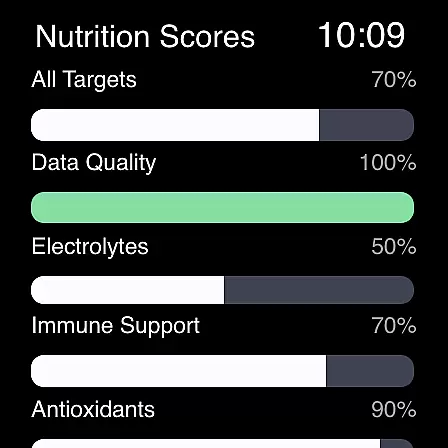
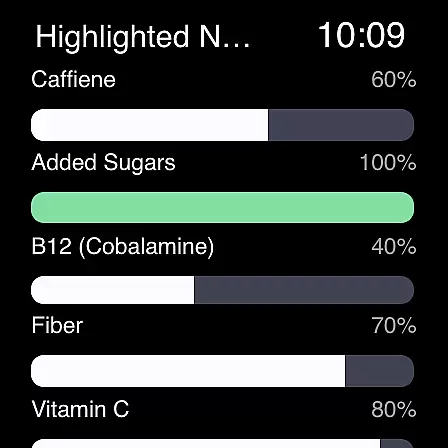
Beyond basic tracking, Cronometer offers advanced tools such as custom biometric tracking, nutrient scores that highlight key areas of your diet, and the Nutrient Oracle that identifies top contributors to specific nutrients. The app's extensive database integrates with wearable devices and supports custom food creation and sharing. These features, combined with professional-grade reporting capabilities and integrations with medical devices, make Cronometer an indispensable tool for anyone serious about managing their nutritional health.
Companion app integration is crucial for wearable devices as it ensures seamless data synchronization and functionality between the main application and its wearable counterpart. Cronometer excels in this area by offering a robust connection between its mobile app and Wear OS devices.
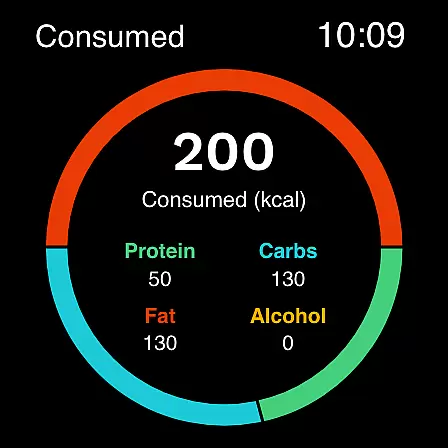
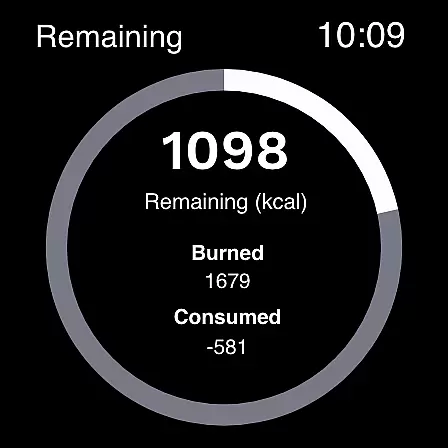
The app allows users to track calories and macros directly from their smartwatches, providing real-time updates and effortless logging. This integration enables users to input data on the go without needing their phones, making health tracking more convenient than ever.
By leveraging companion app integration, Cronometer ensures that all logged information is automatically synced across devices. This means whether you're using your phone or watch, your dietary and fitness data remains consistent and up-to-date, empowering users with accurate insights into their nutritional habits.
This feature significantly enhances user experience by allowing continuous and flexible tracking options, thus supporting better adherence to personal health goals.
Wear OS and device compatibility are essential for apps targeting wearable technology users. Cronometer offers extensive support for various devices running on Wear OS, ensuring broad accessibility and optimal performance.
The app's compatibility extends to popular wearables like Fitbit, Garmin, and other Wear OS-powered devices. This wide range of supported gadgets allows users to choose the best fit for their lifestyle while maintaining access to advanced nutrition tracking features.
Cronometeru2019s design prioritizes smooth operation across different hardware configurations. Users can expect reliable performance regardless of their specific device model, thanks to rigorous testing and optimization efforts.
Ultimately, strong Wear OS and device compatibility make Cronometer a versatile choice for anyone looking to manage their nutrition effectively through wearable tech, enhancing both convenience and effectiveness in achieving health objectives.
Accurate tracking
Extensive food database
Wearable integrations
AI-powered logging
Professional-grade tools
Premium subscription required
Complex interface
Limited free features
High learning curve
Occasional sync issues

A full-featured Amazon Alexa voice assistant that can show you things.
 3.70
3.70
A watch face that fuses motorsport precision with contemporary smartwatch design
4.5
Artistic Digital Watchface
4.0
3 Complications. All shadow on/off. 30 Themes color palette...
4.5
Authentic military-tactical design with ZULU time! Realistic and functional!
3.80
Connect to your Bluelink equipped Hyundai vehicle from your smartphone.
4.50
The Chevron App allows you to pay for fuel from the comfort of your car!
4.80
Stay in touch with your friends and family using LINE!
3.40
Spam call blocker and caller ID for automatic call protection!
4.40
Period, ovulation & pregnancy tracker. Fertility insights & menstrual calendar.
4.90
Highly customizable hybrid watch face for Wear OS, perfect for everyday use.
4.60
The ultimate destination for kids ages 3-8 to explore the Marvel Universe!
4.30
The #1 source of faces for your smartwatch!
4.00
Hyper-Realistic Airplane Dashboard Watch Face With 10 Skins and Custom AOD
4.00
Structured watch face with seven complications and modular UI elements
3.90
Precision analog watch face with 7 complications and style options
4.0
Christmas is near, let's count together the days left until Santa comes
4.0
Funny animated watch face for Thanksgiving
4.3
Minimalistic design modern digital watch face.
4.2




User Reviews