
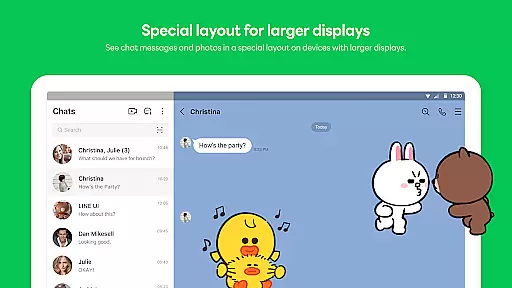
LINE is a comprehensive communication app that bridges the gap between family, friends, and loved ones through free voice and video calls, messages, and an extensive range of exciting stickers. Available globally on mobile, desktop, and Wear OS, LINE continues to expand its platform with new services and features that enhance users' lives by making them more enjoyable and convenient.
The app offers seamless connectivity across various devices, ensuring you can chat anytime and anywhere. Whether you're commuting, working in the office, or remotely, LINE keeps you connected via smartphone, Wear OS, or desktop. With additional features like Keep Memo for personal information storage and Letter Sealing for message encryption, LINE ensures both convenience and privacy for its users.
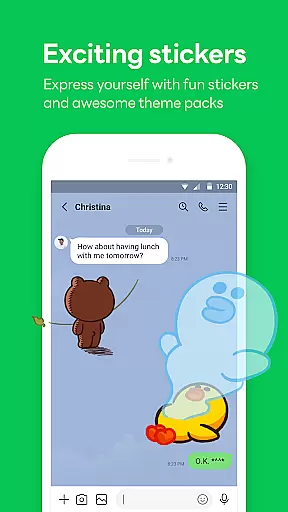
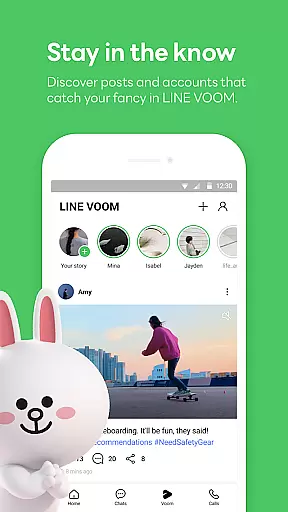
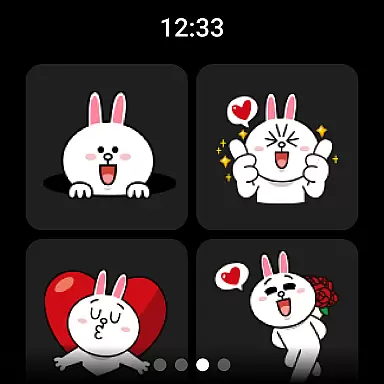
LINE stands out with its diverse communication options including messages, voice calls, and video calls, allowing users to stay connected with their contacts effortlessly. The app's vast selection of stickers, emojis, and themes enables personalized expression, while the Home feature provides quick access to friends lists, birthdays, sticker shops, and various services and content offered by LINE.
One of LINE's key strengths is its cross-platform compatibility, offering a seamless experience on mobile, Wear OS, and PC. This ensures users can communicate without constraints, no matter where they are. Additionally, features like Keep Memo and Letter Sealing provide practical solutions for storing personal information securely and protecting user privacy with end-to-end encryption for messages, call history, and location data.
Companion app integration is essential for a seamless user experience across multiple devices. LINE excels in this area by offering consistent functionality and data synchronization between its mobile, desktop, and Wear OS versions.
The app ensures that all your messages, calls, and personalized settings are synced in real-time. This means you can start a conversation on your smartphone and continue it on your Wear OS device without missing a beat.
Users benefit from this integration through increased flexibility and accessibility. Whether at home, in the office, or on the go, LINE keeps you connected with your contacts and favorite features.
This interconnected ecosystem enhances productivity and convenience, allowing users to enjoy uninterrupted communication and access to services regardless of the device they are using.
Wear OS and device compatibility ensure that applications like LINE function optimally across various smart devices. LINE supports a wide range of platforms including smartphones, tablets, desktops, and Wear OS devices.
This compatibility is achieved through meticulous system optimization and adherence to platform-specific guidelines. LINE's engineering team ensures that each version of the app meets the performance and design standards of Android, iOS, and Wear OS ecosystems.
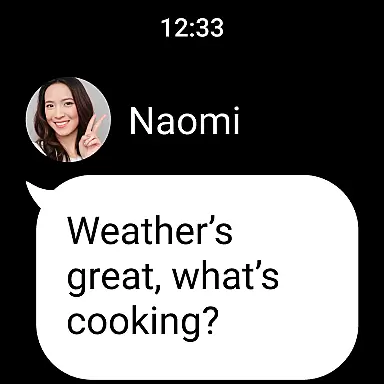
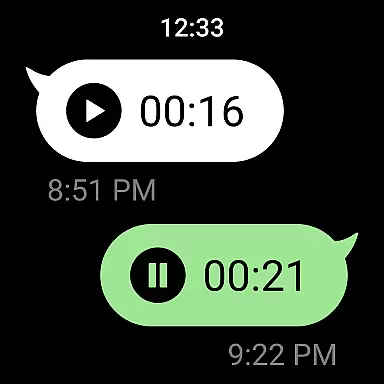
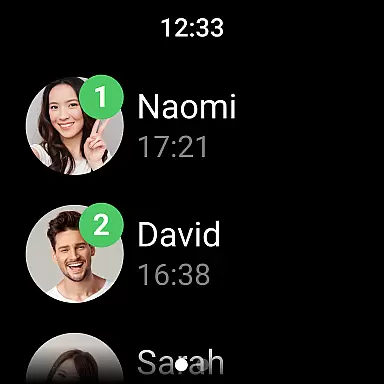
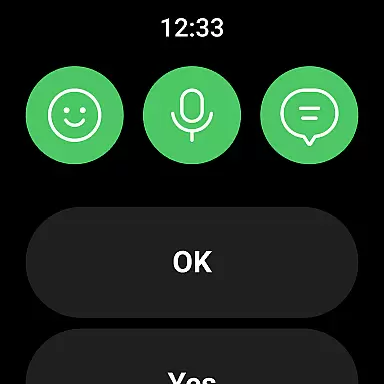
For users, this translates into a reliable and intuitive experience on their preferred devices. The ability to receive notifications, send messages, and make calls directly from a Wear OS smartwatch adds a layer of convenience to daily communications.
By prioritizing cross-device functionality, LINE not only broadens its accessibility but also enriches the overall user experience, making it a versatile choice for those invested in the smart wearable technology space.
User-friendly interface
Free voice and video calls
Vast selection of stickers
End-to-end encryption
Cross-platform support
Requires Wi-Fi or data plan
Storage space needed
Limited functionality on older OS
Potential slow network issues
Privacy concerns with third-party integrations

A customizable Christmas watch face for Wear OS with a countdown.
 4.20
4.20
A heartwarming Christmas scene featuring a cute image of Santa and Rudolf
4.4
Be an elegant and classy secret agent, with this carefully detailed watch face
4.70
The ultimate destination for kids ages 3-8 to explore the Marvel Universe!
4.30
Gym & home workout plans with strength training, exercise tracking, HIIT & more.
4.60
Period, ovulation & pregnancy tracker. Fertility insights & menstrual calendar.
4.90
Reliable phone calls with spam protection, caller ID and more helpful features
4.40
The most customizable hybrid watch face. For Wear OS 5.0, API 34+ and later
4.70
Start and succeed with PAP
4.10
Diet tracker for weight loss - track calories, food and macros. Simple and easy!
4.70
Walking app for weight loss: walk & step tracker, pedometer, indoor treadmill
4.60
MyNISSAN® lets you remotely control your car from your phone.*
4.50
Current temperature, weather hourly, weather radar by the weather forecast app
4.40
Bold weather Digital watchface with forecast & optional animated background
4.40
Christmas watch face. For Wear OS devices.
4.30
Bold, Modern Hybrid Watch Face for Wear OS. 10 Colors, Rich Info Display.
4.30
A full-featured Amazon Alexa voice assistant that can show you things.
3.70
Wear Os Watch Face - Animated Snow Effect & Christmas Lights
4.3
Christmas and New Year - Themed Watchface
4.2







User Reviews