
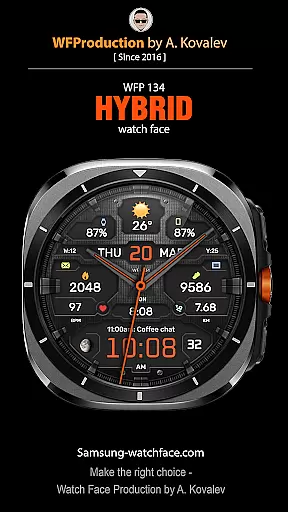
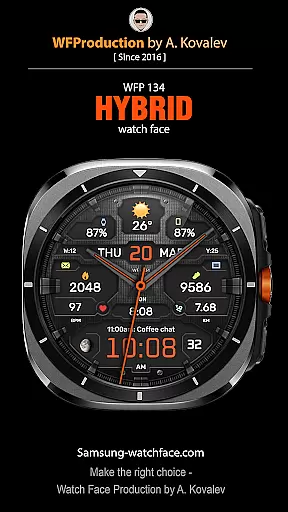
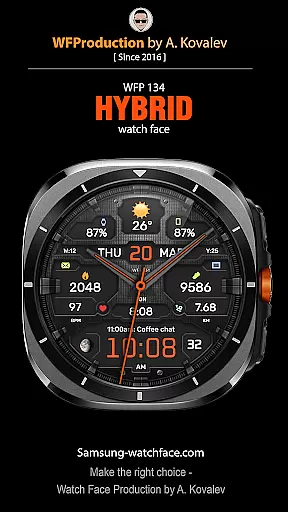
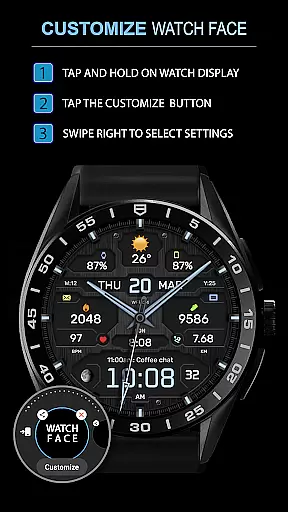
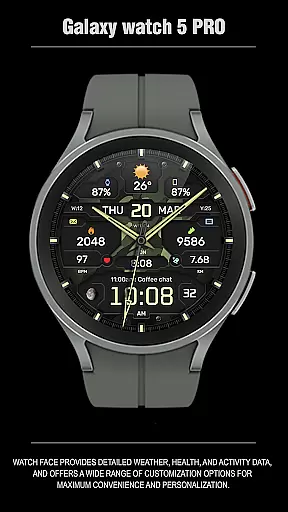
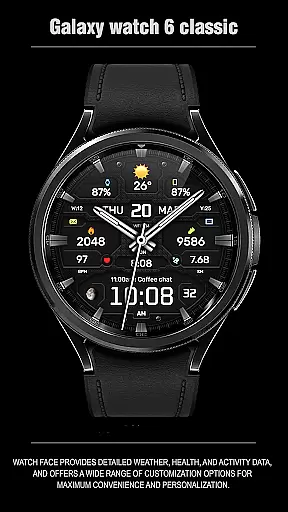
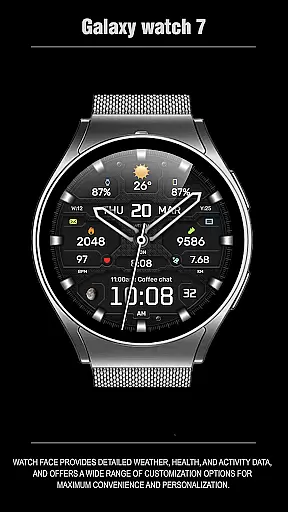
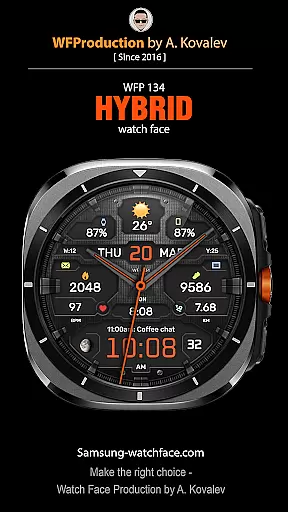
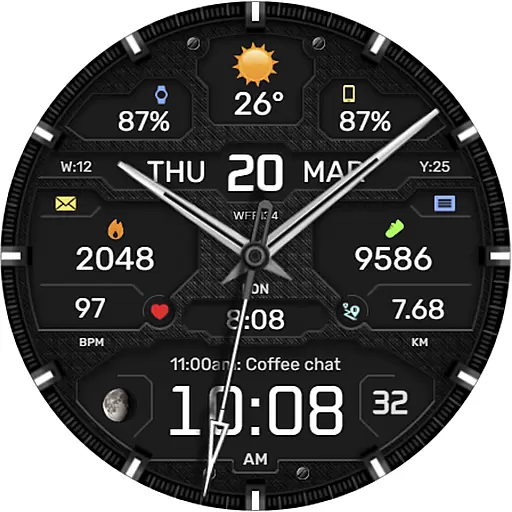
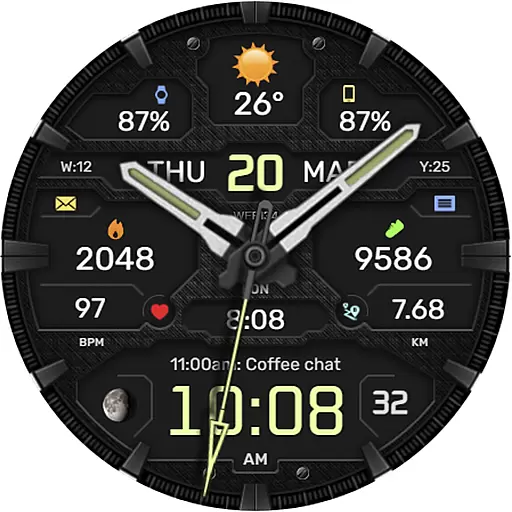
The WFP 134 Hybrid watch face is a versatile and stylish wearable application designed for smartwatch users who value both aesthetics and functionality. This watch face not only enhances the visual appeal of your device but also provides essential features such as detailed weather forecasts, health monitoring, and activity tracking.
With its extensive customization options, users can personalize their watch faces to suit their preferences, ensuring a unique and tailored experience. Whether you're monitoring your daily steps or checking the weather, this app offers a seamless blend of style and utility, making it an ideal choice for tech-savvy individuals.
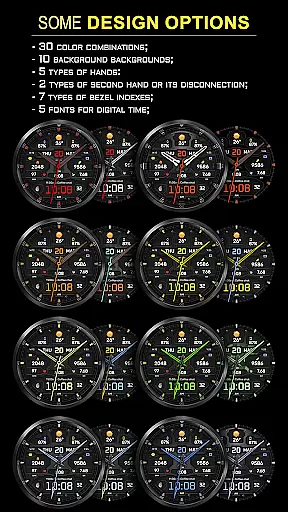
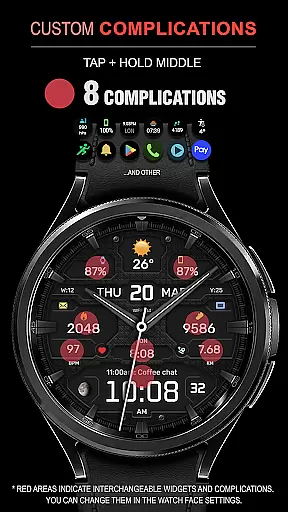
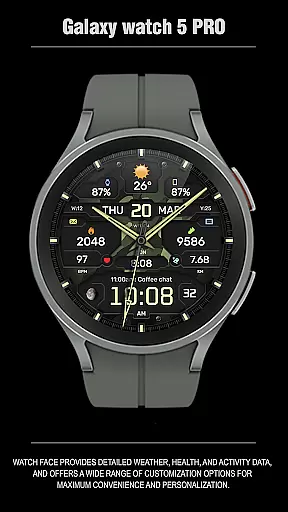
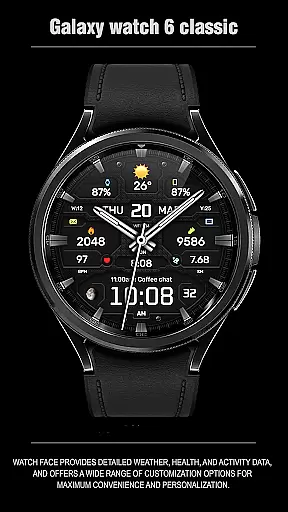
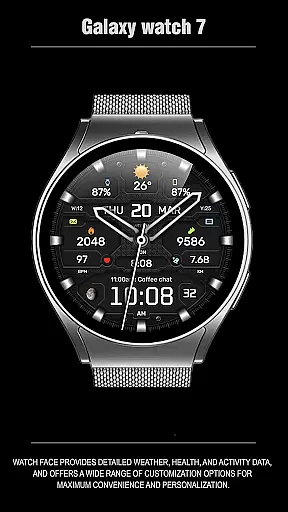
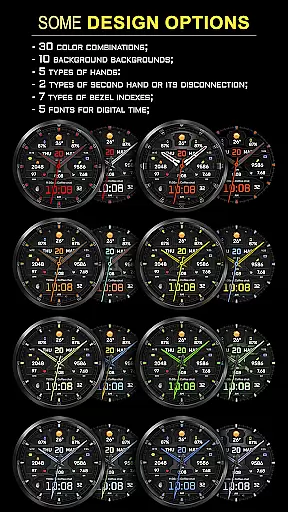
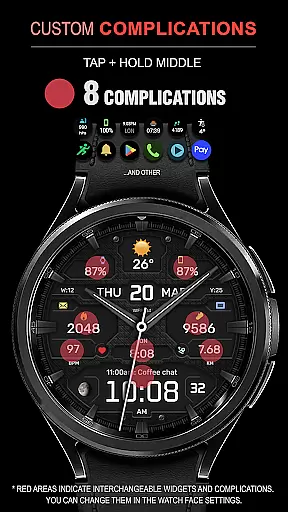
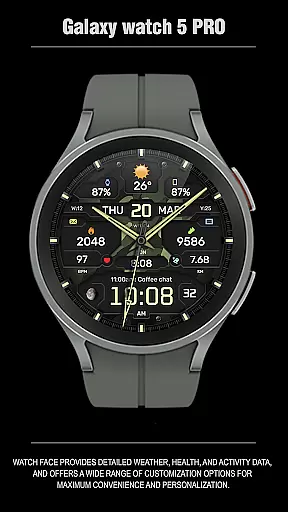
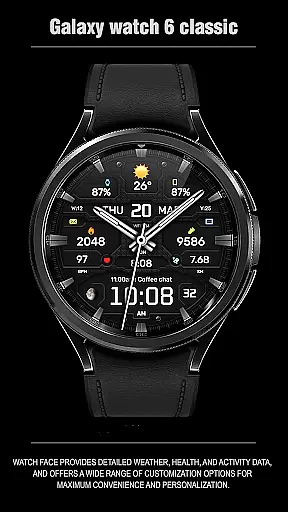
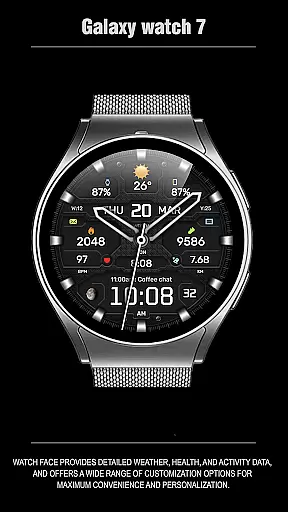
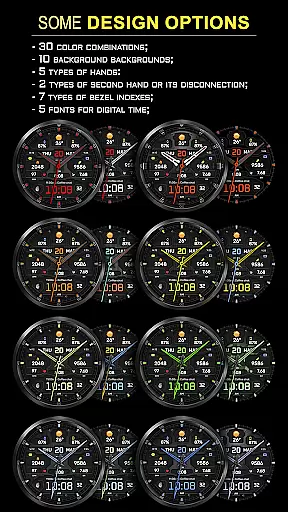
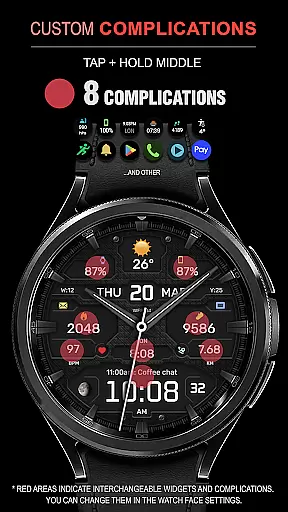
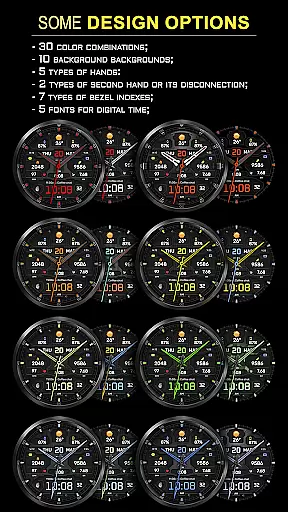
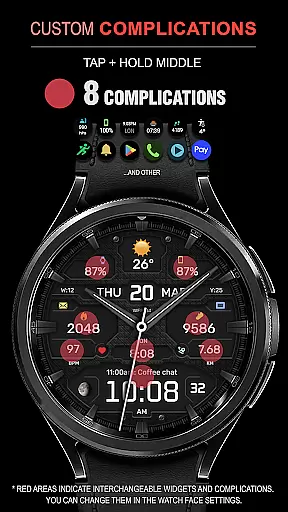
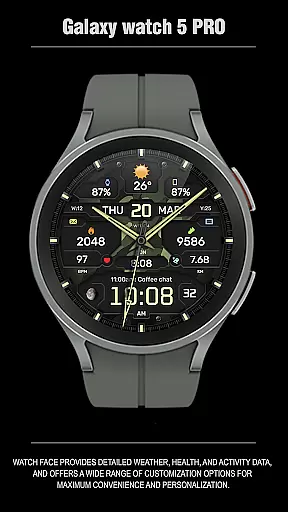
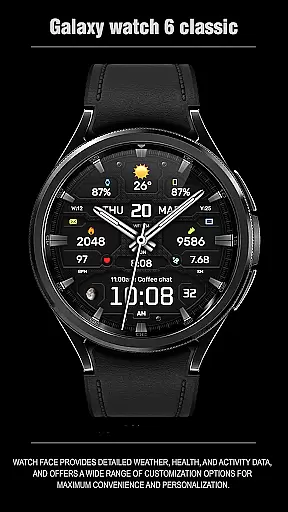
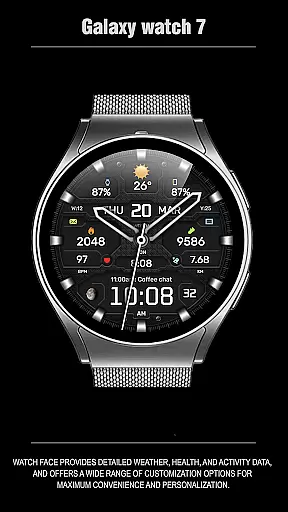
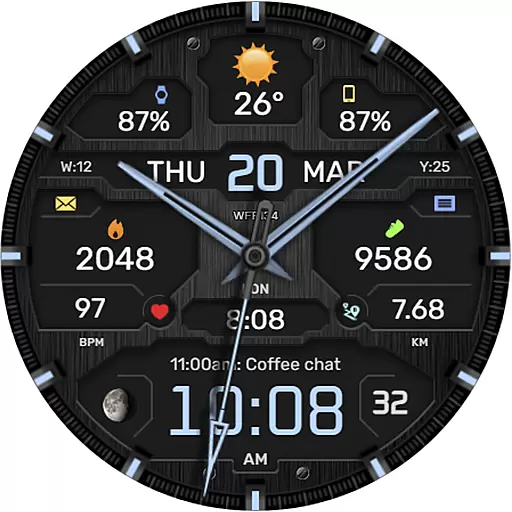
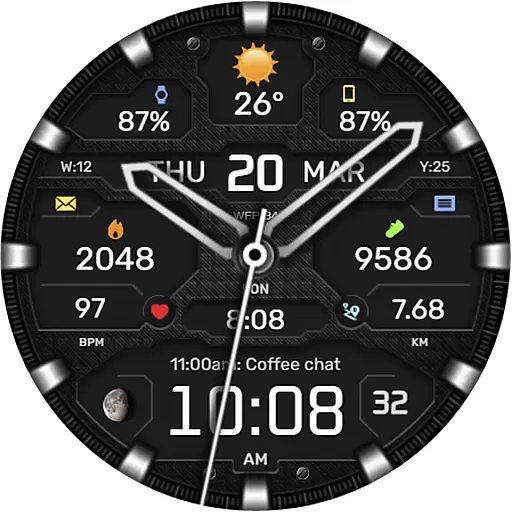
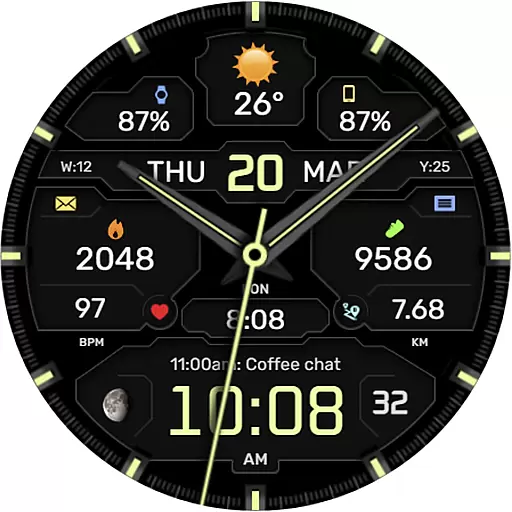
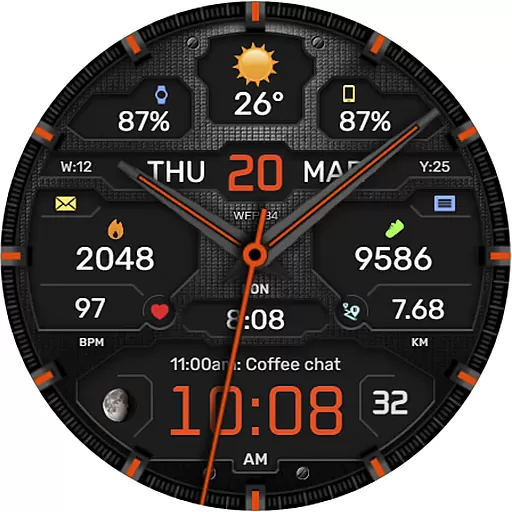
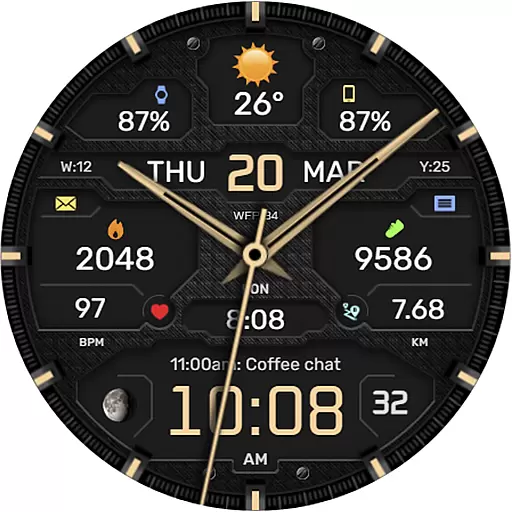
One of the standout features of the WFP 134 Hybrid watch face is its rich set of functionalities that cater to various user needs. It includes eight complications, thirty color combinations, ten backgrounds, and five types of hands, allowing for a highly personalized appearance.
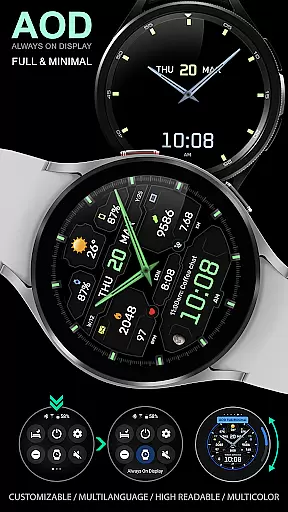
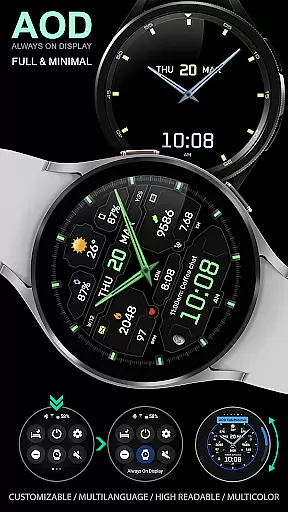
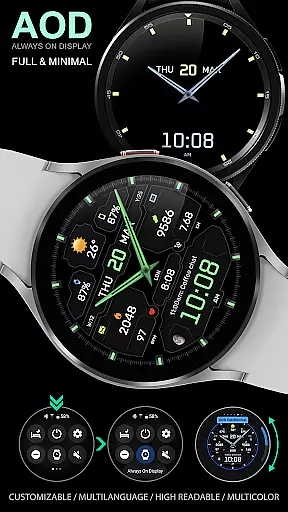
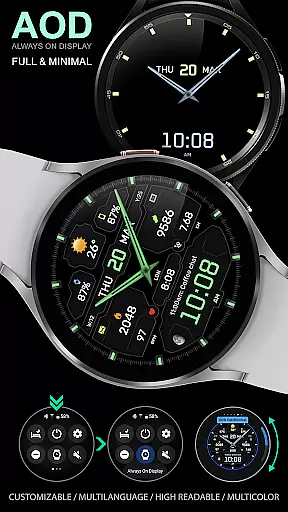
In addition to its aesthetic options, the app provides practical tools such as weather forecasts, moon phases, and high-resolution displays. The customizable Always-On Display (AOD) mode, available in full and minimal versions, ensures that vital information is accessible at a glance while conserving battery life. These features collectively enhance the user experience by offering both convenience and personalization.
Companion app integration is essential for a seamless smartwatch experience. The WFP 134 Hybrid watch face excels in this area by offering users extensive features that sync perfectly with their smartphones.
This application provides detailed weather forecasts, health statistics, and activity tracking, all of which can be managed and viewed directly from the companion app. This ensures that users have access to their data at any time, whether on their wrist or phone.
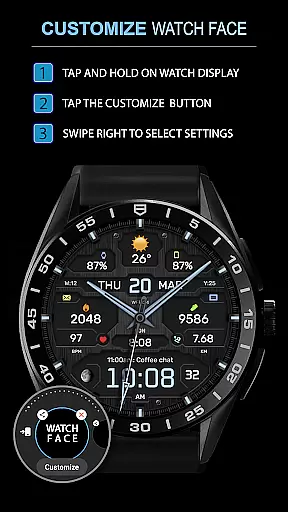
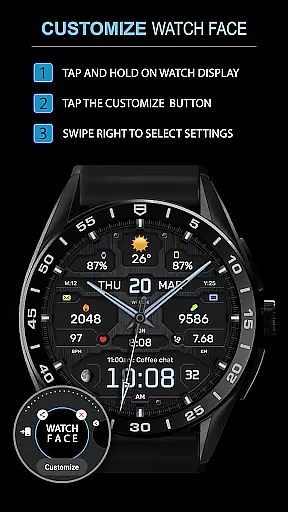
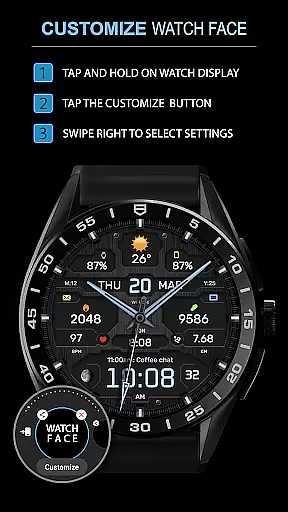
Furthermore, customization options are abundant, allowing users to tailor their watch face to match personal preferences right from their mobile device. With over 30 color combinations, various backgrounds, and multiple types of hands, personalization has never been easier.
The synchronization between the smartphone and the watch guarantees that all settings and preferences are preserved across devices, providing a consistent user experience. This level of integration enhances usability and convenience, making daily interactions with the smartwatch more enjoyable and efficient.
Ensuring broad Wear OS and device compatibility is crucial for reaching a wide audience. The WFP 134 Hybrid watch face supports devices running API 34+ and later, making it accessible to a vast number of users with different models.
This compatibility extends to various functionalities within the app, such as detailed weather updates, fitness tracking, and customizable widgets. Users can enjoy these features knowing that they are optimized for their specific device, ensuring smooth performance and reliability.
In addition to supporting a range of devices, the application also offers high-resolution graphics and low battery consumption. These aspects contribute to an enhanced visual experience without compromising the device's efficiency, which is particularly important for maintaining optimal performance throughout the day.
By focusing on comprehensive compatibility and optimization, the WFP 134 Hybrid watch face delivers a superior user experience that caters to diverse needs and preferences, solidifying its position as a versatile choice in the Android Wear ecosystem.
Highly customizable
Low battery consumption
Stylish design
Comprehensive weather data
Multilingual support
Complex setup process
Limited compatibility
Premium features cost
Occasional bugs
Requires API 34+

Rose gold watch face with festive lights & customizable features.
 4.60
4.60
Current temperature, weather hourly, weather radar by the weather forecast app
4.40
A full-featured Amazon Alexa voice assistant that can show you things.
3.70
A heartwarming Christmas scene featuring a cute image of Santa and Rudolf
4.0
Let's celebrate Thanksgiving - Wear Os watch face
4.20
Digital watch face. For Wear OS devices.
4.40
Find EV charging stations
4.30
Fast and smart typing with Emojis, GIFs, and more
4.50
Track your active life in one place and share the journey with friends.
4.40
The Chevron App allows you to pay for fuel from the comfort of your car!
4.80
Simple, helpful messaging by Google
4.60
Connect to your Bluelink equipped Hyundai vehicle from your smartphone.
4.50
The ultimate destination for kids ages 3-8 to explore the Marvel Universe!
4.30
A customizable Christmas watch face for Wear OS with a countdown.
4.20
Your local weather forecast, storm tracker, radar maps & live weather news
3.40
Precision analog watch face with 7 complications and style options
4.3
Contemporary digital watch face with five complications
4.5
Stunning modern digital watch face with 7 complications and strong contrast
4.2
Funny animated watch face for Thanksgiving
4.4



User Reviews