
Google Messages is the official messaging app from Google, designed to enhance communication for over a billion users worldwide. Built on Rich Communication Services (RCS), it replaces traditional SMS and MMS with advanced features like high-resolution media sharing, dynamic group chats, and seamless cross-platform connectivity, including iPhone users. The app ensures privacy with end-to-end encryption and offers AI-powered tools such as Magic Compose to craft perfect messages. Available on Android Wear, tablets, and computers, Google Messages provides a richer, safer, and more expressive messaging experience.
This app is ideal for users seeking a modern messaging solution that combines functionality, security, and convenience. Whether you're sharing photos, engaging in group conversations, or syncing chats across devices, Google Messages delivers a superior communication platform tailored for today's digital world.
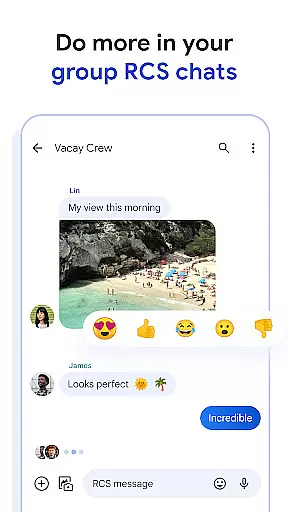
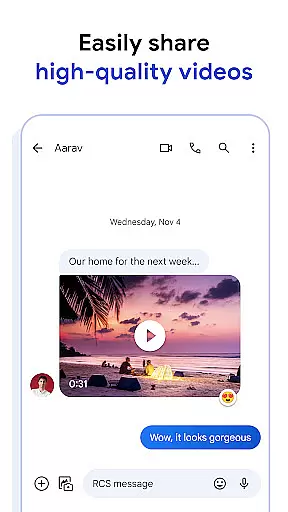
Google Messages stands out with its innovative features powered by RCS technology. Users can share high-quality photos and videos while enjoying real-time typing indicators and read receipts, making conversations more interactive. Dynamic group chats allow effortless collaboration with friends and colleagues, even across different platforms like iOS.
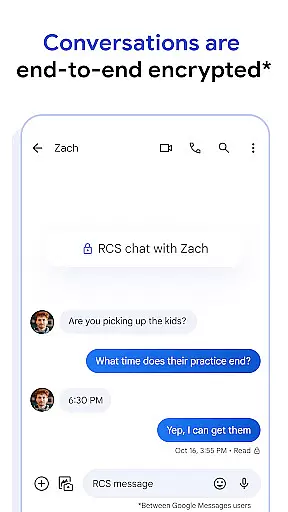
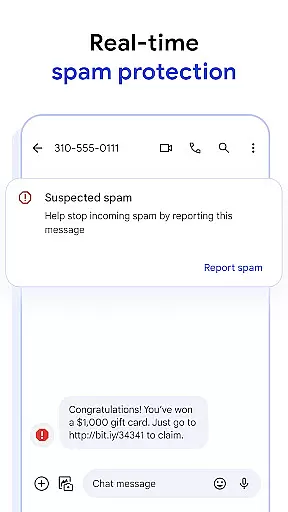
The app also emphasizes personalization and privacy. Customizable chat bubble colors and fun selfie GIFs let users express themselves creatively. Meanwhile, end-to-end encryption ensures secure communication, protecting messages and attachments from unauthorized access. Advanced spam protection further enhances user safety by filtering unwanted texts.
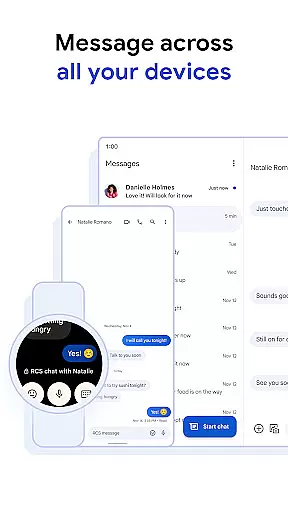
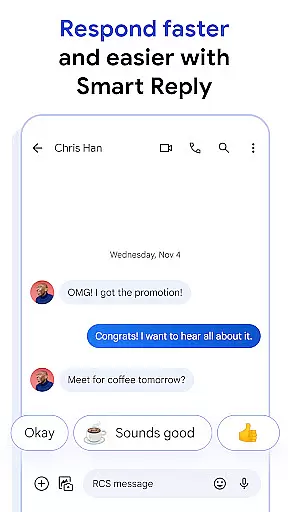
AI integration takes messaging to the next level with Magic Compose, which suggests context-aware responses. Cross-device compatibility enables users to start conversations on their phone and continue them on tablets, computers, or Wear OS devices. These features collectively make Google Messages a versatile and future-proof communication tool.
Companion app integration is a crucial feature for wearable devices, ensuring seamless connectivity between the primary device and its wearable counterpart. Google Messages excels in this area by providing users with a consistent messaging experience across multiple devices.
The app allows you to start a conversation on your smartphone and continue it on a Wear OS device effortlessly. This cross-device functionality ensures that users are not tethered to their phones and can respond to messages directly from their smartwatches, enhancing convenience and accessibility.
By maintaining synchronization between devices, Google Messages ensures that all interactions are up-to-date regardless of the device used. This means users will have access to the latest messages, media, and chat history without any discrepancies, making the transition between devices smooth and efficient.
This level of integration significantly boosts productivity and user satisfaction, as wearables become an extension of the smartphone rather than standalone gadgets with limited functionality.
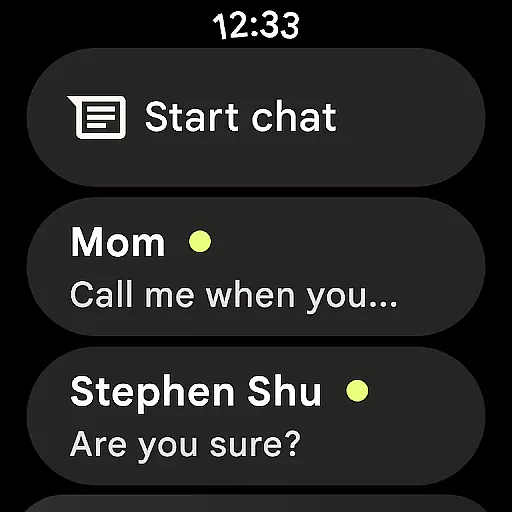
Device compatibility is essential for apps designed to work with wearable technology. Google Messages offers extensive support for Wear OS, ensuring that users can enjoy a rich messaging experience on their smartwatches.
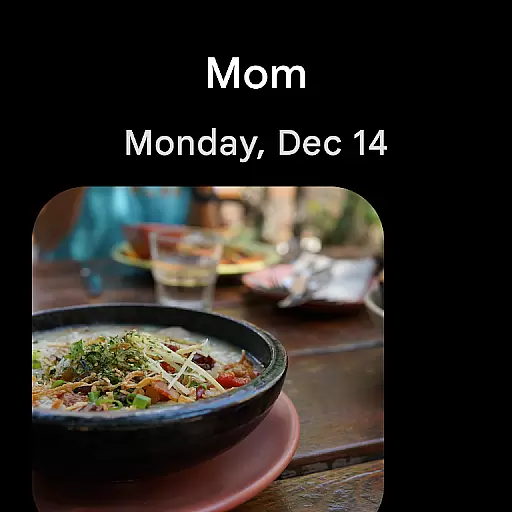
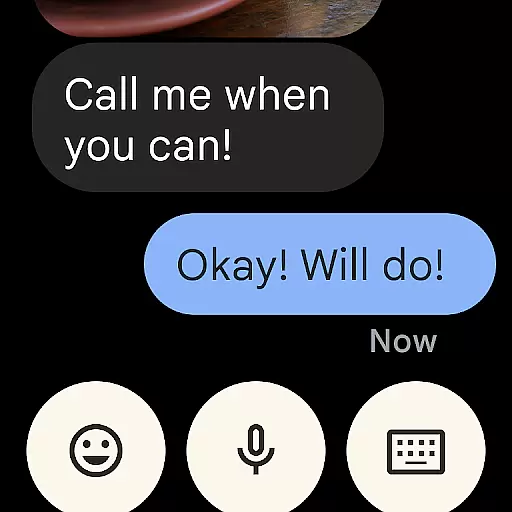
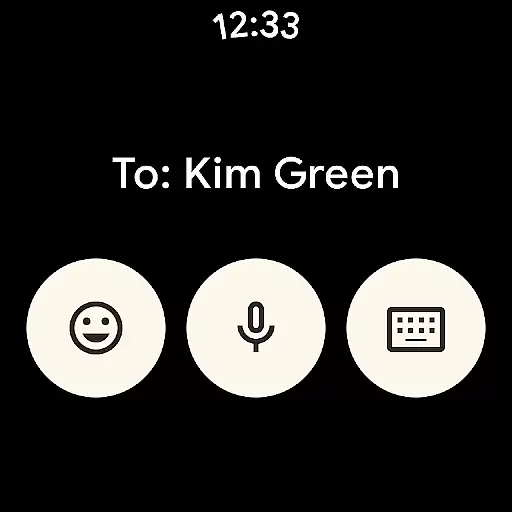
The app is optimized to function seamlessly on Wear OS devices, providing features such as quick replies, voice dictation, and emoji support. These capabilities make it easy for users to communicate effectively without needing to pull out their smartphones.
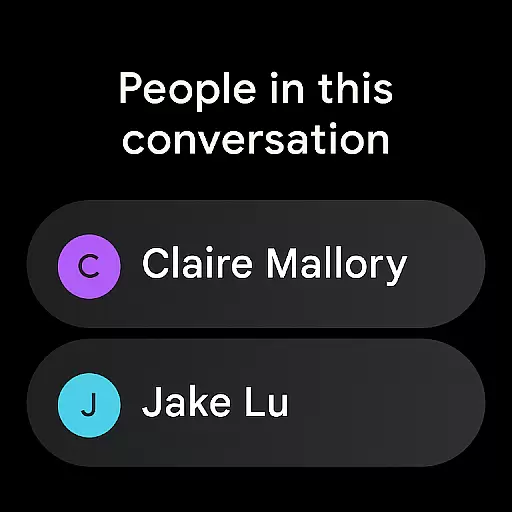
In addition to basic messaging, Google Messages on Wear OS maintains many of the advanced features available on smartphones. This includes end-to-end encryption for secure conversations and RCS support for high-quality media sharing and dynamic group chats.
By focusing on compatibility and optimization for Wear OS, Google Messages ensures that users can enjoy a full-featured messaging experience on their wrists, extending the app's utility beyond traditional mobile devices.
End-to-end encryption
Rich Communication Services
Dynamic group chats
Customizable themes
AI-powered suggestions
Limited RCS availability
Requires data plan
Beta testing needed
Device compatibility issues
Market feature restrictions

Christmas Theme Watch Face for Wear Os
 5.00
5.00
Christmas - Festive - Christmas Village - Winter - Christmas lights
5.00
Beautiful artistic animated digital watch face, with a customizable layout!
4.40
Artistic Digital Watchface
4.3
A modern premium sporty hybrid watch face for Wear OS by Ballozi
4.70
Hyperlocal rain alerts by MyRadar using patent-pending technology, radar & more
4.80
The #1 source of faces for your smartwatch!
4.00
Premium hybrid watch face with many customizations for Wear OS devices.
4.40
Connect, create, and collaborate with Gmail, part of Google Workspace.
4.10
Be an elegant and classy secret agent, with this carefully detailed watch face
4.70
Walking app for weight loss: walk & step tracker, pedometer, indoor treadmill
4.60
Nutrition, Macro tracker: Food, fitness & healthy diet tracking for weight loss
4.60
Current temperature, weather hourly, weather radar by the weather forecast app
4.40
Reliable phone calls with spam protection, caller ID and more helpful features
4.40
Find EV charging stations
4.30
Animated video-game inspired “secret agent” simulation, right on your wrist!
4.20
sleep, alarm, snoring, stress, healing, focus, sound therapy, circadian rhythm
4.10
Animated Watch Face and Customizable with 24 Backgrounds. Perfect for Christmas!
3.90
Your local weather forecast, storm tracker, radar maps & live weather news
3.40



User Reviews