
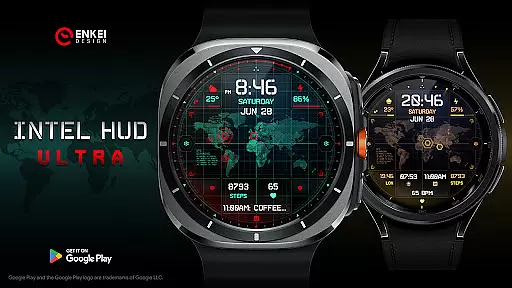
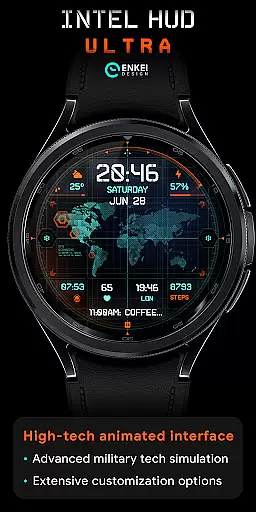
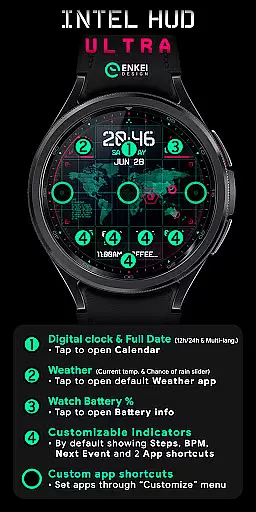
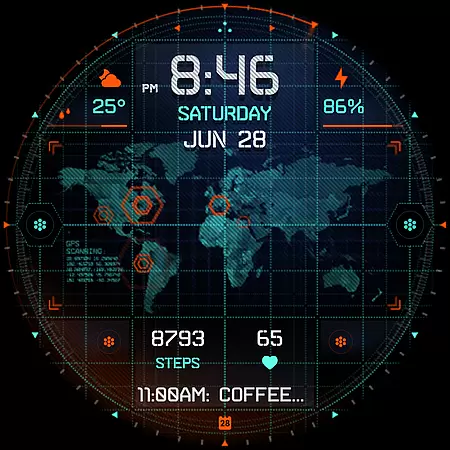
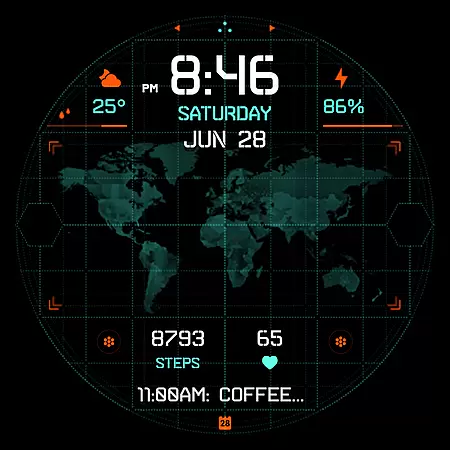
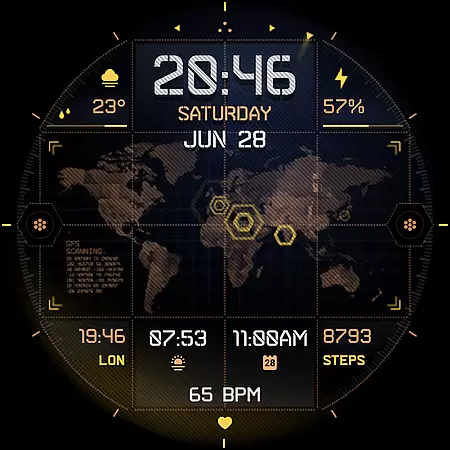
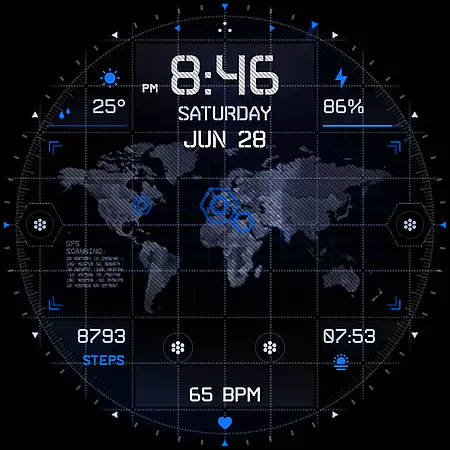
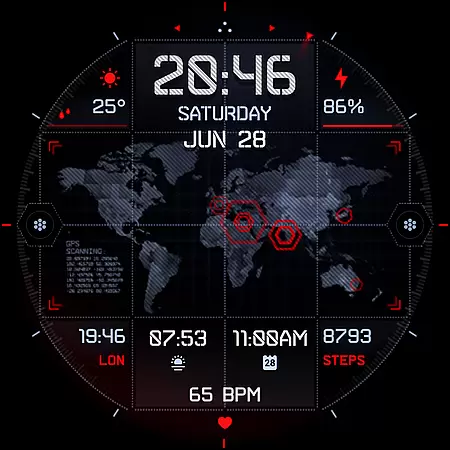
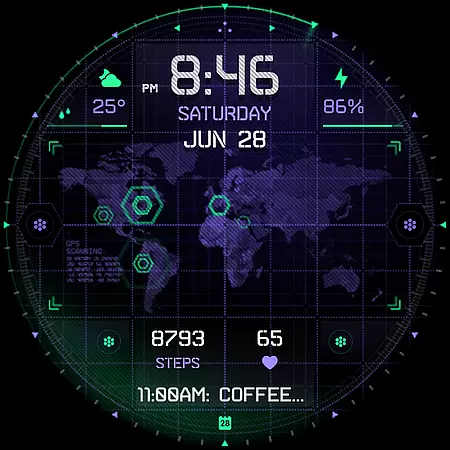
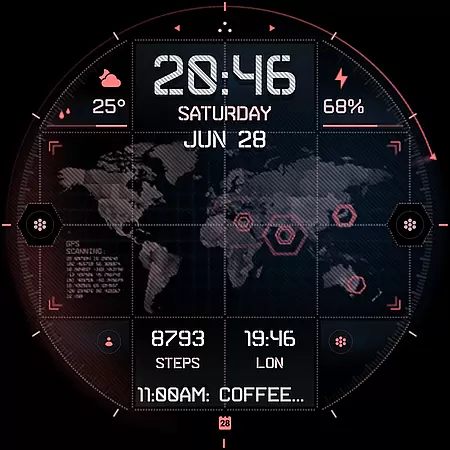
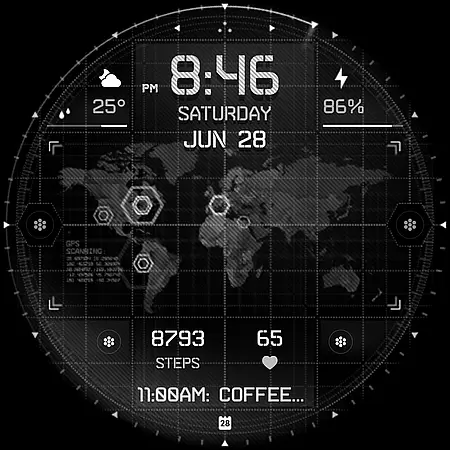
INTEL HUD Ultra is a cutting-edge digital watch face designed for tech enthusiasts who appreciate advanced customization and military-inspired design. Featuring an animated high-tech interface, this app offers users the ability to personalize their smartwatch display with numerous options while maintaining optimal performance and minimal battery consumption.
The watch face supports essential functions like time display in 12h/24h format, weather updates, battery percentage, and health indicators such as steps and heart rate. With multi-language support and app shortcuts, it caters to both utility and convenience. Compatible exclusively with Wear OS 5.0 and newer versions, INTEL HUD Ultra ensures a futuristic experience tailored to individual preferences.
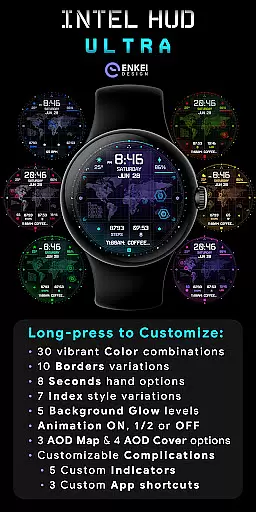
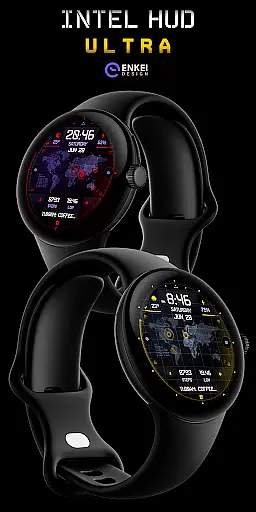
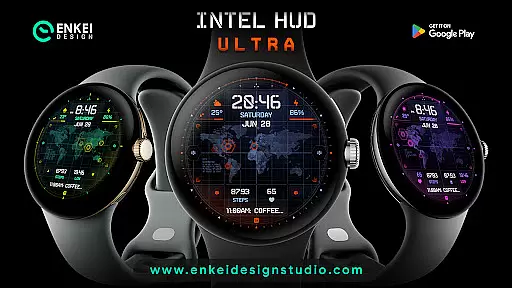
INTEL HUD Ultra stands out with its extensive customization capabilities. Users can modify visual elements including colors, borders, and background glow through a dedicated menu accessible via long-press. The app provides over 30 color combinations, multiple border styles, and various animation settings that allow full control over aesthetics and functionality.
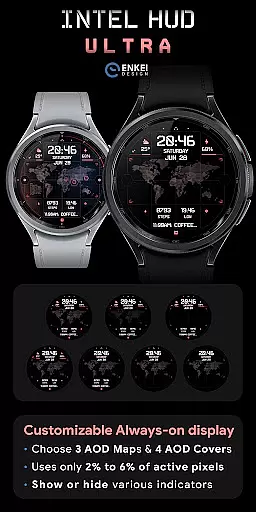
Beyond appearance, the app includes practical features such as customizable short-text indicators (e.g., steps, heart rate), app shortcuts, and an always-on display (AOD) mode optimized for battery efficiency. These tools ensure users have quick access to critical information without compromising device performance. Whether for daily use or specialized tasks, INTEL HUD Ultra delivers versatility and innovation.
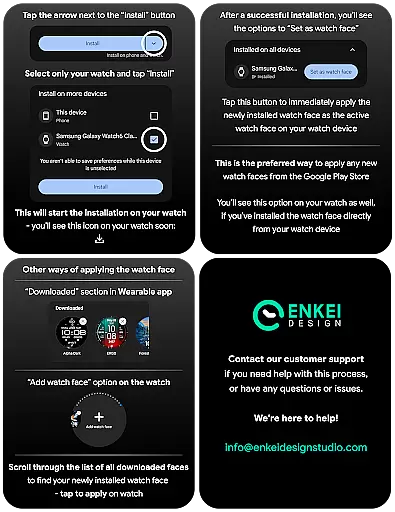
Companion app integration is essential for smartwatch applications as it ensures seamless synchronization between the wearable and its paired mobile device. INTEL HUD Ultra demonstrates excellent companion app integration by providing a dedicated phone application that facilitates direct installation to the watch device.
The companion app serves as more than just an installation medium. It acts as a bridge that enhances user experience by ensuring that all features are easily accessible and correctly configured on the wearable. This streamlined process allows users to manage their watch face settings efficiently without hassle.
By installing the companion app, users can access advanced customization options directly from their phones. This feature not only simplifies the setup process but also enables real-time adjustments, making it easier for users to tailor the watch face according to their preferences.
This level of integration reflects the importance of having a cohesive ecosystem where both devices complement each other's functionalities. Users benefit from enhanced usability and convenience, which ultimately leads to higher satisfaction with their overall smartwatch experience.
Device compatibility is a critical factor when selecting a smartwatch application, especially for those running on specialized operating systems like Wear OS. INTEL HUD Ultra has been meticulously designed to support devices operating on Wear OS 5.0 and newer versions (API 34+), ensuring optimal performance across compatible devices.
This strict compatibility requirement guarantees that users will enjoy a stable and responsive interface specifically optimized for modern Wear OS devices. By focusing on newer OS versions, the application leverages advanced system capabilities, resulting in improved speed and efficiency.
Moreover, this targeted compatibility ensures access to expanded customization options and useful features made possible through the Watch Face Format. Users can take full advantage of high-tech animations and extensive personalization settings without worrying about system instability or performance issues.
By prioritizing Wear OS/device compatibility, INTEL HUD Ultra delivers a superior user experience that takes full advantage of the latest advancements in wearable technology, offering both functionality and style tailored for tech-savvy individuals.
Highly customizable
Optimized battery usage
Military-inspired design
Multi-language support
Quick-access shortcuts
Wear OS 5.0+ required
No iOS compatibility
Complex for beginners
Limited free features
Animations may drain battery

Walking app for weight loss: walk & step tracker, pedometer, indoor treadmill
 4.60
4.60
Watch the sharpness of the sky on your wrist..
3.70
Highly customizable hybrid watch face for Wear OS, perfect for everyday use.
4.60
Stunning modern digital watch face with 7 complications and strong contrast
4.4
Digital watch face. For Wear OS devices.
4.40
Locate your family members by GPS phone location tracker everywhere and anytime
4.30
The #1 source of faces for your smartwatch!
4.00
The most customizable hybrid watch face. For Wear OS 5.0, API 34+ and later
4.70
Daily Weather forecast with 15 weather images for Day & Night plus Big Bold time
4.10
Beautiful, colorful and practical watch face. For Wear OS devices.
5.00
Diet tracker for weight loss - track calories, food and macros. Simple and easy!
4.70
MyNISSAN® lets you remotely control your car from your phone.*
4.50
Connect to your Bluelink equipped Hyundai vehicle from your smartphone.
4.50
Christmas watch face. For Wear OS devices.
4.30
Viewer for Wyze/Yi/Eufy/Arlo/ONVIF/RTSP/P2P IP cams w/ adv. features & DIY DVR
4.00
Christmas is near, let's count together the days left until Santa comes
4.5
A Wintery Snow Globe on Your Wrist; now celebrating Christmas!
4.0
A watch face that fuses motorsport precision with contemporary smartwatch design
4.5
Simple Analog-Digital Watchface For Wear OS 3.0 and Up Smartwatches
4.3



User Reviews