
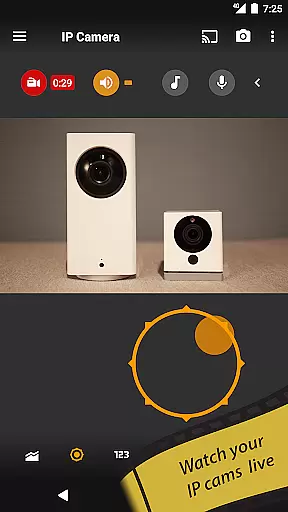
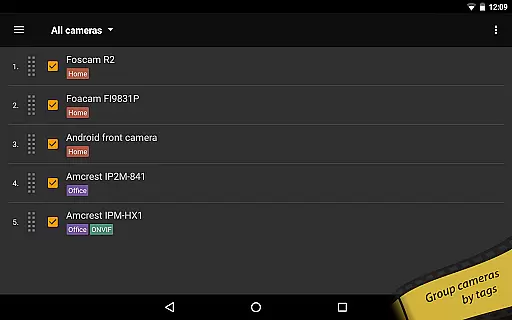
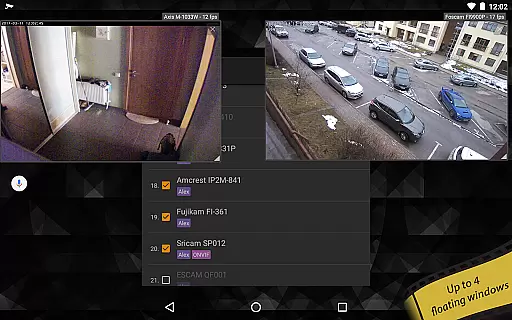
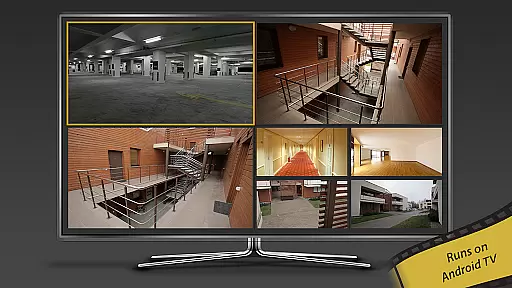
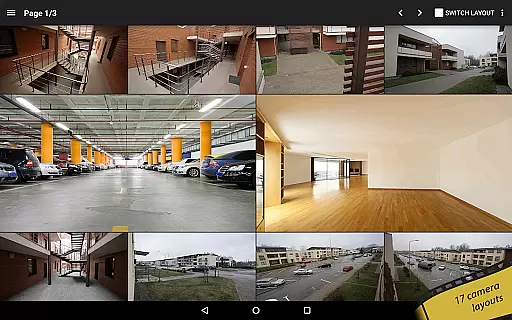
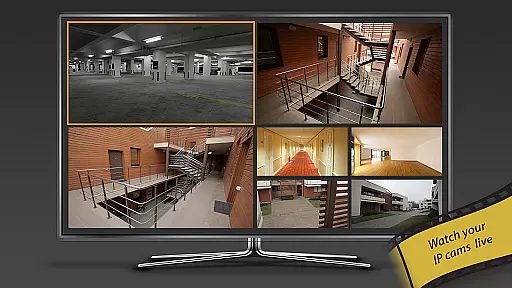
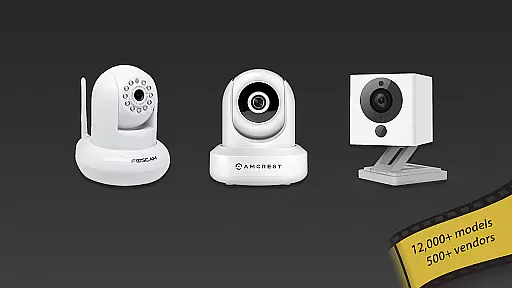
tinyCam Monitor PRO is the ultimate Android application for remote surveillance, control, and video recording of IP cameras, DVRs, and video encoders. With support for over 12,000 camera models including popular brands like Foscam and Amcrest, it offers an intuitive interface with advanced features such as ONVIF Profile S, MJPEG/H264/H265/RTSP streaming, and smart camera compatibility. The app allows users to monitor their homes, businesses, or any location securely from their mobile devices.
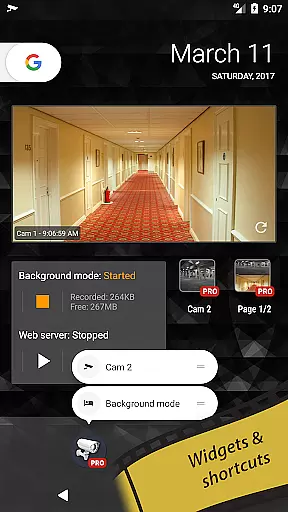
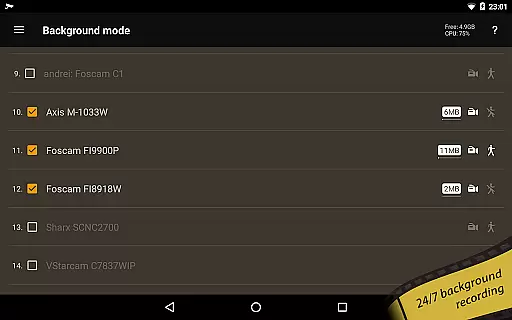
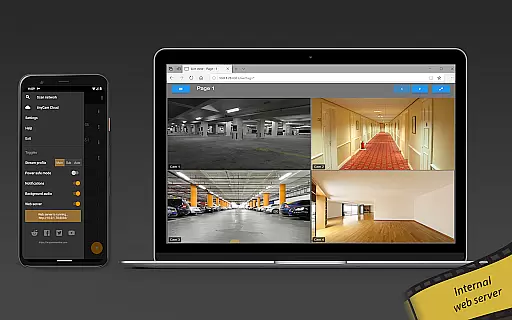
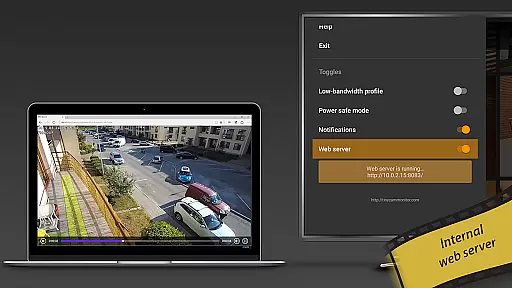
In addition to its robust monitoring capabilities, tinyCam Monitor PRO provides unique functionalities like background recording, time-lapse recording, and AI object detection for identifying persons, pets, and vehicles. Users can also take advantage of the internal web server for remote access to archives and live views, making it a versatile tool for both personal and professional security needs. Its comprehensive feature set ensures that customers receive exceptional value, especially with future updates promising even more functionality at no extra cost.
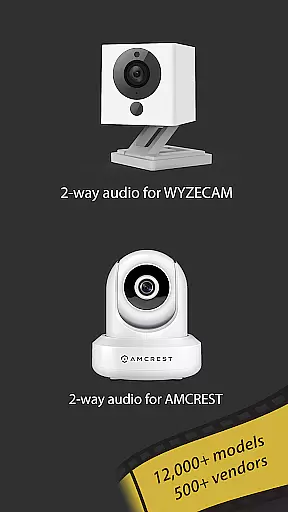
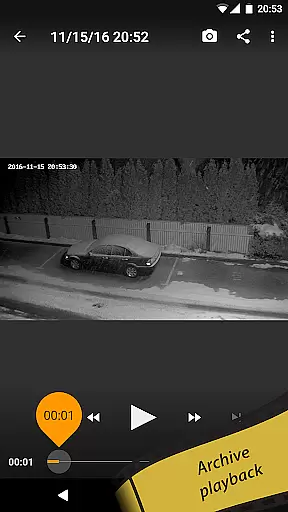
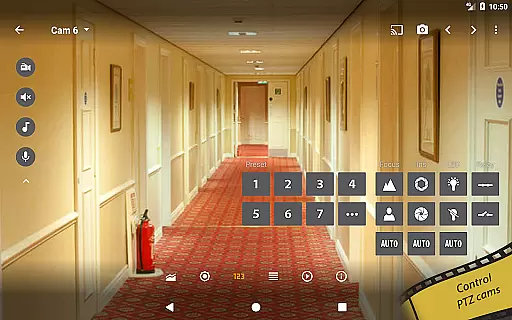
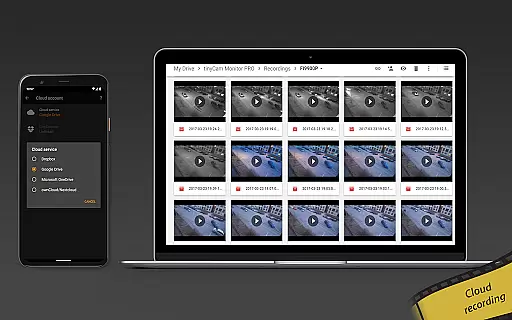
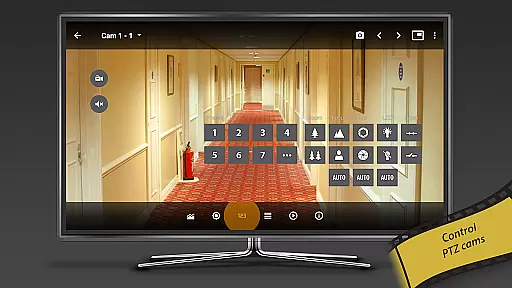
One of the standout aspects of tinyCam Monitor PRO is its extensive feature list tailored for diverse surveillance requirements. It supports various protocols including SSL for secure monitoring, PTZ control for pan-tilt-zoom enabled cameras, and two-way audio communication with most vendors. The app's ability to record in MP4 format directly to local storage, cloud services like Dropbox and Google Drive, or FTP servers ensures flexibility in data management.
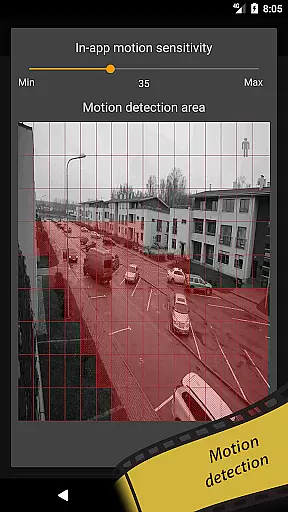
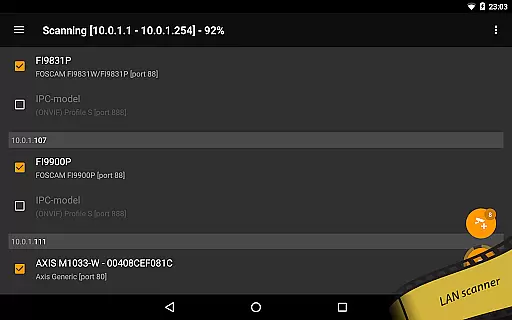
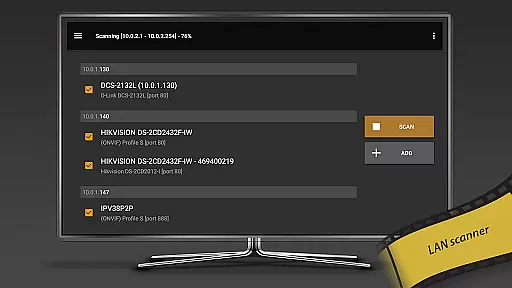
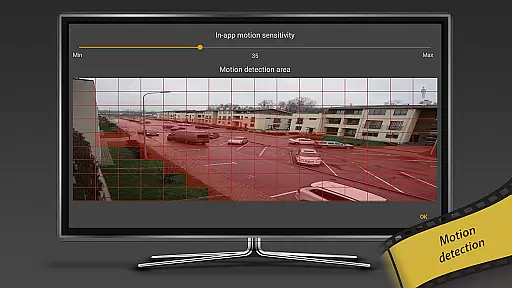
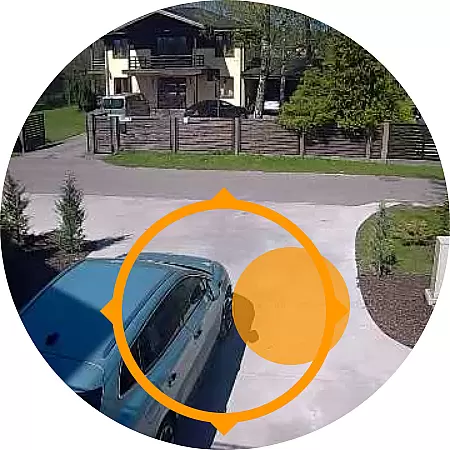
tinyCam Monitor PRO further distinguishes itself with innovative tools such as an AI-driven object detection system, face detection, and LAN scanning for automatic camera discovery. Additional features include motion detection both within the app and on-camera, webhook triggers on motion events, and integration with wearable tech through Cast to Wear OS. These capabilities make it not only a powerful surveillance solution but also a highly customizable one that adapts to individual user preferences and technological ecosystems.
Companion app integration is essential for users who want seamless connectivity between their mobile devices and wearable technology. tinyCam Monitor PRO ensures that your experience with Android Wear is smooth and efficient.
This application allows you to easily sync data between your smartphone and wearable device, providing real-time updates and notifications. Whether you're monitoring security cameras or managing recordings, the companion app keeps you informed no matter where you are.
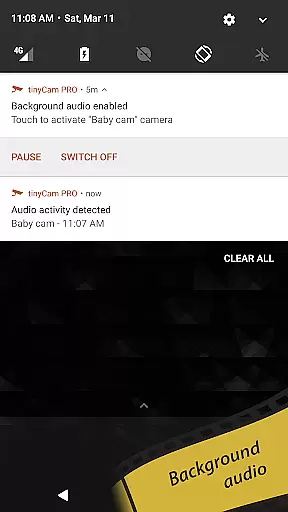
With features like background recording and time-lapse options, users can manage their surveillance needs directly from their wrist. This level of integration enhances convenience and accessibility, making it easier than ever to stay connected.
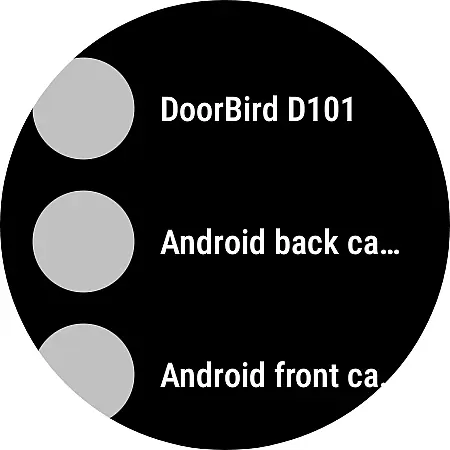
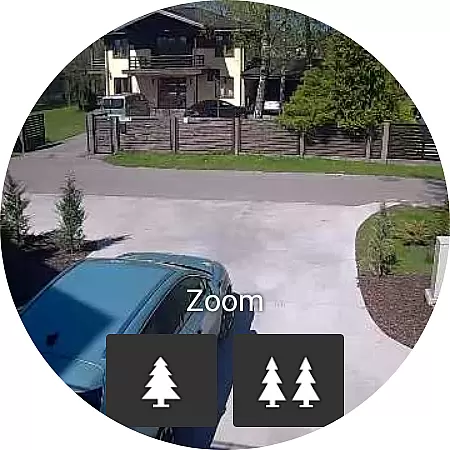
Ensuring compatibility with Wear OS and various devices is crucial for a versatile application like tinyCam Monitor PRO. The app supports a wide range of smartwatches and wearables, ensuring that you can access your camera feeds from virtually any device.
The application's design takes into account different screen sizes and resolutions, optimizing the display for clarity and ease of use on all supported devices. This adaptability means you won't miss any important details when viewing footage on the go.
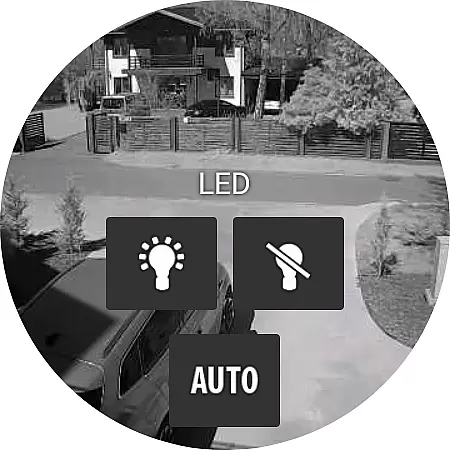
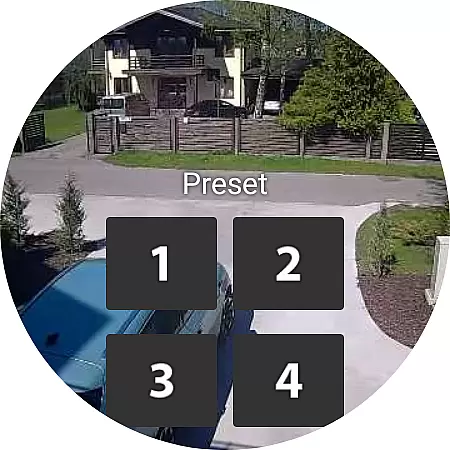
Additionally, tinyCam Monitor PRO leverages the capabilities of Wear OS to deliver advanced functionalities such as receiving alerts and controlling PTZ cameras right from your wearable device. This comprehensive compatibility empowers users to maintain control over their security systems without being tied to a single device.
User-friendly interface
Extensive camera support
Advanced security protocols
Flexible recording options
Innovative AI features
High cost for full version
Complex setup process
Limited free features
Occasional connectivity issues
Resource-intensive operation

Gym Log & Workout Tracker | Fitness Journal, Training & Weight Lifting Planner
 4.90
4.90
A customizable Christmas watch face for Wear OS with a countdown.
4.20
Christmas - Festive - Christmas Village - Winter - Christmas lights
5.00
Embrace the festive spirit with our Christmas Countdown watchface for Wear OS
4.10
Easy Voice Recorder is your everyday companion to record important moments.
4.70
To-Do List: daily schedule planner, task organizer, to do reminder app, calendar
4.60
Want to take charge of your health? Let Google Fit help you reach your goals.
3.50
Control your Samsung Smart TVs, appliances, and SmartThings-compatible devices
4.60
Spam call blocker and caller ID for automatic call protection!
4.40
The Chevron App allows you to pay for fuel from the comfort of your car!
4.80
Current temperature, weather hourly, weather radar by the weather forecast app
4.40
Bold weather Digital watchface with forecast & optional animated background
4.40
Christmas watch face. For Wear OS devices.
4.30
Find EV charging stations
4.30
sleep, alarm, snoring, stress, healing, focus, sound therapy, circadian rhythm
4.10
Animated Watch Face and Customizable with 24 Backgrounds. Perfect for Christmas!
3.90
Watch face designed for Thanksgiving Day. 7 Background Styles included.
3.20
Simple Analog-Digital Watchface For Wear OS 3.0 and Up Smartwatches
4.2
Stylish digital watch face for Wear OS devices with customizable features
4.0



User Reviews