
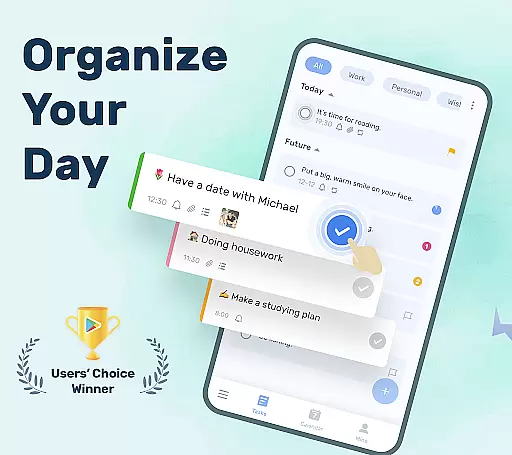
To-Do List is a powerful productivity application designed to help users organize their daily tasks and schedules effectively. As a task tracker and to-do list manager, it provides essential tools such as reminders, calendar views, and cloud synchronization, ensuring users never miss important deadlines.
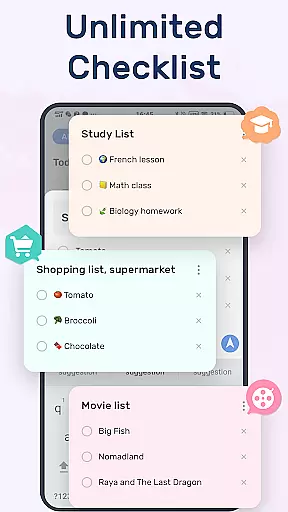
The app stands out with its user-friendly interface and customizable themes. Whether you're managing work projects or personal errands, To-Do List allows you to categorize tasks, set priorities, and even add sub-tasks for complex projects. Its simple two-step process for creating to-do lists makes it accessible for all types of users.
With additional features like Night Mode support and Wear OS compatibility, this app caters to modern digital lifestyles. It's particularly useful for professionals and students who need to balance multiple responsibilities while staying productive. By offering cross-device functionality and intuitive task management, To-Do List ensures users maintain an organized and stress-free routine.
To-Do List is a comprehensive productivity tool designed to help users manage their daily tasks efficiently. The app offers a clean interface with multiple theme options, allowing users to personalize their experience while organizing their to-do lists.
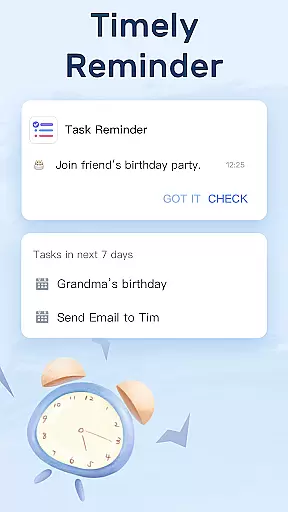
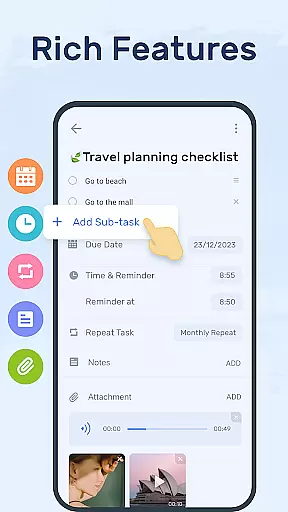
One of the standout features is its robust reminder system. Users can set alarms for important tasks and even configure recurring reminders for routine activities. This ensures that no deadlines are missed and productivity remains consistent. Additionally, the app supports sub-tasks, enabling detailed breakdowns of larger projects into manageable steps.
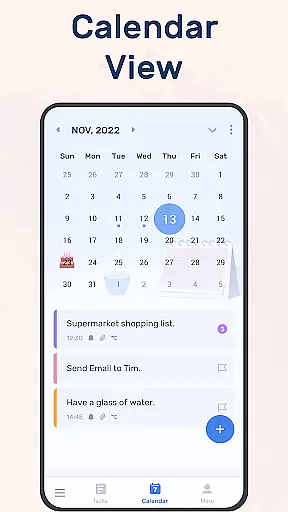
The inclusion of a calendar view enhances planning capabilities by providing an overview of upcoming tasks and deadlines. With cloud sync functionality, users can access their to-do lists across multiple devices seamlessly. This makes it an ideal choice for those who need a reliable task manager both at work and in personal life.
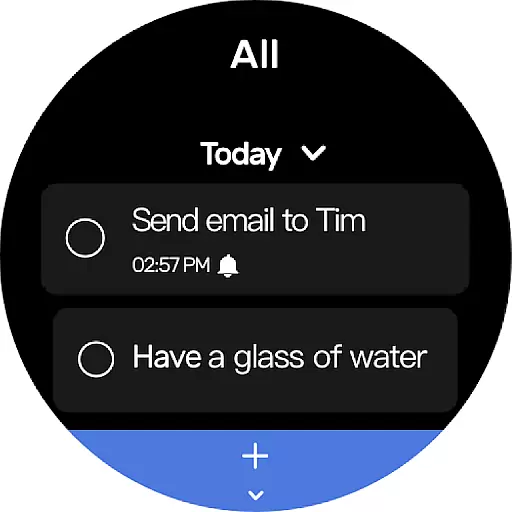
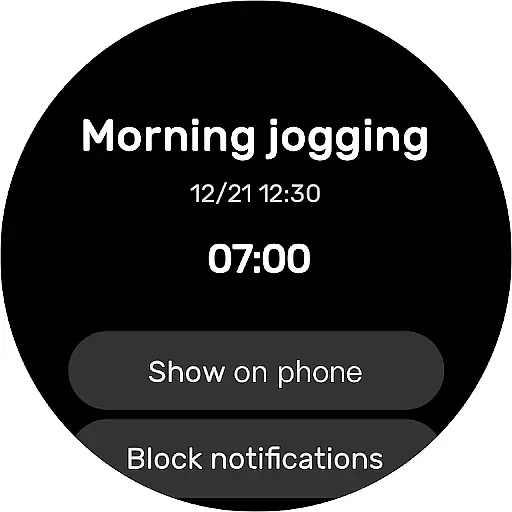
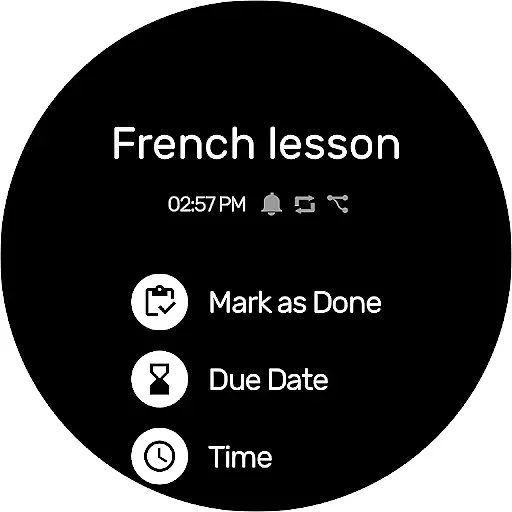
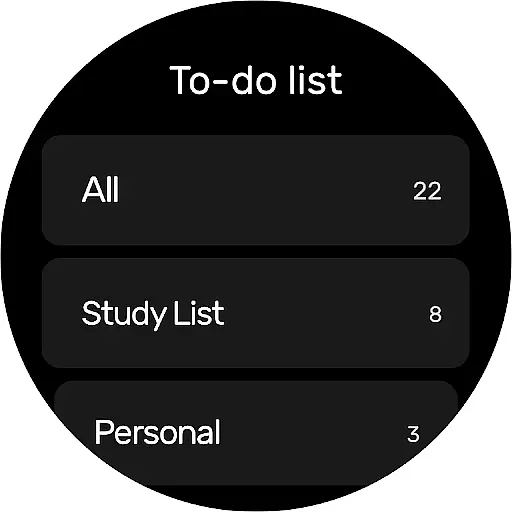
For users of wearable devices, having a reliable companion app is essential. To-Do List - Schedule Planner & To Do List Task Manager offers seamless integration with Wear OS devices, ensuring that your tasks and schedules are always synchronized across platforms.
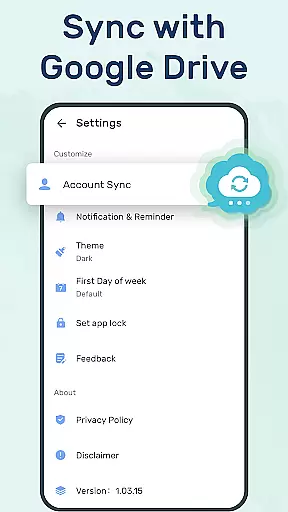
The app allows you to sync your to-do lists or daily schedule planners to the cloud via Google Drive. This means whether you're on your phone or your smartwatch, you can check things to do, track your daily planner, or receive task reminders without missing a beat.
With this companion app integration, users can enjoy the convenience of accessing their schedules from multiple devices. Whether at home, in the office, or on the go, your important tasks and reminders are just a glance away, providing an uninterrupted workflow and peace of mind.
Compatibility with various devices is crucial for any application targeting the Android Wear platform. The To-Do List app ensures broad device compatibility, supporting not only smartphones but also Wear OS watches, making it versatile for different user needs.
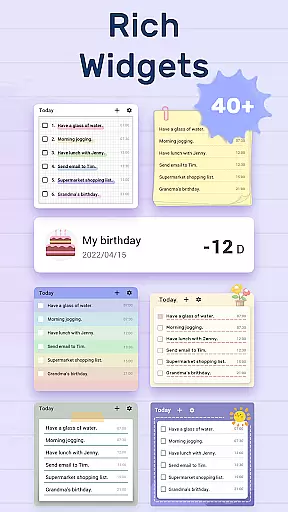
This app provides features like adding a to-do list widget to your phone's desktop, allowing quick access anytime, anywhere. For Wear OS users, checking off tasks or creating new ones becomes effortlessly integrated into their daily routines.
By focusing on Wear OS/device compatibility, the To-Do List app guarantees that regardless of the device you're using, you'll experience consistent performance and usability. This commitment enhances user engagement and satisfaction, as all features are optimized for both handheld and wearable technology.
User-friendly design
Customizable themes
Robust reminders
Cloud sync
Wear OS support
Limited customization
No team collaboration
Basic reporting
Occasional bugs
Ads in free version

Current temperature, weather hourly, weather radar by the weather forecast app
 4.40
4.40
A full-featured Amazon Alexa voice assistant that can show you things.
3.70
Embrace the festive spirit with our Christmas Countdown watchface for Wear OS
4.10
The ultimate destination for kids ages 3-8 to explore the Marvel Universe!
4.30
Hyper-Realistic Airplane Dashboard Watch Face With 10 Skins and Custom AOD
4.00
Connect, create, and collaborate with Gmail, part of Google Workspace.
4.10
Track your active life in one place and share the journey with friends.
4.40
From periods to pregnancy & perimenopause, Flo helps you track it all. Try now.
4.70
Toyota app currently supports 2010 or newer vehicles (2018 or newer for Hawaii).
4.50
Beautiful, colorful and practical watch face. For Wear OS devices.
5.00
Digital, flexibly customizable watch face. For Wear OS 5.0, API 34+ and later.
5.00
Be an elegant and classy secret agent, with this carefully detailed watch face
4.70
Real-time results, stats, schedules and player profiles for all leagues
4.60
Retro digital watch face with customizable colors and a unique lighting effect
4.60
A realistic hybrid watch face with many customization options.
4.60
MyNISSAN® lets you remotely control your car from your phone.*
4.50
Digital watch face with big numbers and many customization for Wear OS devices
4.40
Digital watch face. For Wear OS devices.
4.40
sleep, alarm, snoring, stress, healing, focus, sound therapy, circadian rhythm
4.10



User Reviews