
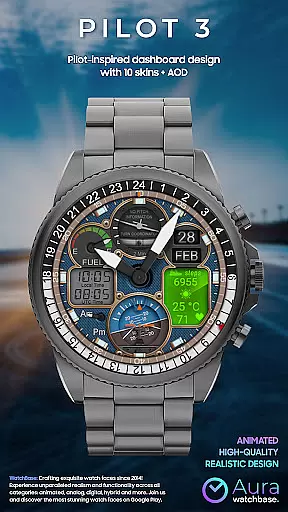
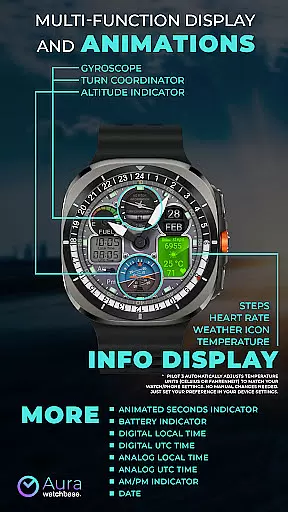
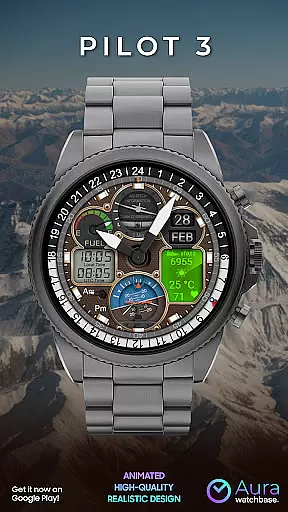
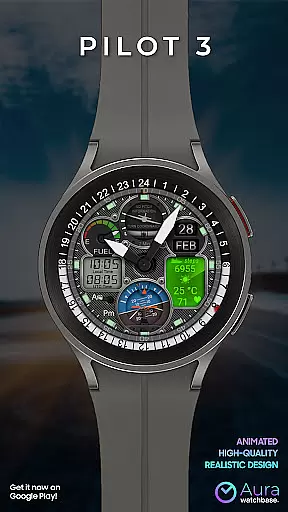
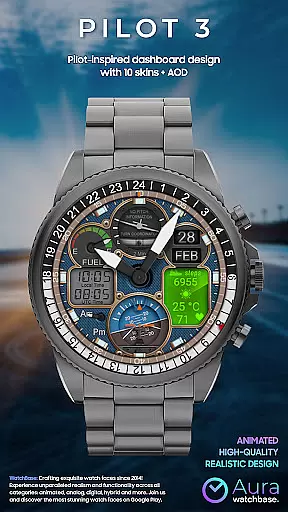
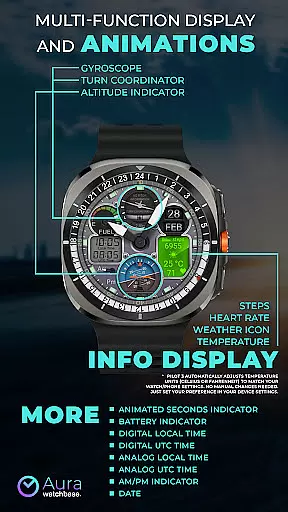
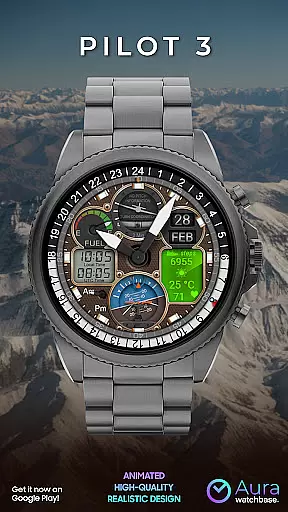
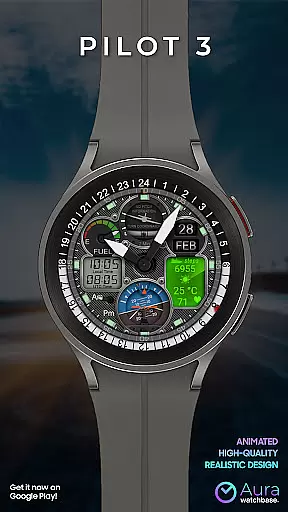
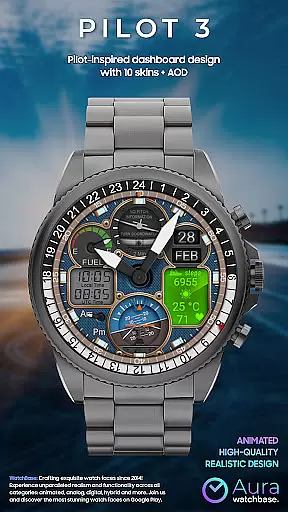
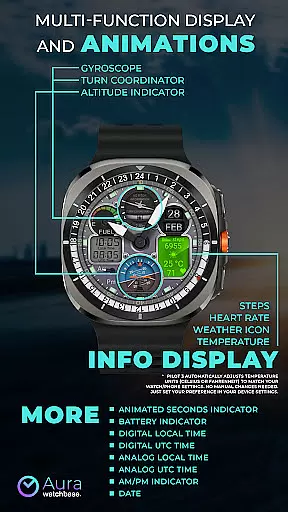
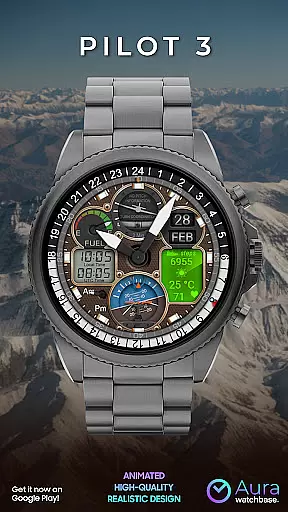
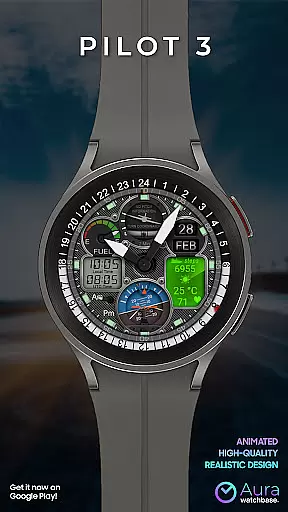
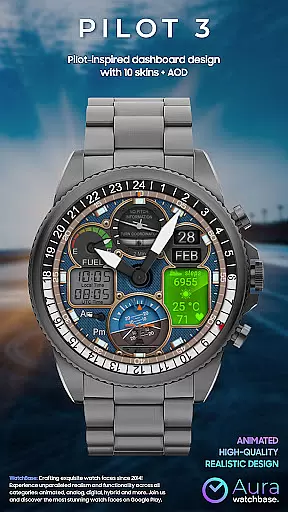
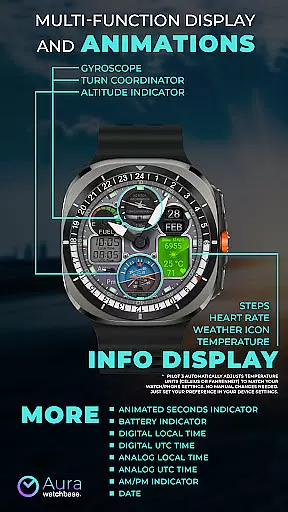
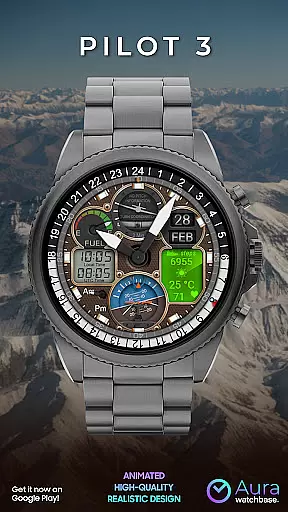
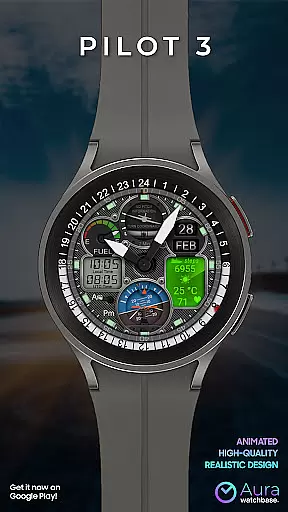
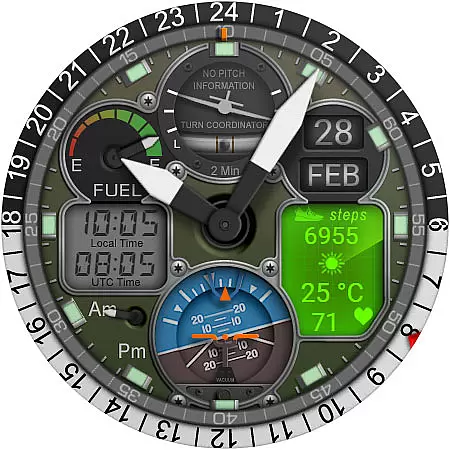
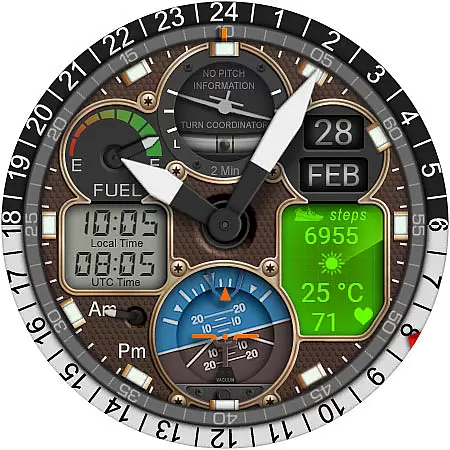
WB PILOT 3 Animated Watch Face delivers an immersive aviation-inspired experience exclusively for Wear OS 5 and above users. Featuring realistic cockpit-style graphics and smooth animations, this hybrid watch face combines both digital and analog time displays with functional indicators such as battery level, date, steps, heart rate, weather, and temperature.
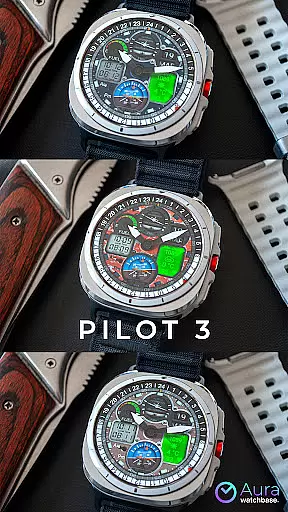
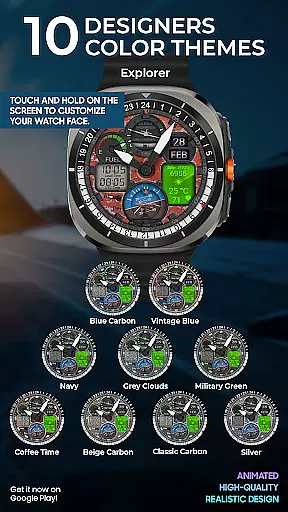
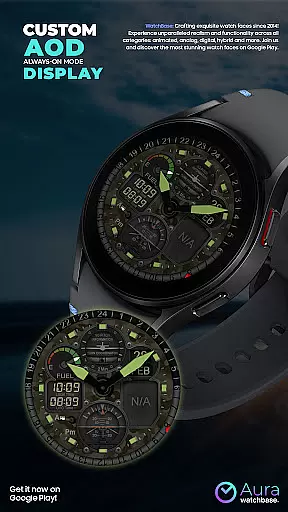
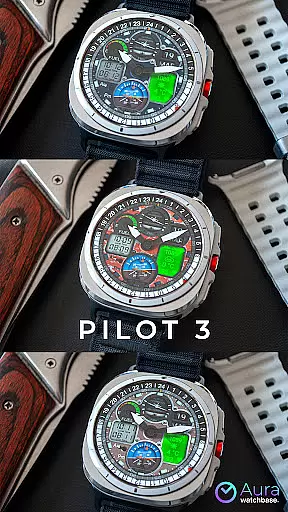
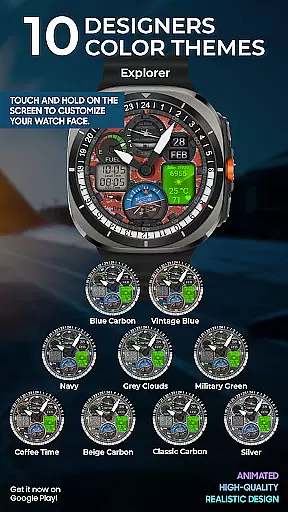
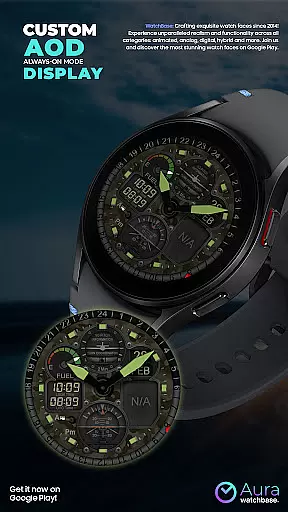
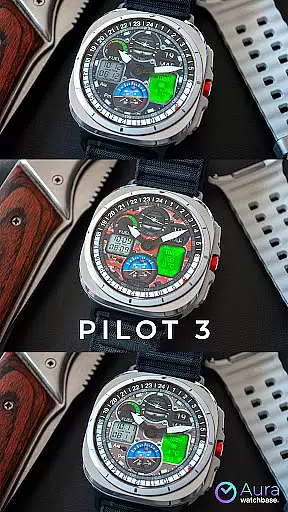
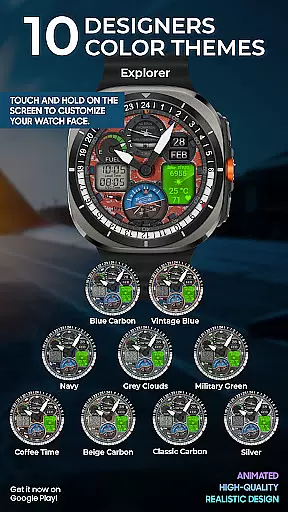
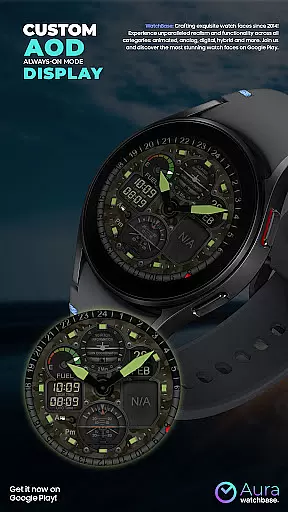
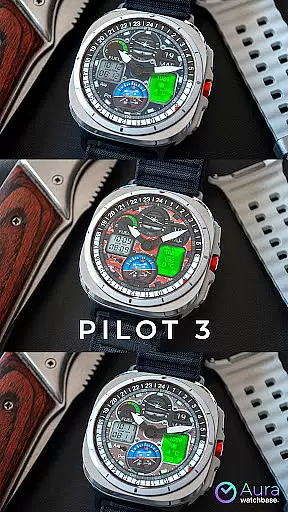
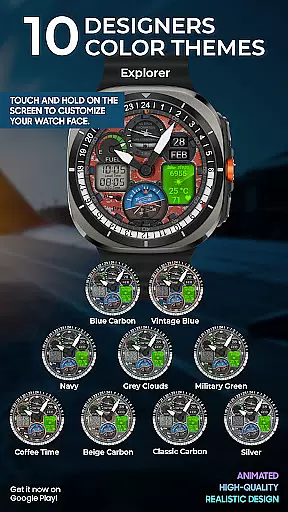
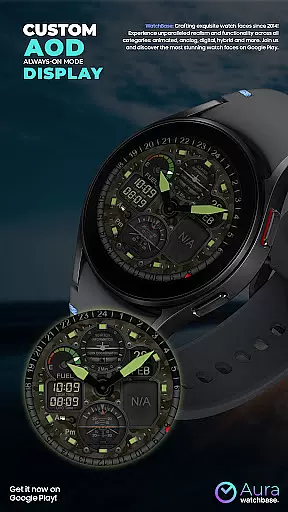
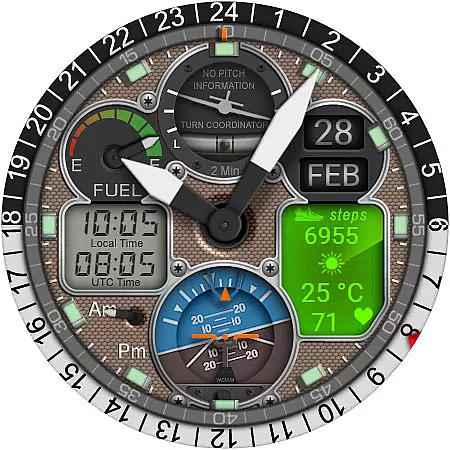
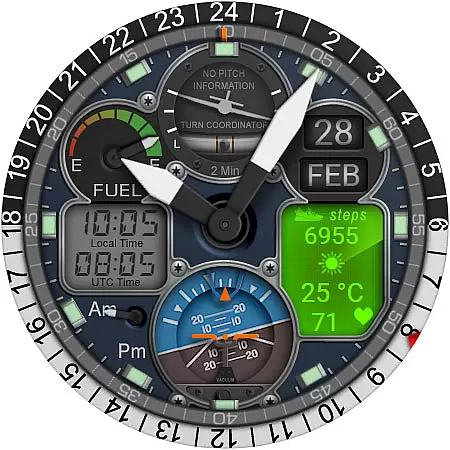
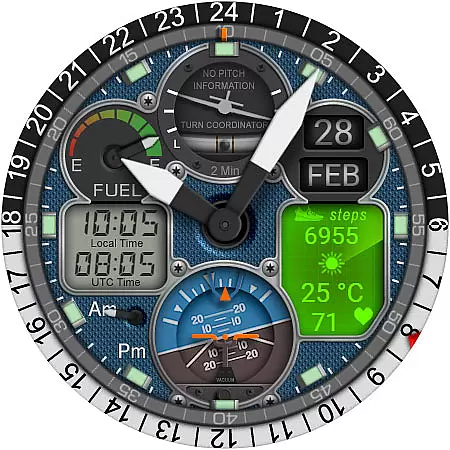
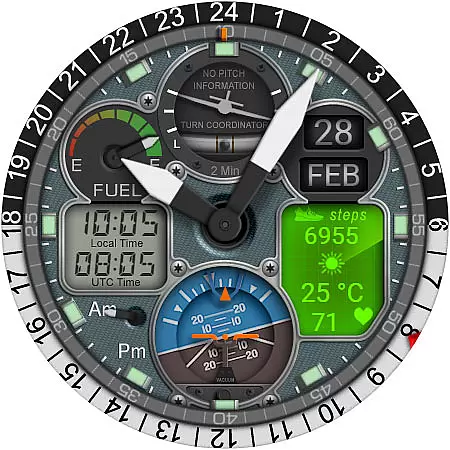
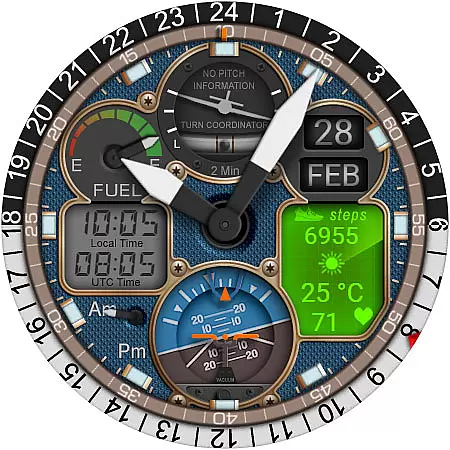
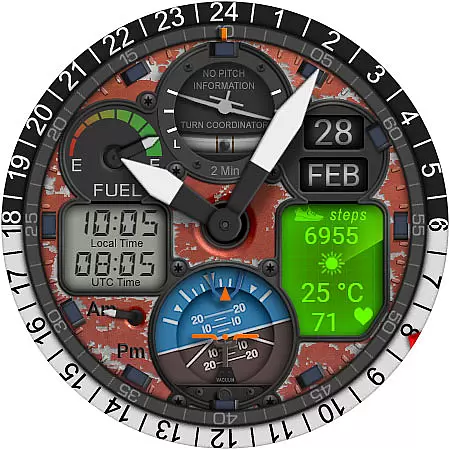
With 10 customizable skins, animated elements like the Turn Coordinator and Altitude Indicator, and dual-time zone support, this watch face caters to aviation enthusiasts who value aesthetics and utility. Its automatic temperature unit adjustment ensures seamless integration with your device settings, while the always-on-display (AOD) feature keeps essential information visible at a glance.
WB PILOT 3 stands out with its rich feature set tailored for smartwatch users seeking a dynamic and personalized experience. The inclusion of 10 unique skins allows users to switch between various cockpit-inspired designs, ensuring a fresh look every day. Key highlights include animated elements such as the Turn Coordinator, Altitude Indicator, and Gyroscope, which mimic real aviation instruments, providing both functionality and visual appeal.
This watch face also supports hybrid time display, showing both digital and analog formats simultaneously. Users can view local and UTC times alongside AM/PM indicators, making it ideal for frequent travelers. Additional features like step tracking, heart rate monitoring, and weather updates enhance usability, while the animated second hand adds a playful yet practical touch. These thoughtful additions make WB PILOT 3 more than just a watch face—it's a versatile tool designed to elevate your daily routine.
Companion app integration is a crucial feature for smartwatch applications, especially for watch faces like WB PILOT 3. This functionality ensures seamless synchronization between the wearable device and its paired smartphone.
The WB PILOT 3 Animated Watch Face utilizes a dedicated companion app to simplify the installation process. After purchasing the watch face, users can tap the install button within the phone app. This action triggers an installation screen on the connected watch, allowing users to complete the installation directly from their wrist device.
This integration provides significant benefits to users. It eliminates potential synchronization issues that might occur during manual installations. Additionally, it creates a more user-friendly experience by centralizing control through the smartphone application while maintaining real-time communication with the wearable device.
The companion app system also addresses common installation challenges. When users encounter issues where the watch face appears unavailable after purchase, the companion app helps resolve these synchronization problems. Often, simply restarting the watch or waiting for system updates through the companion app can restore proper functionality without additional charges to the user.
Device compatibility is a fundamental aspect of any Wear OS application. For WB PILOT 3 Animated Watch Face, this compatibility ensures the software runs optimally on supported devices while maintaining high performance standards.
This particular watch face requires devices running on Wear OS 5 or higher. The developers have implemented specific technical requirements to guarantee optimal performance. These include support for advanced graphical elements such as animated indicators and hybrid time displays that combine both digital and analog formats.
Users benefit from clear compatibility guidelines. The application's design accommodates various smartwatch models meeting these system requirements, ensuring consistent performance across different devices. This approach prevents potential issues with graphical rendering or functionality that might occur on older operating systems.
Furthermore, the watch face automatically adjusts to user preferences set in their device configurations. For instance, temperature units automatically align with the user's watch or phone settings, eliminating the need for manual adjustments. This intelligent adaptation demonstrates how the application maintains compatibility while enhancing user experience through thoughtful design considerations.
Stunning aviation theme
Highly customizable
Smooth animations
Dual-time zone support
Automatic temperature adjustment
Limited OS compatibility
Potential sync issues
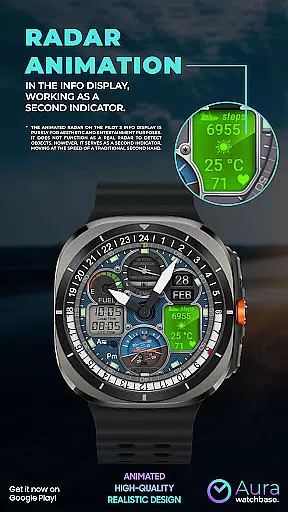
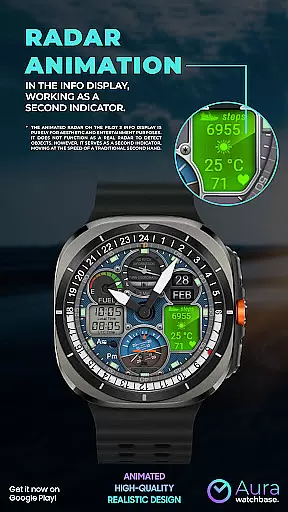
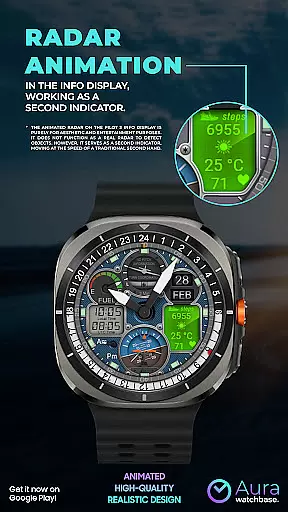
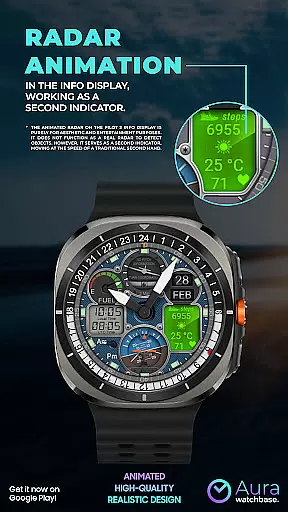
No real radar function
Installation complexity
Premium pricing

Rose gold watch face with festive lights & customizable features.
 4.60
4.60
Christmas is near, let's count together the days left until Santa comes
4.0
Digital watch face with big numbers and many customization for Wear OS devices
4.40
Ideal for surviving in the wasteland left after nuclear fallout
4.50
Reliable phone calls with spam protection, caller ID and more helpful features
4.40
A modern hybrid informative watch face for Wear OS designed by BALLOZI
4.80
Fast and smart typing with Emojis, GIFs, and more
4.50
Track your active life in one place and share the journey with friends.
4.40
Start and succeed with PAP
4.10
Real-time results, stats, schedules and player profiles for all leagues
4.60
Stylish, Energizing and Modern Watch Face crafted by Dominus Mathias.
4.50
Beautiful artistic animated digital watch face, with a customizable layout!
4.40
Digital watch face. For Wear OS devices.
4.40
Watch face for Wear OS.
4.20
"PER27 Galaxy Digital" is a digital Wear OS watch face designed by PERSONA
4.10
Wear Os Watch Face - Animated Snow Effect & Magic Spark - 6 Scenes
4.10
Daily Weather forecast with 15 weather images for Day & Night plus Big Bold time
4.10
The #1 source of faces for your smartwatch!
4.00
Watch the sharpness of the sky on your wrist..
3.70



User Reviews