
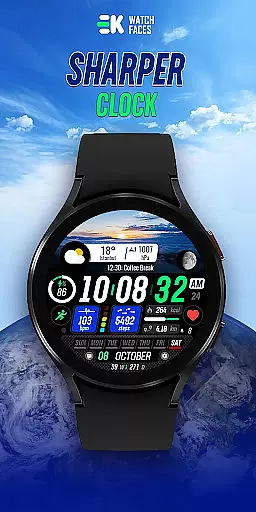
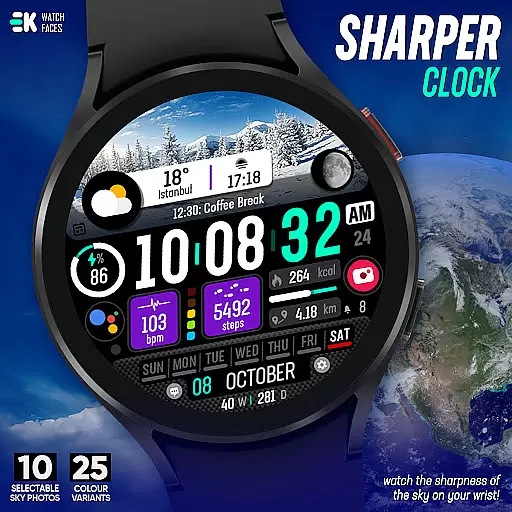
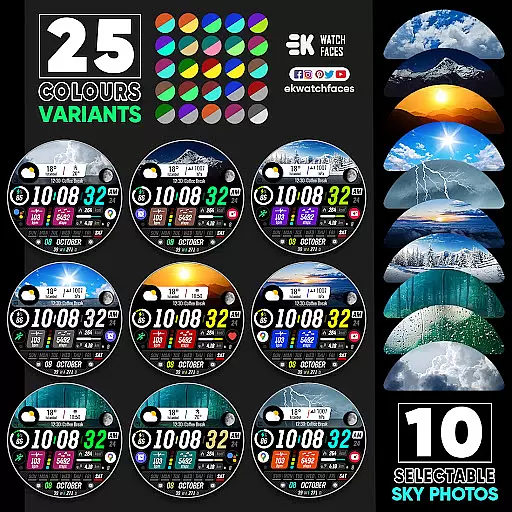
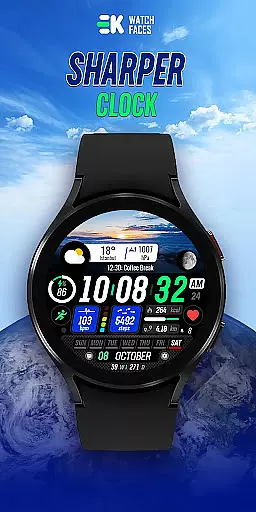
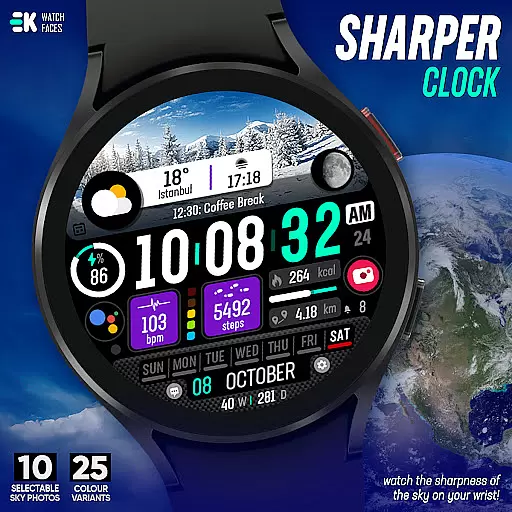
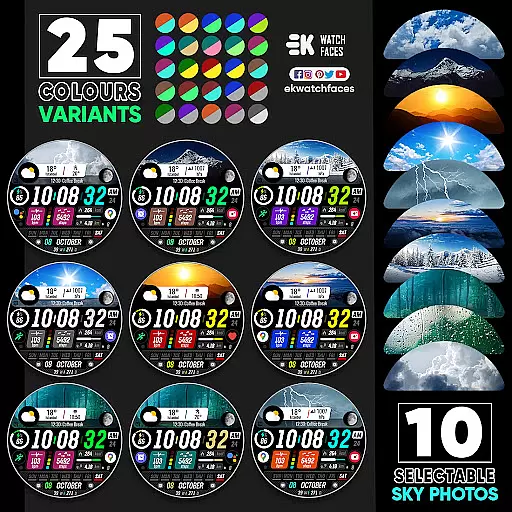
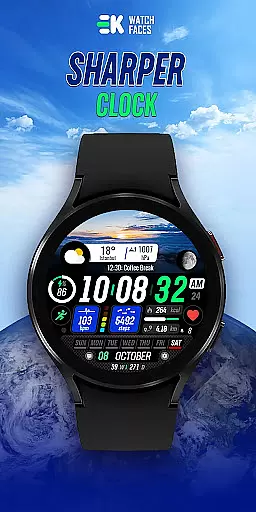
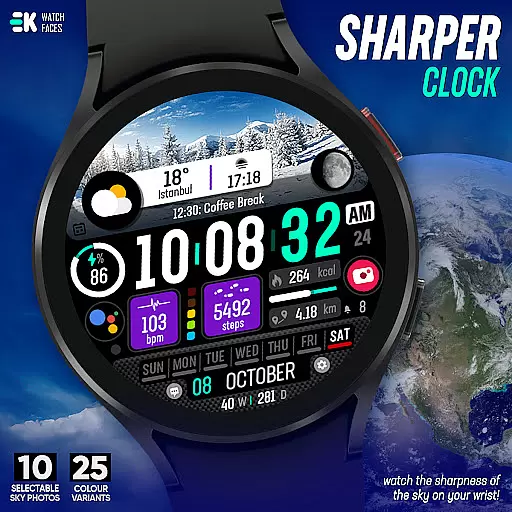
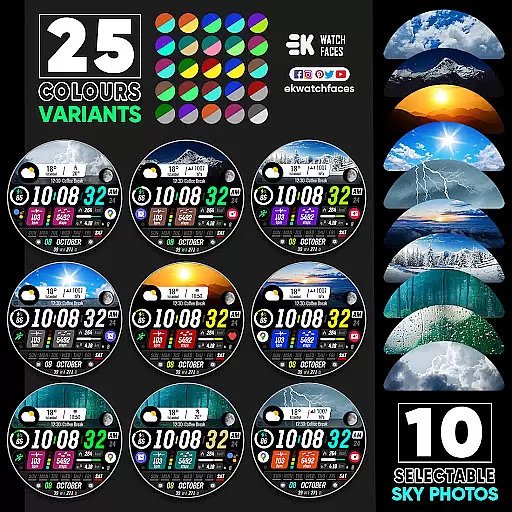
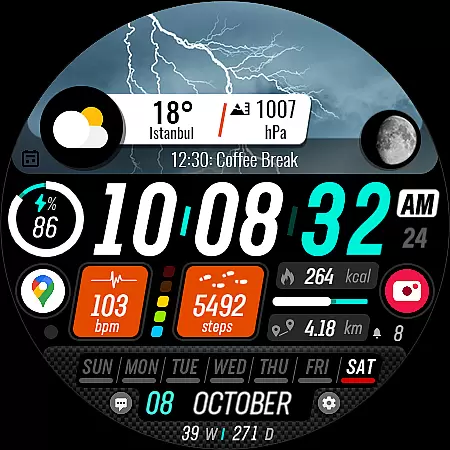
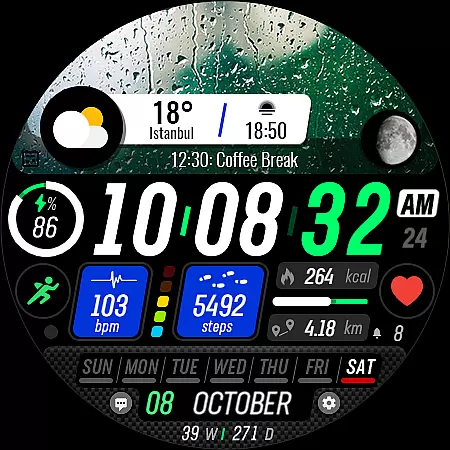
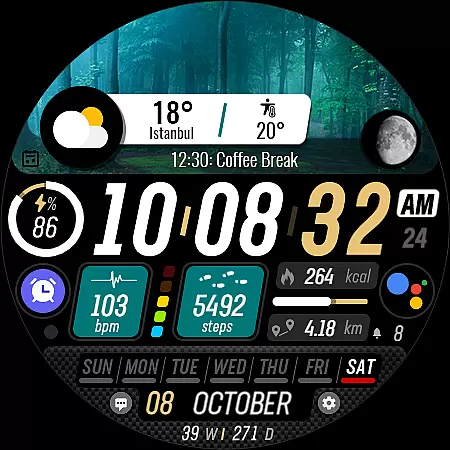
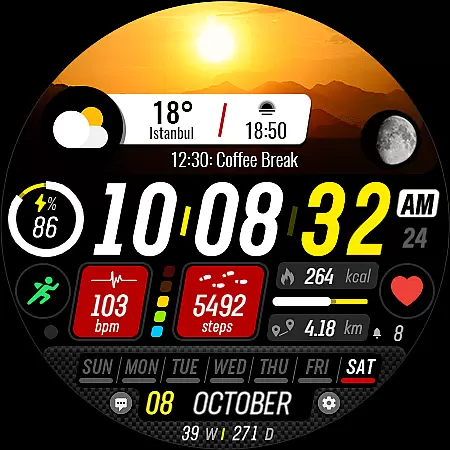
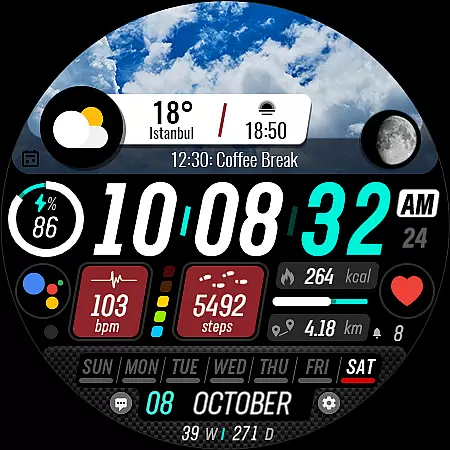
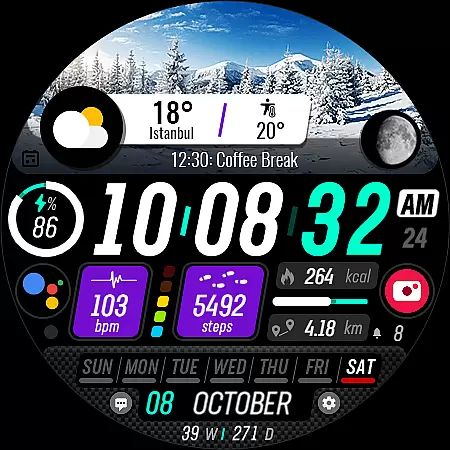
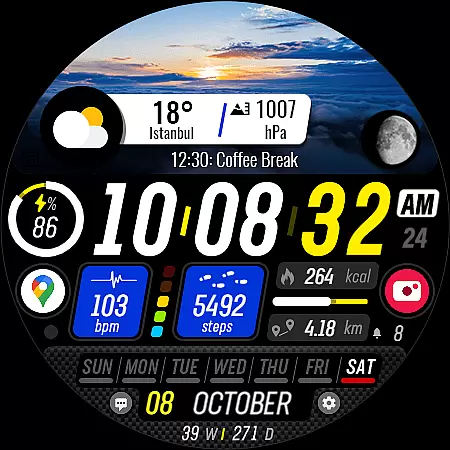
Sharper Clock is a premium watch face app designed exclusively for Wear OS devices, offering users a unique and visually stunning timekeeping experience. The app features 10 selectable sky photos with 25 color variants, creating a sharp and dynamic display on your smartwatch.
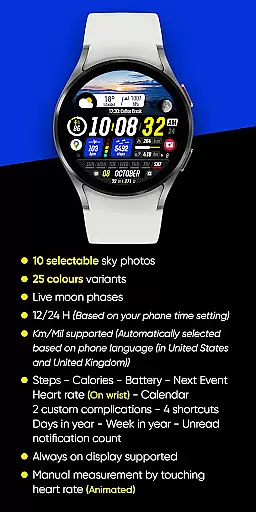
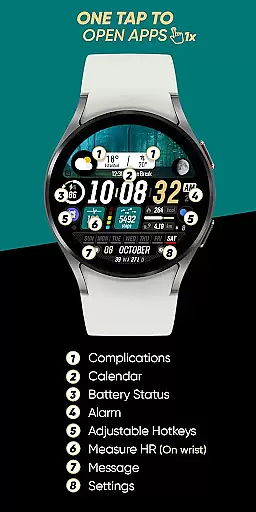
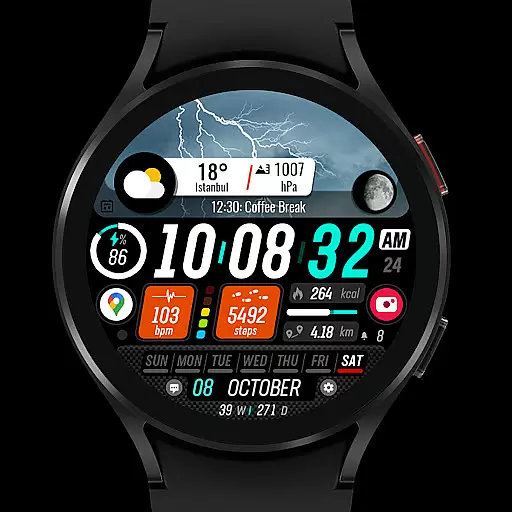
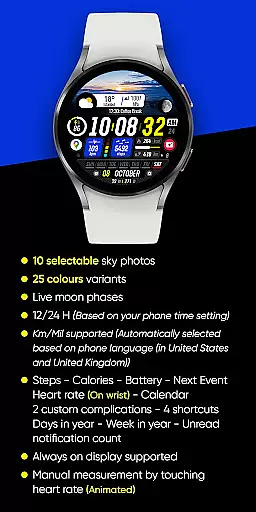
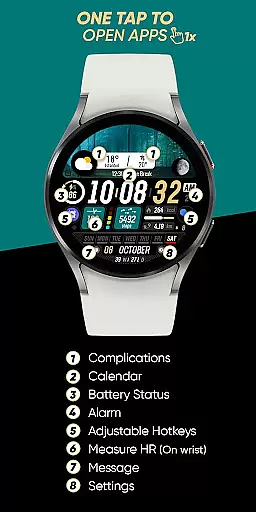
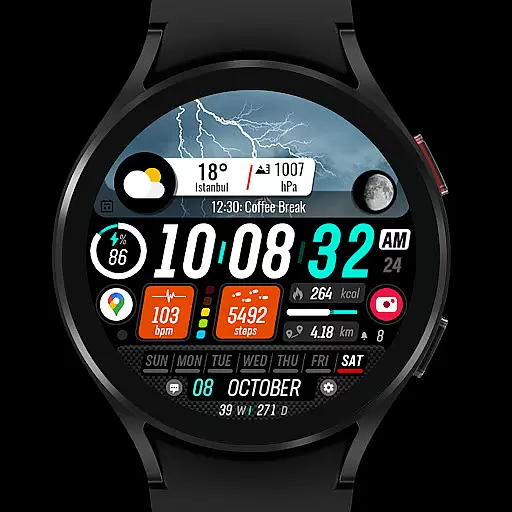
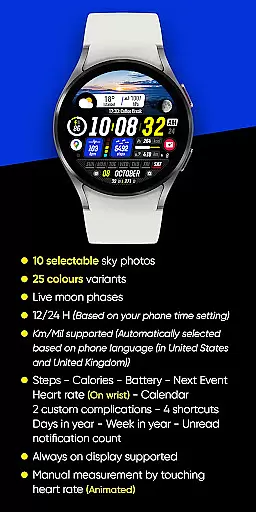
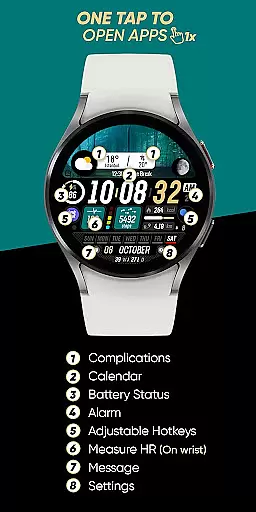
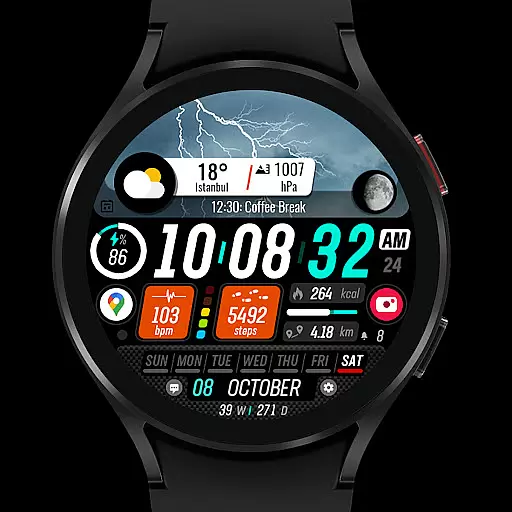
In addition to its aesthetic appeal, Sharper Clock provides practical functionality including live moon phases, 12/24 hour time display based on phone settings, and automatic metric/imperial unit selection. Users can access essential information such as steps, calories, battery status, next event, heart rate, and calendar details directly on their wrist.
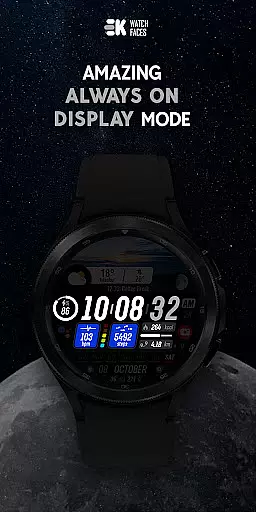
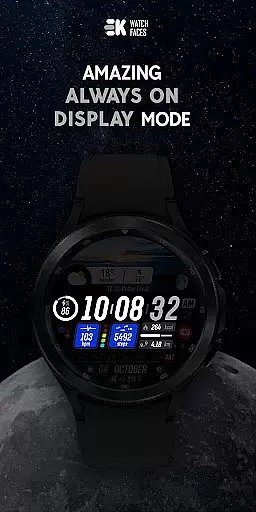
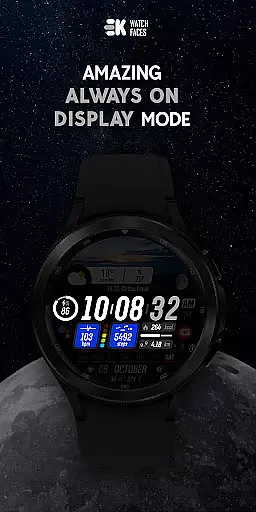
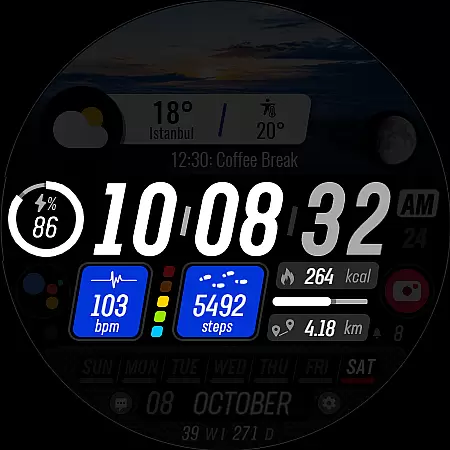
The app's standout feature is its collection of high-quality sky photographs that transform your watch face into a celestial canvas. With 25 color variations available, users can customize their watch face to match their personal style while enjoying the always-on display capability.
Sharper Clock integrates seamlessly with your daily activities by providing comprehensive health and productivity tracking. It displays real-time data including step count, calorie consumption, battery level, upcoming events, and heart rate monitoring. The inclusion of two custom complications and four shortcuts enhances user convenience, while additional features like day/year tracking and unread notification count keep you organized.
For optimal performance, users should manually enable Sensors and grant permission for receiving complication data. This ensures all features function smoothly and delivers the full intended experience.
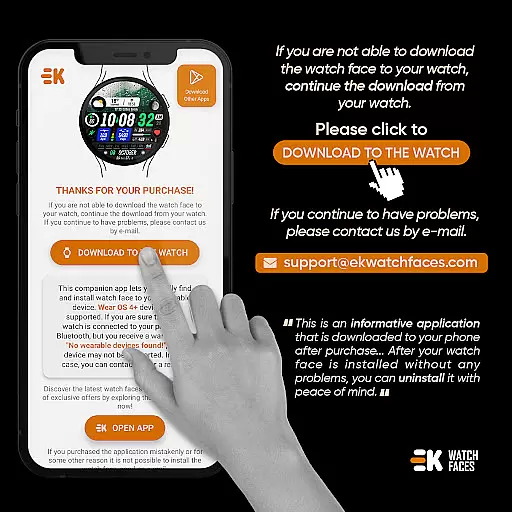
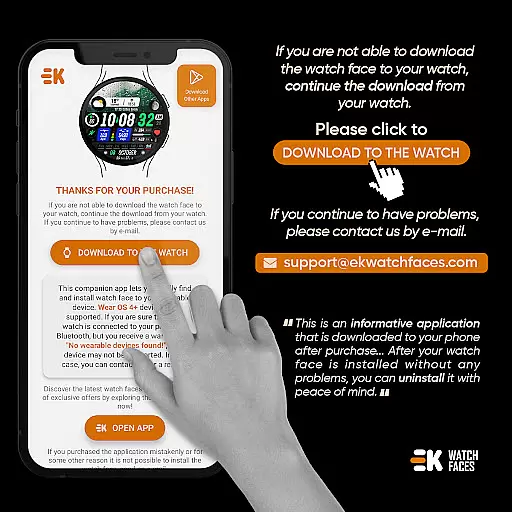
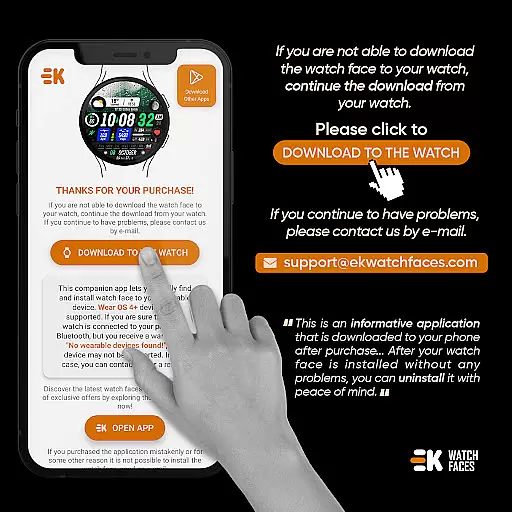
Sharper Clock - Watch Face offers seamless companion app integration, ensuring that your watch and phone work together harmoniously. The phone app acts as a placeholder, simplifying the installation process and making it easier to locate the watch face on your Wear OS device.
The installation process is straightforward. Users can ensure their watch is properly connected to their phone and use the phone app to download the watch face directly to the watch. Alternatively, installation can be done via a web browser on a PC, providing flexibility in how users manage their devices.
This integration ensures that all features of the watch face are accessible and functional. By following simple instructions, users can enjoy a synchronized experience between their phone and watch, enhancing usability and convenience.
Designed specifically for Wear OS devices with API 33+, Sharper Clock - Watch Face guarantees optimal compatibility and performance. This ensures that users with compatible devices can take full advantage of its features without worrying about technical glitches or inconsistencies.
The watch face supports a variety of functionalities such as live moon phases, 12/24-hour time formats based on phone settings, and automatic selection of Km/Mil units depending on the phone's language settings. These features are enriched by robust compatibility with Wear OS, offering a reliable and responsive user experience.
Moreover, the application provides essential health and utility features like step counting, calorie tracking, battery status, heart rate monitoring, and more. Ensuring these features work seamlessly across different devices underlines the dedication to quality and compatibility, making it a versatile choice for Wear OS users.
Visually stunning design
Customizable options
Comprehensive health tracking
Live moon phase display
Always-on functionality
Limited to Wear OS
Installation complexity
Premium price point
Requires manual setup
Device compatibility issues

Wear Os Watch Face - Animated Snow Effect & Christmas Lights
 4.5
4.5
Christmas is near, let's count together the days left until Santa comes
4.5
Wear Os Watch Face - Animated Snow Effect & Magic Spark - 6 Scenes
4.10
Fitness interactive virtual pet super fighter boy watch face
4.5
Get helpful reminders, take progress photos and find answers to your questions.
3.90
Hybrid Vibrant Health Watch Face for Wear OS
4.4
A white realistic classic analog watch face with many customization options.
4.40
Track your active life in one place and share the journey with friends.
4.40
From periods to pregnancy & perimenopause, Flo helps you track it all. Try now.
4.70
Diet tracker for weight loss - track calories, food and macros. Simple and easy!
4.70
The most customizable minimal watch face. For Wear OS 5.0, API 34+ and later
4.70
Monitor health with the stress test and pulse checker in the heart rate app.
4.60
Nutrition, Macro tracker: Food, fitness & healthy diet tracking for weight loss
4.60
Digital watch face with big numbers and many customization for Wear OS devices
4.40
The #1 source of faces for your smartwatch!
4.00
Viewer for Wyze/Yi/Eufy/Arlo/ONVIF/RTSP/P2P IP cams w/ adv. features & DIY DVR
4.00
Authentic military-tactical design with ZULU time! Realistic and functional!
3.80
Your local weather forecast, storm tracker, radar maps & live weather news
3.40
an Analog Watch Face for winter season with freeze winter background for Wear OS
4.5



User Reviews